Free OnlineAI Outfit Generator
How to Create Outfit Ideas with AI
Describe Where You Are Going
Generate a Complete Look
Refine the Styling
Save Your Outfit Idea

Create Outfits Around Your Real Plans
See the Whole Look
Our AI outfit generator visualizes clothing together with shoes, outerwear, and accessories, so you can judge the overall balance instead of imagining separate pieces.
Start from Text or a Reference
Create an outfit from a short description, or upload a style image to guide color, silhouette, or mood. You can begin without a personal photo or a cataloged wardrobe.
Dress for the Occasion
Specify an office day, wedding guest dress code, date night, vacation, or another setting. The online outfit generator can explore a look shaped by that context.
Compare Styling Directions
Request variations in color, layering, or formality to see which combination fits your taste before saving a favorite.
Make Focused Changes in Chat
Ask Mew Design to keep a garment you like while changing the shoes, bag, hemline, or palette. Each follow-up gives you a clearer visual brief.
Try Ideas with Free Credits
Sign up to test the AI outfit creator with free credits. Export a finished image without a watermark when you are ready to keep or share the concept.
What to Include in an Outfit Brief
- Name the occasion: Mention the venue, dress code, season, and whether you will walk, work, travel, or stay outdoors.
- Anchor one piece: Build around a coat, dress, shoes, or color you already have. A reference photo can guide the look, but generated items are visual concepts rather than a verified inventory.
- Set useful constraints: Add a preferred silhouette, palette, coverage, comfort need, or item to avoid. These details help the AI outfit maker move beyond a generic look.
- Review the result: Check how the pieces work together and whether the look suits the occasion. A generated image cannot confirm fabric feel, exact sizing, or whether an item is sold.
Outfit Ideas for Common Occasions
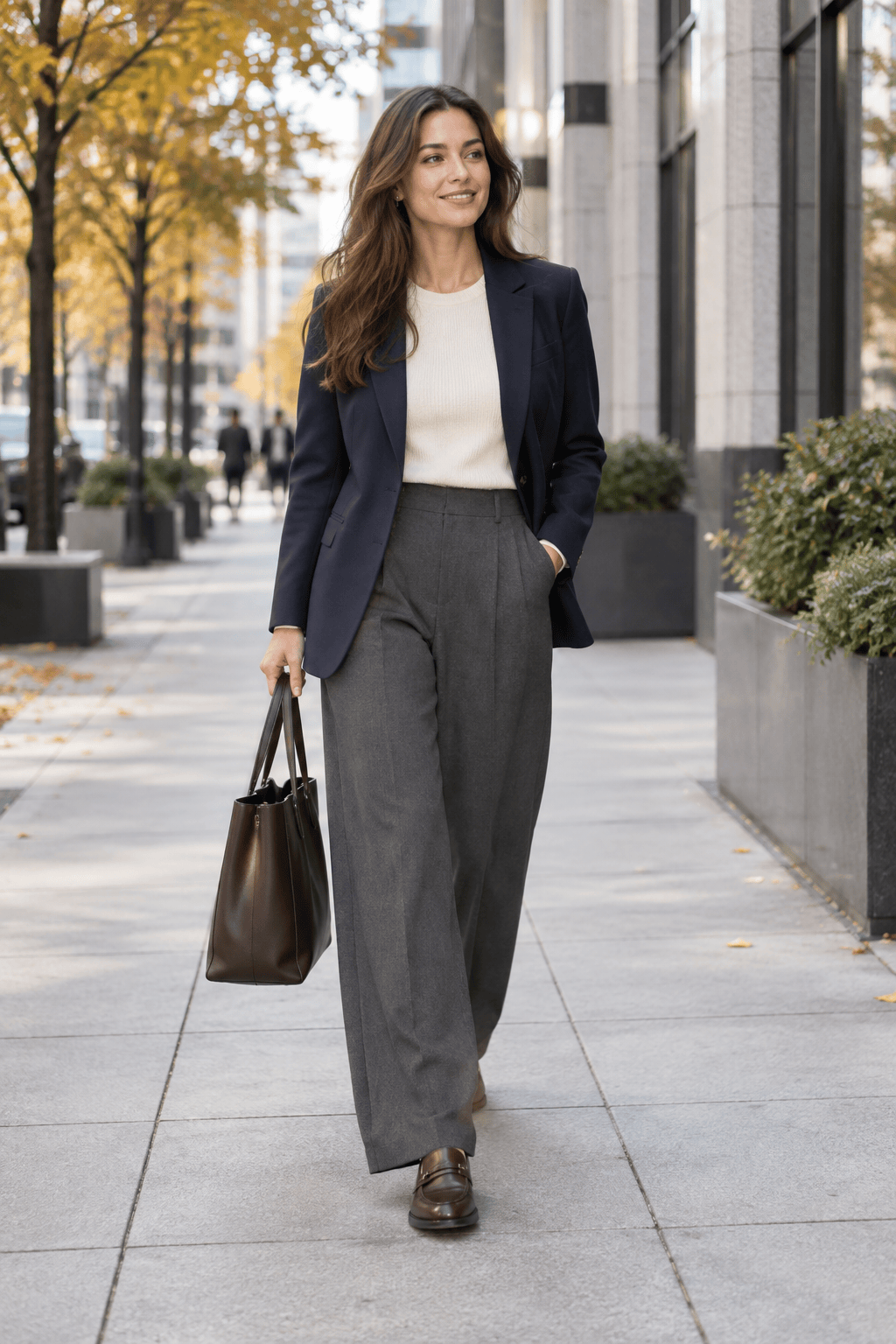
Create a full-body women’s work outfit for a cool fall day: navy blazer, cream knit, tailored wide-leg trousers, loafers, and a practical tote. Make it polished, comfortable, and office appropriate.
Create a full-body men’s smart casual outfit for a dinner date: textured overshirt, fine-gauge knit, dark trousers, clean leather shoes, and one understated accessory. Keep the colors warm and restrained.
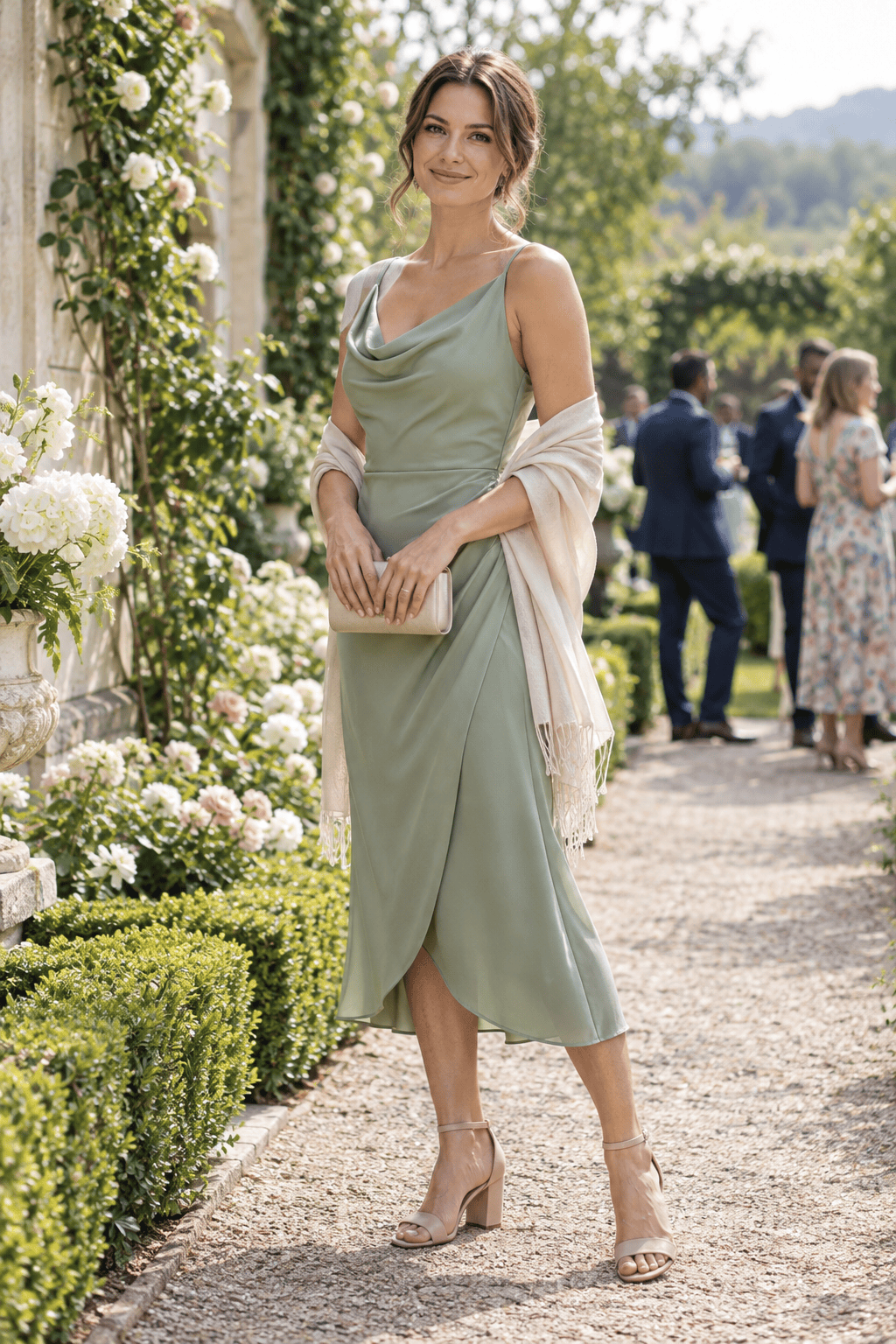
Create a wedding guest outfit for a daytime garden ceremony. Use a soft formal silhouette, comfortable dress shoes, and a small bag; avoid white and anything that looks bridal. Show the complete look on an adult model.
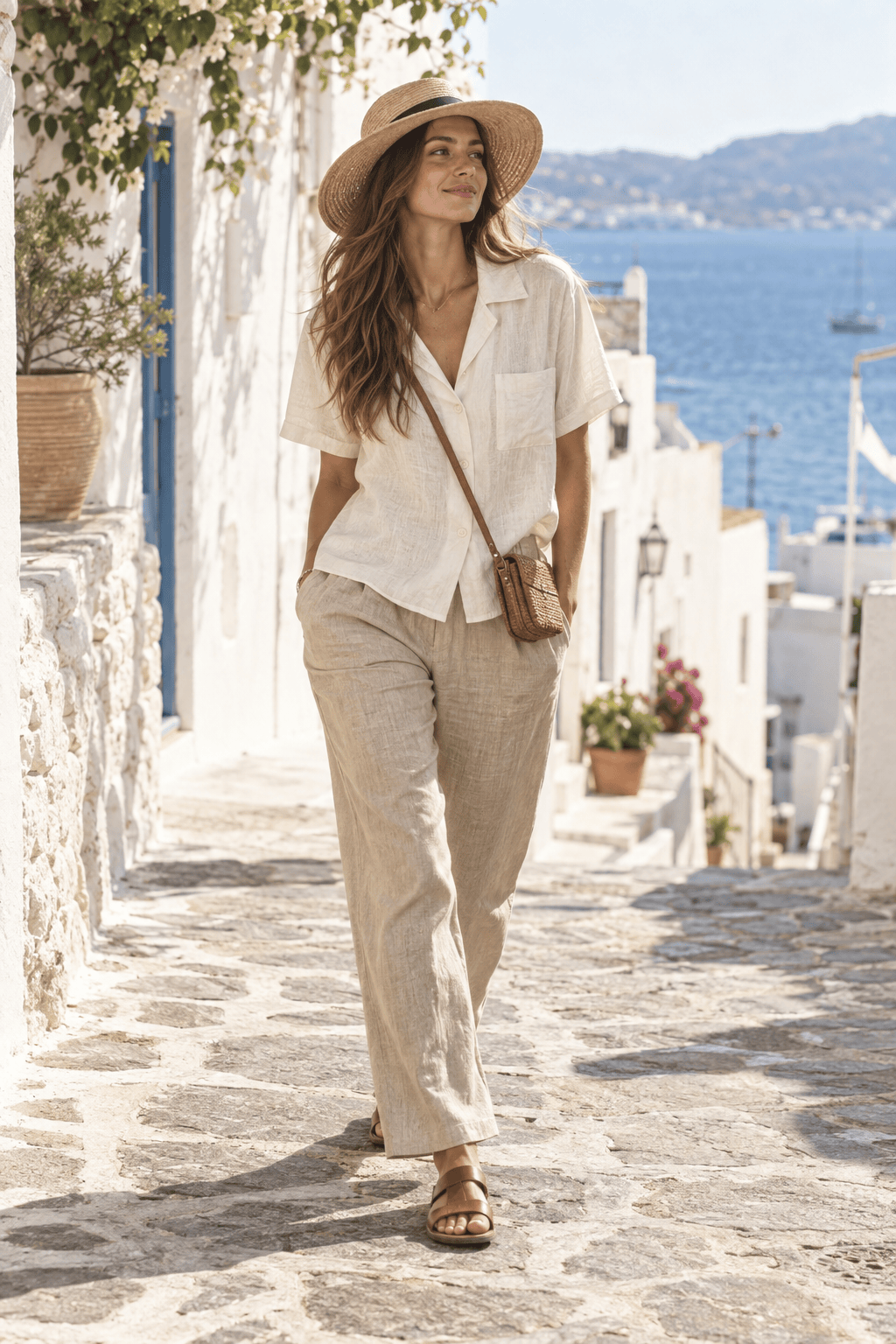
Create a summer vacation outfit for walking through a coastal town: breathable linen separates, comfortable sandals, sun protection, and a compact crossbody bag. Use light colors and show the full look.
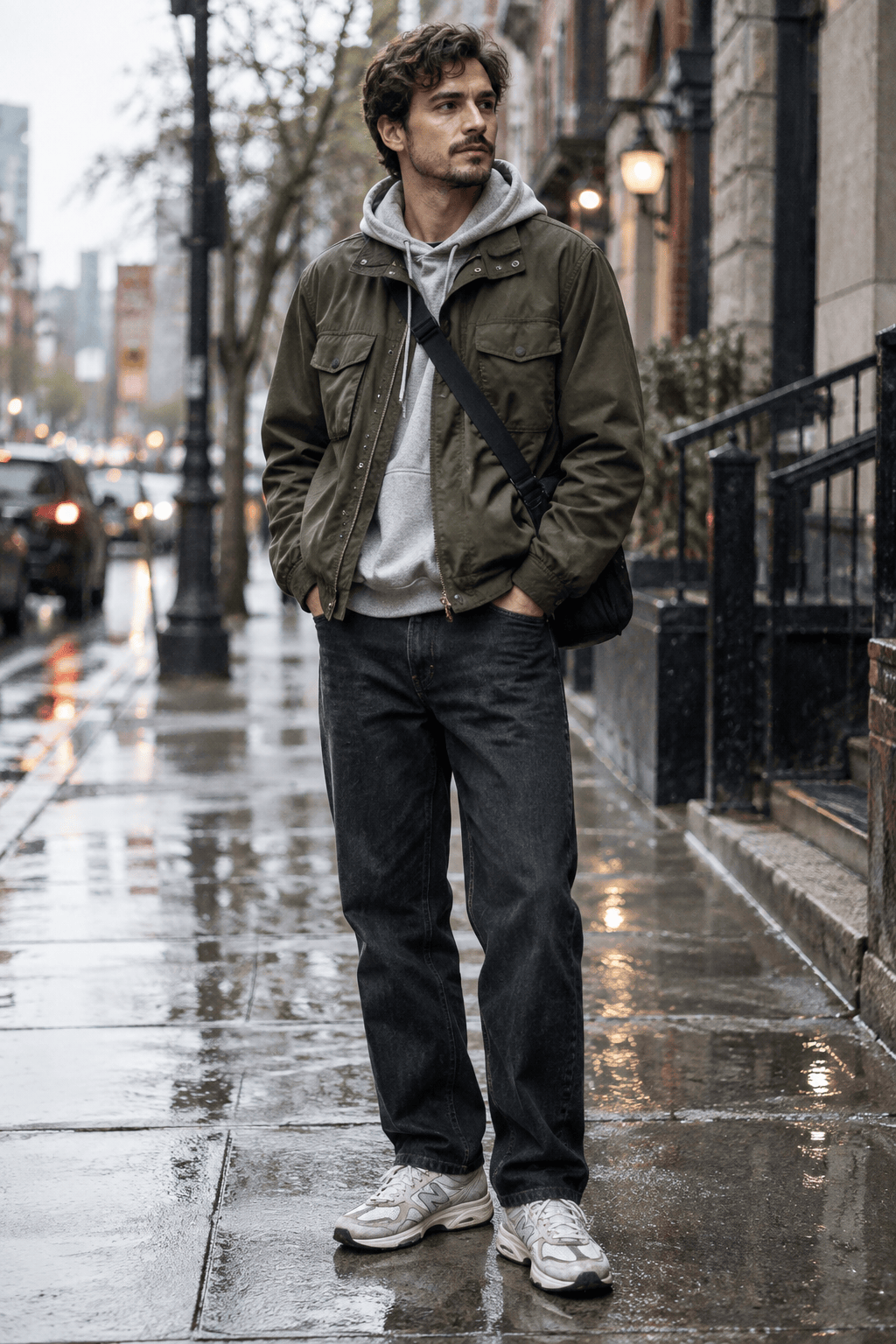
Create a gender-neutral streetwear outfit for a rainy city afternoon: relaxed denim, a weather-ready jacket, layered top, practical sneakers, and a crossbody bag. Keep it expressive but wearable.
Create three different outfits around a black midi skirt for a week of mixed plans: one office look, one casual weekend look, and one dinner look. Vary the shoes and layers while keeping the skirt recognizable.





