Free OnlineAI Optical Illusion Generator
How to Create an Optical Illusion with AI
Define Both Visual Readings
Generate the First Illusion
Tune the Reveal in Chat
Test, Export, and Share

Why Mew Design Fits Optical Illusion Art
Describe a Two-Layer Idea Naturally
Brief the visible scene and hidden reveal in everyday language. Our AI optical illusion maker can interpret subject, composition, mood, viewing distance, and reveal strength in one conversation.
Explore More Than One Illusion Type
Move beyond a single preset. Generate hidden-image art, figure-ground reversals, geometric Op Art, impossible rooms, forced-perspective concepts, or double images for different creative uses.
Use a Photo or Shape as Reference
Upload a portrait, animal silhouette, logo shape, or composition reference when the secondary reading needs recognizable structure. The photo-to-optical-illusion workflow stays flexible and editable.
Control What Appears First
Use Chat Edit to rebalance large light-dark masses, fine texture, negative space, edge continuity, and focal contrast. Ask for a stronger distant reveal or a quieter close-range pattern without rebuilding from scratch.
Compare Reveal Variations
Generate several versions of the same visual puzzle and compare how quickly viewers find the second reading. The hidden image optical illusion generator helps you explore, while final perception still needs human testing.
Create and Export Online
Start with free AI credits, refine selected directions, and export watermark-free PNG or JPG files. Preview intense stripes and high-contrast patterns carefully before placing them in public-facing designs.
How to Prompt AI for a Convincing Optical Illusion
- Choose the Illusion Mechanism: Name hidden image, negative space, ambiguous figure, impossible geometry, static motion, forced perspective, or a double image. Different mechanisms need different structure.
- Set Reveal Strength and Scale: Ask for subtle, moderate, or obvious concealment. Explain whether broad light-dark masses should carry the distant reading while texture and small objects support the close reading.
- Protect the Composition: Specify the focal area, palette, aspect ratio, background, and exclusions. Limit extra subjects so the primary and secondary readings do not compete with unrelated details.
- Verify the Final Output: Test the intended crop and size without giving viewers a hint. Check hidden text, symbols, exact shapes, visual comfort, and any QR-like element manually; generated candidates are not guaranteed to work.
Optical Illusion Prompts for Different Effects
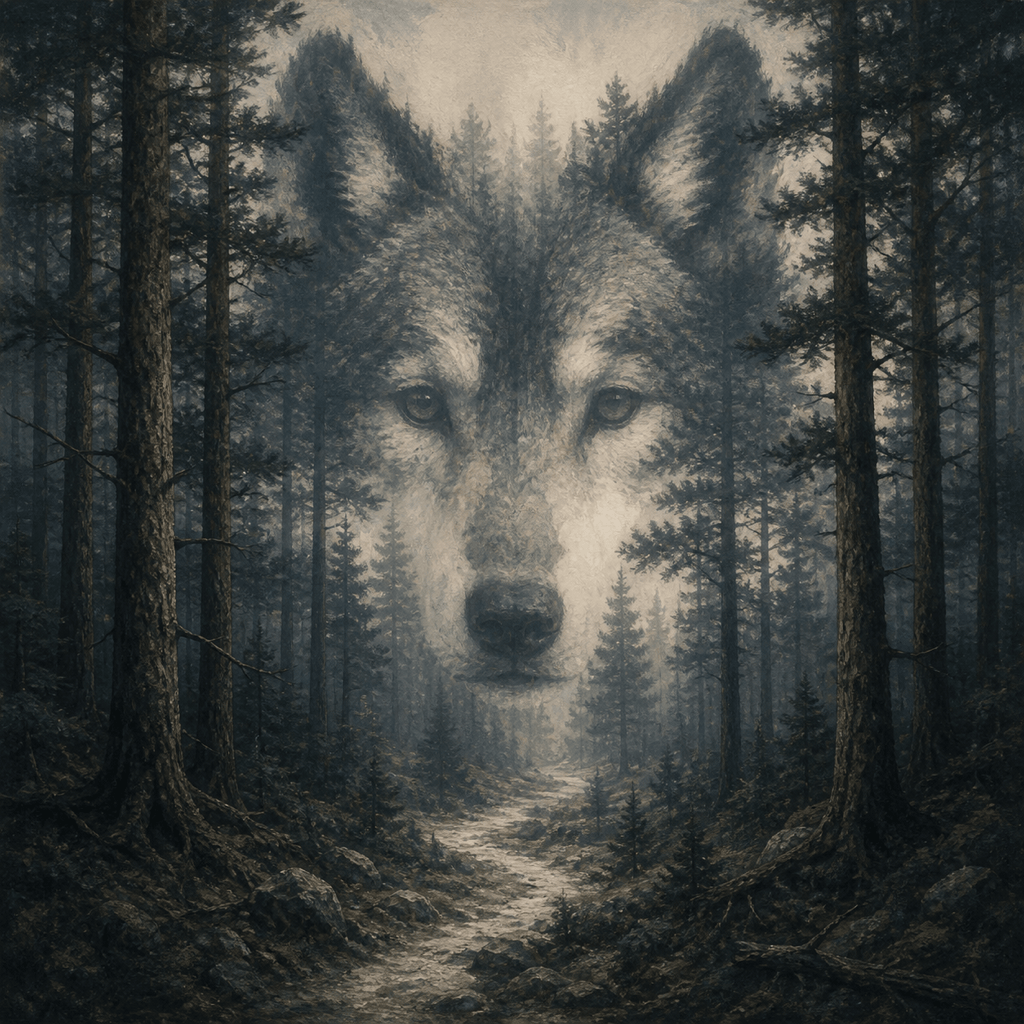
Hidden Forest Face: Create a square forest landscape that reads as misty trees up close, while the trunks and path form a gentle human face from a distance. Moderate reveal, natural green and fog gray, balanced value masses, no text or logos.
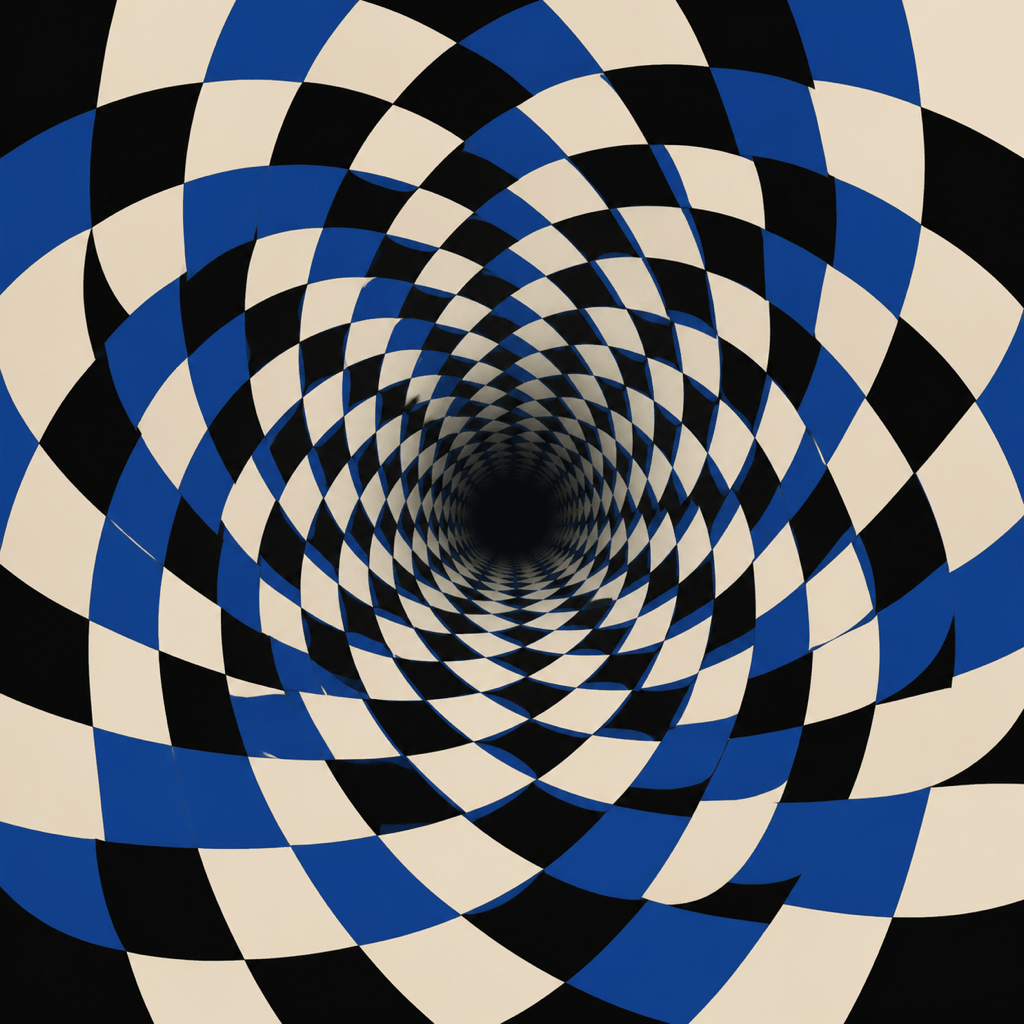
Geometric Op Art: Design a static black, ivory, and cobalt optical pattern made of curved checker bands flowing into a deep circular tunnel. Strong depth and apparent motion without animation, clean vector-like edges, controlled contrast, square format.
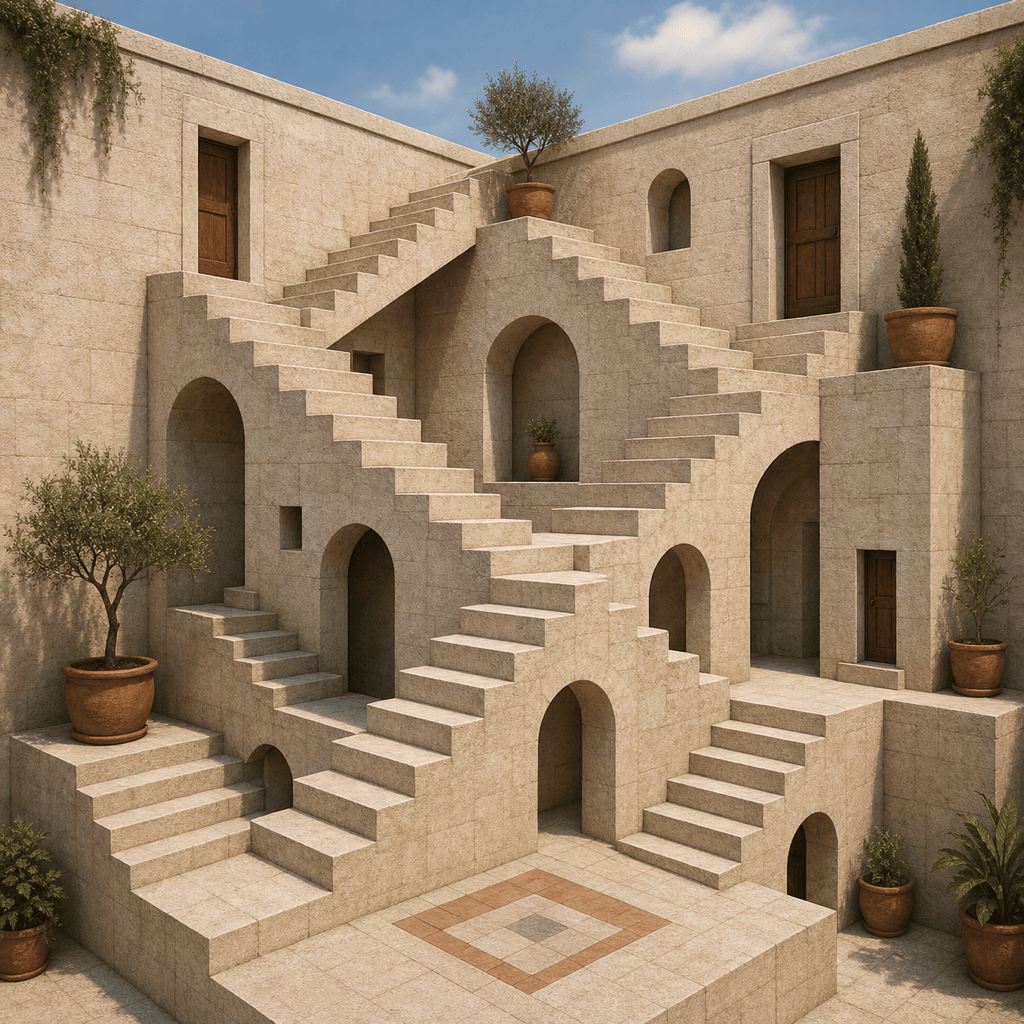
Impossible Courtyard: Generate a quiet stone courtyard with stairways that connect logically at each landing but form an impossible continuous route overall. Soft daylight, coherent local shadows, restrained warm neutrals, architectural illustration, no people or text.
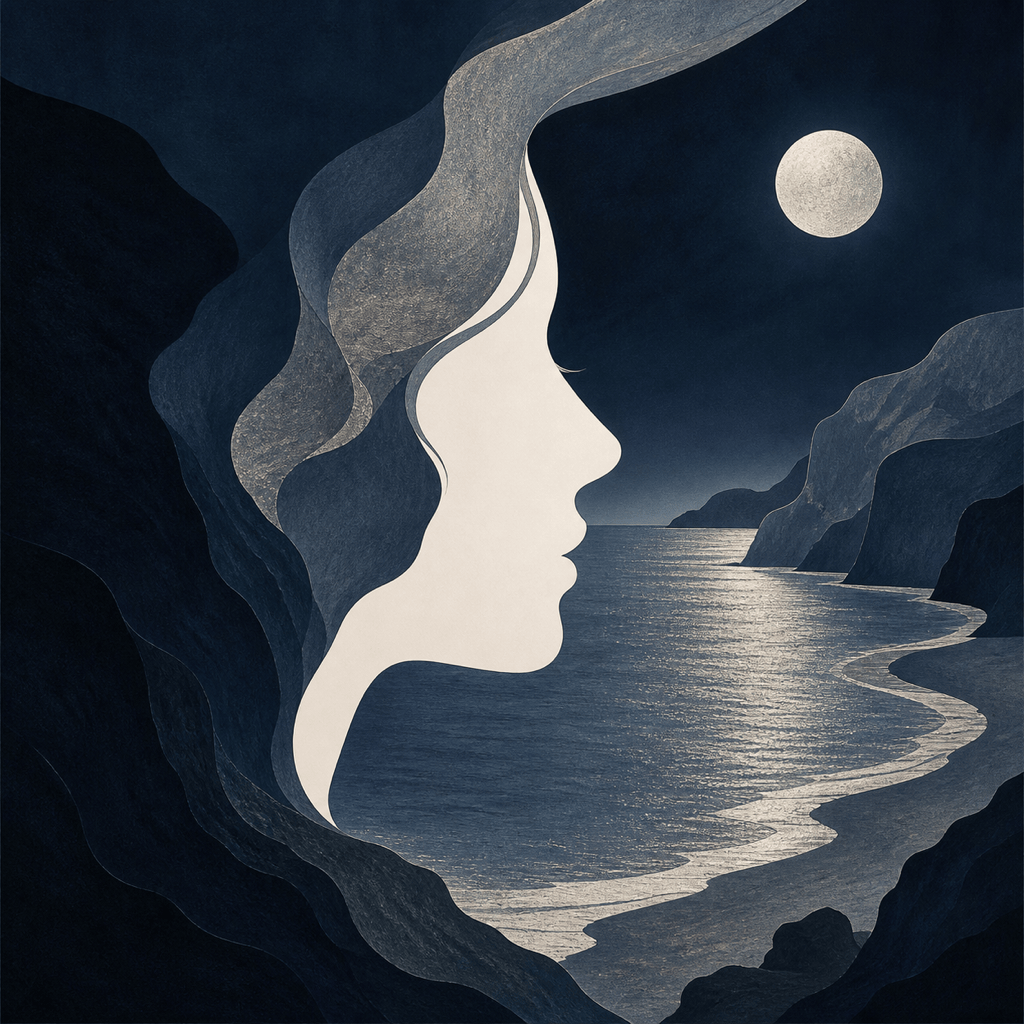
Portrait and Landscape: Create an ambiguous double image where a side-profile portrait also reads as cliffs surrounding a moonlit bay. Use negative space for the face, let both interpretations feel balanced, elegant navy and silver palette, square album-art composition.
Hidden Animal Photo: Use my uploaded bird silhouette as the secondary structure inside a field of autumn flowers. Flowers should read first at full size; the bird should emerge in the thumbnail through color grouping and open sky, no hard outline or obvious overlay.
Forced-Perspective Room: Make a surreal studio photo of a miniature room that appears normal from one exact camera angle, with furniture sizes and floor lines aligning into a convincing perspective trick. Neutral lighting, realistic materials, no people, labels, or brand marks.
Figure-Ground Poster Art: Design a bold two-color visual puzzle where two facing profiles form a vase in the central negative space. Add subtle botanical contours so either reading can become foreground. Minimal composition, cream and dark green, no typography.
Subtle Hidden Initial: Create a geometric optical illusion maker concept for a personal art print. Arrange layered paper arcs so the broad shadows suggest one simple capital initial from six feet away. Keep the letter understated, use terracotta and sand, and leave generous margins.





