Free OnlineAI One Piece Filter
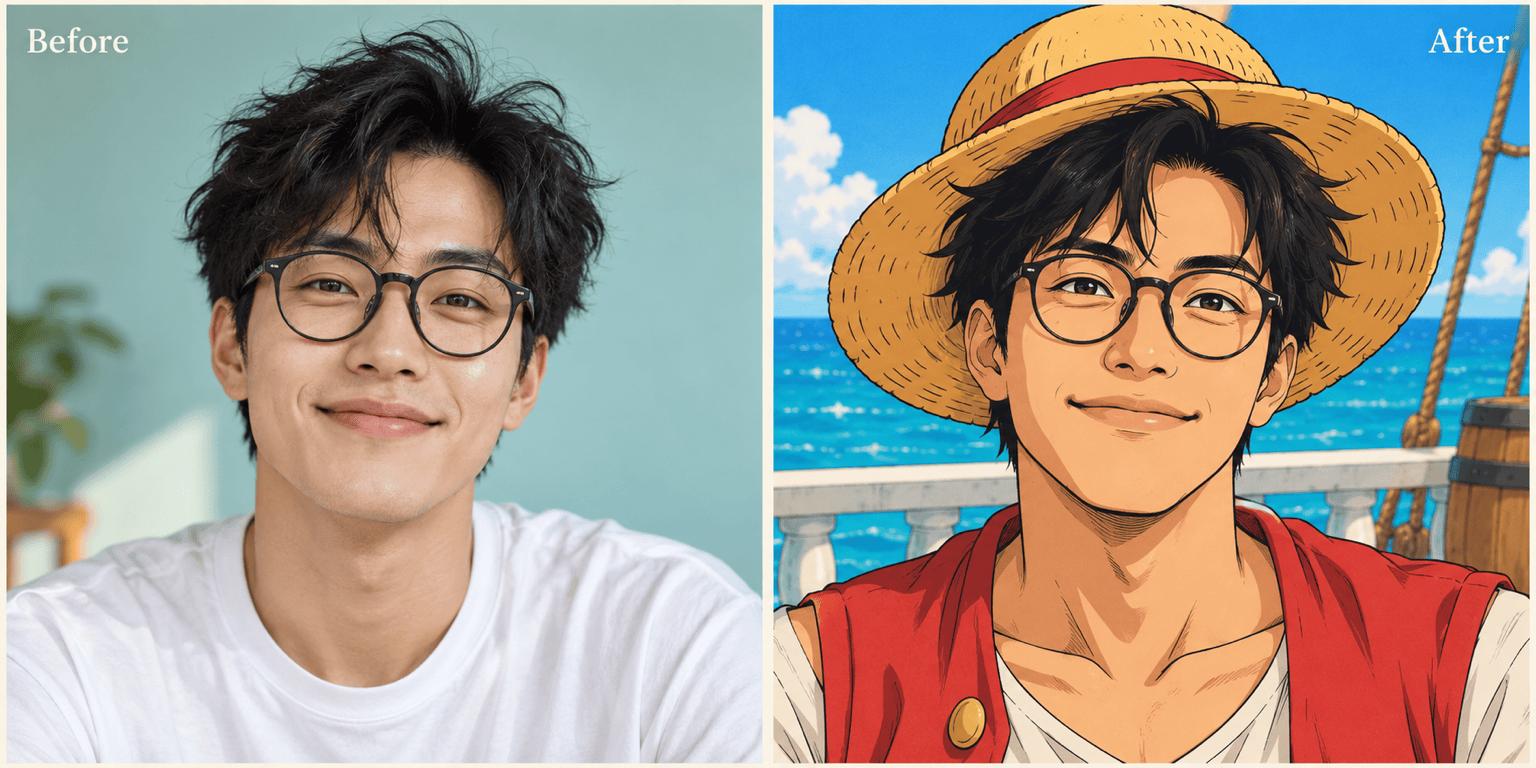
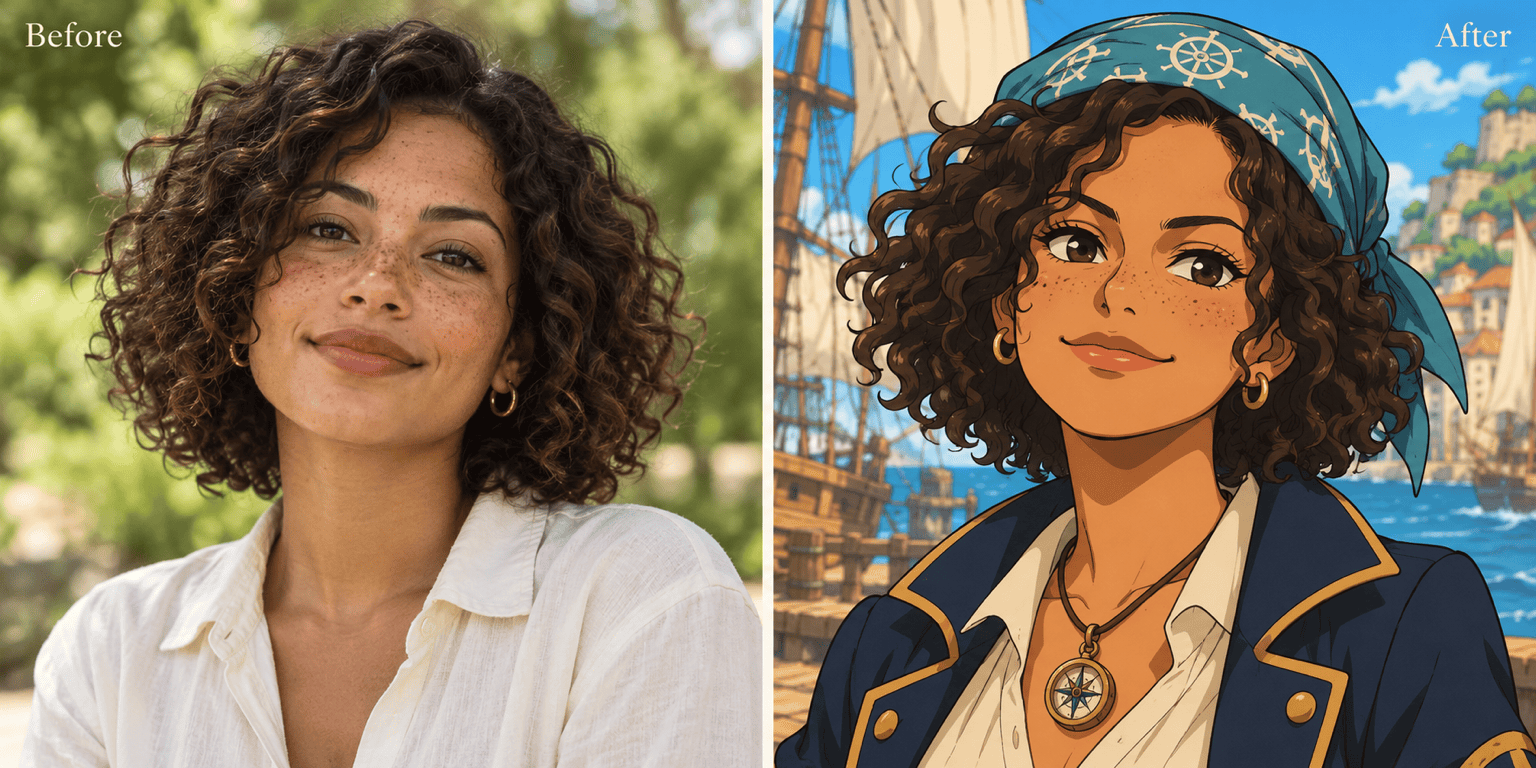
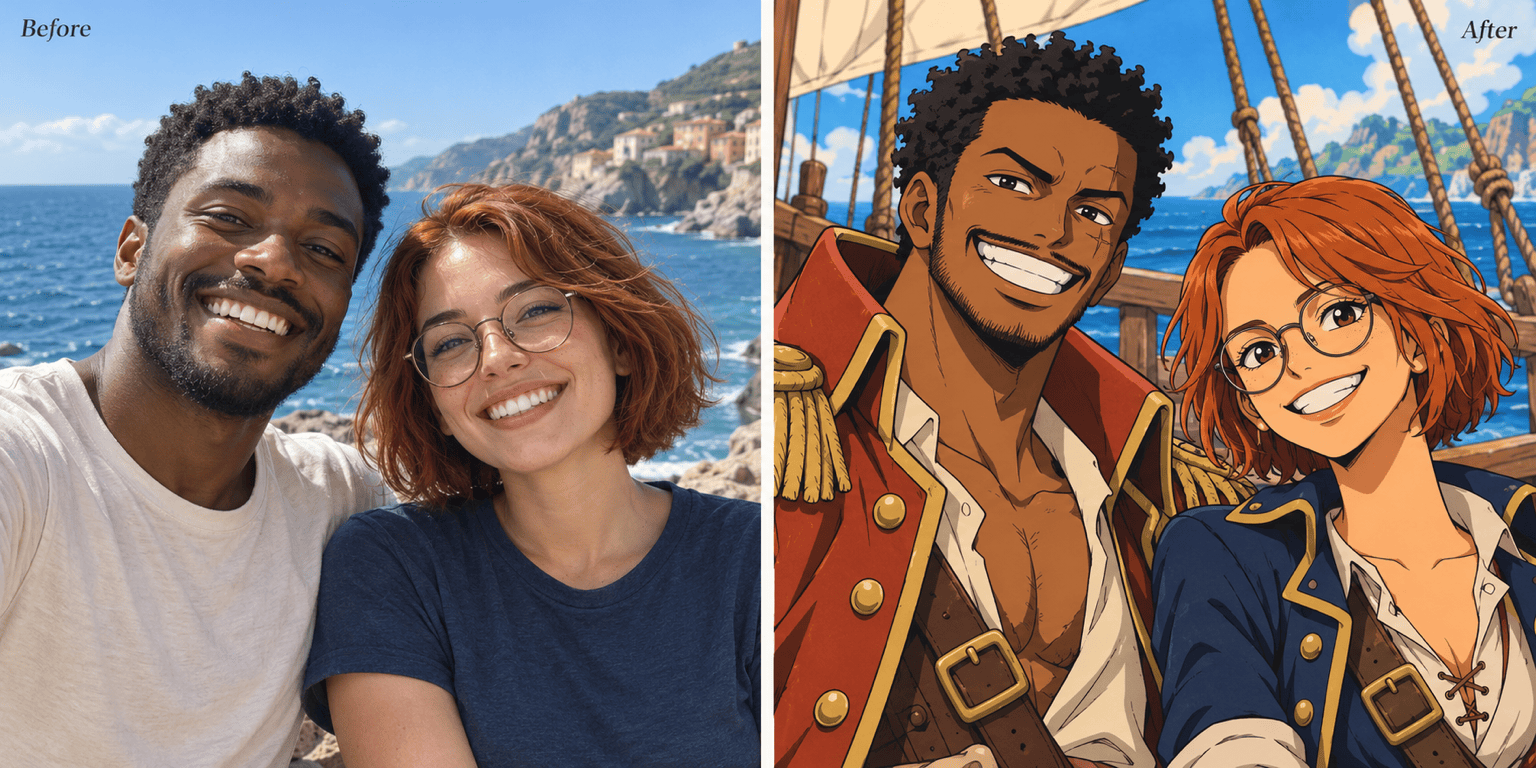
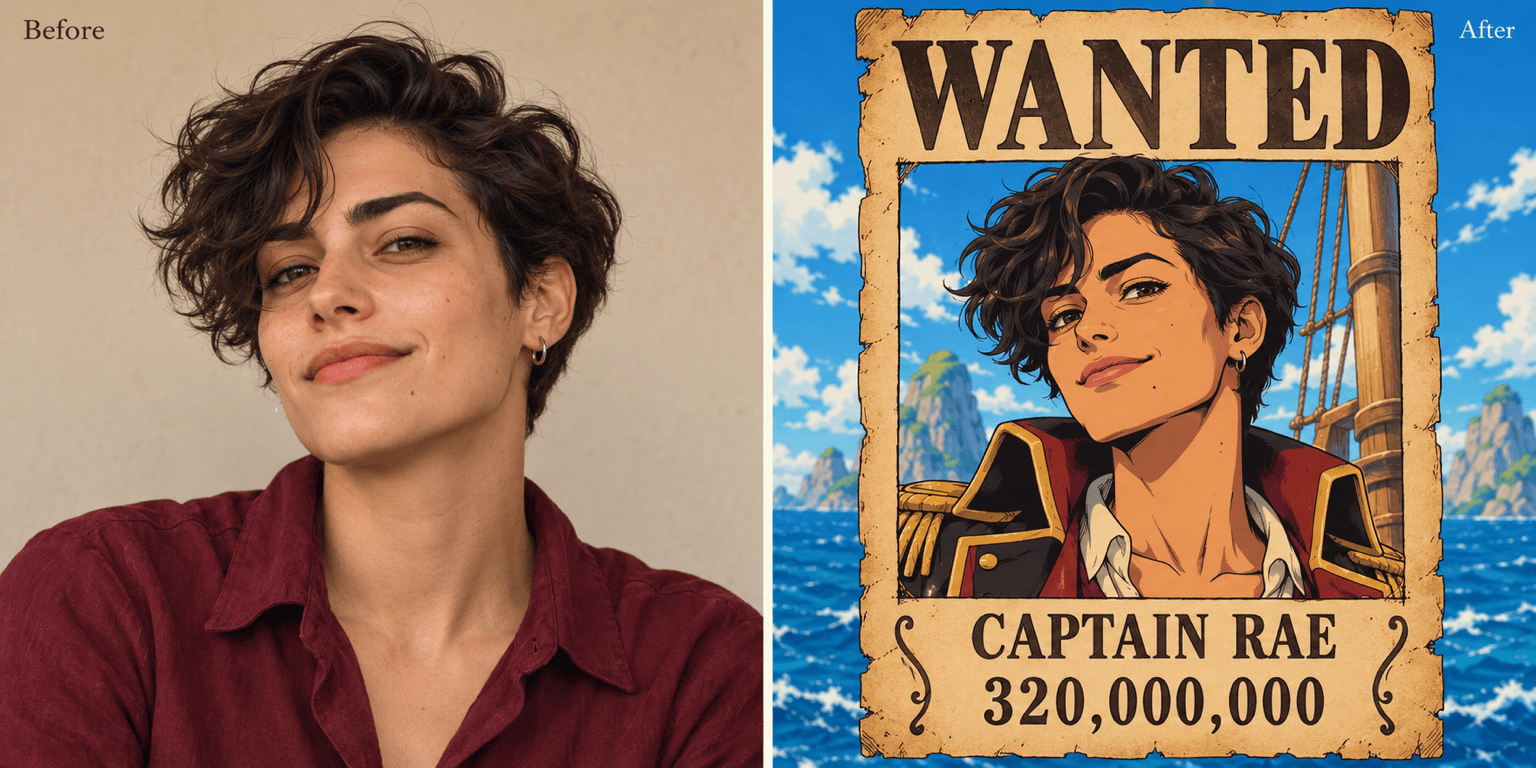
How to Turn Your Photo into One Piece Anime with AI
Upload a Clear Portrait
Choose Your Pirate Look
Refine the Resemblance
Download Your Anime Portrait

Your Face, Your Pirate Look, Your Edits
Start from Your Own Photo
Our One Piece anime filter uses your uploaded portrait as a reference. Specify the facial features and accessories that make the character feel like you.
Choose More Than a Straw Hat
Try a navigator jacket, a captain’s coat, or your own costume. Describe the outfit you want while asking to keep your face recognizable.
Adjust the Anime Treatment
Explore bold color and cel shading or ink lines and manga screentones. Ask for less exaggeration when the first result feels too far from your photo.
Fix Details in Conversation
Use Chat Edit to restore glasses, change a grin, or simplify a busy harbor. Name the change and the parts you want to preserve.
Make a Personal Bounty Poster
Turn your portrait into a One Piece-inspired wanted poster from a photo. Supply your pirate name and bounty, then check the lettering before downloading.
Try Online with Free Credits
Sign up for free AI credits to try a One Piece profile picture. Download watermark-free images; further generations depend on your available credits.
Keep Your Anime Portrait Recognizably You
- Choose a Useful Photo: Use even lighting and a clear view of the eyes. Avoid heavy beauty filters, motion blur, and objects covering the face.
- Name What Should Stay: Mention your hair, glasses, skin tone, and expression. Identity can drift during stylization, so compare these details after generation.
- Separate Face from Costume: For a Luffy-inspired look, request a straw hat and red vest while keeping your own face. An outfit reference does not need to replace your identity.
- Check the Final Crop: Preview avatars at a small size. Keep the face clear and leave room around hats; check names and bounty amounts on poster versions.
Six Ways to Refine Your One Piece Photo
Use my uploaded photo for a Luffy-inspired portrait with a straw hat and red vest. Preserve my face, hair, and smile. Keep the hat brim above my eyes.
Make this anime portrait look closer to my source photo. Restore my glasses and natural face shape. Keep the pirate outfit and background as they are.
Turn my portrait into black-and-white pirate manga art with expressive ink lines and light screentones. Keep my hairstyle and expression recognizable. Remove color and text.
Convert my uploaded photo of two friends into a One Piece-inspired crew portrait. Keep both people, their positions, distinct hairstyles, and skin tones. Add a ship deck behind them.
Make a square One Piece-style profile picture from my portrait. Center my face, simplify the sea background, and leave space around my hair and hat for a circular crop.
Use my anime portrait in an aged wanted poster. Add the heading “WANTED”, the name “CAPTAIN RAE”, and a bounty of “320,000,000”. Keep the face prominent and all text legible.





