Free OnlineAI Oil Painting Generator
How to Create an Oil Painting with AI
Start with an Idea or Photo
Direct the Paint and Light
Refine the Painterly Details
Export Your Finished Artwork

Oil-Painting Control From Glaze to Impasto
Create from Words or Photos
Invent a completely new scene from a prompt or upload a meaningful image. Mew Design supports both text-to-oil-painting ideas and photo-to-oil-painting AI workflows in the same conversation.
Keep the Subject Recognizable
When you use a reference image, tell the agent to preserve facial identity, pose, pet markings, architecture, or the original composition while repainting the surface in oil.
Control Real Painting Cues
Guide brush direction, pigment thickness, canvas grain, edges, glazing, palette-knife texture, and tonal contrast. These material cues help the result read as painted art rather than a flat color effect.
Explore Classical and Modern Finishes
Use the online AI oil painting maker to compare Renaissance-inspired portrait lighting, Baroque drama, impressionist color, modern impasto, or a restrained contemporary gallery look.
Revise Without Starting Over
A promising draft can stay intact while you change one detail at a time in Chat Edit. Ask for a quieter background, clearer eyes, stronger reflected light, looser edges, or a new crop.
Try It Free and Export Cleanly
Sign up for free AI credits, test portrait, pet, landscape, or still life directions, and download watermark-free PNG or JPG artwork when the result is ready.
Build a Better Oil Painting Prompt
- Name the paint handling: Choose smooth glazing, layered scumbling, loose bristle strokes, heavy impasto, or palette-knife marks. These terms shape the surface more clearly than simply saying 'oil style.'
- Set the light and palette: Mention golden-hour warmth, cool studio light, candlelit chiaroscuro, muted earth pigments, jewel tones, or another specific color relationship.
- Protect important details: For oil painting from photo results, state what to preserve—face, expression, pose, pet markings, house structure, or landscape silhouette—and what the AI may reinterpret.
- Define the final display: Say whether the artwork is for a portrait crop, landscape print, book cover, social image, memorial gift, or canvas mockup so the composition fits its destination.
Oil Painting Prompts for Portraits, Pets, and Landscapes
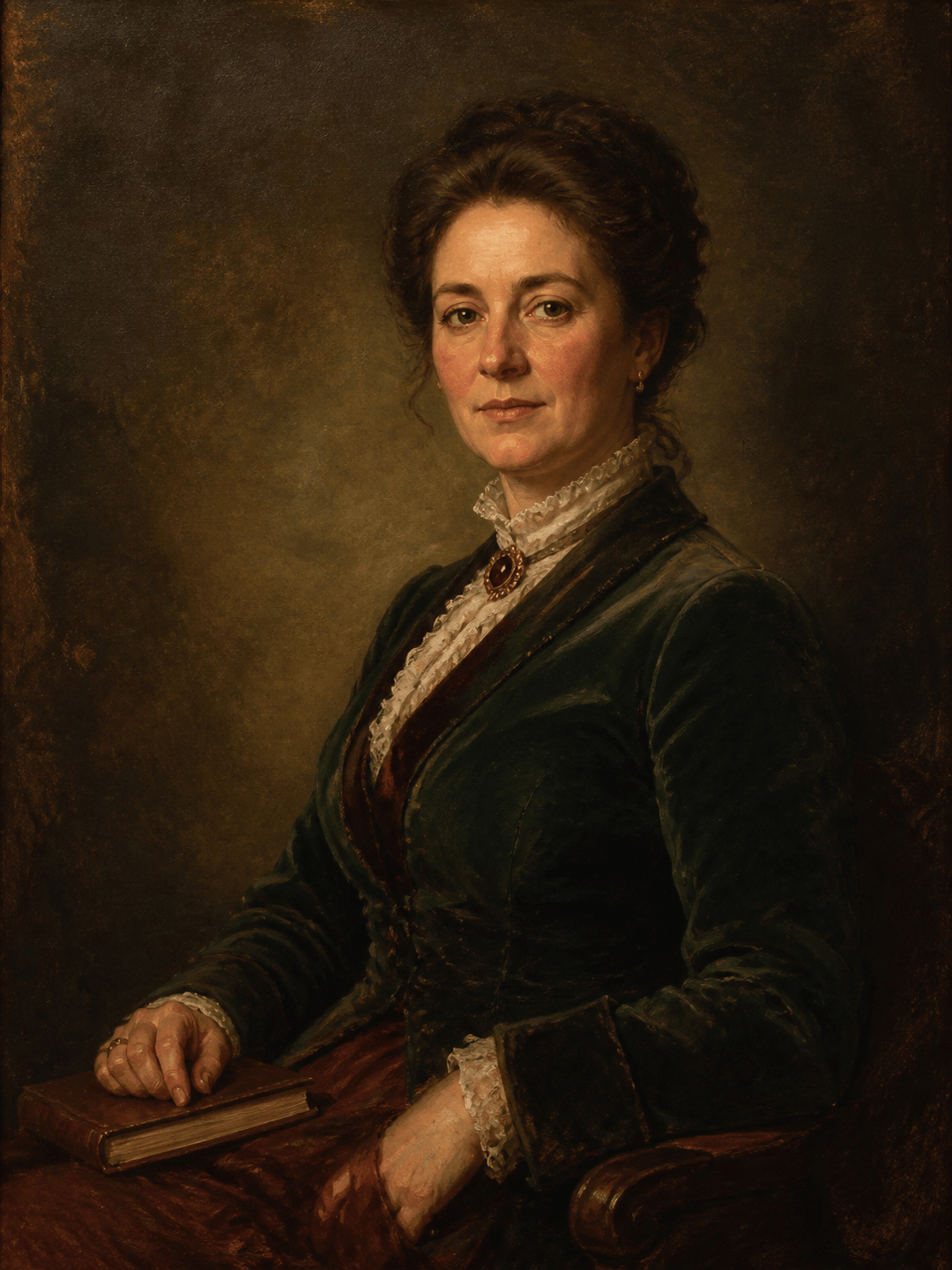
Photo to Classical Portrait: Repaint my uploaded portrait as a dignified late-19th-century oil painting. Preserve facial identity and expression. Use a three-quarter pose, warm side light, deep brown-green background, thin glazing on the face, and confident bristle strokes in the clothing. Subtle canvas weave, no frame or text.
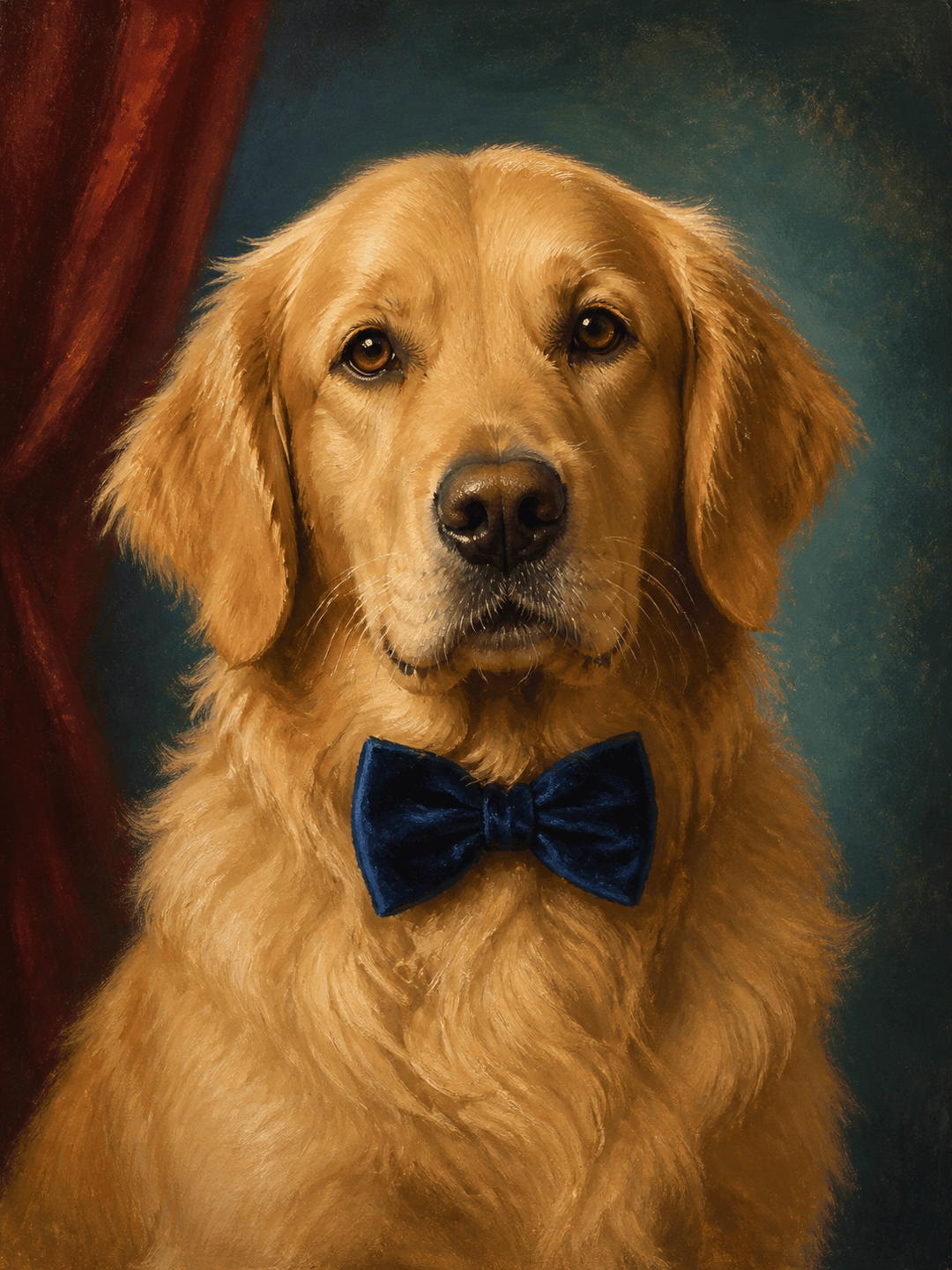
Pet Oil Painting: Turn my golden retriever photo into an elegant pet portrait for a memorial print. Keep the exact face, ear shape, and coat markings. Place the dog against a muted teal studio backdrop with soft rim light, layered fur strokes, and restrained impasto highlights on the chest.
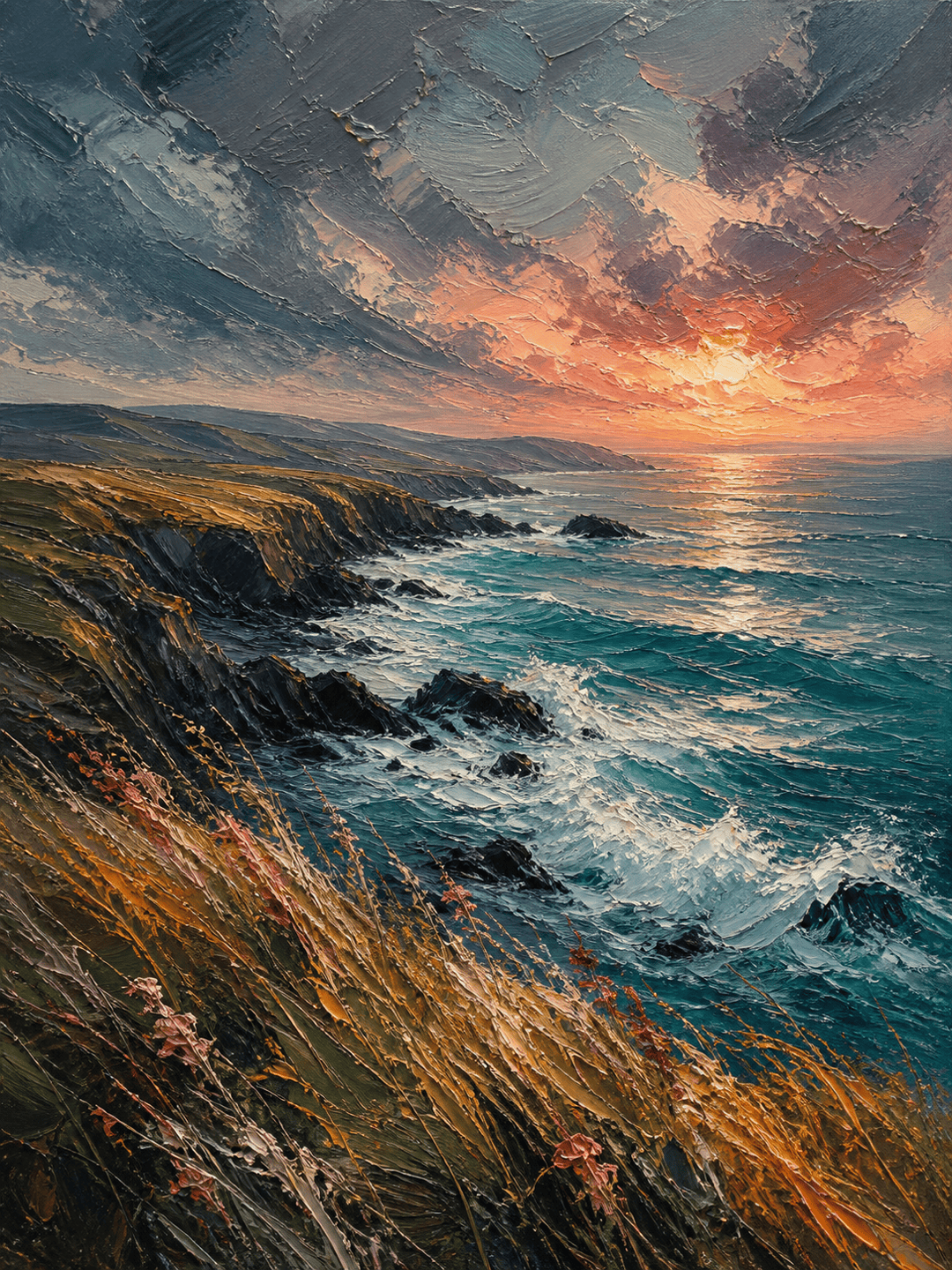
Impasto Coastal Landscape: Create a windswept coastal cliff at sunset in thick oil paint. Use a low horizon, turquoise water, storm-gray clouds, broad palette-knife marks, raised white foam, and warm coral light breaking through the sky. Vertical 3:4 composition, no people or text.
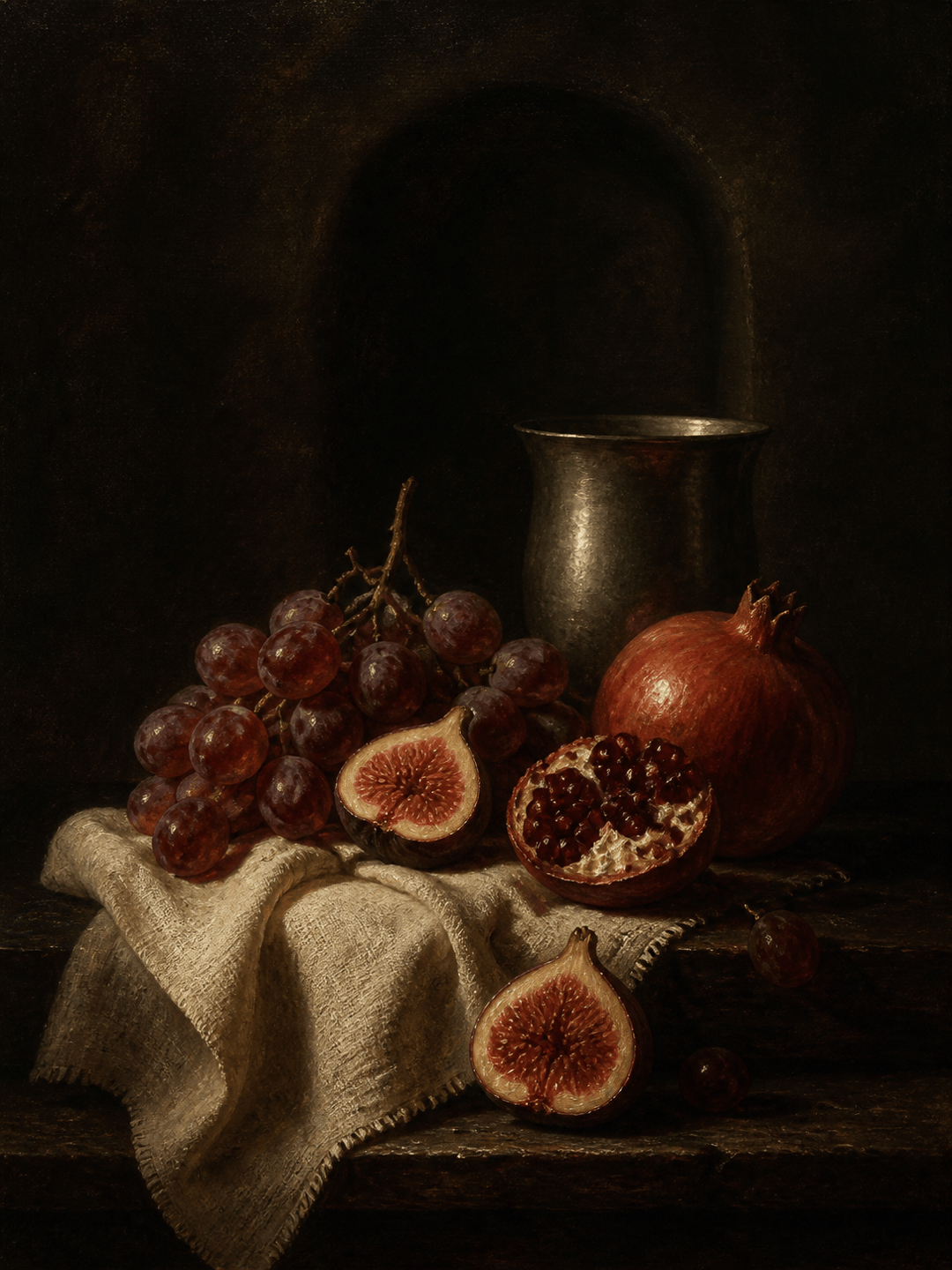
Dutch Still Life: Paint figs, pomegranates, a pewter cup, and folded linen on a dark wooden table. Use dramatic left-side chiaroscuro, deep crimson and umber tones, luminous glazed fruit, fine canvas texture, and a museum-like 17th-century still life composition.
Wedding Keepsake: Transform our wedding photo into a romantic oil painting while preserving both faces, poses, clothing details, and bouquet colors. Add soft evening light, painterly garden edges, warm skin tones, and gentle brush texture suitable for a framed anniversary gift.
Custom House Portrait: Convert my uploaded home photo into a welcoming oil painting for a housewarming gift. Keep the roofline, windows, front door, and mature tree recognizable. Remove cars and bins, add late-afternoon light, expressive foliage, and a balanced landscape crop.





