Free to Try OnlineAI My Little Pony Generator
How to Create Your Own Pony with AI
Describe Your Pony
Generate a Character Draft
Refine the Defining Details
Download Your Pony Art

Give Your Pony OC a Recognizable Look
Choose More Than a Color
Use this online MLP OC maker to describe an earth pony, pegasus, unicorn, or alicorn, along with the mane shape and expression that make it yours.
Design a Meaningful Cutie Mark
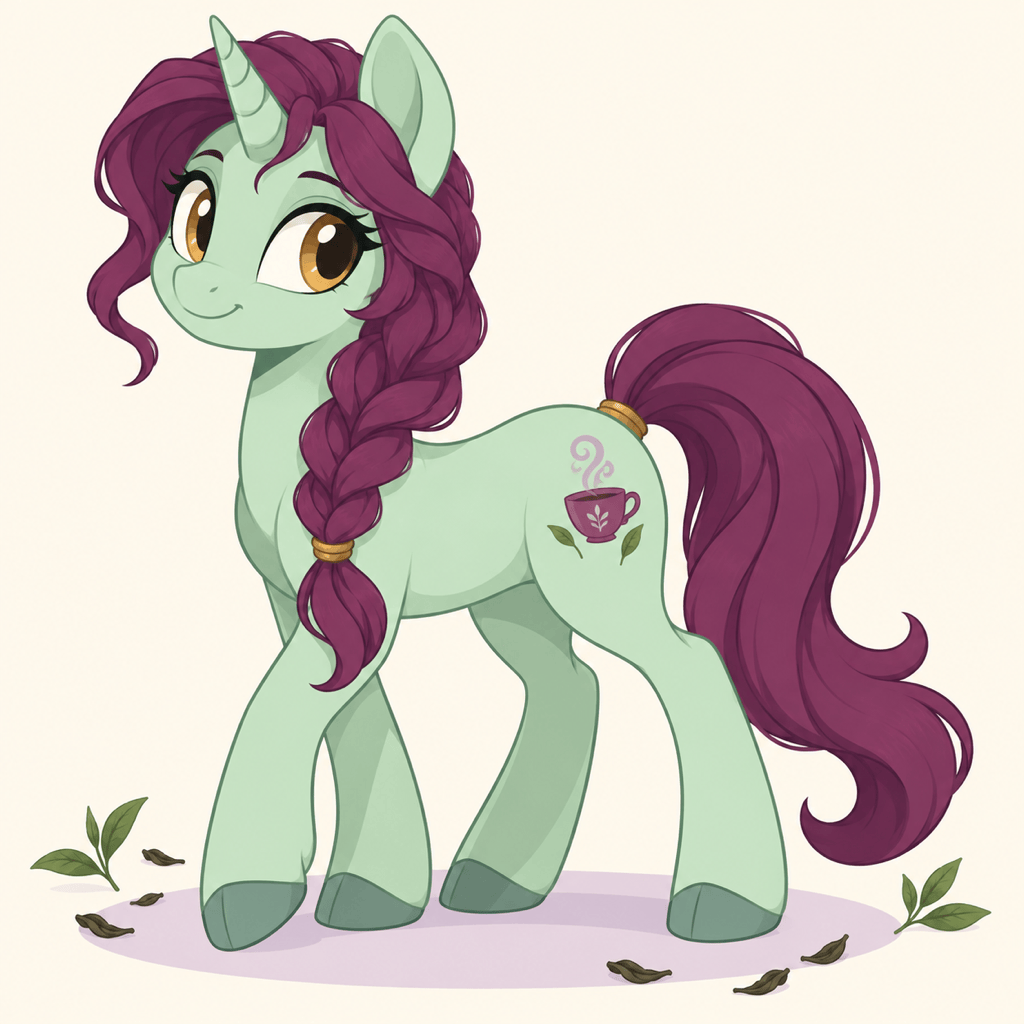
Connect your pony’s talent to a simple symbol. Request a visible flank and a close-up so you can check the mark before using it again.
Build from Your Own Sketch
Upload a pony drawing or reference image and explain what to preserve. Explore a cleaner design without rewriting every visual detail.
Change One Detail in Chat
Keep a promising design and request focused edits with Chat Edit, such as a shorter mane or a softer palette. Review the result for unintended changes.
Explore a Character Reference Sheet
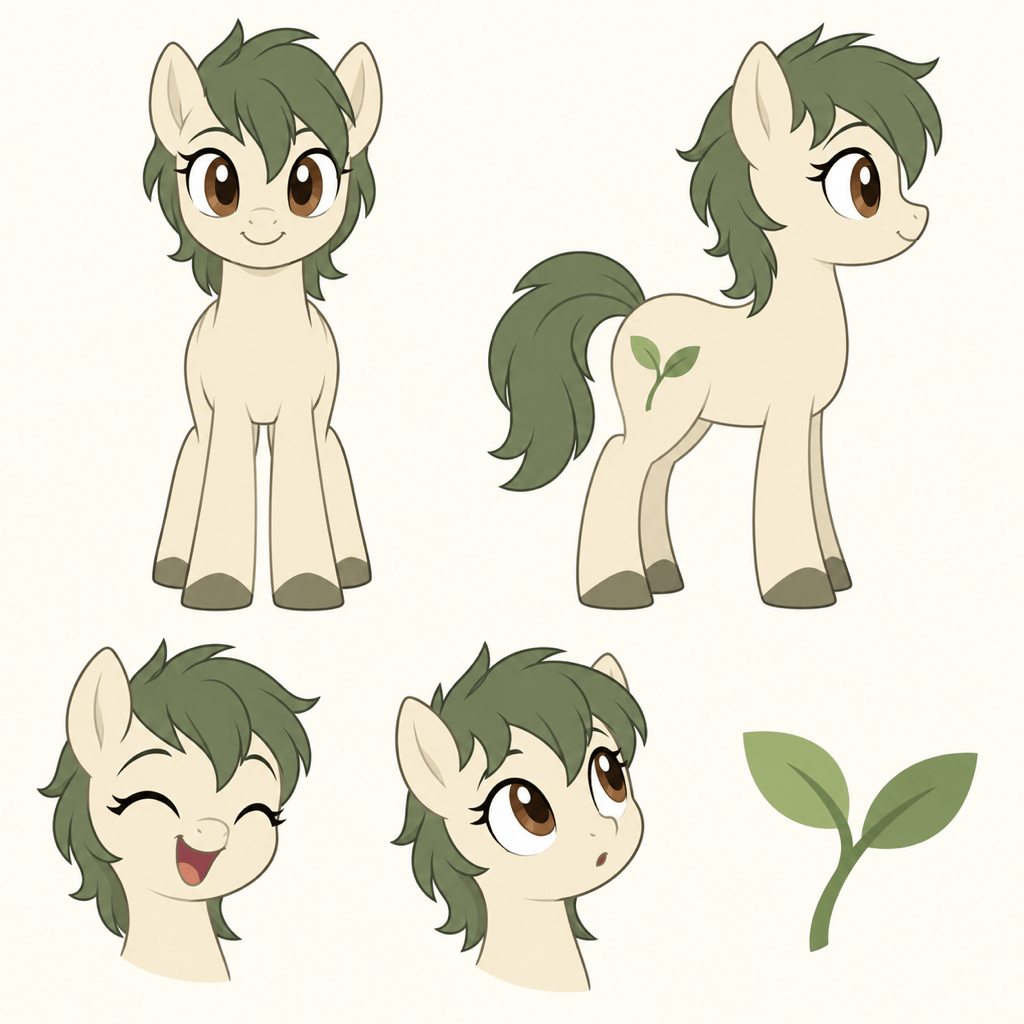
Ask for front and side views plus expressions using your chosen pony as a reference. Compare colors and markings across views; consistency may need refinement.
Make a Pony Avatar or Cutout
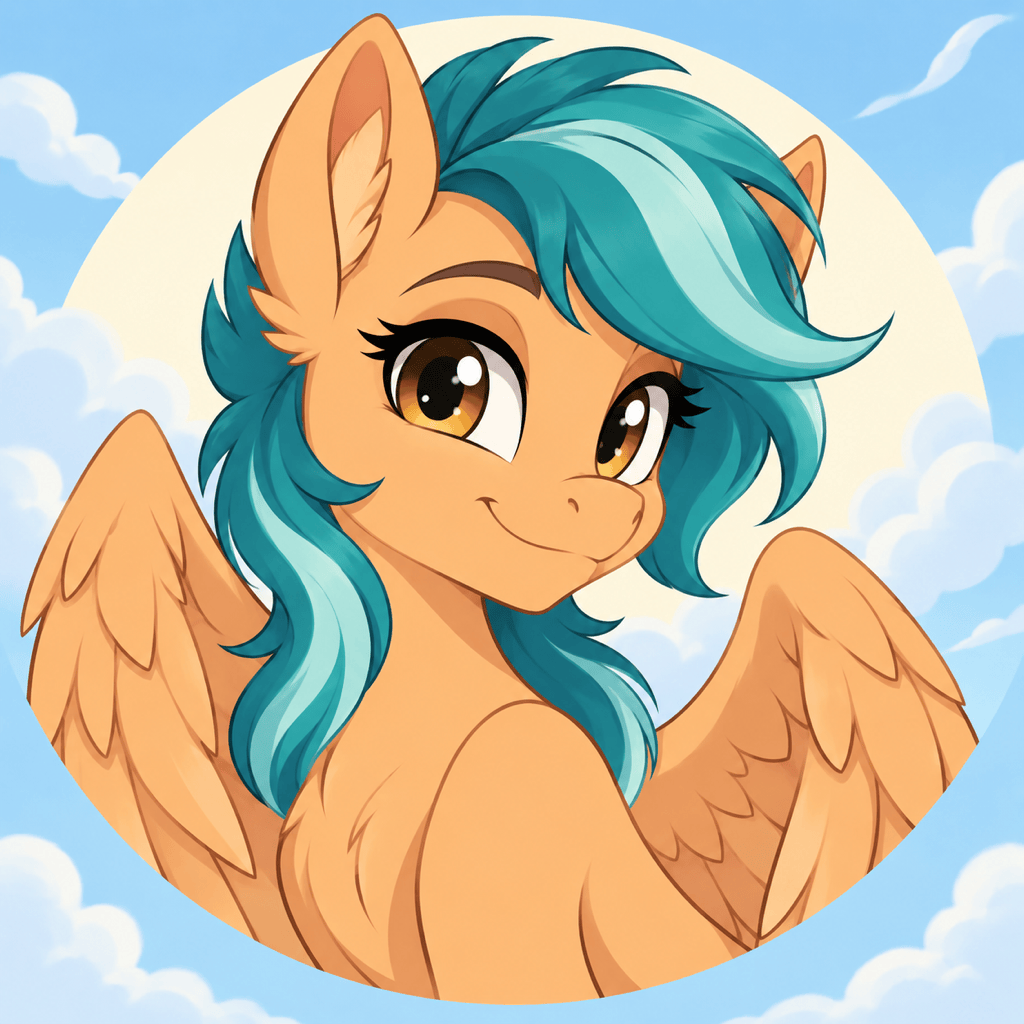
Frame your ponysona for a square profile picture, or remove the background for a PNG cutout. Exports are watermark-free.
What Makes a Pony OC Easy to Recognize?
- Choose the Pony Type: Earth ponies have no wings or horn; pegasi have wings; unicorns have a horn; alicorns have both.
- Keep the Palette Focused: Specify coat, mane, and eye colors separately. Two main colors and an accent make the design easier to reuse.
- Make the Mark Readable: Describe one simple symbol linked to a talent. Ask for a side or three-quarter pose that reveals the flank.
- State What Must Stay: For another pose or a reference sheet, reuse the chosen image and list the colors, mane shape, and marking to preserve.
Ponysona Ideas and Character Design Requests
Create a pegasus ponysona avatar with an apricot coat, teal windswept mane, and a confident smile. Use a square composition with room around the ears and wings for a circular crop.
Design an earth pony gardener with a cream coat, moss-green mane, and a sprout cutie mark. Show all four hooves and the visible flank. No wings or horn; use a simple meadow background.
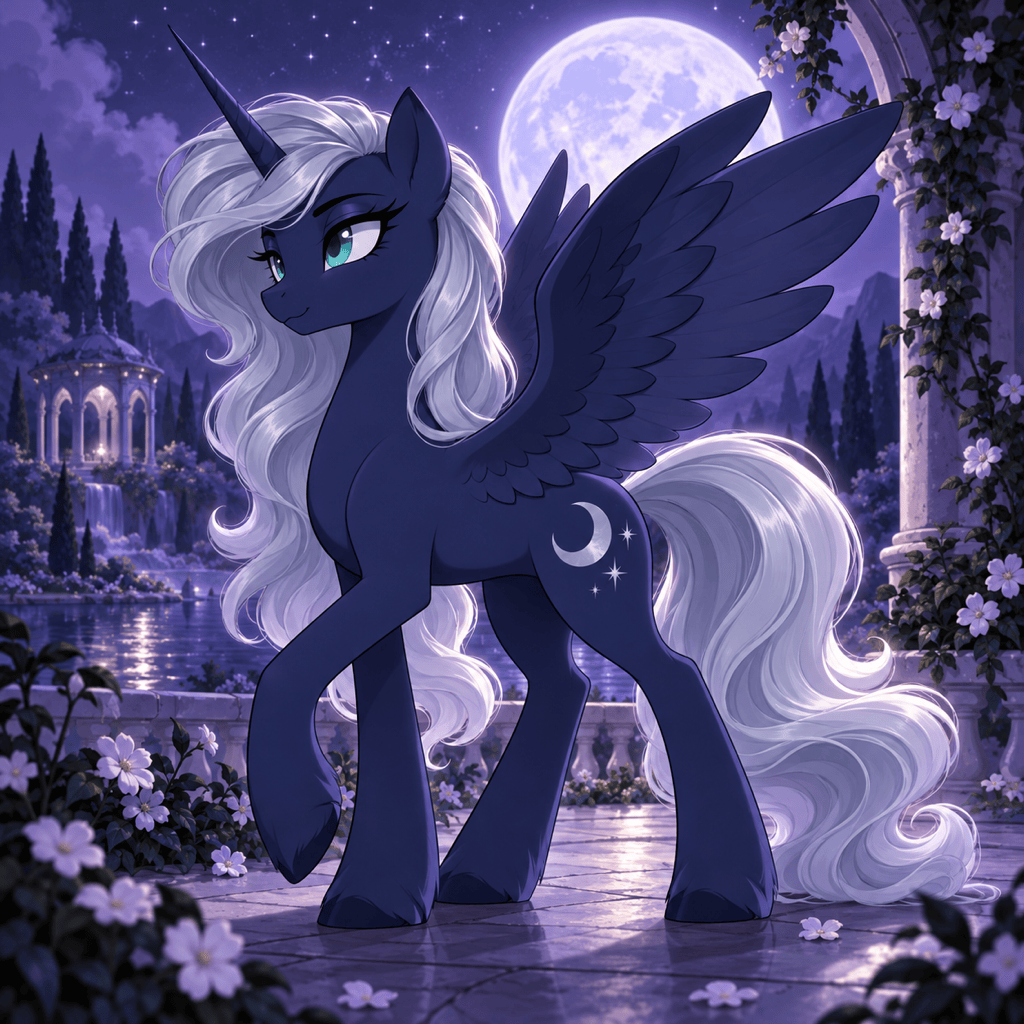
Create an elegant alicorn OC with a midnight-blue coat, silver mane, and crescent cutie mark. Show one horn and a pair of wings in a full-body moonlit illustration.
Create an MLP OC reference sheet from my uploaded pony image. Include front and side views, two expressions, and a cutie mark close-up. Keep the coat, mane, and eye colors consistent on a plain background.
Turn my uploaded portrait into a ponysona. Use the hair color for the mane and keep the glasses as a recognizable accessory. Create a friendly unicorn portrait with a simple background.
Design three simple cutie mark options for a pony who loves astronomy: a comet, a telescope, and a moon with a star. Show the symbols separately on a plain background so I can choose one.





