Free OnlineAI Mustache Generator
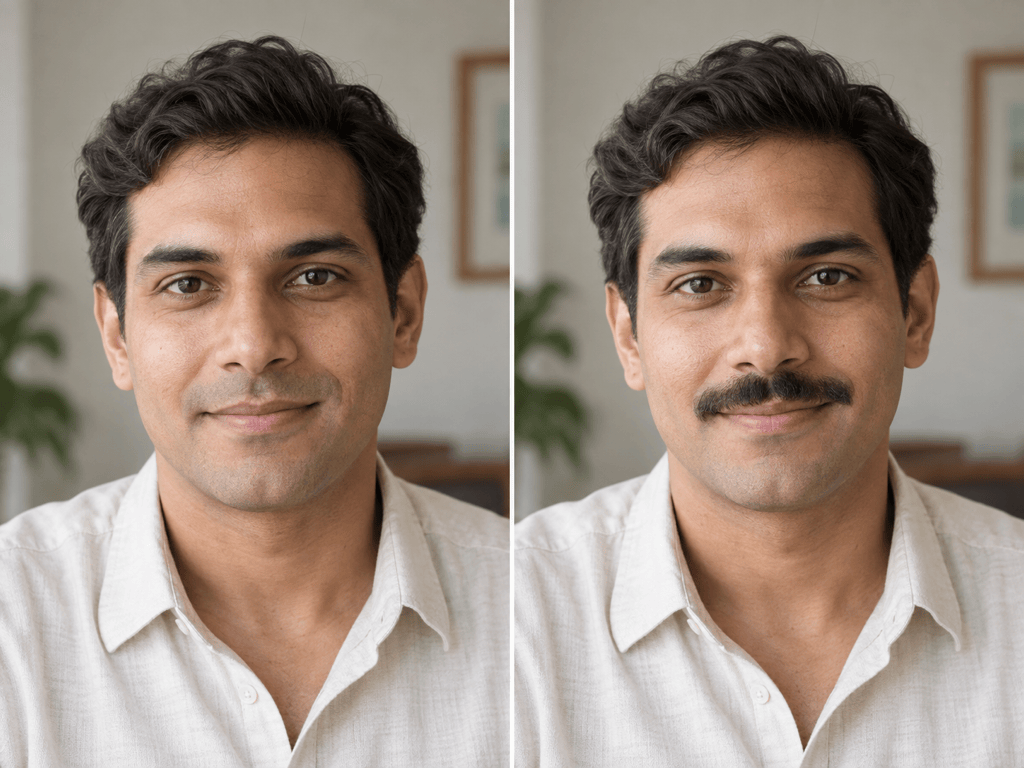
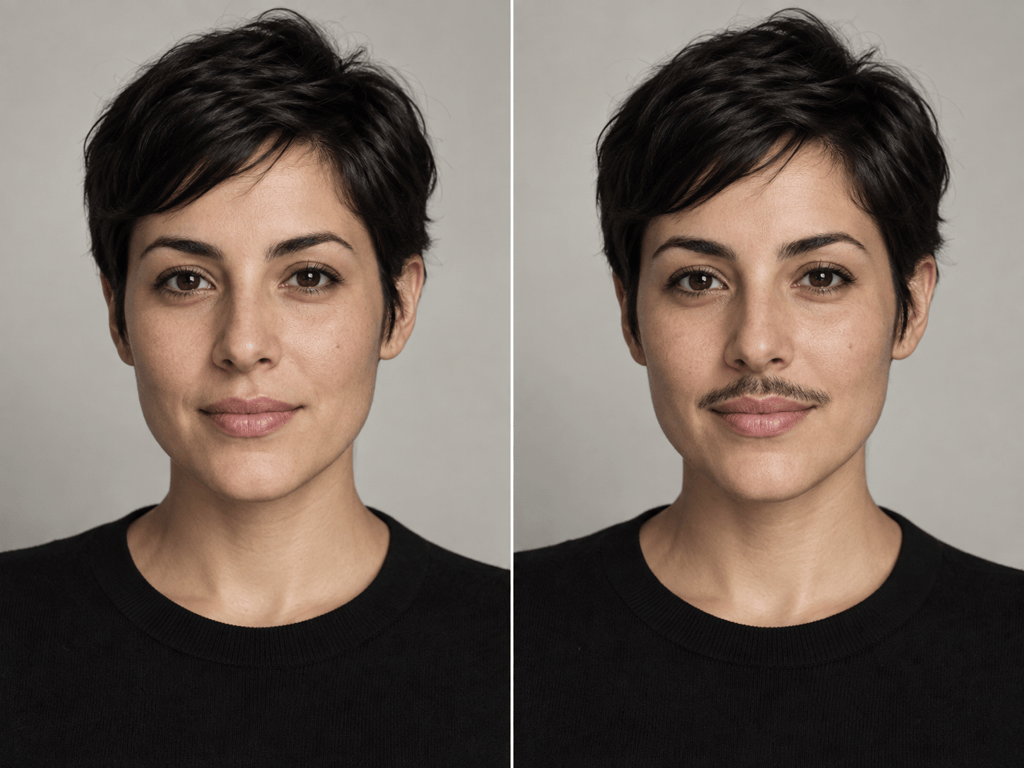
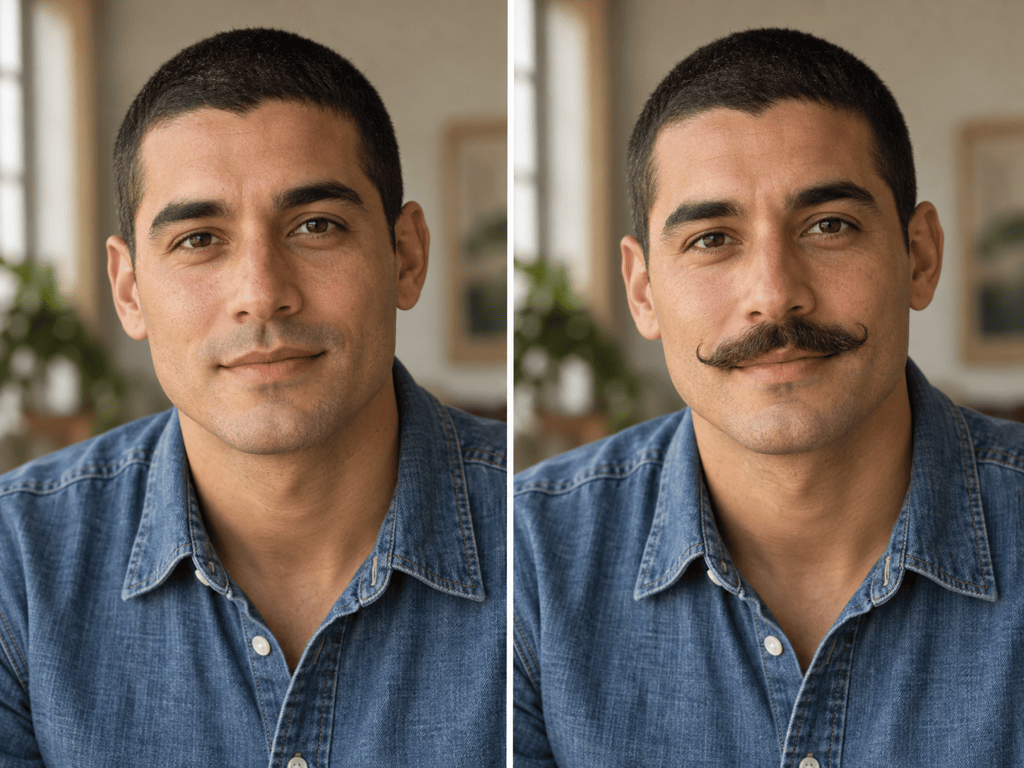
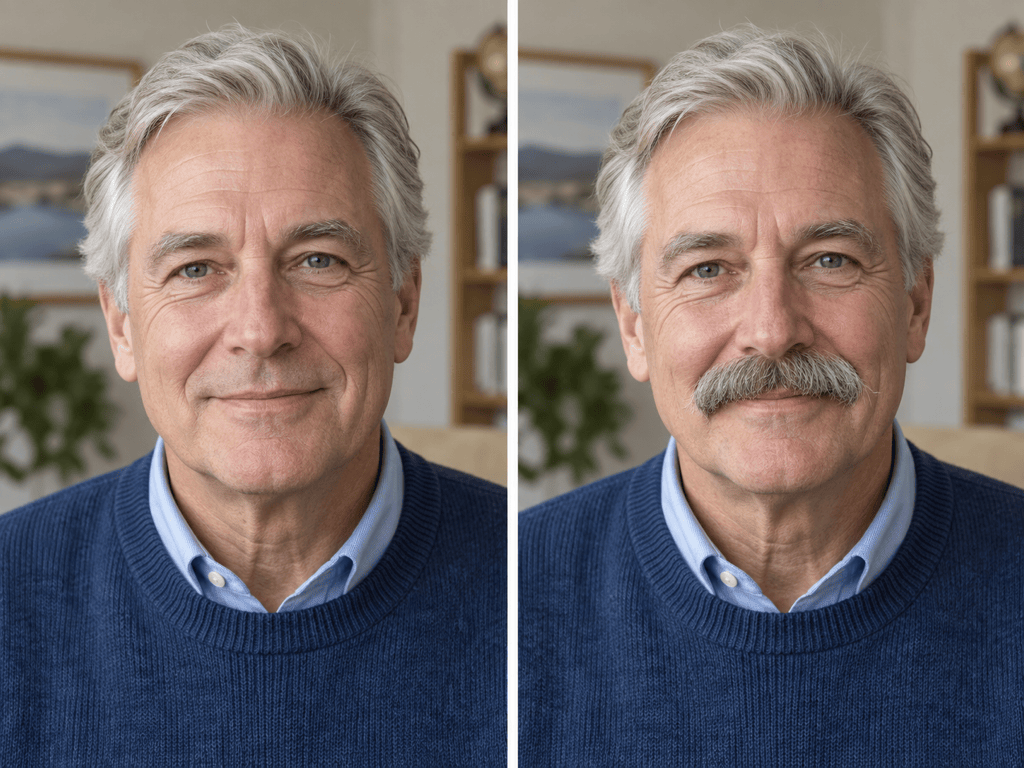
How to Generate a Mustache with AI
Choose a Starting Point
Name the Mustache Style
Review and Adjust the Look
Save Your Portrait

Explore Mustache Styles Beyond a Fixed Filter
Describe the Exact Shape
The AI mustache maker accepts details such as narrow pencil edges, a broad chevron, or gently curled handlebar tips rather than limiting you to a preset.
Work from Your Own Photo
Use an uploaded portrait as the visual source. Ask Mew Design to keep the pose, hairstyle, and backdrop while changing the hair above the lip.
Correct One Detail in Chat
If the mustache looks too dark or covers your lip, use Chat Edit to adjust density, color, or placement without requesting a whole new concept.
Compare Several Looks
Create separate versions from one source photo so a realistic everyday style and a bold costume style are easy to compare.
Create Characters from Text
The online mustache generator can also make a new character portrait when you do not have a photo to edit. Describe the face, setting, and facial hair together.
Start with Free Credits
Sign up to try a few looks with free AI credits. Generation uses credits; exported images are watermark-free.
Make a Mustache Edit Look Like Your Photo
- Show the Upper Lip: Use even light and avoid a hand, cup, heavy shadow, or cropped mouth over the area to edit.
- Define the Coverage: Name the style and say whether hair should reach the mouth corners. Specify bare cheeks and chin if you want a mustache only.
- Match the Source: Ask for hair color, strand texture, and soft shadows that fit the portrait instead of a solid sticker-like band.
- Check for Drift: Inspect the lips, expression, nose, and face shape. Use Chat Edit to restore any detail that changed unexpectedly.
Mustache Styles to Try on a Photo or Character
Add a natural dark-brown chevron mustache to my uploaded portrait. Keep its edges tidy, show my upper lip, and preserve the rest of my face and background.
Try a thin pencil mustache on my photo. Place a fine line just above my upper lip, match my hair color, and leave my chin and cheeks clean-shaven.
Give my uploaded portrait a realistic handlebar mustache with modest outward curls. Match the lighting and keep my expression and facial proportions unchanged.
Add a full salt-and-pepper walrus mustache to my photo. Keep individual hairs visible and adjust the ends so the mouth still reads clearly.
Create two separate edits from my original photo: one with a short everyday mustache and one with a fuller chevron. Keep the same pose, face, and background for comparison.
Generate an original cinematic portrait of a fictional detective with a neat 1940s pencil mustache, natural skin texture, soft window light, and no beard.





