Free OnlineAI Body Editor
How to Edit Body Proportions in a Photo with AI
Choose a Photo with a Clear Outline
Name the Adjustment and Its Limits
Check More Than the Silhouette
Save the Version That Feels Right

Body Editing Online, Down to the Details
An Online Body Shape Editor for Your Photos
This body shape editor works from an uploaded image. Give an existing outfit shot or full-body portrait a specific editing direction.
Describe the Degree of Change
Use plain language such as “slightly broader shoulders” or “less pronounced waist adjustment.” No manual reshape brush is needed for a prompt-based edit.
Make Preservation Part of the Brief
Ask to retain facial features, clothing texture, and straight background lines. These instructions guide generation; inspect the result because details can still change.
Dial Back an Edit Through Chat
An adjustment looks too strong? Chat Edit lets you ask for a subtler version and continue refining the photo.
Explore More Than Slimming
Use the AI body editor online to request fuller proportions, a different shoulder line, or subtle muscle definition for a creative portrait.
Free to Try, Watermark-Free to Download
Try this AI body editor for free with signup credits and test an edit on your own photo. Download your chosen result without a watermark; further generation depends on available credits or your plan.
Say What Changes—and What Stays
- Choose One Starting Point:Specify the waist, shoulders, arms, or legs instead of asking to “fix my body.”
- Set the Intensity:Words such as “slightly” and “subtle” give the edit a clearer direction than “perfect.”
- Protect Recognizable Details:Mention your face, tattoos, garment seams, hands, and nearby railings or doorframes when they matter.
- Refine from the Result:If clothing or scenery changes, name the affected detail in Chat Edit or return to the original with a smaller request.
Six Ways to Direct a Body Photo Edit
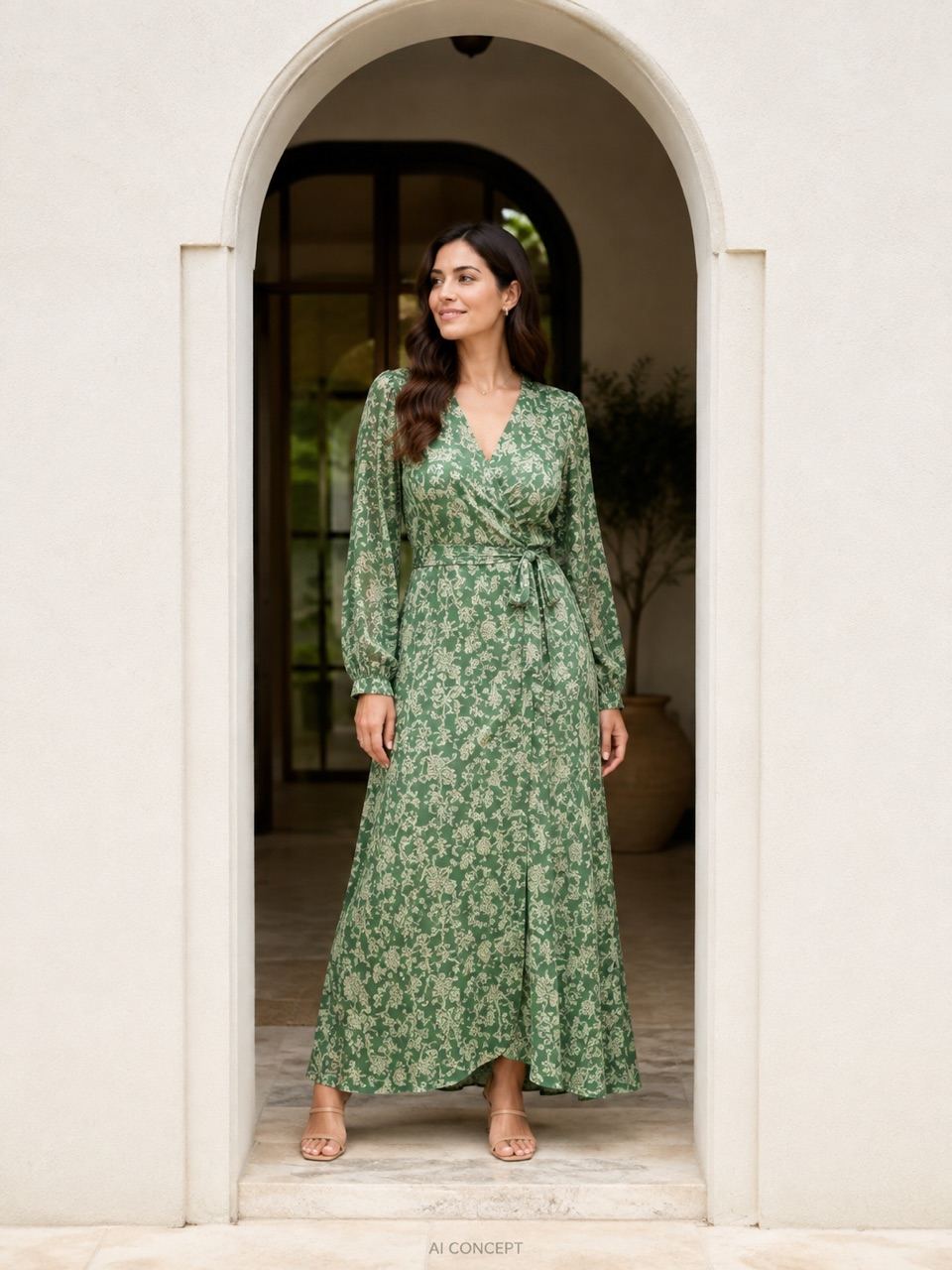
In my uploaded outfit photo, slim the waist slightly. Retain my face, pose, dress seams, fabric pattern, and the straight doorway behind me.
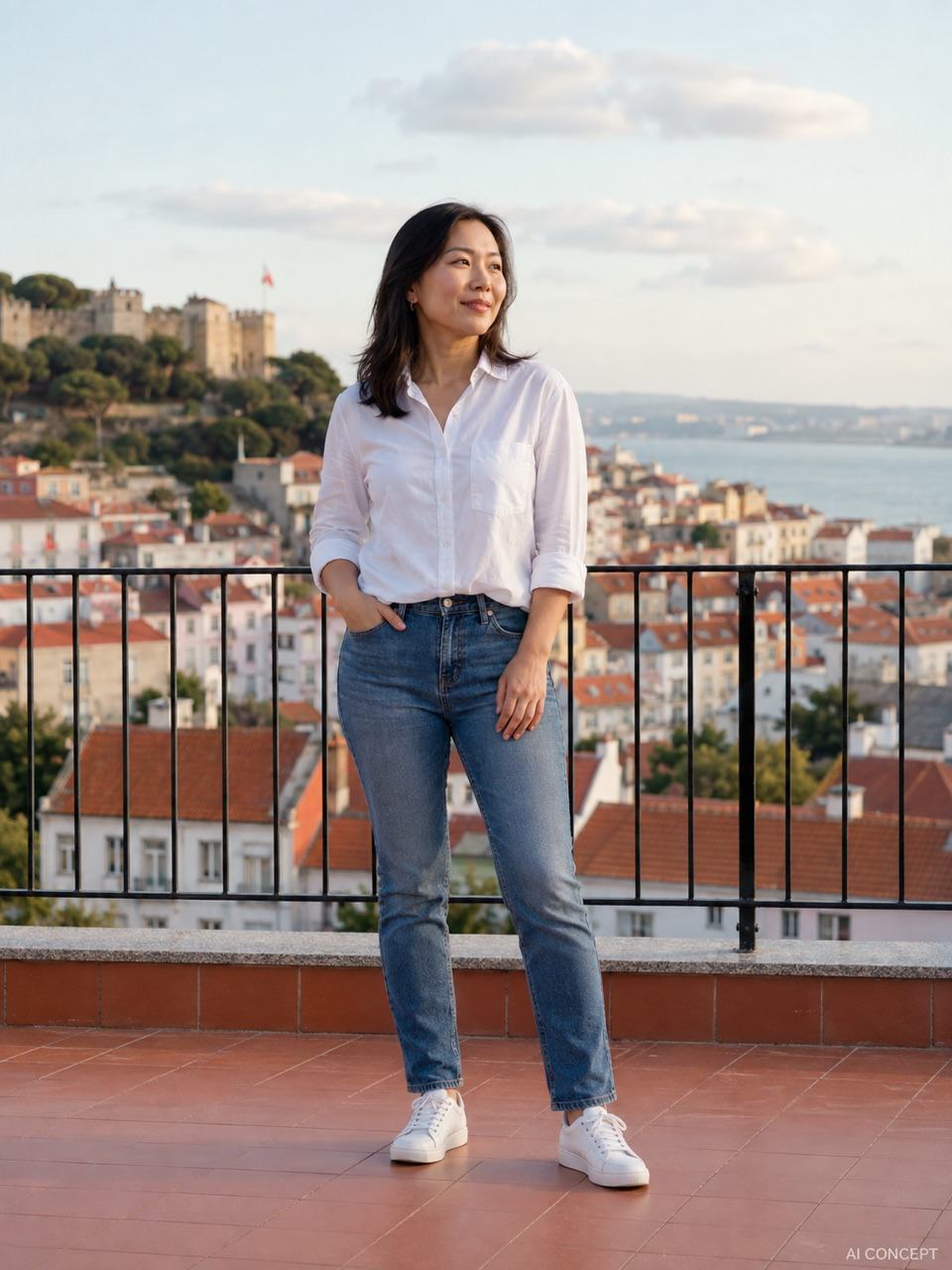
Lengthen the legs slightly in this full-body travel photo. Keep the torso balanced, feet on the same ground plane, and the railing straight. Retain my face and clothing.
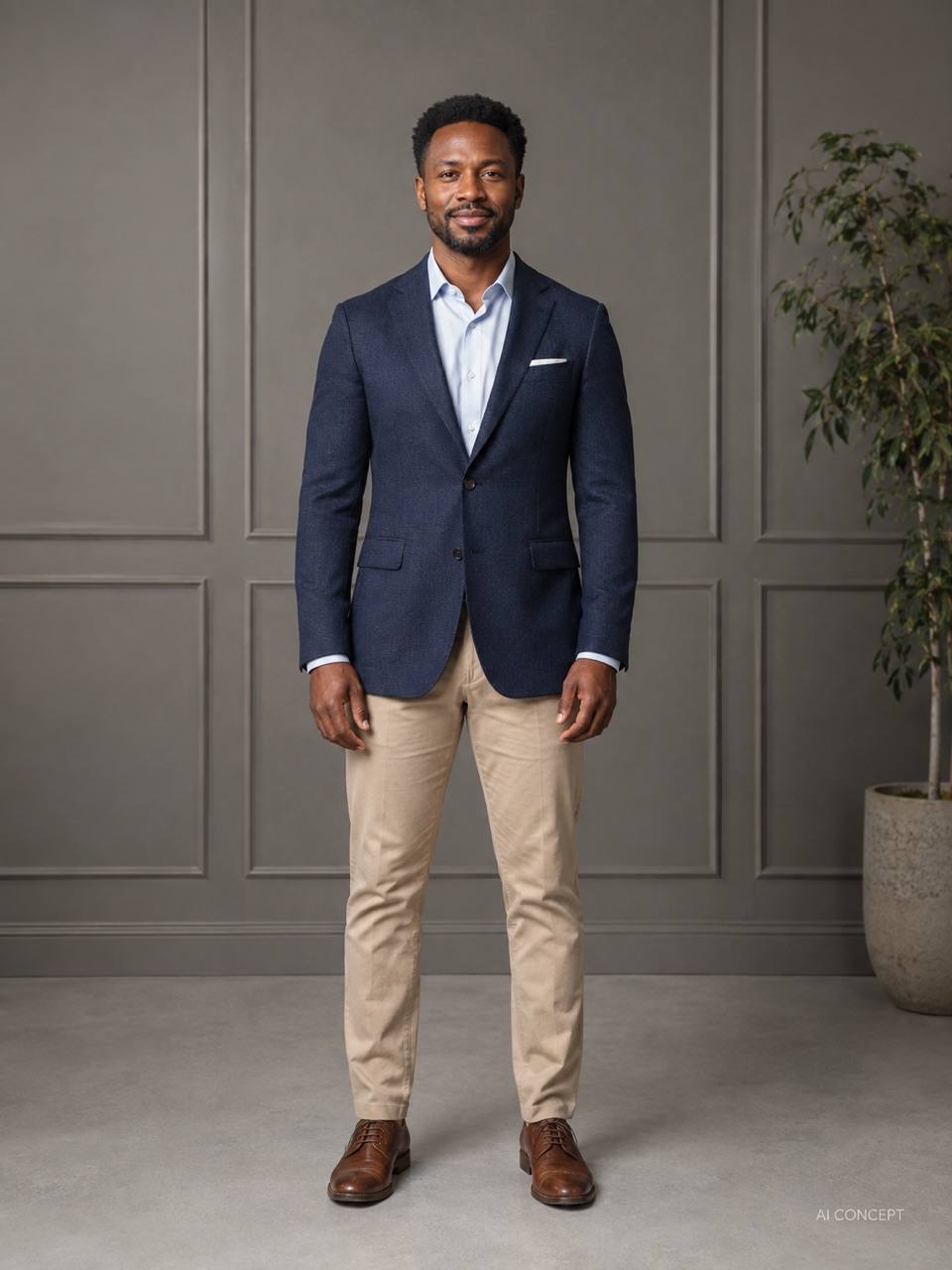
Adjust the shoulder posture in my uploaded portrait to look a little more relaxed and upright. Retain my body size, face, jacket, and studio lighting.
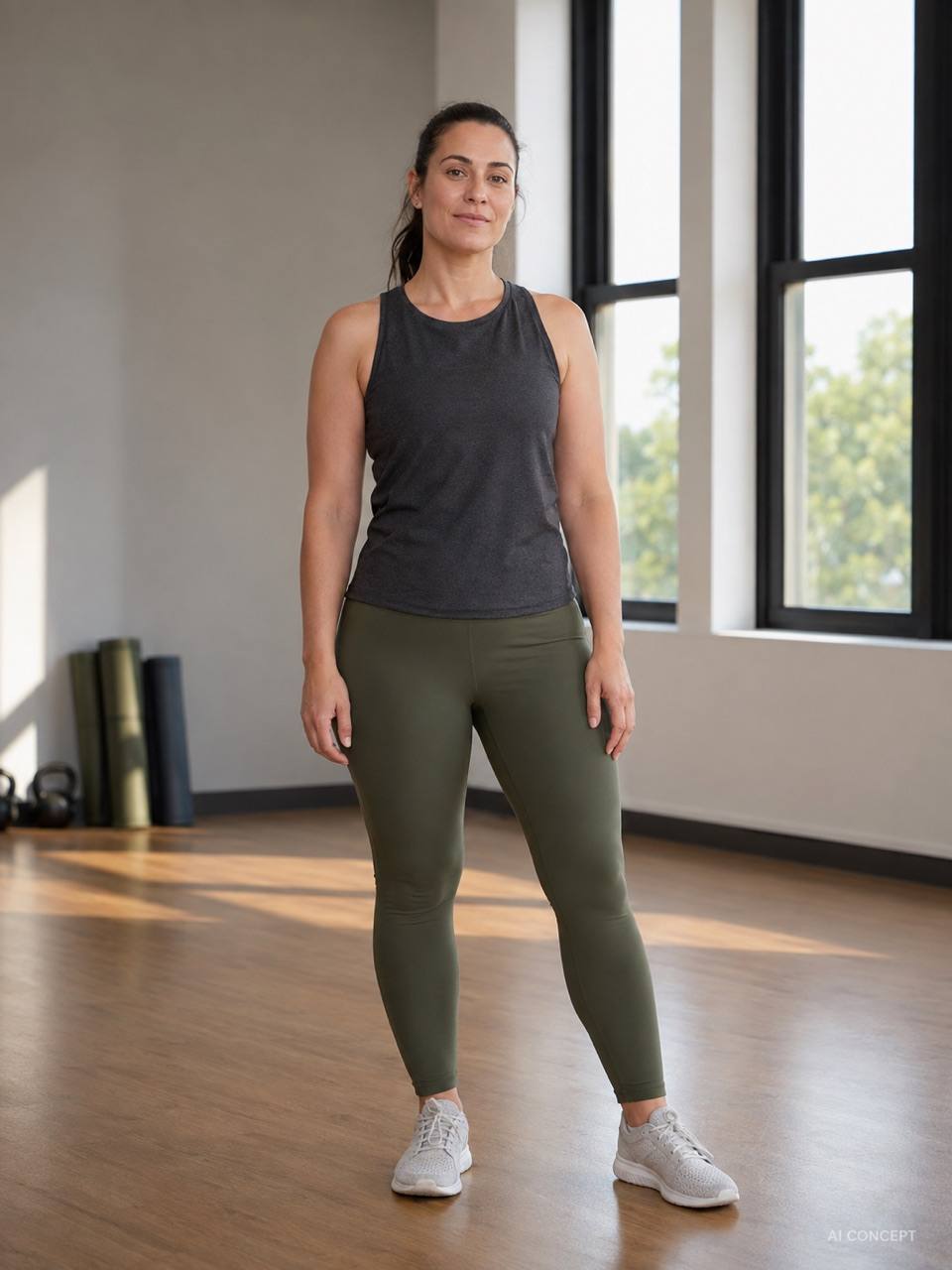
Add subtle muscle definition to the arms in this fitness portrait. Keep the same arm size, skin texture, clothing, and light direction. Avoid exaggerated shadows.
Explore slightly fuller hips in this fashion concept photo. Retain the face, pose, and dress pattern, with believable fabric folds and balanced proportions.
In this group photo, adjust only my shoulder posture: I am the adult in the blue jacket on the left. Retain everyone else, all faces, and the background. Keep the change small.





