Free OnlineAI Monster Generator
How to Create Monster Art with AI
Choose the Threat and Encounter Role
Give the Body a Reason
Stage the Monster Reveal
Refine and Prepare the Artwork

Why Creators Use Mew Design for Monster Art
Threat-First Creature Direction
Start with a danger such as a ceiling ambush, armored charge, psychic lure, or false-friendly disguise. This AI monster maker translates behavior into a visual design instead of decorating a random body.
Clear Scale and Encounter Context
Ask for tiny explorers, a doorway, vehicle, or familiar object in the frame. Scale cues help a dungeon boss, city-sized horror, or pocket companion communicate the right impact immediately.
Reference-Guided Monster Redesigns
Upload your permitted sketch, miniature photo, silhouette, or mood board. Tell the online AI creature generator what to preserve and what should become more threatening, readable, or production-ready.
Control from Cozy to Nightmarish
Dial the same idea toward a cute monster generator look, tabletop fantasy, mascot horror, cosmic dread, or cinematic realism by changing proportions, texture, lighting, and expression.
Focused Anatomy Repairs
If the first result has an extra leg, tangled wings, or a weak attack silhouette, use Chat Edit to correct one issue while preserving the mask, claws, palette, or other details that already work.
Cohesive Enemy Rosters with Mew Skills
Turn a successful faction, biome, or bestiary art direction into a reusable Mew Skill. Future monsters can follow the same palette, threat language, framing, and delivery method with less repeated setup.
What Makes Monster Art Feel Designed, Not Random
- Define the Threat Signal: Choose the first readable warning: oversized digging claws, a lantern lure, an armored charge posture, or a silhouette that resembles the environment.
- Make Every Trait Functional: Connect two or three defining features to movement, defense, hunting, sensing, or survival so the anatomy feels intentional.
- Direct the Reveal: Control distance, camera height, light, weather, and scale references to decide whether the monster feels immediate, hidden, colossal, or deceptively harmless.
- Design for the Final Asset: Ask for a token, bestiary portrait, full-body enemy concept, key art scene, or turnaround sheet, then state the background, crop, and readability needs.
Monster Prompts Organized by Encounter Role
Ambush Predator: Create D&D monster art for a swamp encounter. Design a long-necked amphibian that folds against cypress roots, with bark-patterned skin, lantern-yellow eyes, webbed claws, and a sudden low lunge. Square tabletop fantasy illustration, readable silhouette, no symbols or labels.
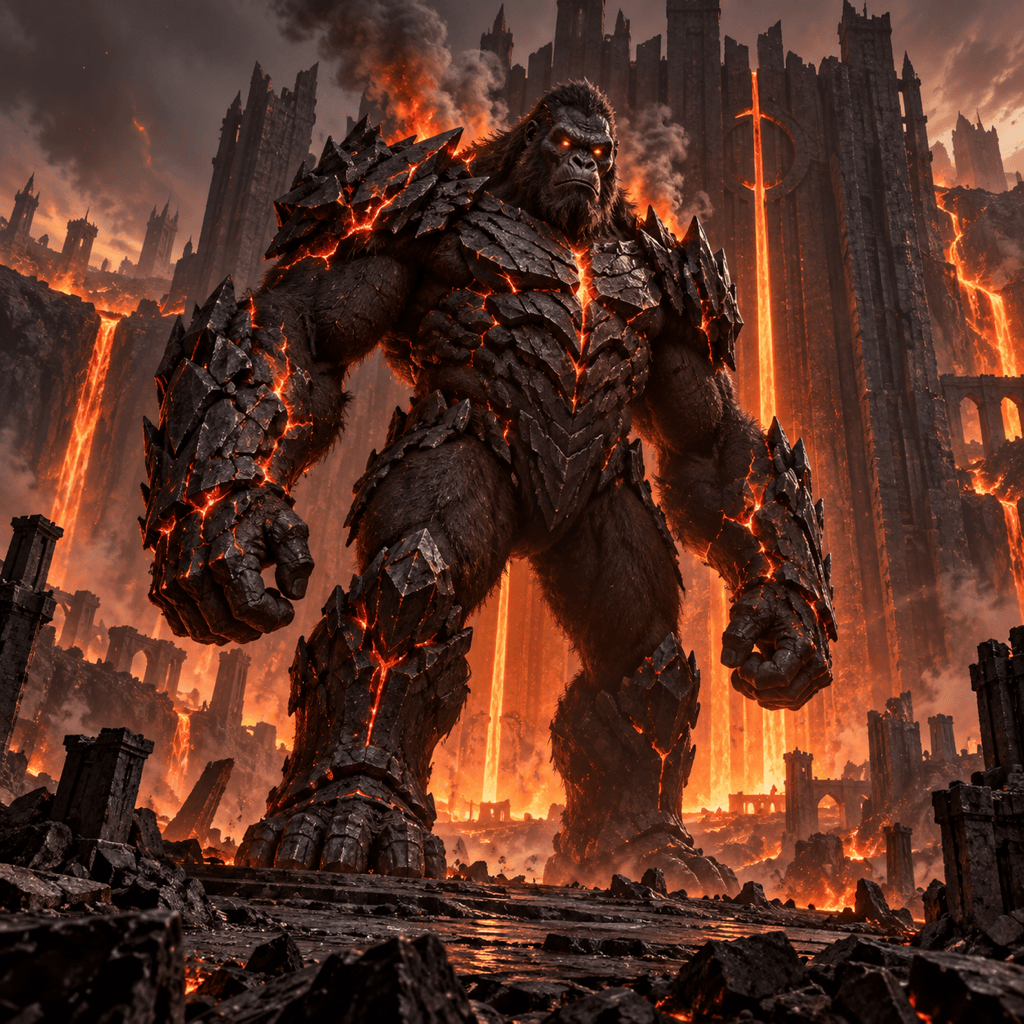
Boss Reveal: Design a blind cathedral guardian with six jointed stone limbs, a cracked bronze mask, blue fire glowing through its ribs, and a heavy crouched stance. Show tiny adventurers at the ruined nave entrance for scale, low-angle cinematic concept art, no text.
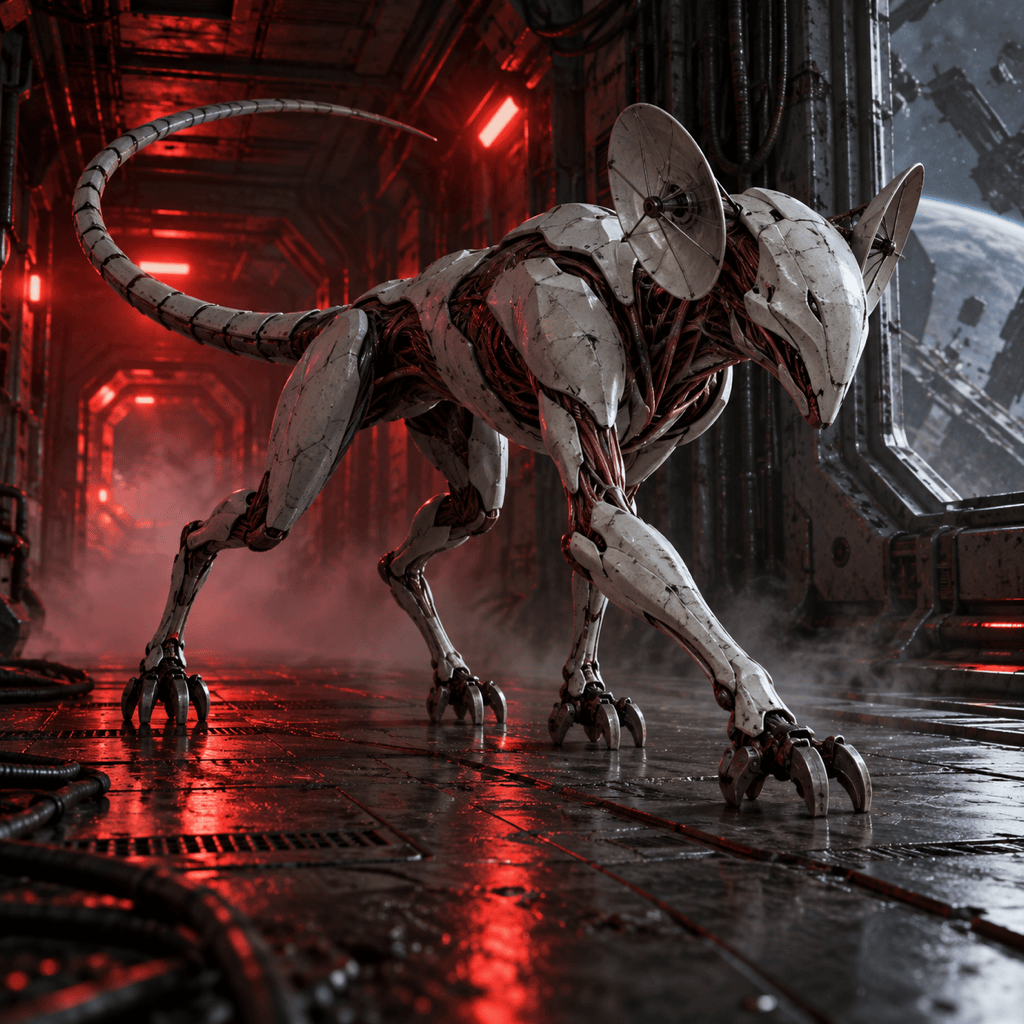
Chase Monster: Invent a fast sci-fi predator for an orbital station. Lean quadruped frame, magnetic claws, ceramic shell plates, exposed copper tendons, radar-dish ears, and a long balancing tail, sprinting through red emergency light, strong side silhouette, no logos.
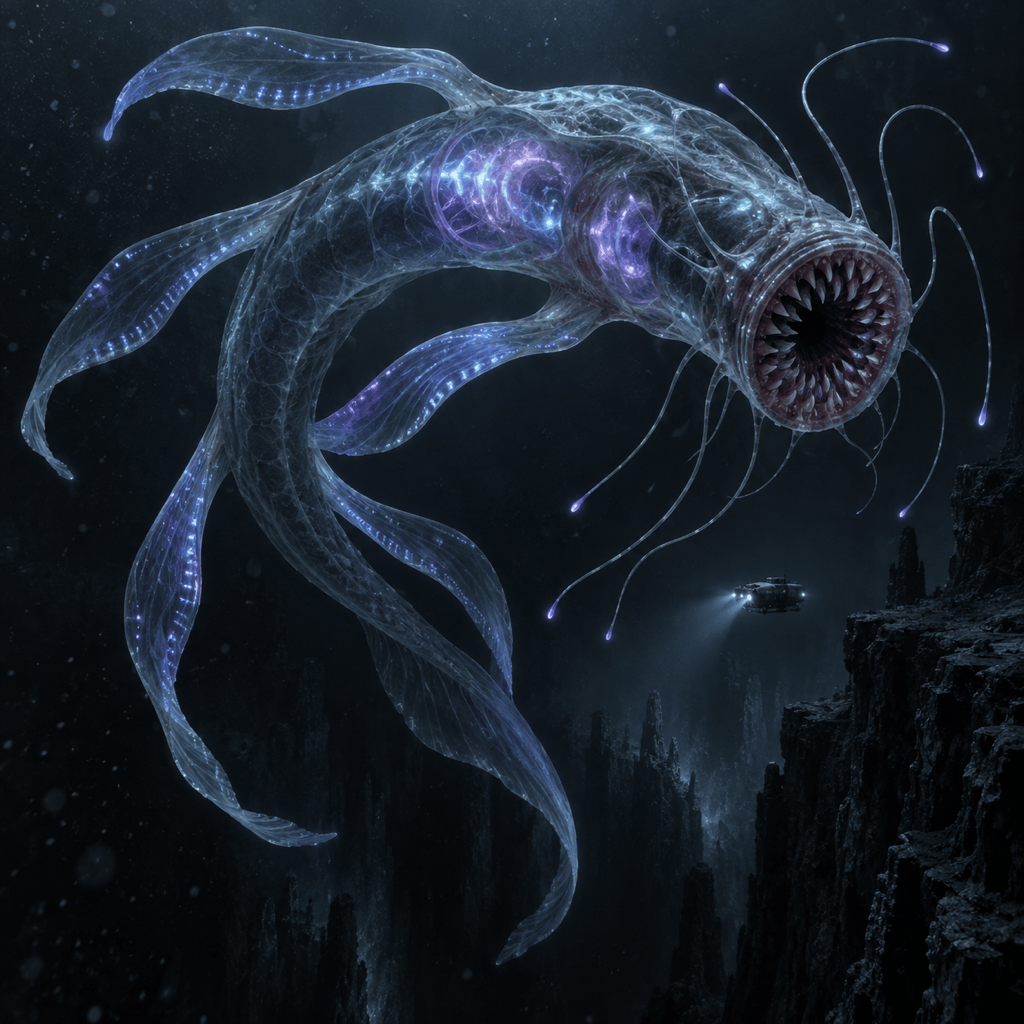
Cosmic Horror Reveal: Generate a translucent leviathan rising behind a tiny research submersible. Circular lamprey mouth, six ribbon fins, internal bioluminescent organs, black ocean trench, cold cyan light, vast scale, restrained non-graphic horror, no text.
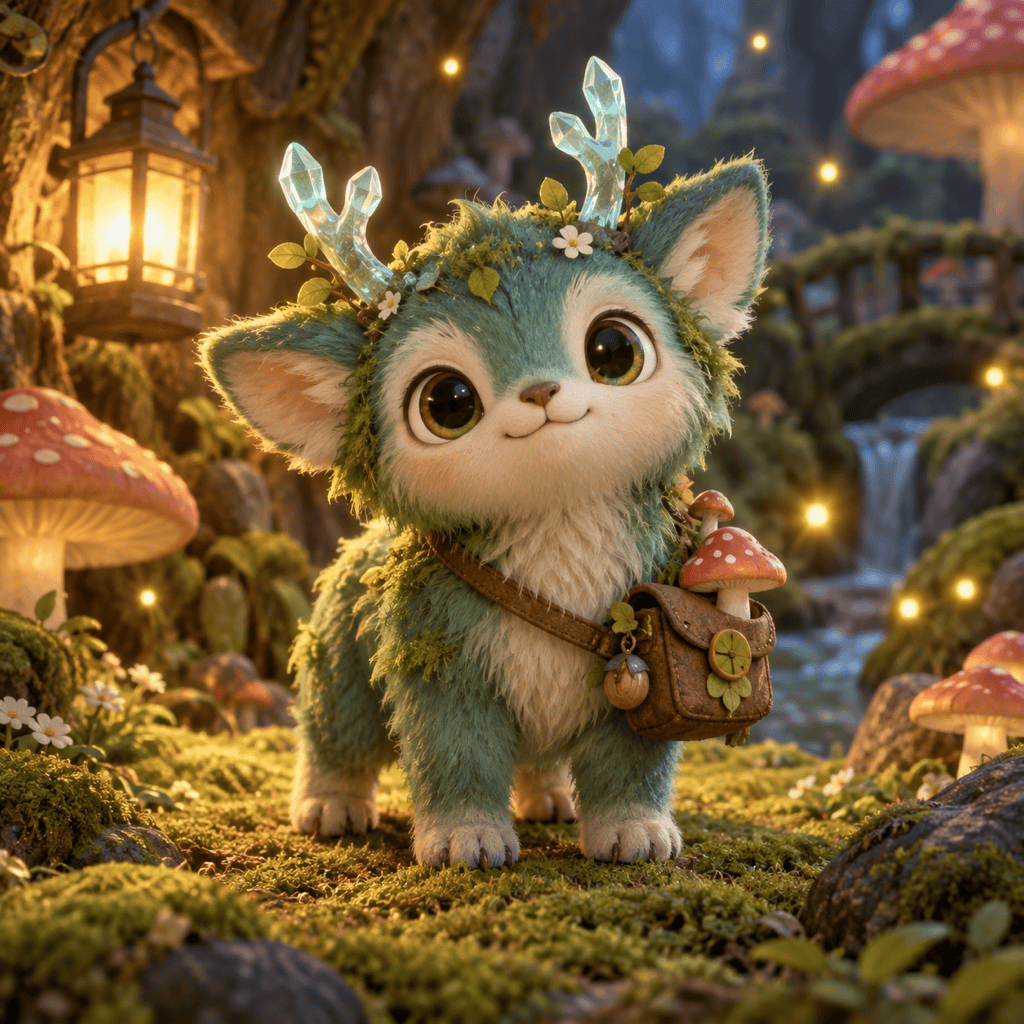
Low-Threat Companion: Make a palm-sized forest monster that distracts enemies with glowing crystal antlers. Mossy teal fur, four short paws, mushroom satchel, curious eyes, warm lantern light, whimsical 3D game art, centered full body, friendly rather than fierce.
Enemy Roster Sheet: Create three related arctic tunnel hunters at scout, adult, and queen scale. Shared shovel-shaped skull, translucent fur, six ice-gripping legs, and heat-sensing pits, neutral concept-sheet background, consistent anatomy and palette, no labels.





