Free OnlineAI Mockup Generator
How to Create a Mockup with AI
Define the Surface and Destination
Add Your Design Assets
Generate and Inspect the Mockup
Refine the Scene and Export

Why Mew Design Works for Mixed Mockup Projects
One Brief, Many Visual Surfaces
Preview one creative direction on apparel, packaging, printed pieces, and device screens. This AI design mockup generator helps you compare formats without rebuilding the concept for every surface.
Your Artwork Stays at the Center
Upload the approved logo, label, pattern, poster, book cover, or screenshot and describe what must remain recognizable. You can review spelling, color, scale, and placement before using the result.
Scenes Directed in Plain Language
Control material, view, crop, backdrop, light direction, props, and negative space through conversation. The online AI mockup maker gives you a custom scene instead of limiting the idea to one stock template.
Focused Revisions With Chat Edit
Keep the overall direction while requesting one targeted change, such as a smaller chest print, softer shadow, straight-on phone view, cleaner frame, or alternate background.
A Repeatable Mockup Art Direction
Turn a successful setup into a reusable Mew Skill for later launches. Preserve preferred camera, lighting, brand, and delivery rules while adapting the mockup set to each new design.
Free Credits and Watermark-Free Exports
Try the free AI mockup generator with signup credits, refine the result, and export watermark-free PNG or JPG images. For ecommerce-focused physical-product scenes, explore our AI product mockup maker.
How to Prompt AI for a Believable Mockup
- Start With the Destination: Say whether the image is for an ecommerce listing, client approval, portfolio, app launch, pitch deck, print-on-demand shop, or social campaign.
- Map the Artwork: Name the uploaded file, identify the target face or screen, set its scale and orientation, and state which elements must remain unchanged.
- Direct the Shot: Specify the surface material, camera angle, crop, background, lighting, reflections, shadows, and any useful space for later copy.
- Protect Critical Details: Ask the AI to preserve important wording, logo proportions, colors, and screenshot content, then inspect those details before export.
Mockup Prompts for Products, Print, and Screens
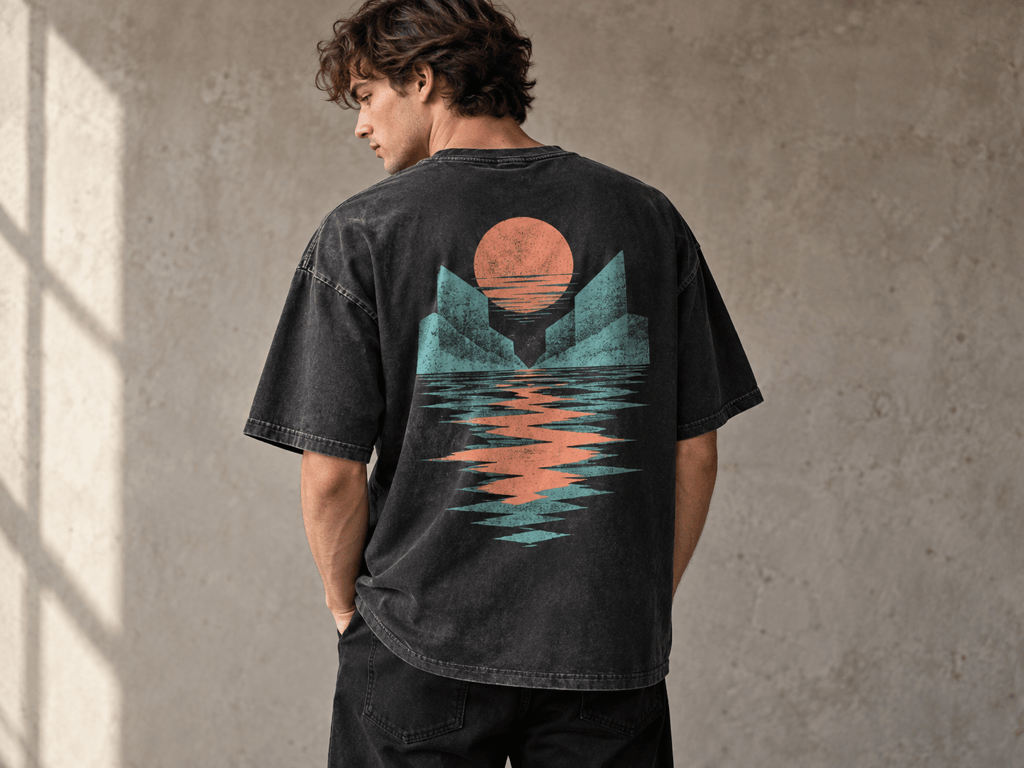
AI T-Shirt Mockup: Place my uploaded geometric back print on an oversized washed-black T-shirt worn by a model in a neutral concrete studio. Keep the artwork proportions and colors unchanged, make the print follow the fabric folds, use natural side light, and frame a 4:3 image for an Etsy listing.
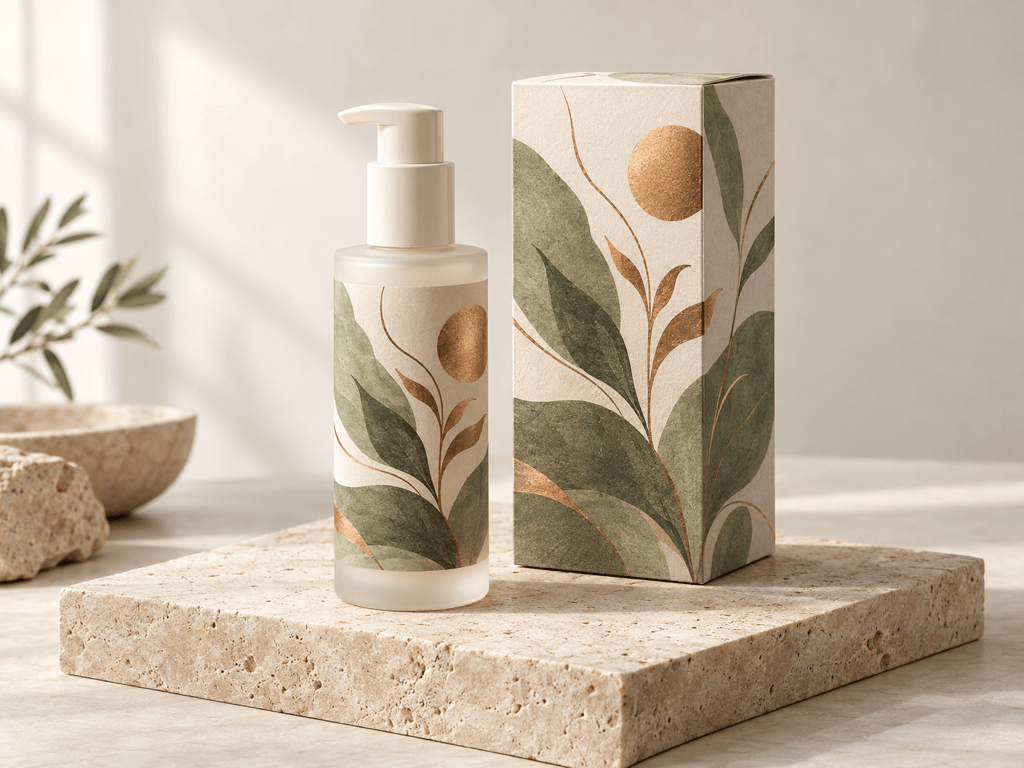
Packaging Mockup: Apply my uploaded label to a matte white skincare bottle and matching folding carton. Show a front and three-quarter arrangement on pale stone with soft daylight, accurate paper and plastic texture, clean contact shadows, and no invented brand text.
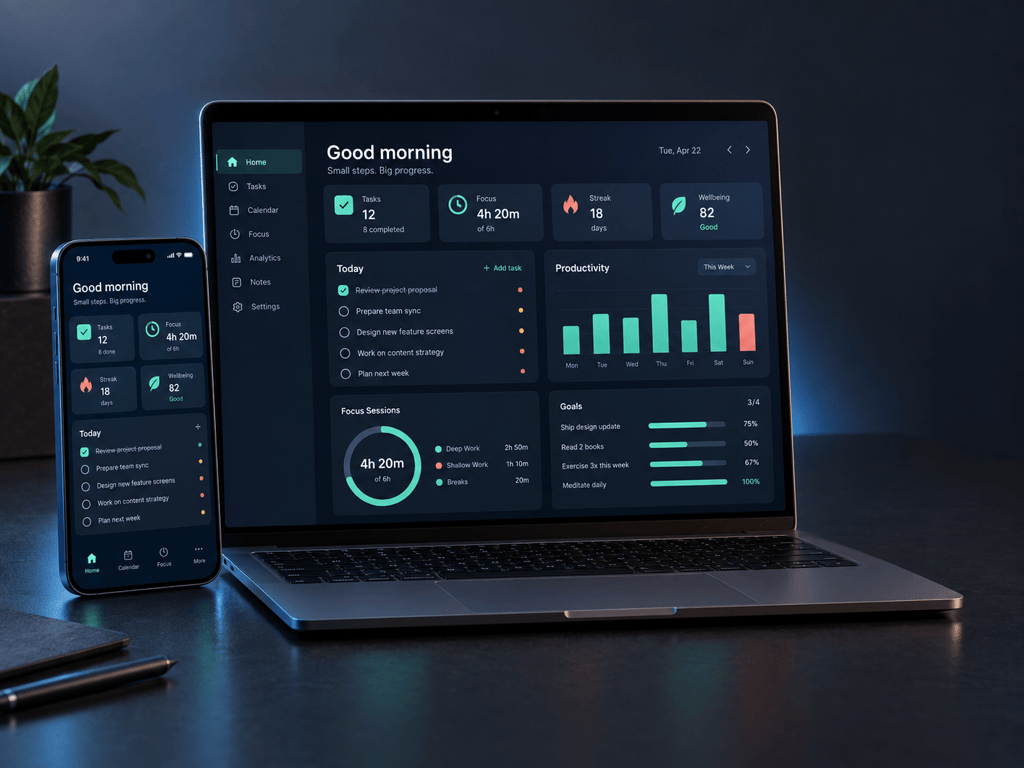
App Device Mockup: Put my uploaded mobile app screenshot on a modern phone held at a slight angle above a dark desk. Preserve the screen content, add realistic glass reflections and a soft blue edge light, and leave space on the right for an App Store campaign headline.
AI Website Mockup: Display my uploaded landing-page screenshot on a slim laptop and tablet in a bright workspace. Keep the interface unchanged and readable, use a straight-on view with subtle depth, neutral daylight, and a clean 16:9 crop for an investor presentation.
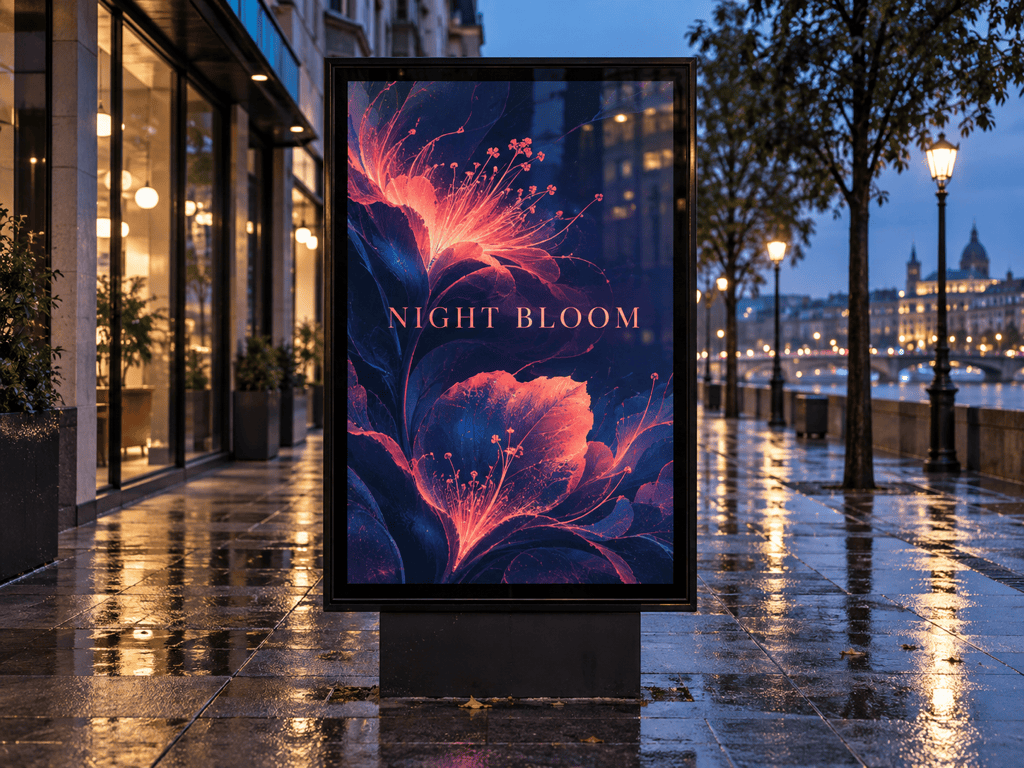
Poster Mockup: Place my uploaded event poster inside a thin black street-frame display at night. Keep every word and color unchanged, add realistic glass glare and pavement reflections, use a centered portrait frame within a 4:3 scene, and avoid extra signage.
Book Cover Mockup: Turn my uploaded cover design into a hardcover book mockup on a warm oak table. Show one standing copy and one flat copy, preserve the title and artwork, add believable paper grain and spine depth, and use soft morning light for a portfolio case study.





