Free OnlineAI Product Mockup Maker
How to Create a Product Mockup with AI
Define the Product Surface
Add the Design or Brand Asset
Generate a Realistic Mockup
Correct Details and Export

Why Choose Mew Design as Your AI Product Mockup Maker
Designs That Follow the Surface
Upload flat artwork and explain its placement. The AI considers bottle curvature, box faces, fabric folds, device perspective, and edge alignment instead of leaving the graphic floating on top.
Studio Realism Without a Shoot
Create credible materials, highlights, contact shadows, depth of field, and commercial lighting for a launch concept before samples or photography are ready.
Mockups for More Than Packaging
This online AI mockup maker can visualize pouches, boxes, cosmetics, cans, mugs, apparel, signage, posters, phones, and other physical or digital products in context.
Brand Files and References Welcome
Use logos, label art, product photos, screenshots, and visual references to guide the composition. Ask Mew Design to preserve the important brand elements while changing the scene.
Angles and Campaign Sets by Chat
Turn one direction into front, three-quarter, close-up, lifestyle, and shelf-ready variations. Chat Edit makes it practical to refine one issue without rewriting the whole brief.
Free Trial, Watermark-Free Results
Test the free AI product mockup maker with signup credits, then export watermark-free images for ecommerce, social posts, client presentations, or internal reviews.
How to Write an Effective AI Product Mockup Prompt
- Lock the Object and View: Specify the product type, shape, material, color, camera angle, crop, and whether you need a hero, detail, shelf, or lifestyle view.
- Map the Artwork: Name the uploaded file and state which face or surface receives it, its scale, orientation, safe margins, and which text or logo must remain unchanged.
- Describe Product Photography: Call out the background, light direction, reflections, shadows, lens feel, props, and depth of field so the mockup reads as a real shoot.
- Set the Sales Destination: Mention Amazon, Etsy, Shopify, a pitch deck, client approval, a social ad, or a lookbook so the framing and negative space fit the final placement.
Customizable AI Product Mockup Prompt Examples
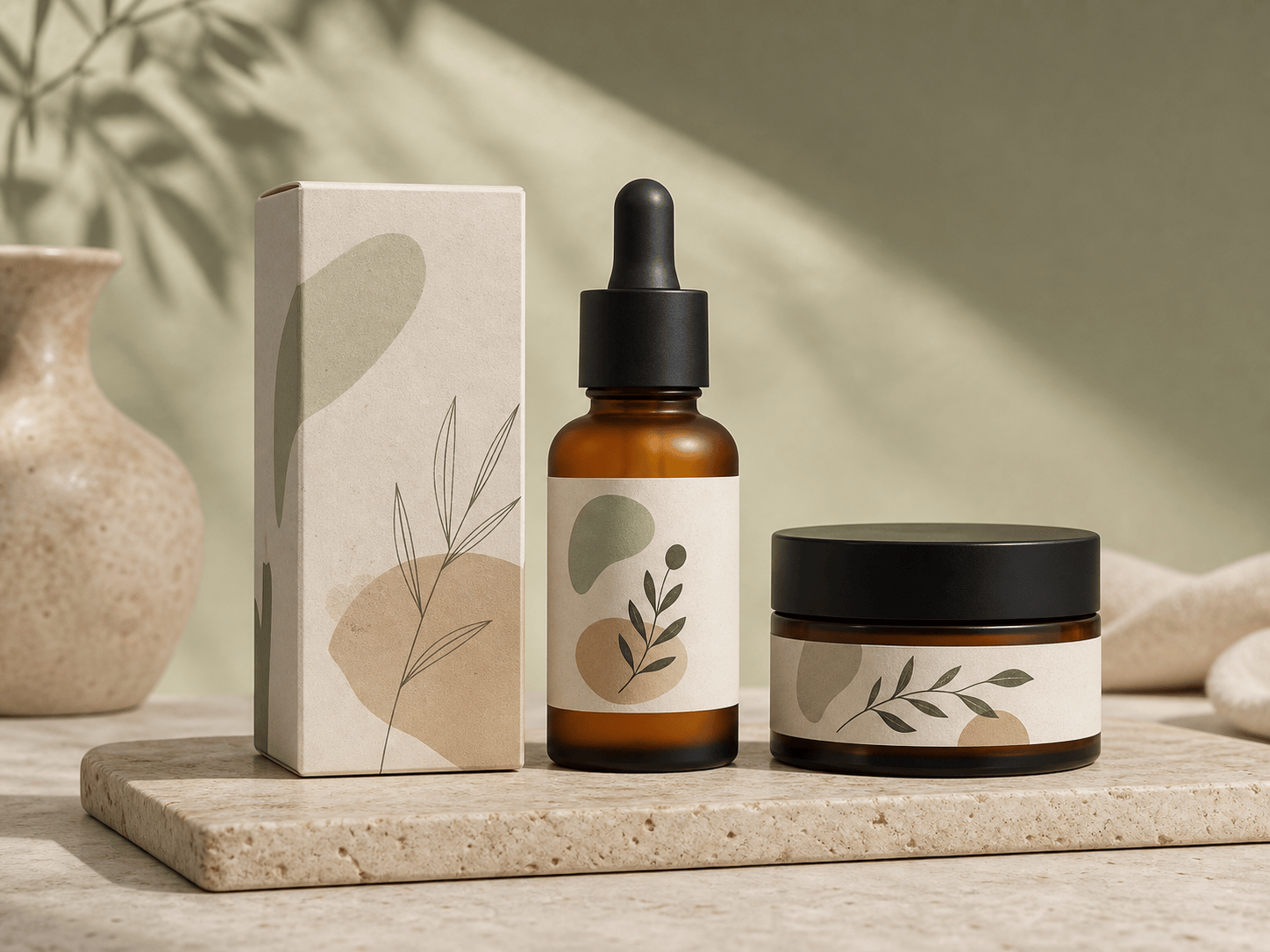
Packaging Launch: Create a photorealistic cosmetic box and matching glass jar mockup using my uploaded label files. Show a front and three-quarter arrangement on travertine with soft daylight, accurate paper grain, glass reflections, and clean shadows. Premium neutral palette for a Shopify hero image.
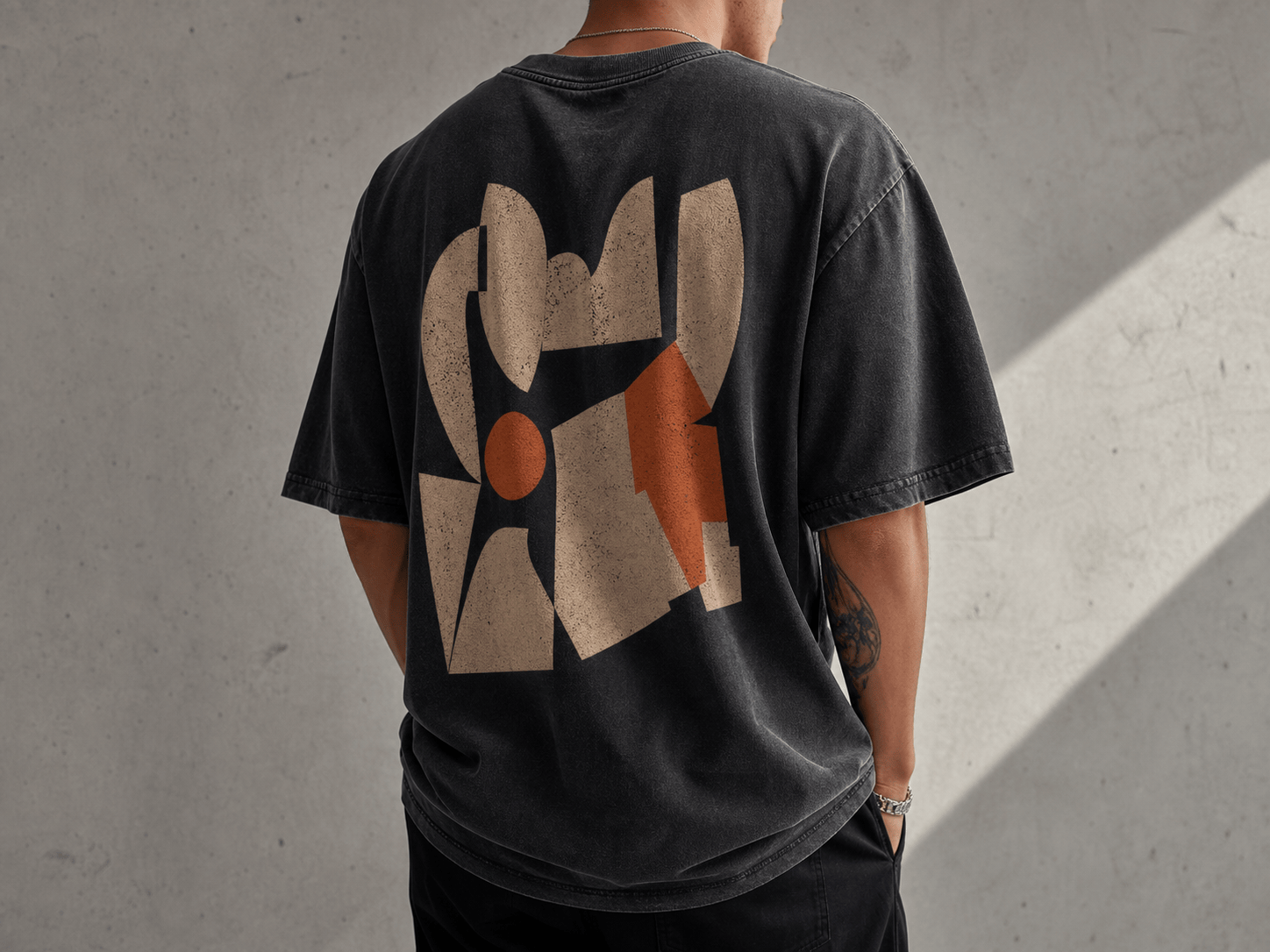
Print-on-Demand Apparel: Place my uploaded back graphic on an oversized washed-black T-shirt worn by a model in a simple concrete studio. Keep the artwork proportions unchanged and make the print follow the fabric folds. 4:3 ecommerce crop, natural side light.
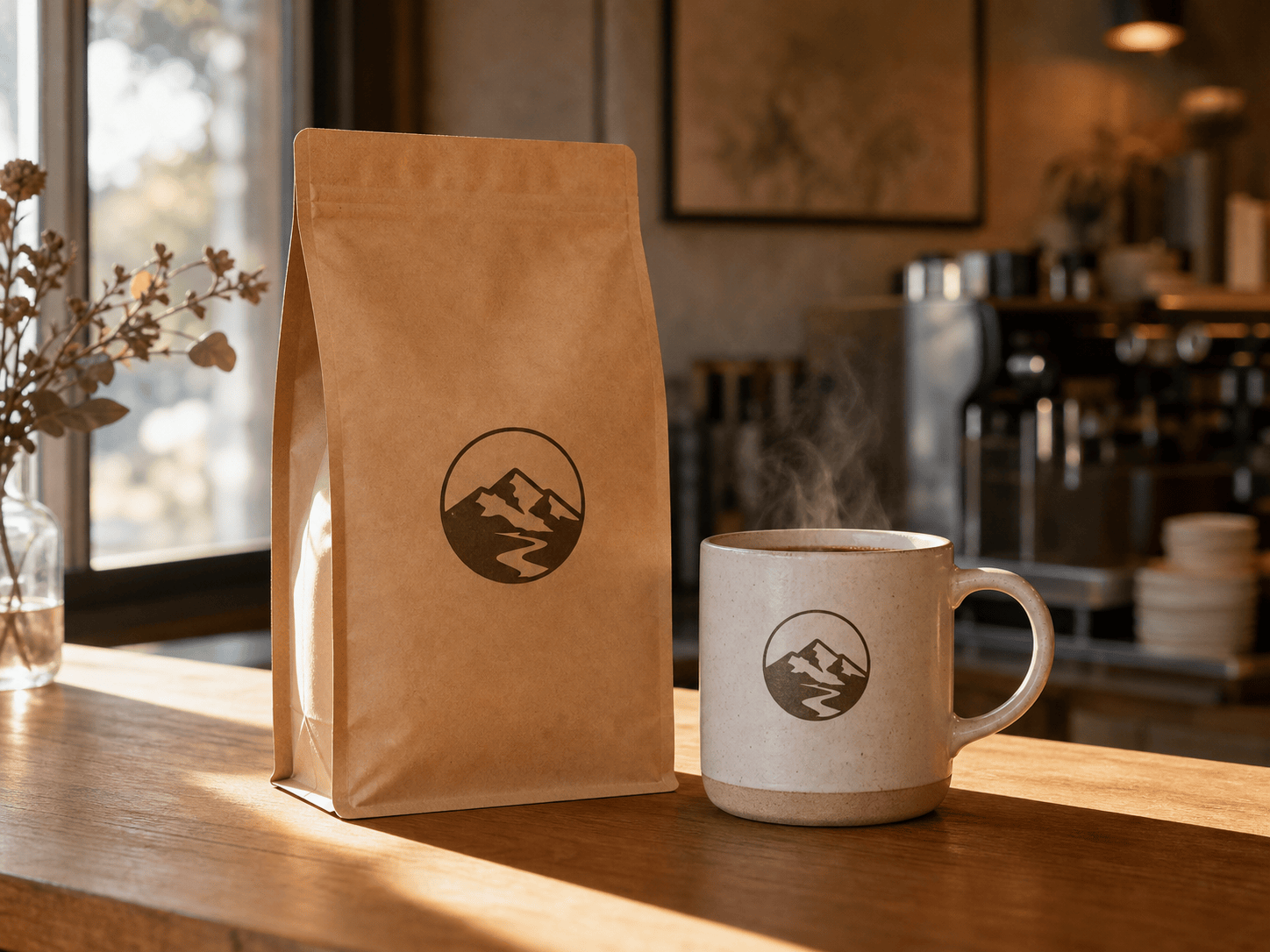
Coffee Brand: Generate a kraft coffee pouch and ceramic mug mockup using my uploaded logo. Preserve the logo exactly. Morning café counter, warm window light, subtle steam, realistic matte pouch texture, space on the left for ad copy.
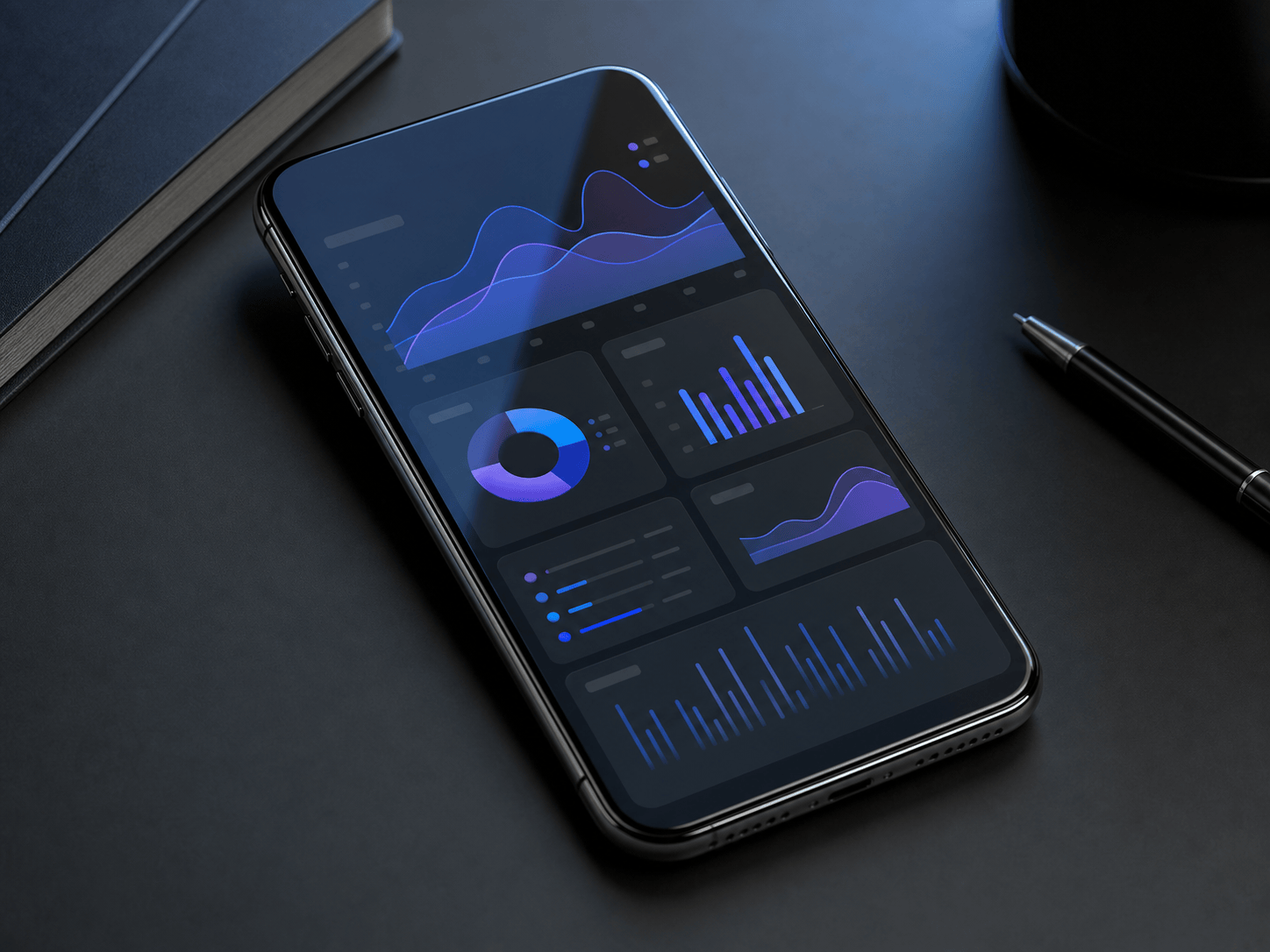
Mobile App Presentation: Put my uploaded dashboard screenshot on a modern phone screen at a three-quarter angle. Dark graphite desk, soft blue rim light, realistic screen glass and reflection, clean 4:3 composition for an investor deck.
Beverage Concept: Create a coordinated three-can mockup for sparkling water in lime, berry, and peach variants. Apply the three uploaded label designs to slim aluminum cans, keep typography legible, add condensation, and use a bright grocery-shelf campaign style.
Client Approval Set: Turn my uploaded candle label into three consistent mockups: straight-on jar, lid detail, and styled bedside scene. Amber glass, cream wax, linen and oak props, soft evening light, no invented copy.





