Free OnlineAI Magazine Illustration Generator

How to Create a Magazine Illustration with AI
Define the Editorial Angle
Share the Story and Art Direction
Generate and Direct the Revision
Export and Check the Placement

Why Use Mew Design for Magazine Illustration
Turn Article Briefs into Visual Concepts
Reference a PDF or DOCX article brief with @ and ask Mew Design to build an image around its central idea. The AI reads the selected source material, so writers and art directors can start from the story instead of rewriting it as a technical prompt.
Develop One Clear Editorial Metaphor
A strong editorial illustration often makes an argument rather than decorating a page. Describe the tension, comparison, or transformation, and the AI editorial illustration generator can explore focused symbols without burying the reader in unrelated elements.
Compose for Headlines, Crops, and Spreads
Tell the online magazine illustration generator where the masthead, headline, deck, gutter, or pull quote will sit. It can create portrait, landscape, or square directions with deliberate negative space and a focal point that survives common digital crops.
Build a Cohesive Illustration Series
Generate multiple images with a shared palette, line language, texture, and character treatment. This helps a feature package or recurring column feel commissioned as one visual system instead of assembled from mismatched stock.
Use References and Brand Assets
Upload mood references, approved colors, logos, or existing issue artwork to guide the direction. Images can shape the visual language while document files provide editorial context, keeping those two inputs distinct and useful.
Revise in Chat and Export without Watermarks
Try the free AI magazine illustration generator with signup credits, then refine composition, symbolism, color, or texture through Chat Edit. Export finished image files without a watermark for layout testing and publication workflows.
How to Write a Strong Magazine Illustration Prompt
- Name the placement: Specify cover, feature opener, full page, half page, spot illustration, newsletter header, or social crop, plus the required orientation and copy-safe area.
- Choose one visual device: Use a clear metaphor, juxtaposition, scale shift, transformation, portrait, diagrammatic scene, or collage. One dominant device is usually easier to read than several competing ideas.
- Describe the visual language: Define line quality, shapes, medium, palette, lighting, texture, and level of abstraction. Prefer descriptive traits over asking for the style of a named living artist.
- Add editorial constraints: Mention elements to avoid, sensitive representation, logos or likenesses that require approval, room for typography, and whether the piece must match an existing illustration series.
Magazine Illustration Prompts to Adapt
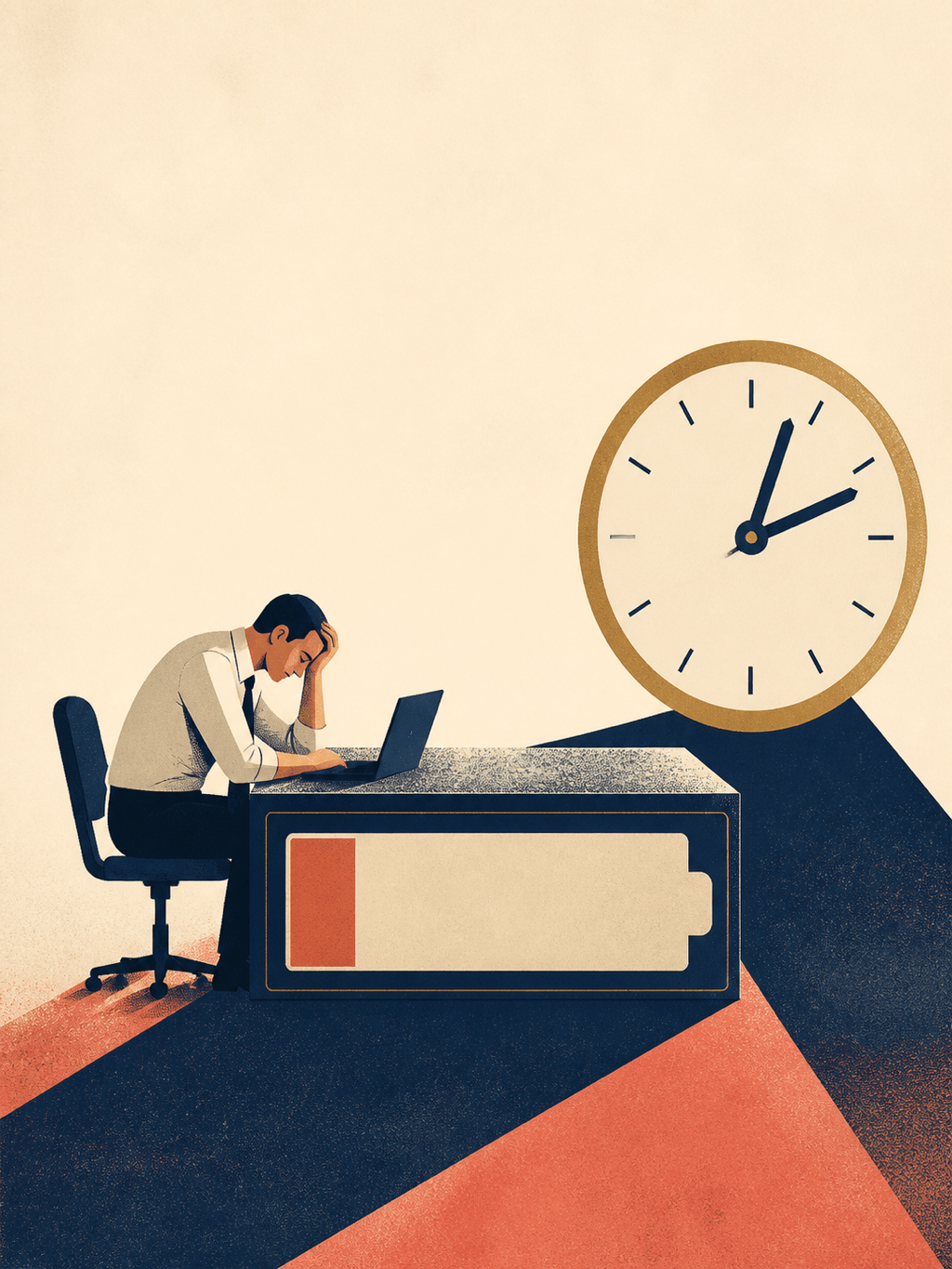
Create a portrait editorial illustration for a business magazine article about meeting overload. Show a professional seated inside an oversized calendar grid while notification shapes close in around the edges. Clean geometric vector forms, limited cobalt, warm gray, and orange palette, subtle paper grain, one strong focal point, generous space at top for a headline, no text or logos.
Design a magazine feature opener about personal data privacy. Use a glass house shaped like a smartphone with a small human silhouette inside and abstract data trails visible outside. Sophisticated conceptual illustration, deep indigo and electric mint with off-white, crisp silhouettes, restrained detail, landscape composition with copy-safe space on the left, no interface text or brand marks.
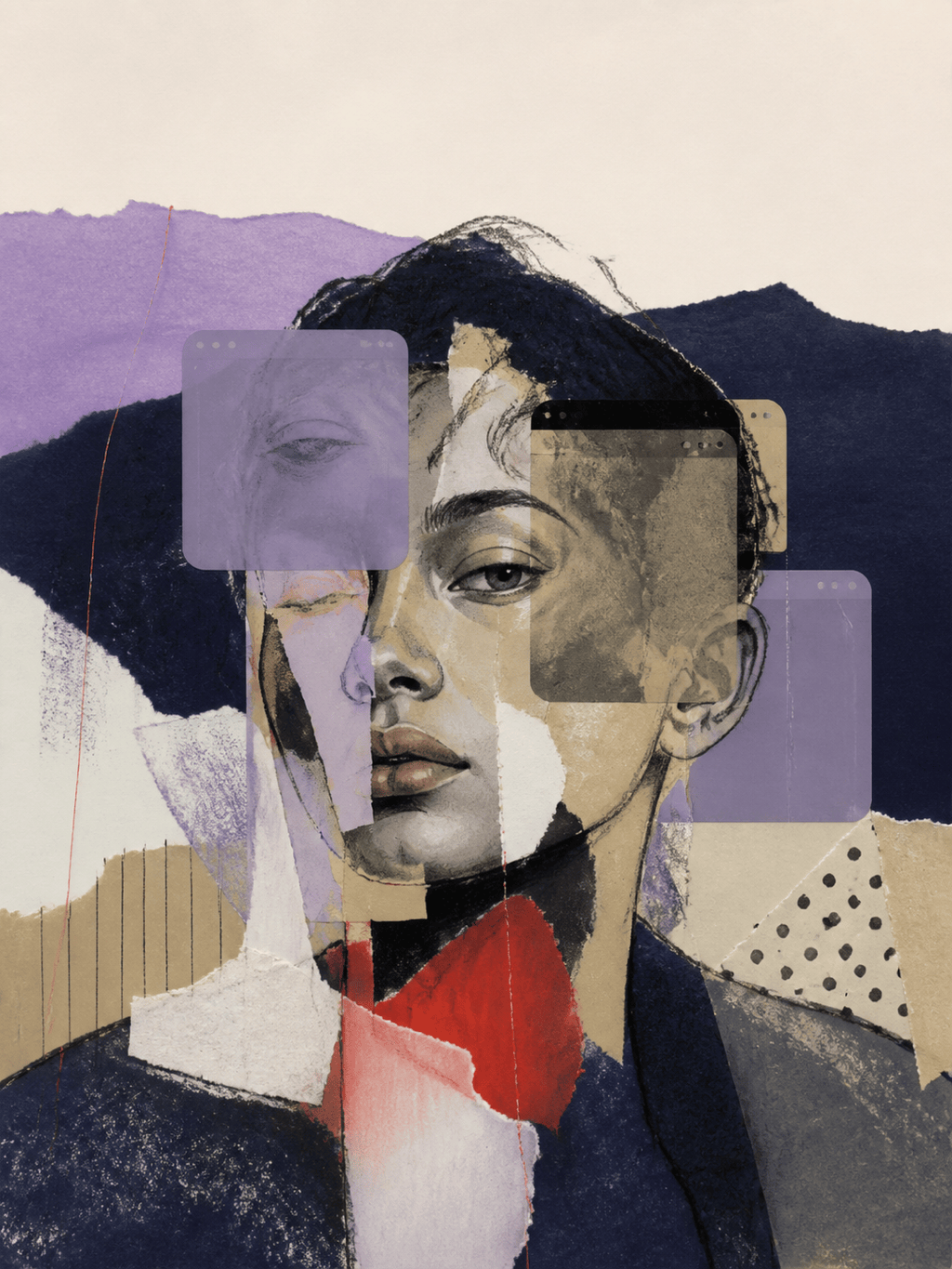
Create a 3:4 mixed-media editorial collage for a culture magazine story about identity online. Build one fragmented portrait from paper layers, profile windows, thread, and translucent color fields. Contemporary tactile collage, lilac, midnight blue, sand, and red, balanced asymmetry, expressive but readable, no platform logos, no words, no watermark.
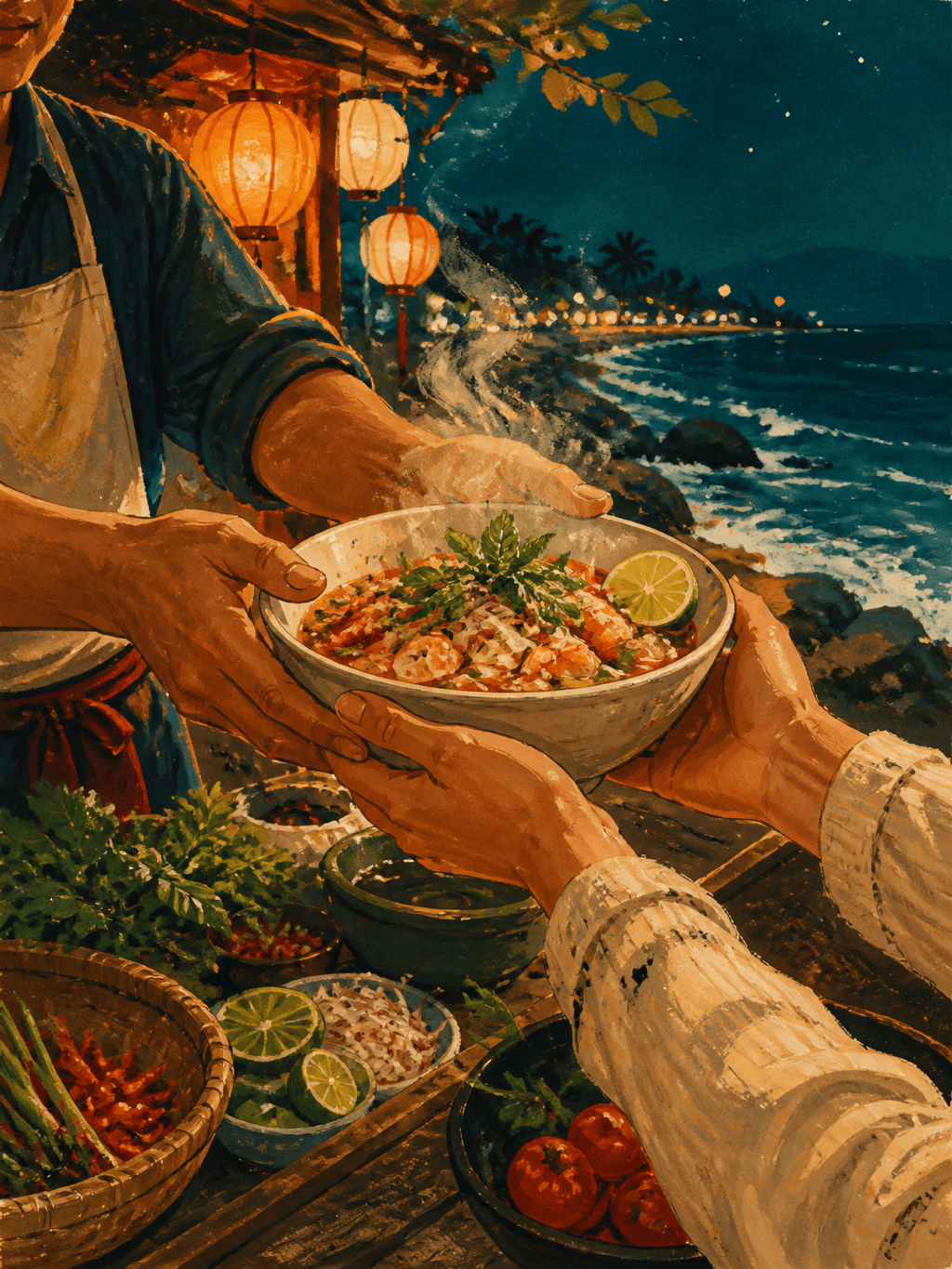
Illustrate a food and travel magazine feature about coastal night markets. Show a vendor's hands passing a steaming bowl across a counter while lantern light, sea air, and small ingredient shapes form a flowing visual rhythm. Painterly gouache with ink accents, warm amber against teal, sensory texture, human and inviting, leave the upper-right corner quiet for a deck, no text.
Create a half-page editorial illustration for a health magazine article about the invisible work of caregiving. Show two figures connected by a soft woven bridge made from everyday tasks and small household objects. Gentle cut-paper forms, inclusive non-specific characters, sage, clay, cream, and charcoal palette, compassionate rather than sentimental, clean lower crop, no lettering.
Generate a coherent three-image editorial series for a technology column covering artificial intelligence at work: collaboration, oversight, and creative judgment. Use the same sculptural characters, bold rounded geometry, cobalt and lemon accents, light speckled texture, and consistent 3:4 framing across all images. Give each image one distinct metaphor and preserve headline-safe space, with no text, logos, or copyrighted characters.





