Try It Free OnlineAI Lounge Design
How to Create a Lounge Design with AI
Show the Room and Its Limits
Choose a Direction for the Space
Revise the Details in Chat
Check the Idea and Save It

Compare Lounge Ideas Before You Redecorate
Start with Your Own Lounge
An uploaded photo gives this online AI lounge design tool a reference for your room. Name the features to retain so each request starts from your actual space.
Work Around Furniture You Own
Explore living room redesign ideas with your existing sofa, shelving or TV position in mind. Request new colors and accessories around them, then check that the result kept the intended details.
Compare More Than Paint Colors
Ask for Japandi, contemporary or warm traditional variations. Compare the seating, rug placement and lighting mood before choosing a direction.
Develop a Lounge Without a Photo
Describe a small home lounge or a hotel seating area to generate an initial concept. Add reference images when you want to guide the materials or atmosphere.
Choose How Your Concept Is Generated
Select an available image model yourself or let Mew Auto choose a suitable one for your photo and brief. Mew Design offers leading image models and adds new releases promptly.
Make the Next Conversation Easier
Use Chat Edit to refine a selected design, then share a watermark-free image with your household or project team. A visual reference helps explain the look you want.
Before You Redesign Your Lounge
- Photograph the Whole Seating AreaUse a level, well-lit view with visible floor space. Avoid extreme wide-angle distortion and close-ups that hide the room’s edges.
- Separate Keep from ChangeList the furniture and finishes that must stay. For a rental, ask for changes to movable furnishings and lighting rather than walls or built-ins.
- Give the Lounge a Main JobSay whether you watch TV, read, host visitors or need a quiet waiting area. Identify doorways and routes that seating must not block.
- Check Scale Outside the ImageCompare each result with the source photo. AI can alter geometry or invent furniture; verify measurements and real products separately.
Lounge Layout Problems You Can Explore
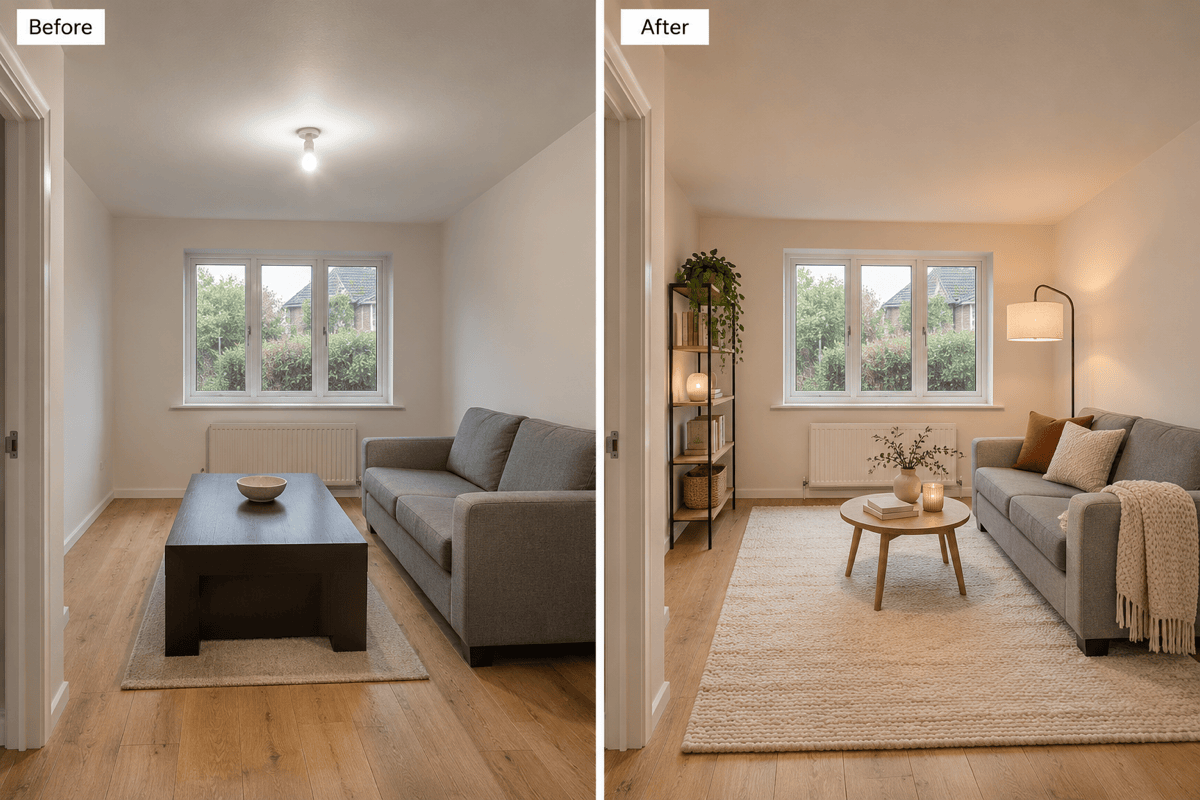
Redesign my small lounge from the uploaded photo. Keep the sofa and windows. Use a compact round coffee table, slim storage and a light rug; leave the doorway clear.
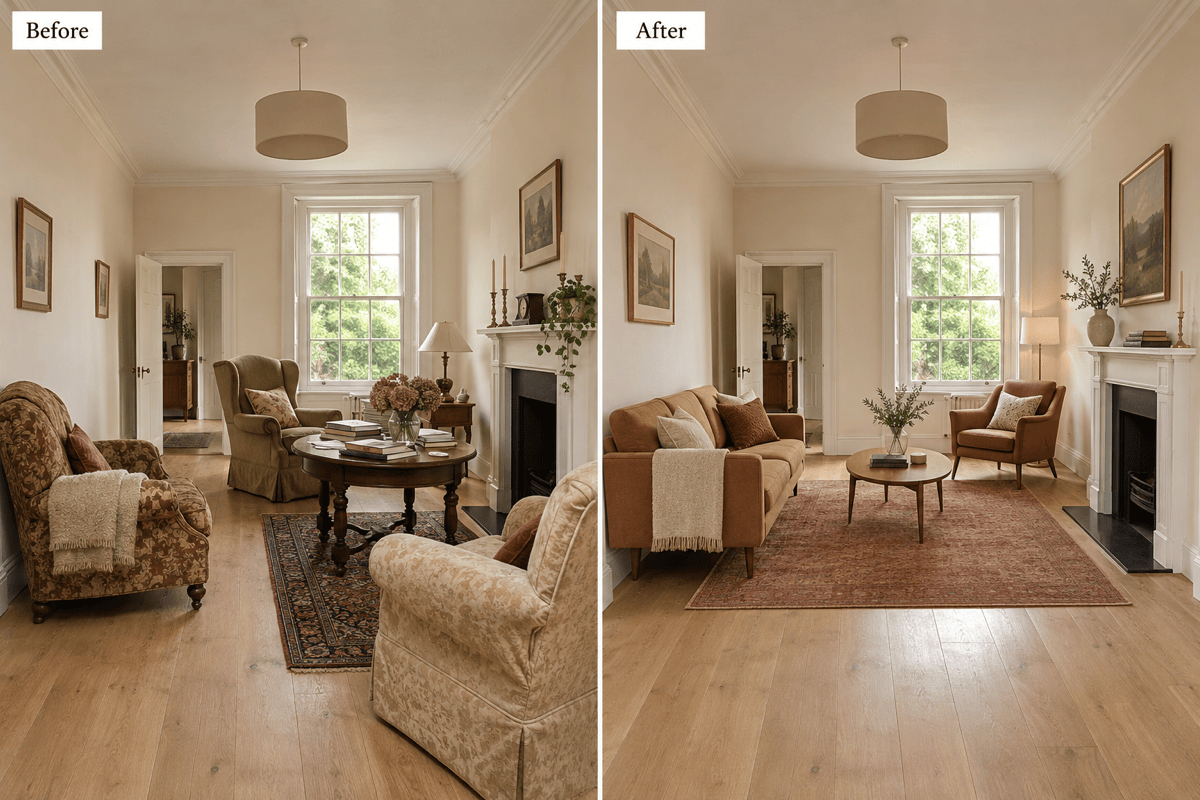
Show a better furniture arrangement for my long, narrow lounge. Keep the fireplace and doors in place. Group seating for conversation and leave a continuous route through the room.
Refresh my rented living room without changing the wall color, floor or fittings. Keep the sofa and add a coordinated rug, curtains and freestanding lamps.
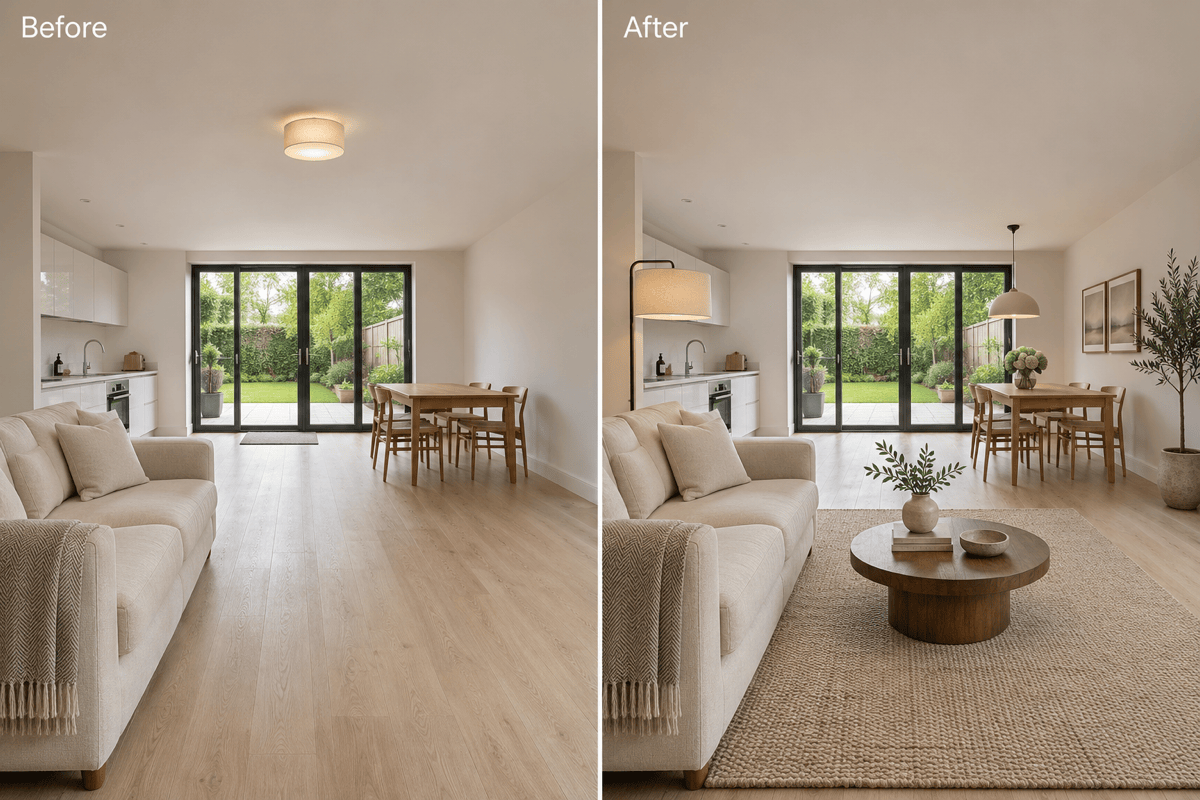
Use my open-plan lounge and dining room photo. Define the sitting area with a rug and lighting, keep the dining table and leave a clear route between both zones.
Make my lounge feel cozy in the evening. Keep the room layout and furniture. Add a reading lamp beside the armchair, soft table lighting and warm textile accents.
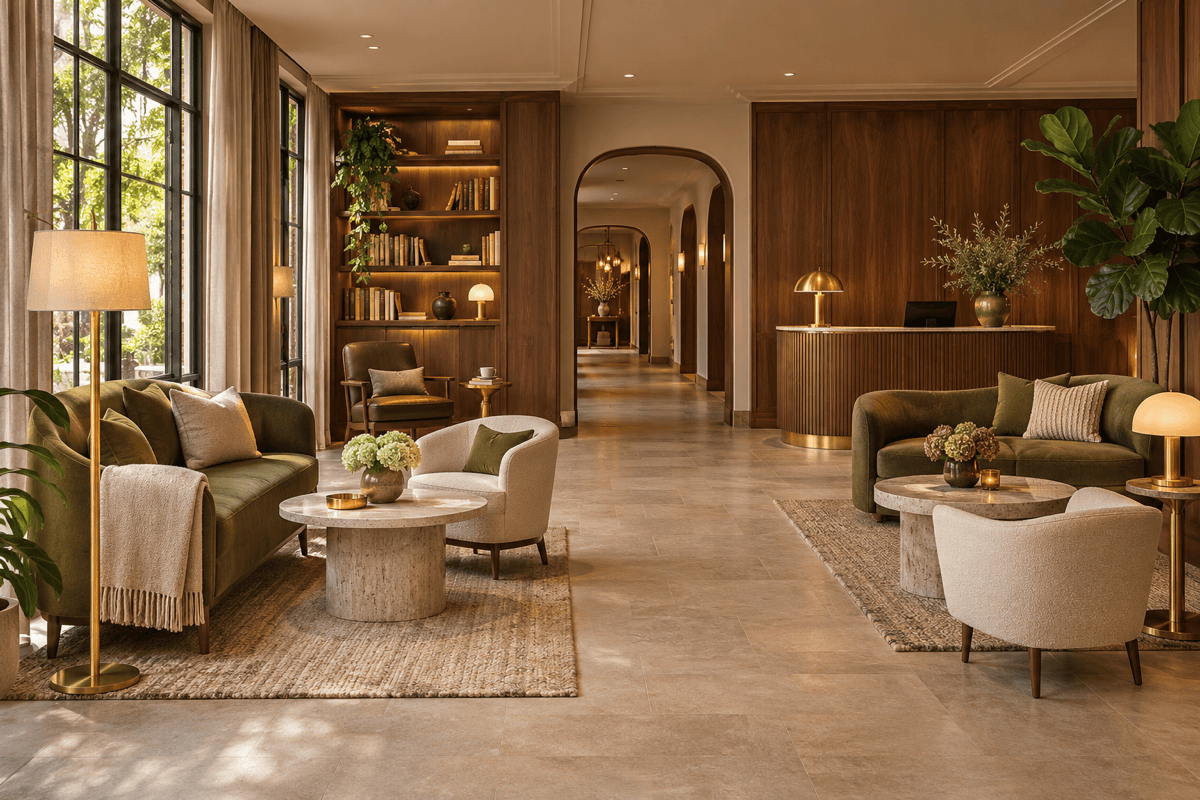
Generate a boutique hotel lounge concept with small conversation groups, a quiet reading corner and a clear route toward reception. Use walnut, olive upholstery and soft lighting.





