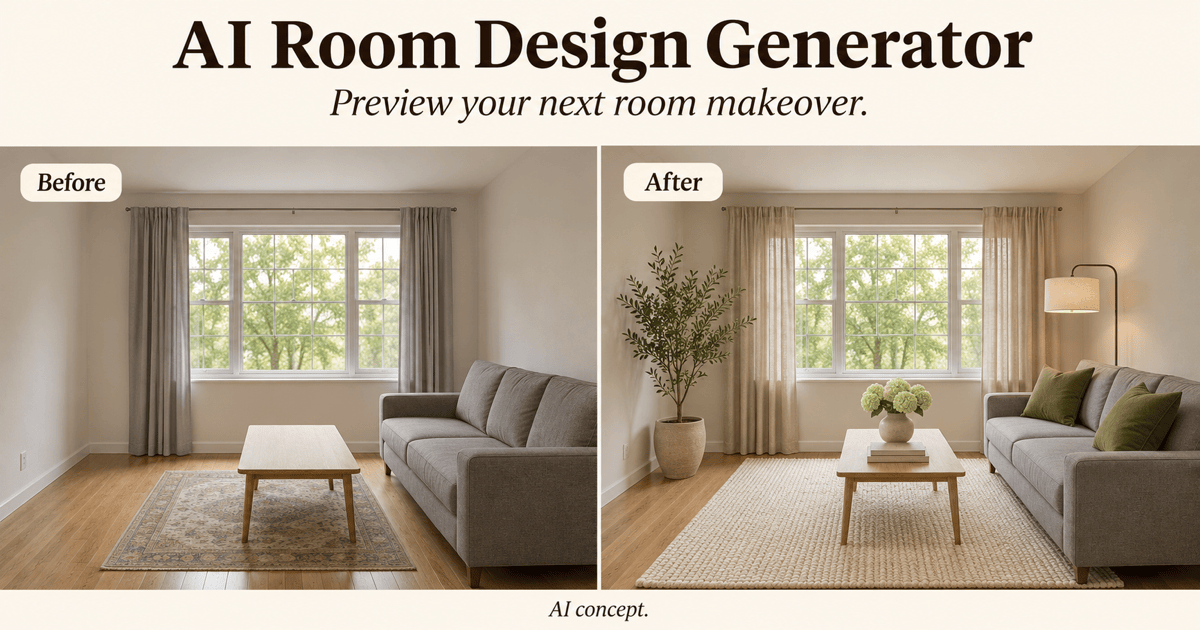
Free OnlineAI Living Room Design
How to Design a Living Room with AI
Upload a Living Room Photo or Describe Your Space
Choose a Style and Generate Your Room
Refine the Furniture and Decor
Download Your Living Room Design

AI Living Room Design from Photos or Text
Redesign Your Living Room from a Photo
Use AI living room design from a photo to explore a makeover around your windows, flooring, and existing furniture. Specify the features to preserve, then review the result.
Compare Modern, Japandi, and Scandinavian Styles
Compare Japandi, Scandinavian, and modern living room ideas with the same room brief. Test wall colors, sofa fabrics, wood finishes, and rugs before choosing a look.
Redecorate with Your Existing Furniture
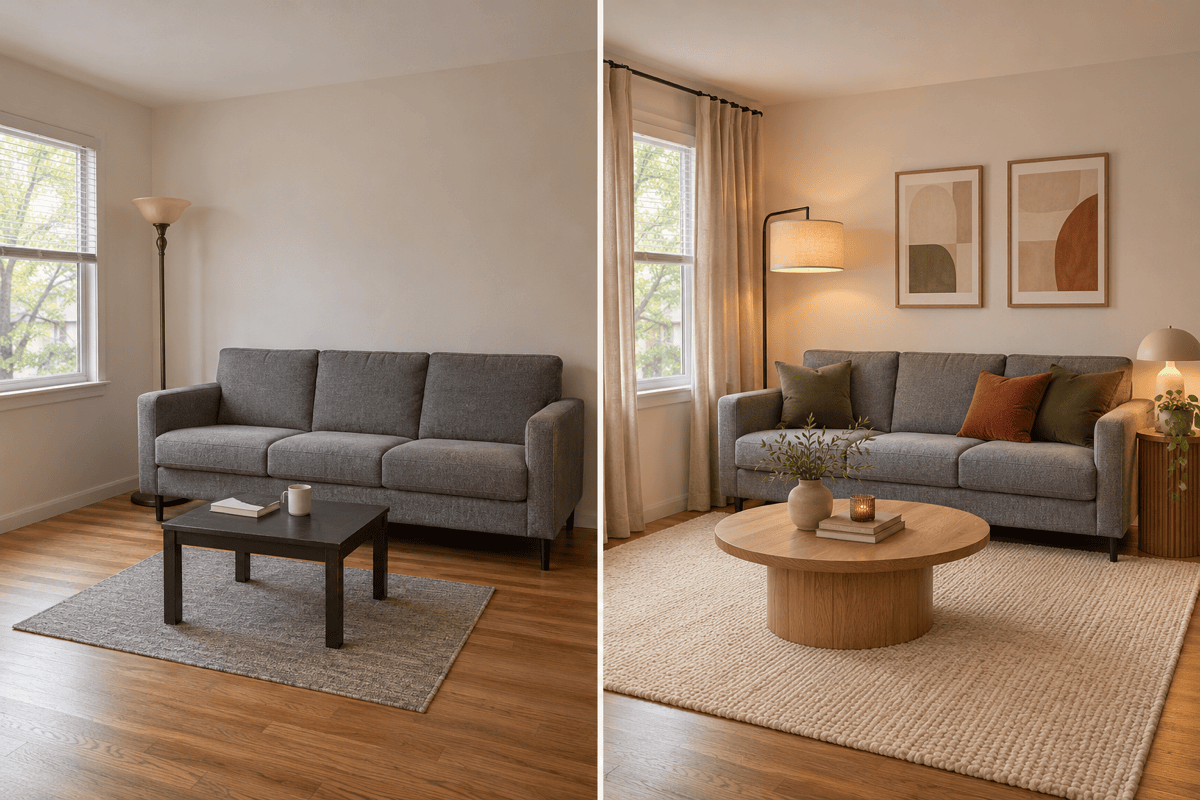
Keep a favorite sofa as the starting point. Upload a reference and ask for coordinating curtains, a coffee table, and a rug instead of replacing everything.
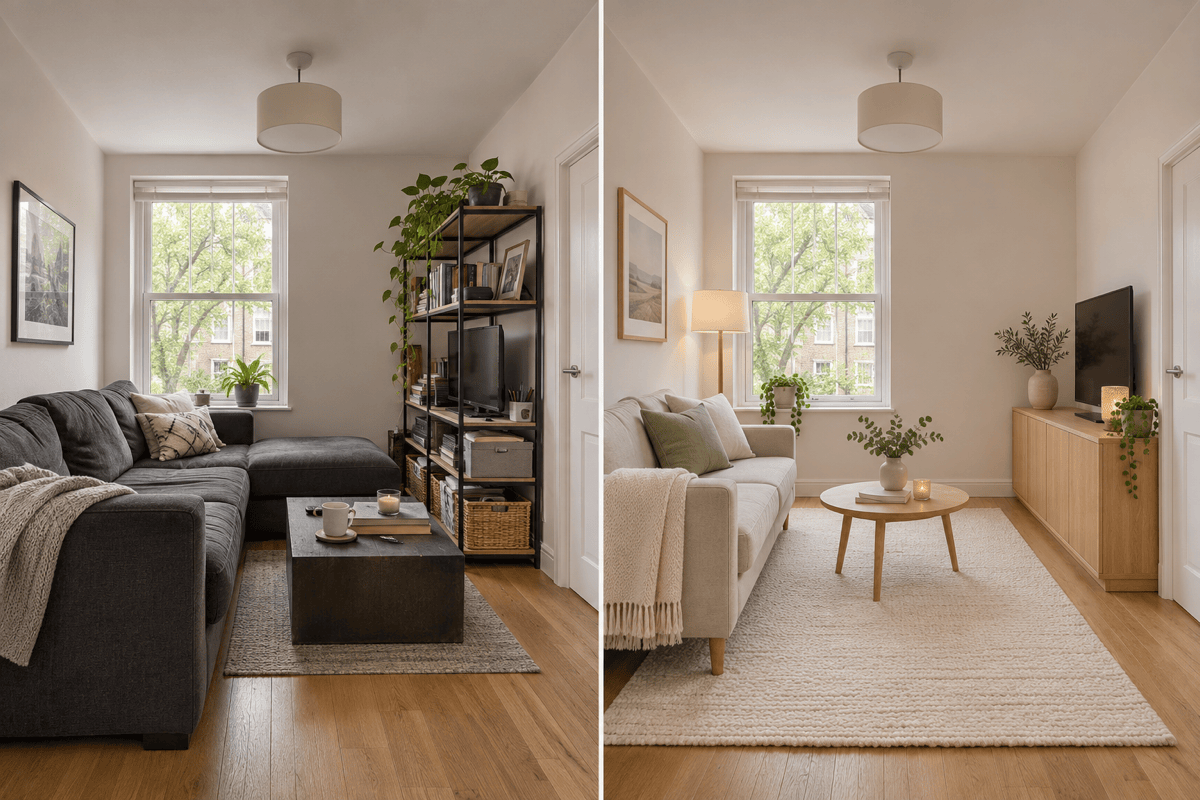
Generate Small and Open-Plan Living Room Ideas
Our AI living room generator also works from text. Describe a small apartment lounge or an open-plan living and dining room to explore a new interior concept.
Adjust One Detail in Chat
Ask for softer lighting or less bulky seating through Chat Edit. Change one thing at a time to compare options and spot unwanted changes.
Choose a Model for Your Room
Select an available image model yourself, or let Mew Auto choose for your photo edit or new concept. Access the latest leading image models, with new releases added promptly.
How to Get Better AI Living Room Design Results
- Show the Whole Space:Use a bright, sharp photo with visible wall and floor edges. Avoid extreme wide-angle distortion and remove temporary clutter.
- Name What Must Stay:List doors, windows, a fireplace, and furniture to keep. Add reference photos when a particular piece matters.
- Explain Daily Use:Mention TV viewing, conversation, children’s toys, storage, or a dining area. Include room dimensions as context, not as a guarantee of scale.
- Check the Result:Compare openings, proportions, and walkways with the source. If anything drifts, request a focused correction using the original photo.
Small, Rental, and Open-Plan Living Room Ideas
Redesign my uploaded small living room with compact seating, closed storage, and a round coffee table. Keep the walls and windows unchanged and leave the doorway clear.
Refresh my living room around the existing gray sofa. Keep its shape and position, and try a warm neutral rug, olive cushions, oak furniture, and layered lighting.
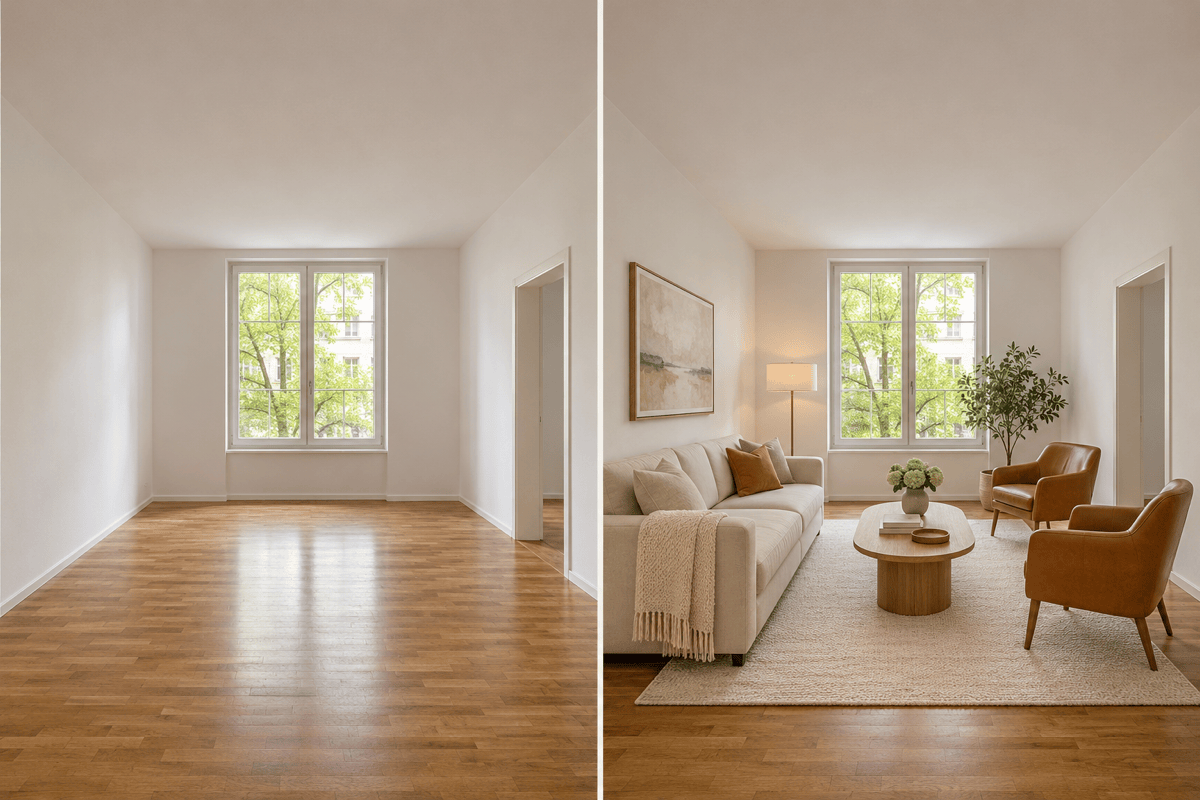
Furnish my empty living room with a sofa, two chairs, and a rug. Keep the existing windows, doors, and flooring. Arrange seating for conversation without blocking access.
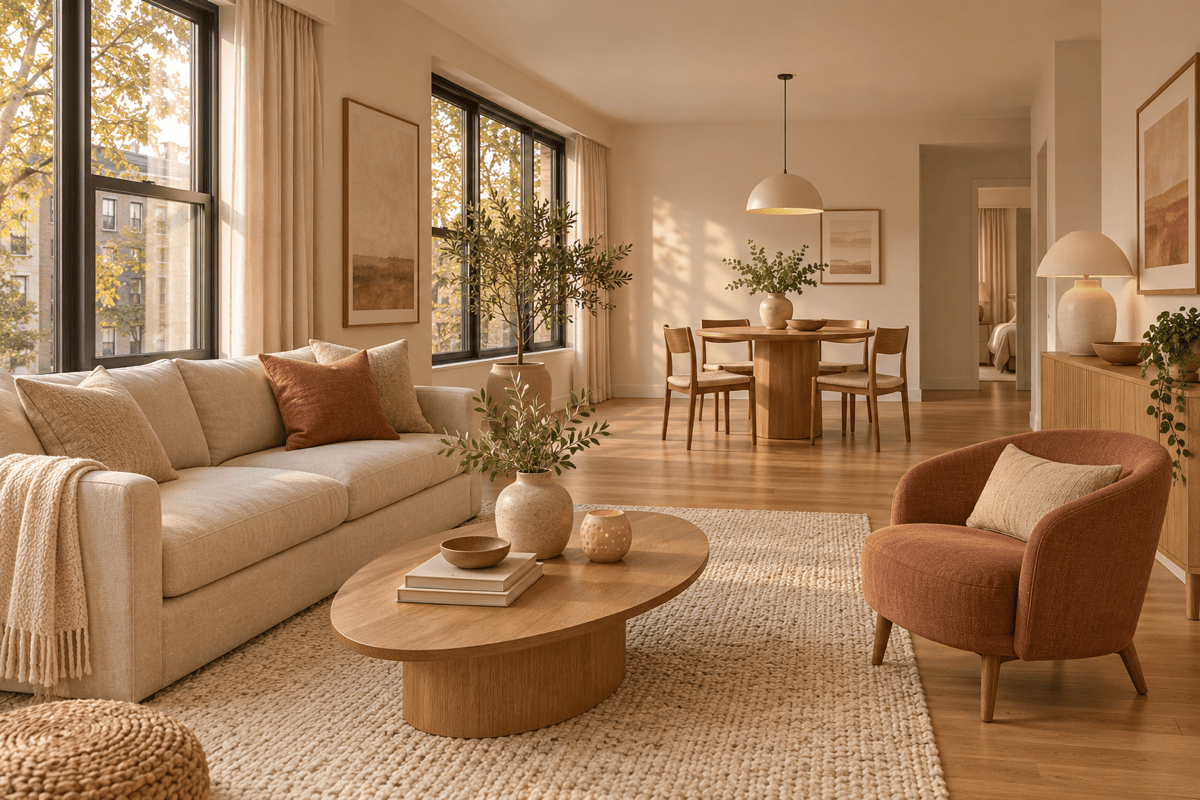
Generate an open-plan living and dining room with warm wood, cream upholstery, and muted terracotta accents. Define the seating area with a rug and leave a clear route to the dining table.
Give my rental living room a cozy update using freestanding lamps, curtains, artwork, and cushions. Keep the wall color, floor, and built-in fixtures unchanged.
Revise my living room concept for watching TV beside a fireplace. Keep both focal points visible, reduce bulky furniture, and show a practical route through the room.