Design Business Letterhead with AI
How to Create Letterhead with AI
Add Brand and Contact Details
Generate the Stationery Layout
Refine Header, Footer, and Margins
Export Reusable Letterhead

Why Mew Design Helps Create Professional Letterheads
Spacious Writing Area
Create letterheads that keep the body area clear while still carrying brand, address, and contact details.
Header and Footer Control
The business letterhead generator balances logo bars, footers, accent rules, and official contact blocks.
Official Detail Accuracy
Keep company names, addresses, emails, websites, registration details, and phone numbers editable.
Brand Stationery Consistency
Upload logos, previous stationery, brand guidelines, or signature files to match existing documents.
Letter and A4 Export
Generate US Letter or A4 layouts for business letters, contracts, proposals, invoices, and PDFs.
Reusable Document Base
Refine the stationery once, then reuse the exported letterhead across official correspondence.
What Makes a Good AI Letterhead Prompt
- Name the format: Tell Mew Design whether you need US Letter or A4 business stationery layout so the composition starts in the right shape.
- Add real content: Include exact company name, address, phone, email, website, registration details, and document size so the AI does not invent placeholder copy.
- Attach references: Upload logos, brand guidelines, previous stationery, signature files, or office document examples when consistency matters.
- Ask for revisions: After generation, ask for quieter header branding, cleaner contact footer, larger writing area, or print-safe margins.
Letterhead Prompt Examples
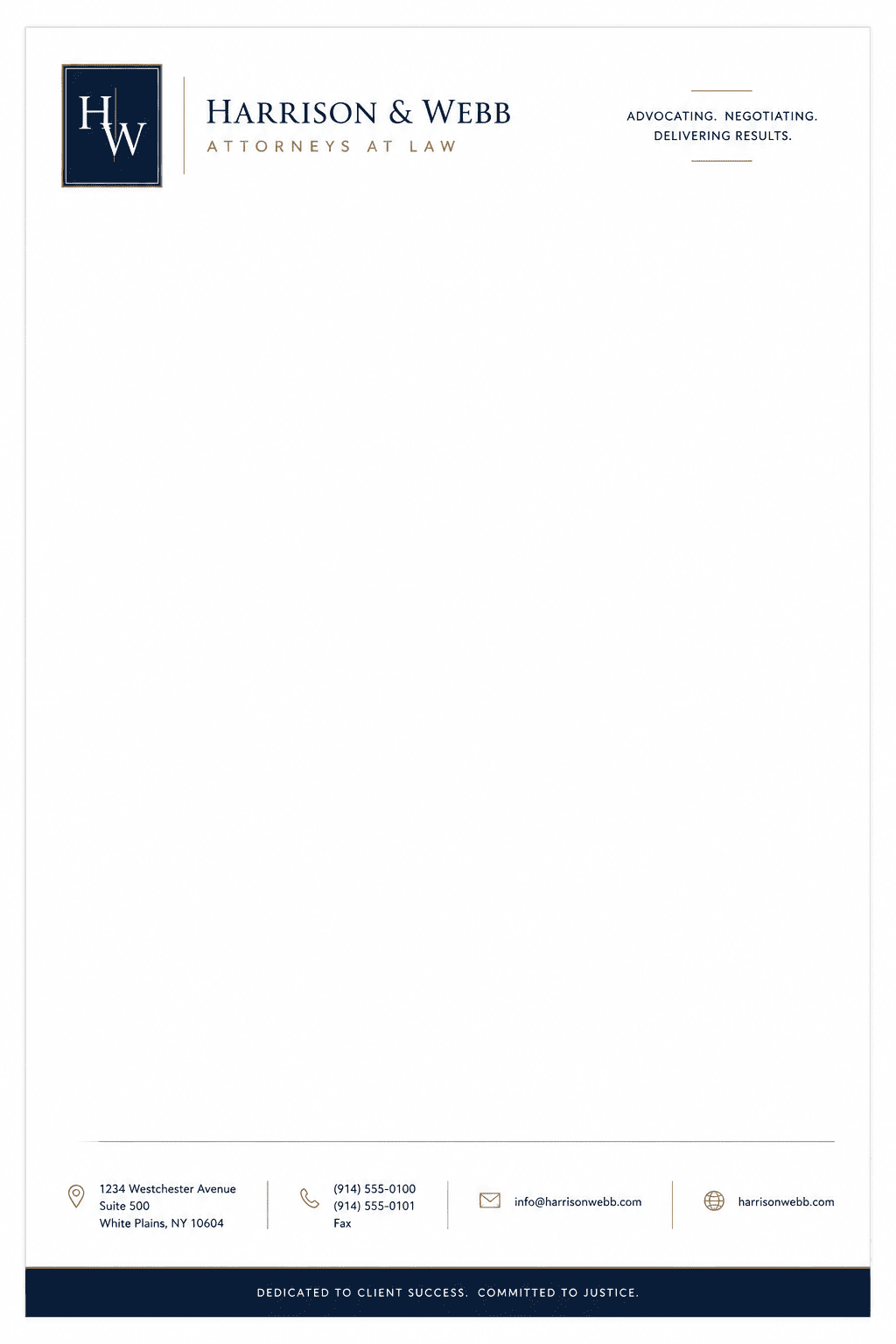
Create a law firm letterhead with restrained header, contact footer, and ample body area. Keep it polished, readable, and ready for business letters, proposals, invoices, PDFs, contracts, and official correspondence.
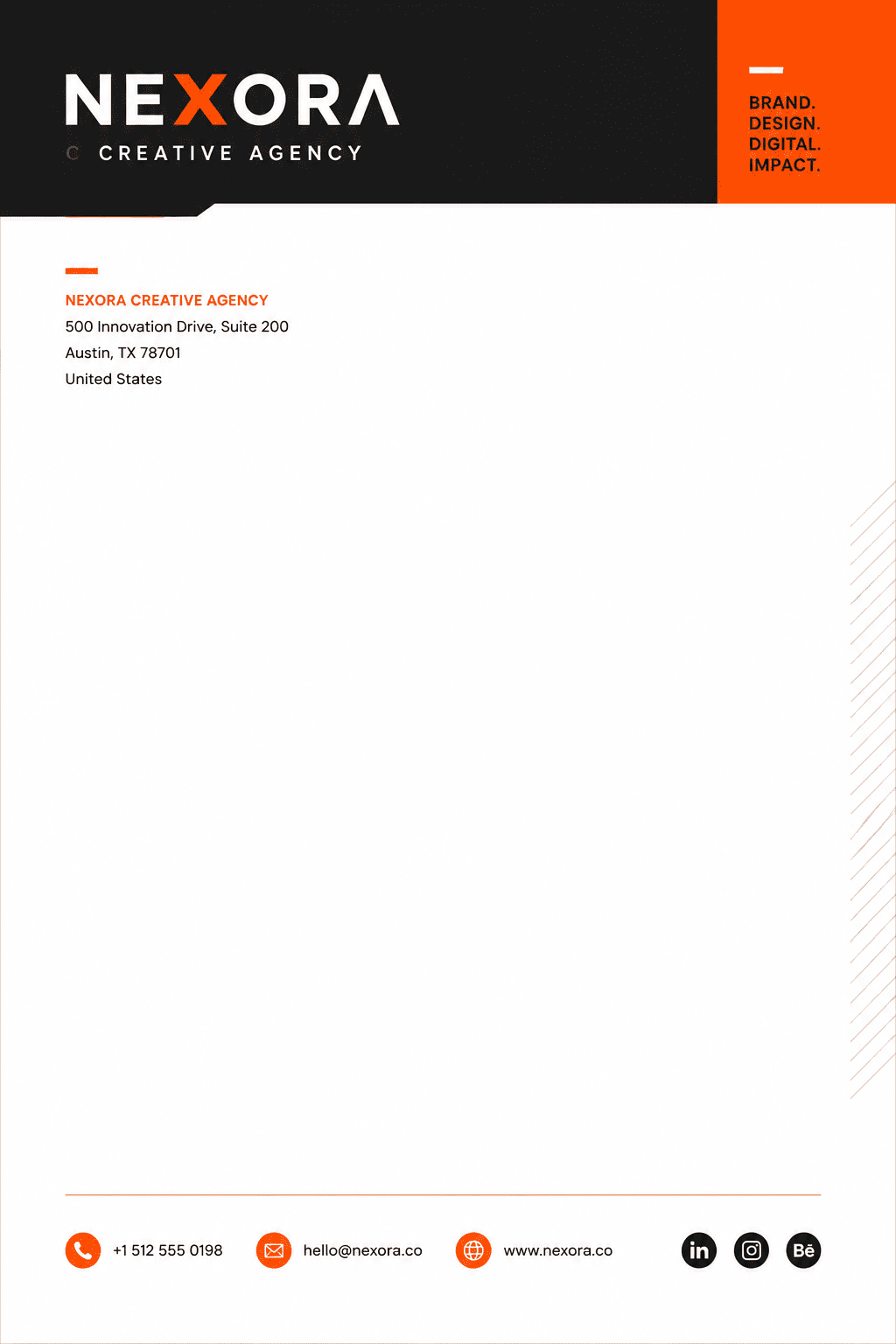
Create a creative agency letterhead with bold logo bar, brand color accent, and clean grid. Keep it polished, readable, and ready for business letters, proposals, invoices, PDFs, contracts, and official correspondence.
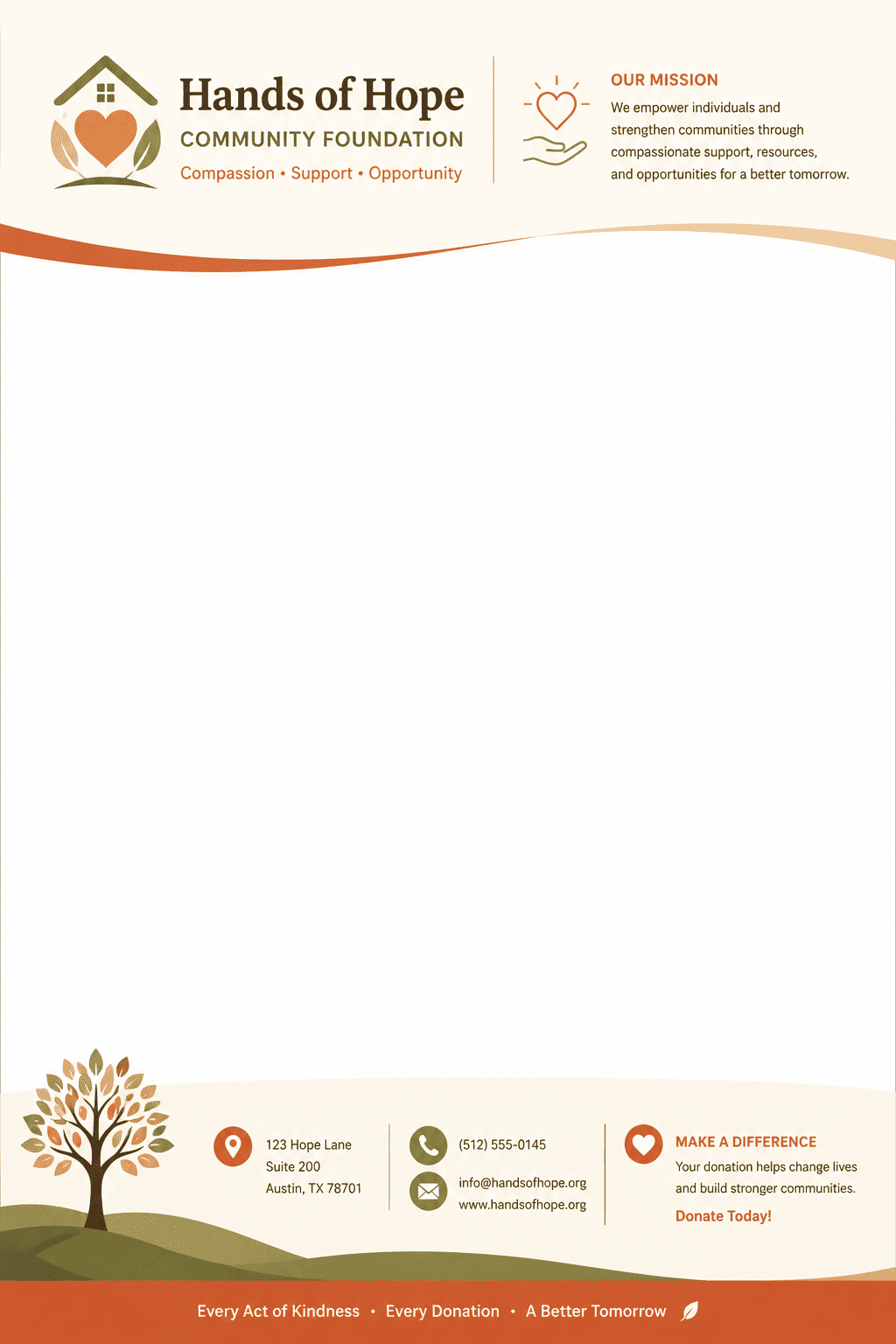
Create a nonprofit letterhead with mission icon, donation contact footer, and warm palette. Keep it polished, readable, and ready for business letters, proposals, invoices, PDFs, contracts, and official correspondence.
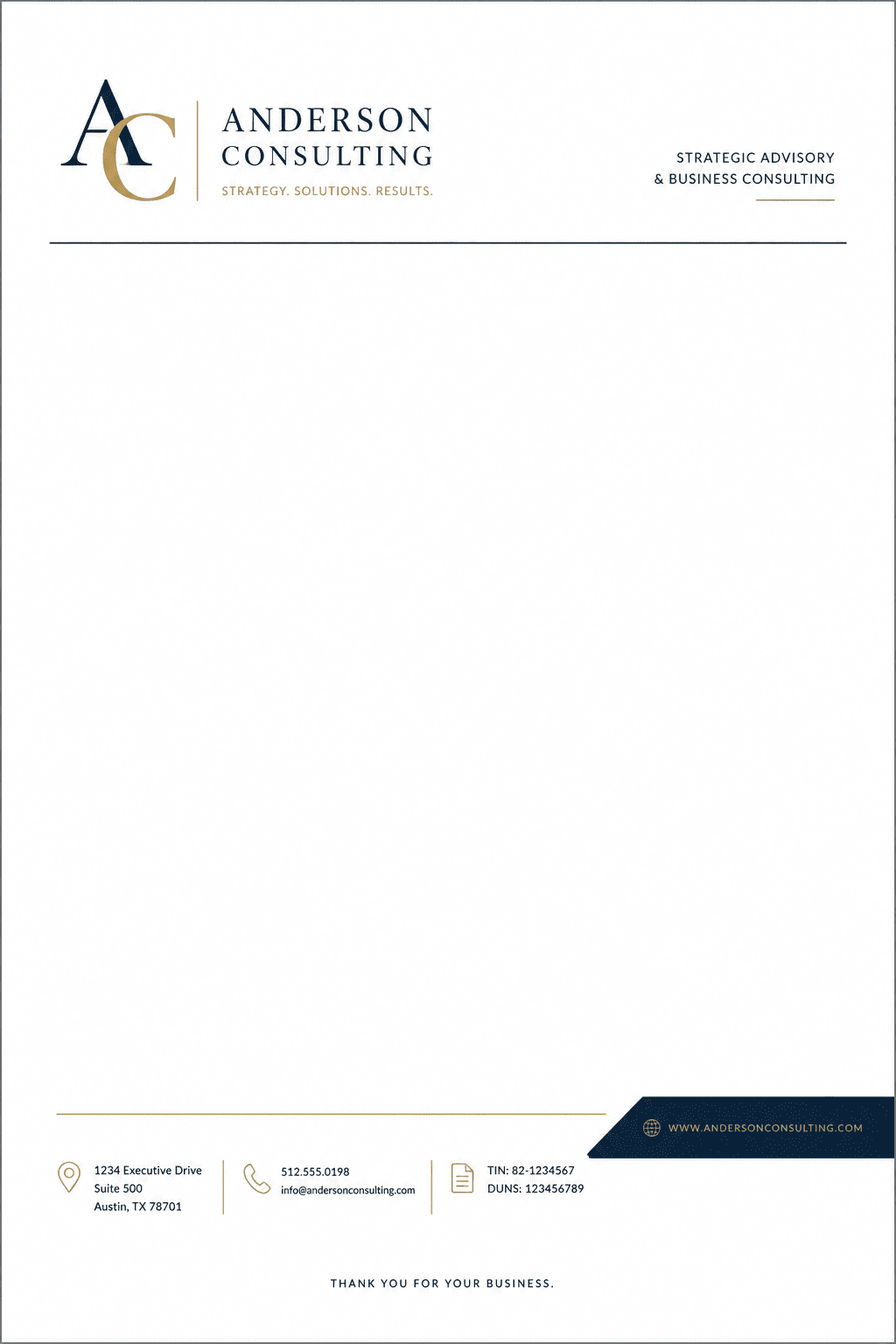
Create a consultant letterhead with monogram, elegant typography, and invoice-ready spacing. Keep it polished, readable, and ready for business letters, proposals, invoices, PDFs, contracts, and official correspondence.
Design a letterhead for founders, consultants, law offices, agencies, and operations teams with a refined brand system, clear hierarchy, and export-ready spacing.
Generate a mobile-friendly letterhead using the key message, brand colors, and a concise call to action.





