Free to Try OnlineAI Landscape Design Generator
How to Create a Landscape Design with AI
Upload Your Yard Photo
Generate a Landscape Layout
Adjust and Compare
Download Your Landscape Concept

AI Landscaping Design for Front Yards, Backyards, and Gardens
Design Your Landscape from a Photo
Upload your own outdoor photo to explore changes around the home you already have. Our AI landscape generator can visualize front yard planting, backyard patios, or a narrow side garden. Identify the house, driveway, fences, and trees to preserve, then compare the concept with the original.
Compare Garden Styles
Try modern landscaping with clean paving and structured beds, a cottage garden with layered flowers, or a Japanese-inspired space with stone and restrained planting. Compare different styles on the same yard photo to see how materials, plant density, and open space change the overall design.
Refine Planting, Paths, and Patios
Use Chat Edit to widen a path in the concept, reduce a patio, move a seating area, or swap lawn for planting beds. Request one change at a time so you can compare options. This conversational workflow lets you refine the landscape design without learning a drawing tool.
Explore Low-Maintenance Garden Ideas
Ask for less lawn, simpler planting groups, gravel areas, or room for mature plants. Upload a reference garden if you have a preferred look. Use the concept to compare upkeep priorities, then check plant suitability and maintenance needs locally before buying materials or plants.
Choose How Your Concept Is Generated
Select an available image model yourself, or let Mew Auto choose one for your photo and requested changes. Access leading image models, with new releases added promptly.
Try Ideas with Free Credits
Try the AI landscape design generator for free with signup credits. Download watermark-free results; further generation depends on your available credits and plan.
What to Include in Your AI Landscape Design Brief
- Show the Whole Area:Include the ground, boundaries, and house in daylight. Avoid screenshots with interface overlays or photos blocked by objects.
- Separate Keep from Change:List fixed features first, then describe the beds, lawn, paving, or furniture you want to alter. Say where people need to walk and which views or seating areas should stay open.
- Explain Site Conditions:Mention your region, sun exposure, approximate size, and upkeep preferences. Describe slopes or wet areas you already know about. A photo alone cannot establish drainage or exact measurements.
- Check Before Planting:Verify species, mature sizes, local suitability, and spacing with a local nursery or landscaper. Generated greenery is visual inspiration.
Front Yard, Backyard, and Small Garden Design Ideas
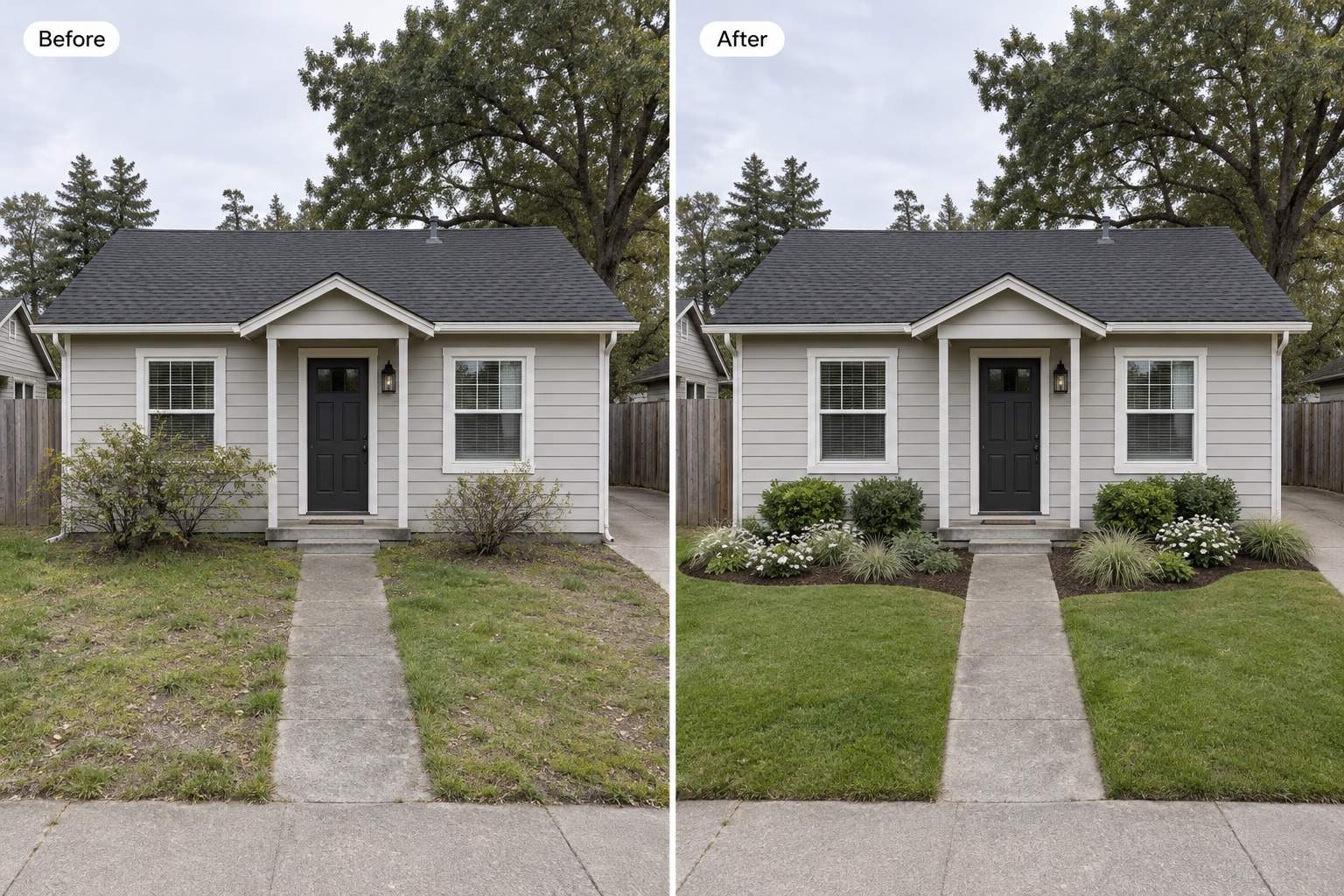
Refresh my front yard for better curb appeal. Keep the house, driveway, and entry path. Add layered planting with low plants near windows and a simple, welcoming entrance.
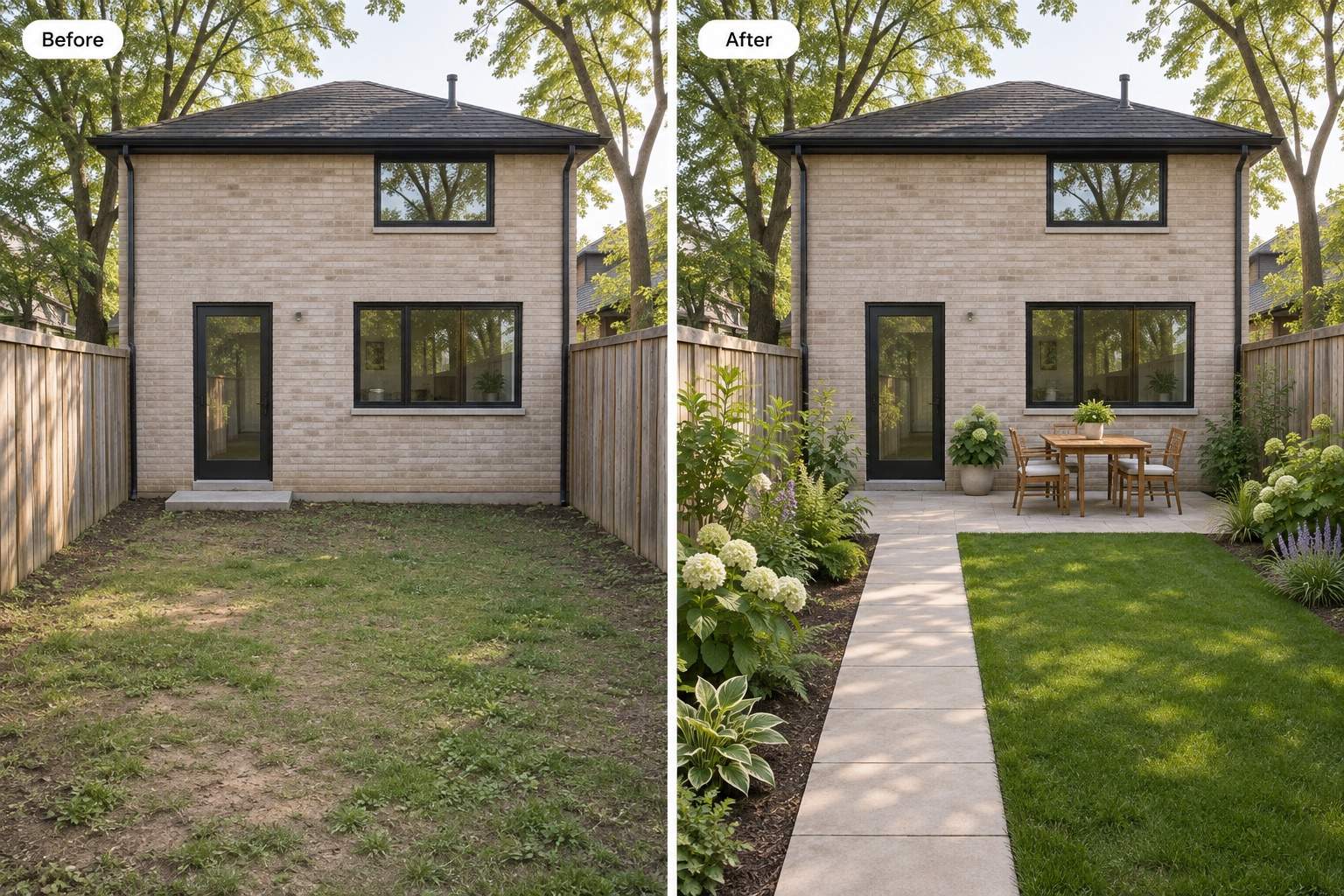
Turn my backyard photo into a relaxed outdoor dining concept. Keep the fence and back door. Add a compact patio, a dining table, and planting around the edges, leaving a clear route through the yard.
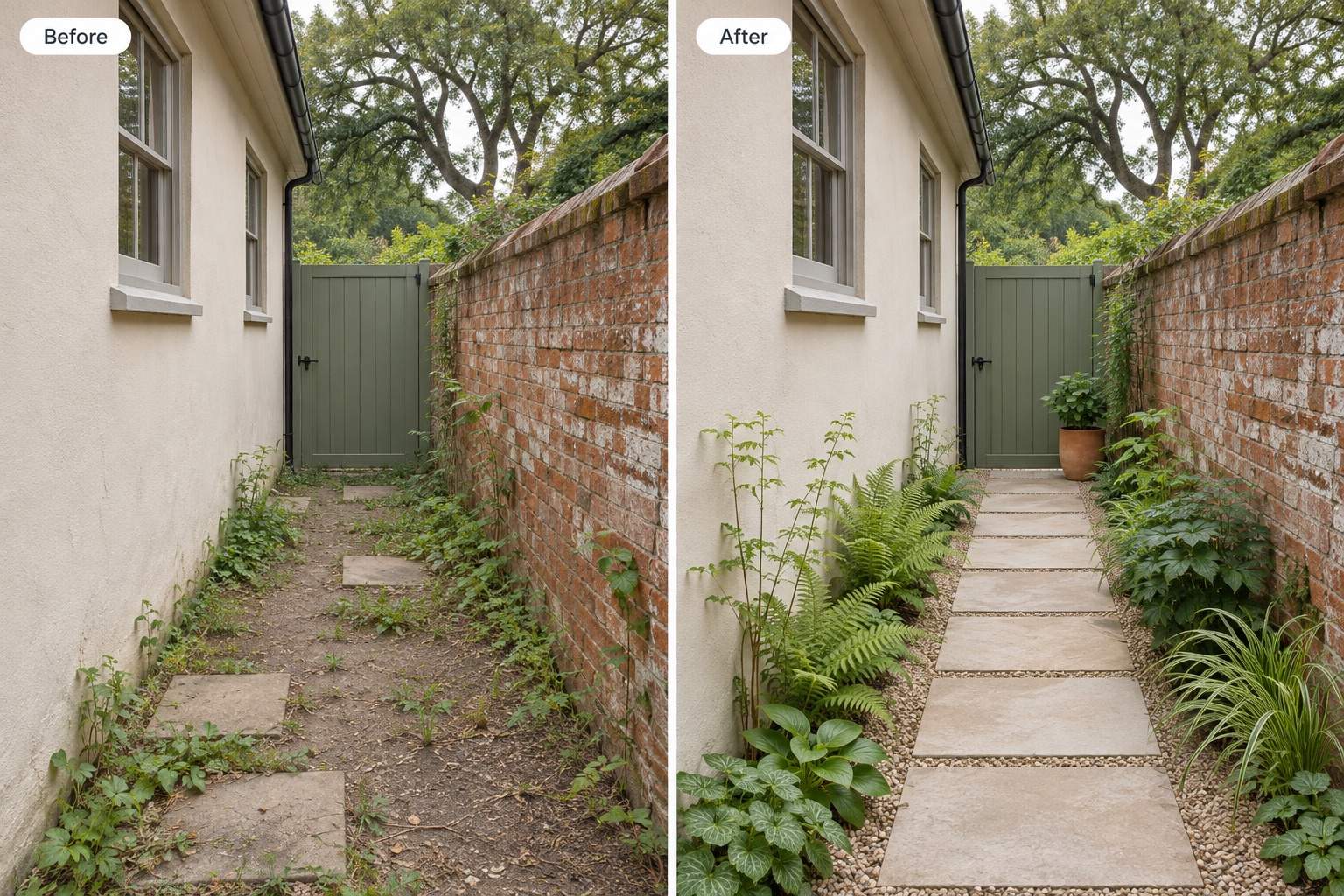
Redesign my narrow side yard as a small garden. Keep the walls and gate. Add a continuous path and slim planting beds without blocking access.
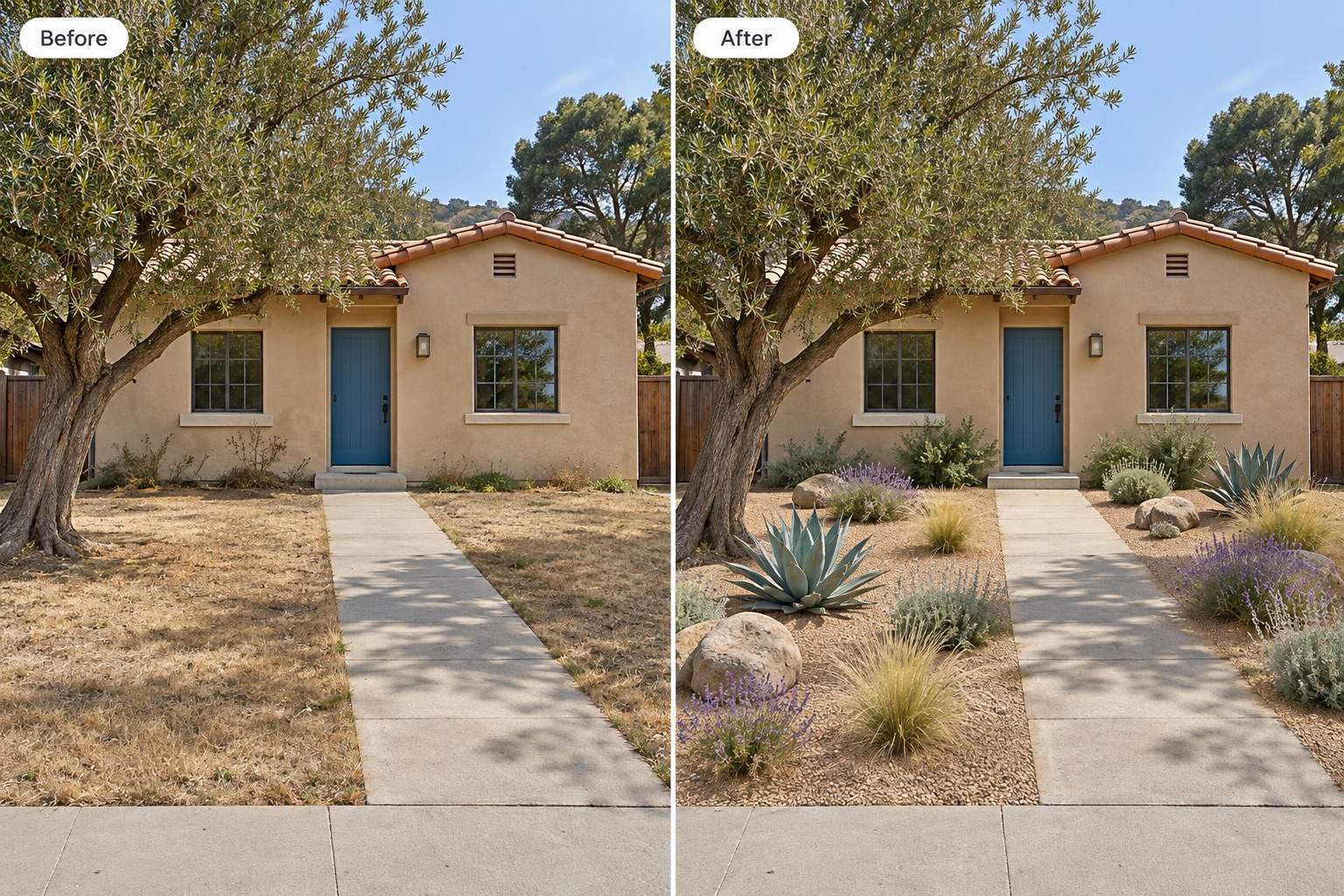
Show a drought-tolerant landscaping concept for my yard. Reduce the lawn and use gravel, spaced planting, and a simple path. Keep the mature tree and house unchanged.
Add privacy to my garden concept with layered planting near the boundary. Keep the existing fence, leave room for plant growth, and avoid blocking the main seating area.
Correct this landscape concept using my original photo. Restore the original windows, roofline, fence, and camera angle. Keep changes focused on the planting and ground surfaces.





