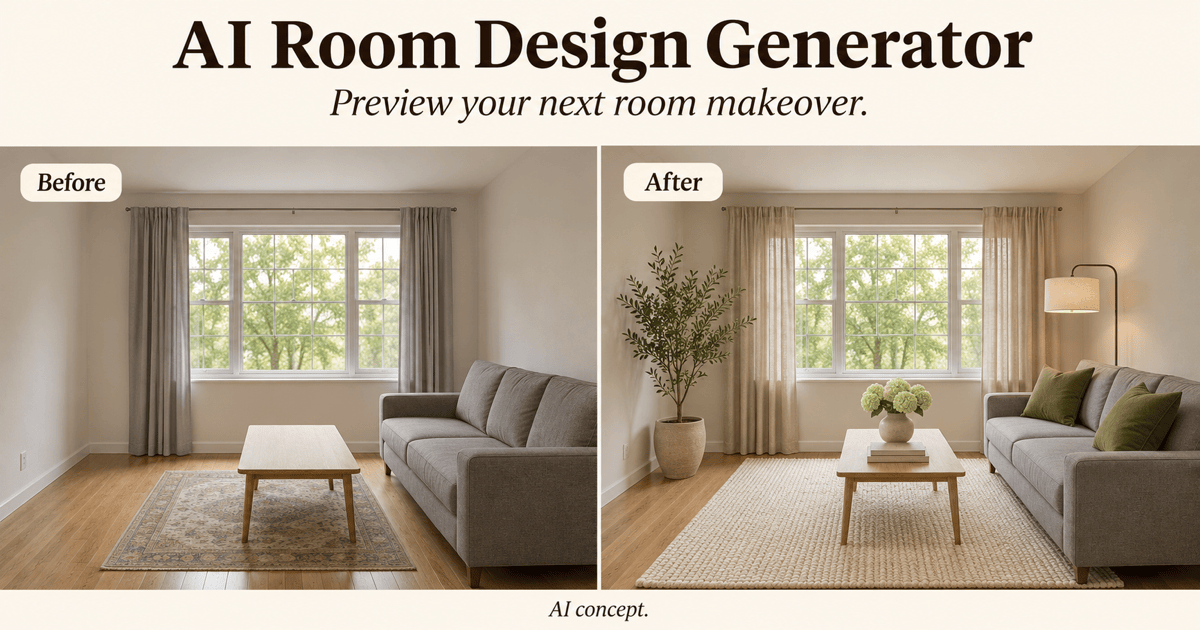
Free OnlineAI Kids Room Design Generator
How to Create a Kids Room Design with AI
Show the Room and Its Needs
Generate a Bedroom Concept
Adjust One Detail at a Time
Check and Share Your Favorite

AI Kids Room Design for Small and Shared Bedrooms
Redesign a Kids Room from a Photo
Upload a photo for AI kids room design based on your existing space. Specify the furniture, doors, and windows to keep, then compare the redesign with the original for unintended changes.
Explore Small Kids Bedroom Layouts
Ask our AI kids room designer to combine a single bed, compact toy storage, and an open play area in a small bedroom. Compare visual layouts, then check furniture sizes and walking space in the real room.
Design a Shared Kids Bedroom
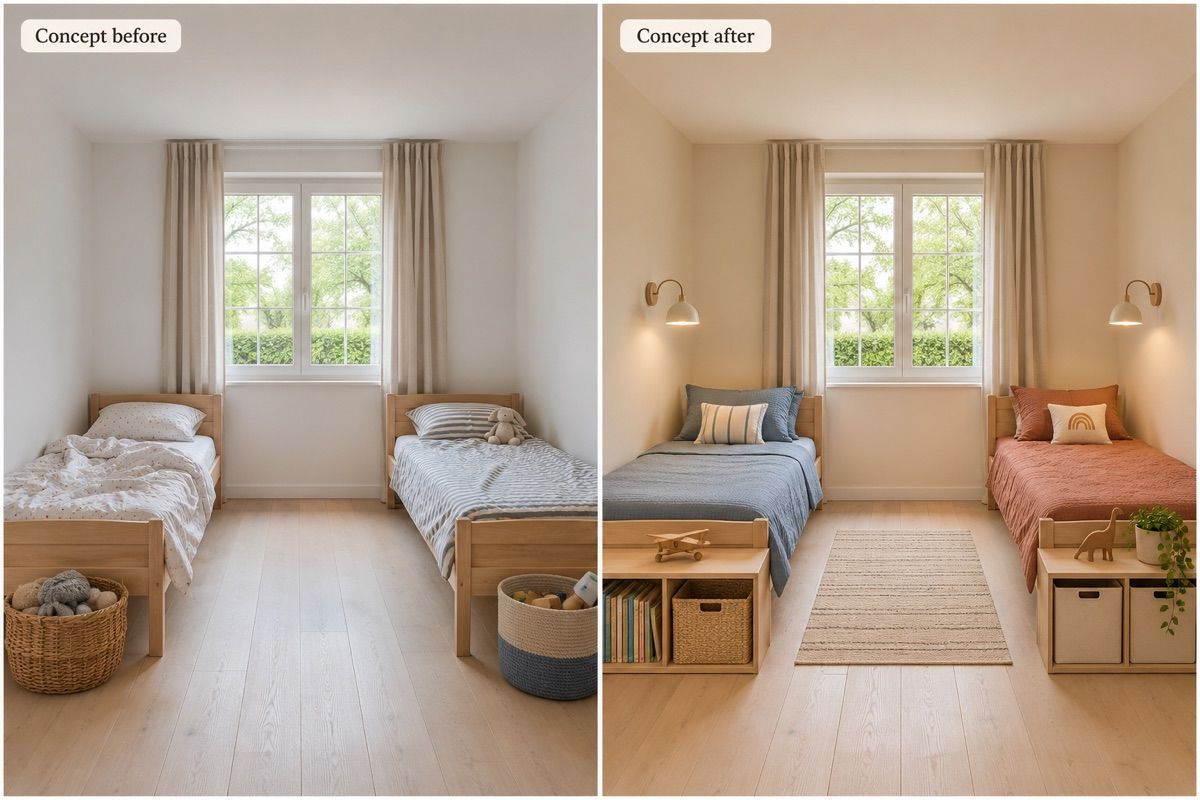
Explore shared kids room ideas with separate beds, personal storage, and coordinated colors. Tell the AI each child’s age and what they need to share.
Plan a Kids Room Makeover on a Budget
Keep the existing bed and wardrobe in your brief. Preview new bedding, paint, or a rug instead of a full renovation, then check actual product prices separately.
Try Kids Bedroom Themes and Colors
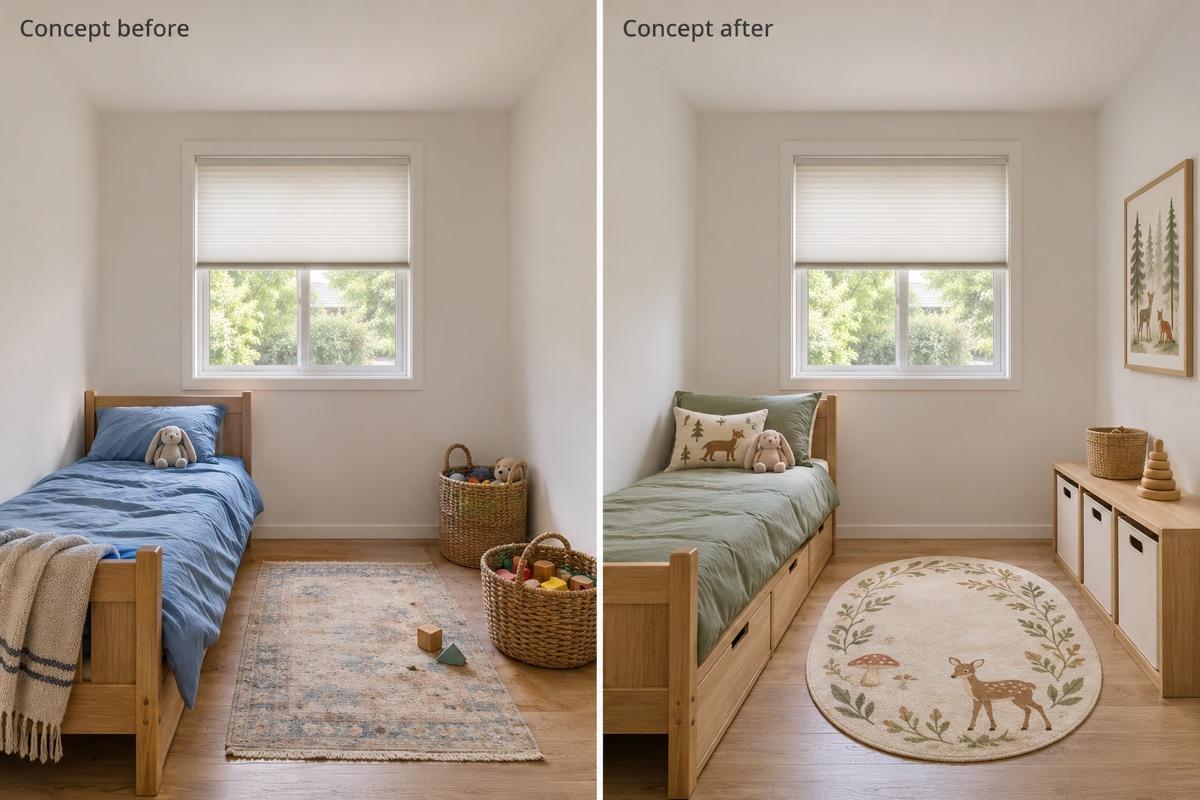
Use reference images to explore a woodland theme, a colorful reading corner, or a calmer room for an older child. Refine accents through chat without rewriting the entire brief.
Choose an Image Model for Room Redesigns
Select a preferred image model or use Mew Auto for your room photo and requested changes. Mew Design offers leading image models and adds new releases to the same workflow.
Prepare Your Kids Room Photo and Design Brief
- Show the Space: Use a well-lit photo showing two walls and the floor. Remove personal details from view before uploading.
- Separate Fixed and Flexible: List doors, windows, and furniture to keep. Then name the items or finishes you want to change.
- Describe Daily Use: Include age, shared-room needs, favorite activities, and the priority: sleeping, play, reading, or homework.
- Check Beyond the Image: AI images are visual concepts, not measured plans or safety checks. Verify dimensions, furniture anchoring, and window safety before making changes.
Kids Bedroom Ideas: Small Rooms, Shared Rooms, and Study Areas
Small bedroom: Redesign my uploaded kids room with the existing single bed, under-bed drawers, low toy bins, and a compact desk. Keep the window and door unchanged. Leave the middle of the room open for play; do not make the room look larger.
Shared sibling room: Create a bedroom concept for two school-age children with two separate single beds, individual storage, and one shared reading area. Use blue and terracotta accents within a warm neutral palette. Keep a clear route to the door.
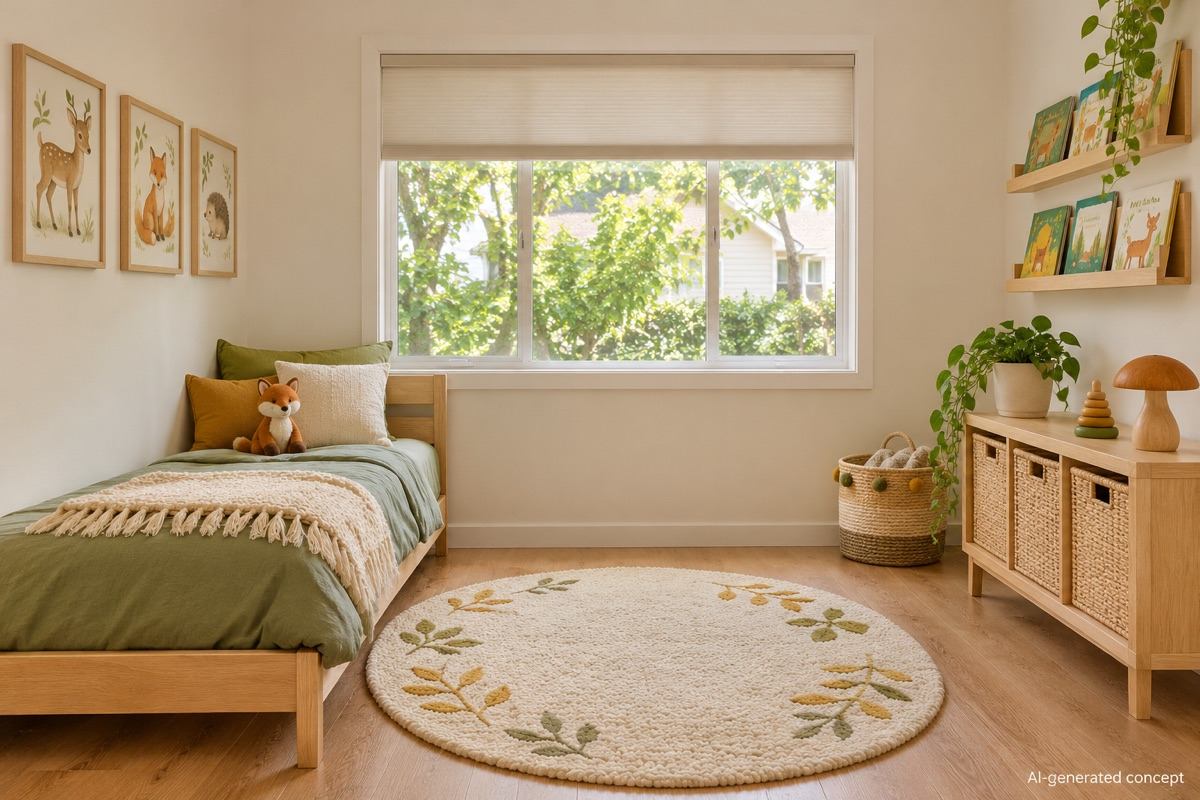
Montessori-inspired room: Create a preschool bedroom concept with a low bed, reachable book display, simple toy baskets, and open floor space. Use natural wood and soft green. Keep furniture away from windows; avoid bunk beds and hanging cords.
Budget makeover: Refresh my uploaded kids bedroom while keeping the bed, wardrobe, flooring, and wall color. Change only bedding, a rug, storage bins, and wall art. Use a cheerful coordinated palette without adding built-in furniture.
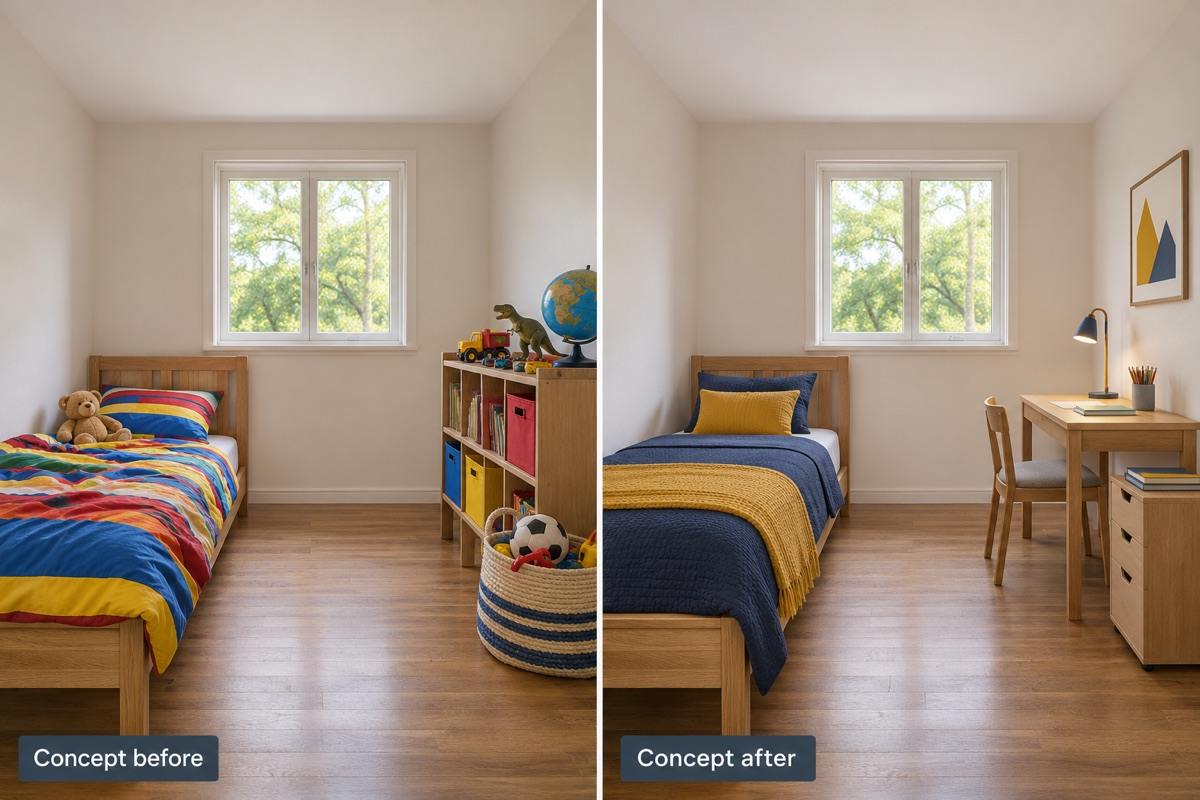
Study and sleep: Update my child’s room for homework and reading. Add a compact desk on a solid wall, organized school-supply storage, and a reading light. Keep the bed and an uncluttered walkway. Use a calmer palette with a few colorful accents.
Gender-neutral nature theme: Generate a kids bedroom with warm wood, sage green, woodland artwork, low storage, and an open play rug. Put the theme in replaceable decor rather than shaped furniture. Use a realistic interior-photo style.