Free OnlineAI Glasses Try On

How to Try On Glasses with AI
Upload a Clear Portrait
Add or Describe the Frames
Generate the Style Preview
Compare, Refine, and Download

A More Flexible Way to Preview Eyewear on Your Photo
Try Frames from a Product Photo
Upload a retailer image, catalog shot, transparent PNG, or screenshot. Mew Design uses it as a visual reference, so you can preview a shortlisted frame instead of settling for a preset.
Keep Your Portrait Recognizable
Tell the AI to preserve facial features, expression, hairstyle, skin tone, clothing, and background. The edit stays focused on the eyewear and its interaction with your face.
Explore Glasses and Sunglasses
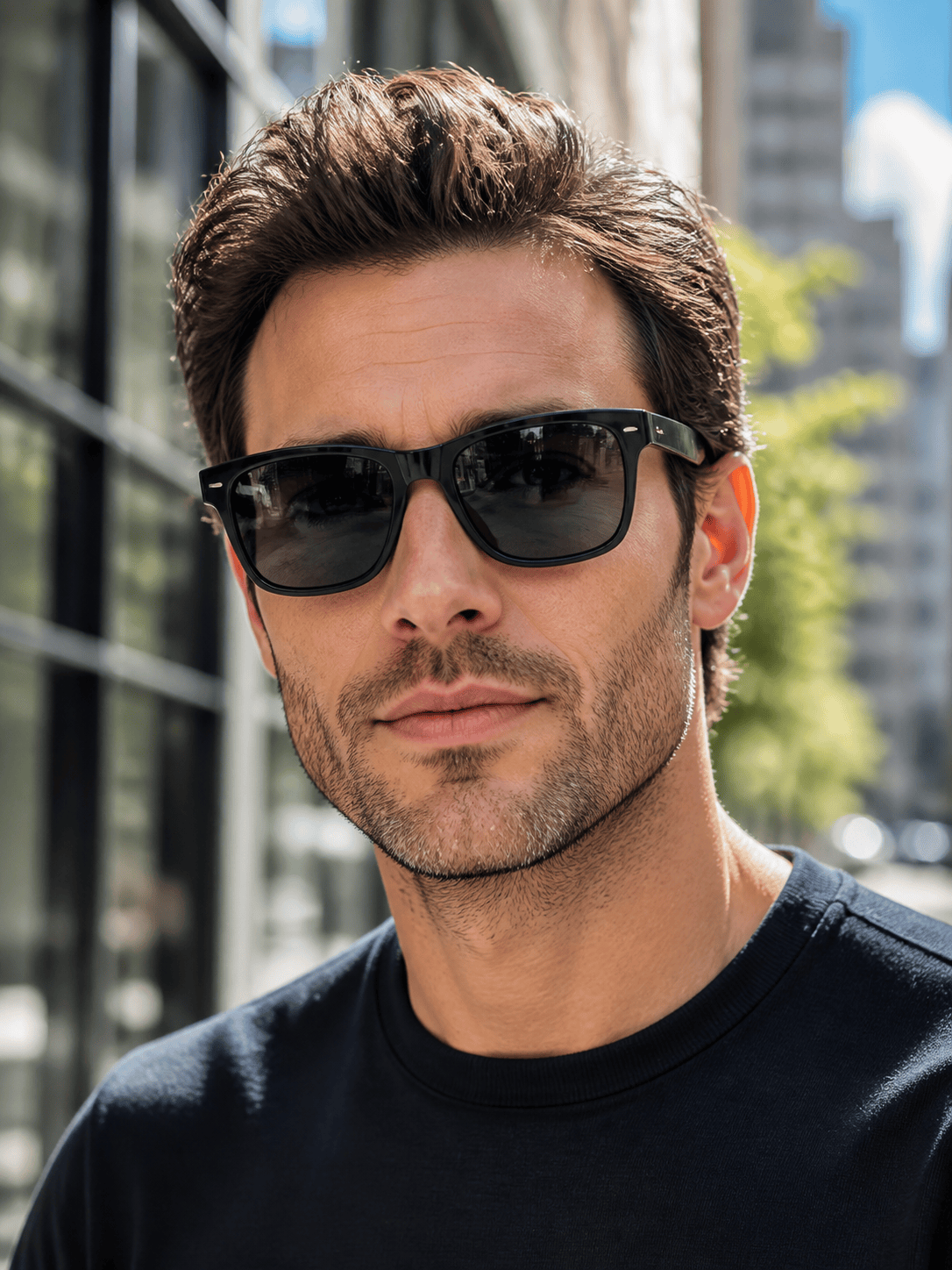
Use the AI glasses try on for clear acetate, metal, rimless, reading, or fashion frames, and use AI sunglasses try on for aviator, sport, oversized, or tinted styles.
Correct Details Through Chat
If the first result feels off, click Chat Edit and describe the fix. Adjust frame scale, bridge position, temple angle, lens transparency, glare, or shadow without manual photo editing.
Compare More Than One Look
Create coordinated variations for different shapes, colors, and lens tints. This virtual eyewear try on online workflow helps shoppers, creators, and eyewear teams review visual directions side by side.
Free Credits and Clean Exports
Sign up to test the tool with free AI credits. Refine your image in chat and export a watermark-free PNG or JPG for personal comparisons, moodboards, social content, or campaign concepts.
How to Prompt AI for a Better Glasses Preview
- Use clean source images: Choose a front-facing portrait without glasses and a complete frame photo against a simple background. Avoid blur, harsh shadows, hats, and hair covering the temples.
- Name the frame details: Specify round, rectangular, cat-eye, browline, rimless, aviator, or sport styling, plus material, color, thickness, and any visible hardware.
- Control the lenses: Say whether lenses should be clear, lightly tinted, mirrored, gradient, or dark. Add instructions for eye visibility, reflections, and glare.
- Request precise refinements: After generation, ask for one concrete change at a time, such as a slightly wider frame, a higher bridge, straighter temples, or softer lens reflections.
AI Glasses and Sunglasses Try-On Prompts
Try the black rectangular acetate glasses from @[product screenshot] on @[portrait]. Keep the face, hairstyle, expression, clothes, and indoor background unchanged. Match the frame shape and hinge details, align the bridge naturally, keep lenses clear, and add subtle realistic shadows.
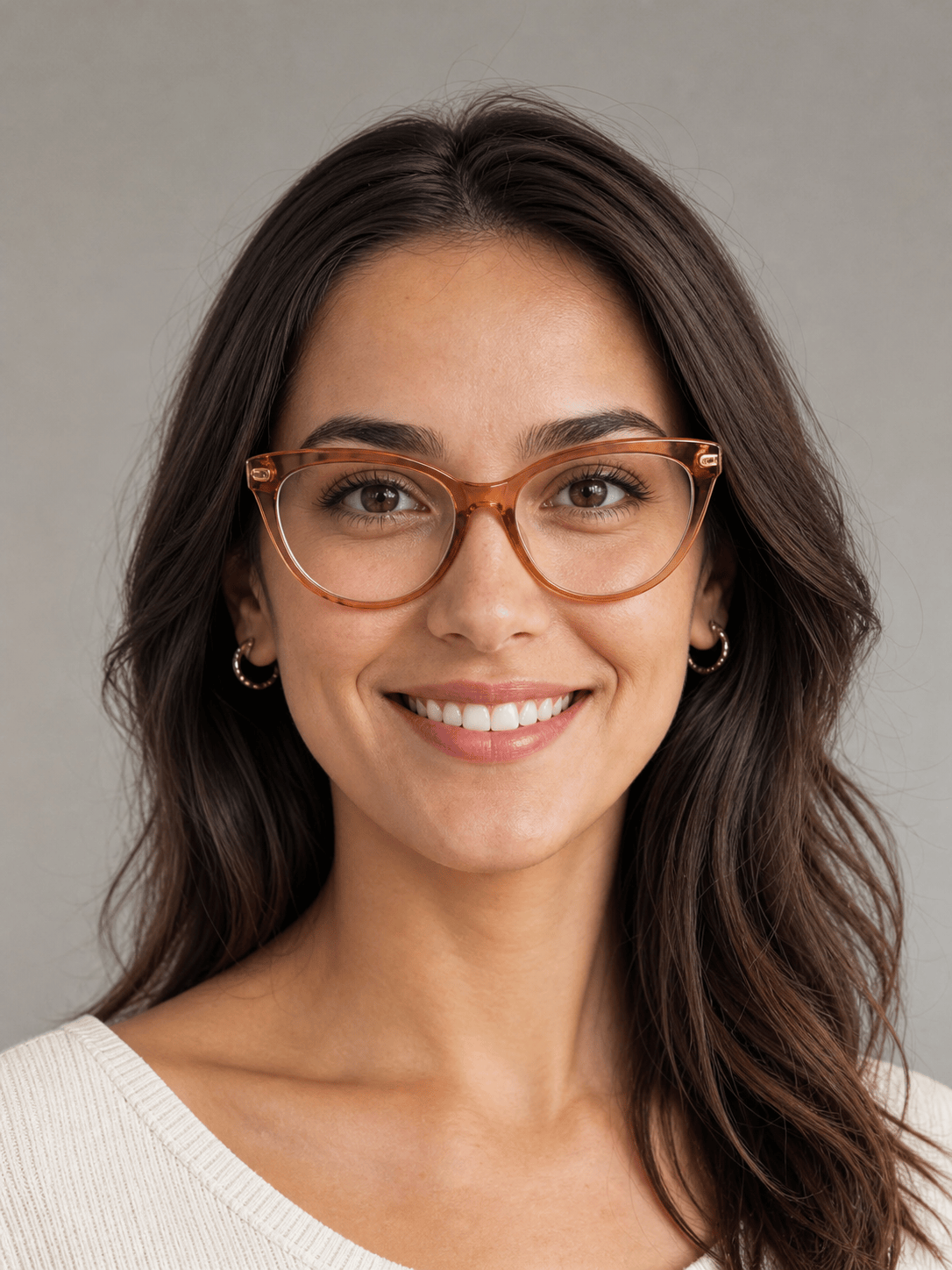
Add translucent amber cat-eye eyeglasses to @[selfie]. Use a medium-width upswept frame, clear lenses, and small gold hinges. Keep both eyes visible and preserve the original warm daylight, skin texture, and smile. Create a polished everyday fashion preview.
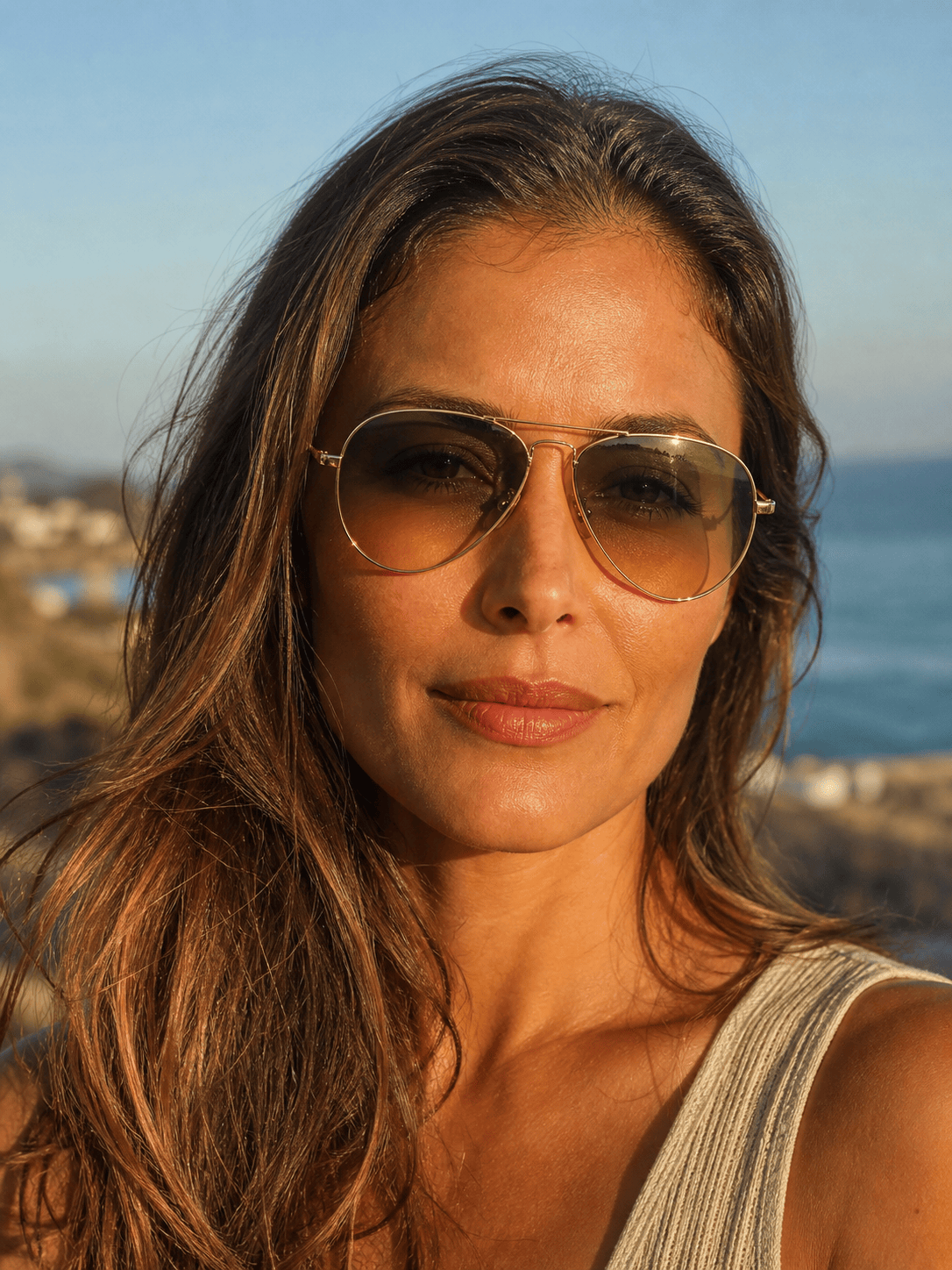
Create an AI sunglasses try on from @[portrait] and @[aviator reference]. Keep the person's identity and beach background unchanged. Apply thin gold aviator frames with green gradient lenses, natural nose-pad placement, soft reflections, and realistic temple arms.
Show @[professional headshot] wearing thin round titanium glasses in matte silver. Keep the neutral expression, suit, crop, and gray studio background unchanged. Use clear anti-reflective-looking lenses and restrained shadows for a credible business profile preview.
Apply the wraparound sport sunglasses from @[frame image] to @[outdoor portrait]. Preserve the running outfit and location. Match the curved black frame, red mirrored lenses, head angle, sunlight, and lens reflections for an energetic campaign concept.
Using @[portrait], create four consistent eyewear previews: transparent gray rectangular, tortoiseshell round, navy browline, and clear crystal frames. Keep the same face, pose, crop, lighting, and background in every image so the frame colors and shapes are easy to compare.





