Free OnlineAI Instagram Post Generator
How to Create an Instagram Post with AI
Define One Job for the Post
Choose the Format and Reading Order
Generate from Your Prompt and Assets
Review, Revise, and Export

From Post Brief to a Cohesive Instagram Visual
Design Around Your Product or Portrait
Upload a product shot, creator portrait, food photo, app screen, logo, or other authorized campaign asset. This Instagram post maker from an image can build the layout around that focal point while you check product shape, labels, colors, faces, hands, interface details, and likenesses against the original.
Keep On-Image Copy Easy to Scan
A feed graphic competes for attention on a small screen. Mew Design can arrange a short hook, supporting line, CTA, and required detail into a clearer hierarchy. Supply approved wording and proof the output; the AI should not invent prices, dates, testimonials, guarantees, or product claims.
Explore More Than a Fixed Template
Describe an editorial, playful, premium, minimal, photographic, or illustration-led direction instead of choosing one rigid layout. This AI social media post generator can produce different compositions around the same verified message, helping creators and small brands explore a visual direction before committing.
Build a Consistent Carousel System
Plan a cover hook, short slide headings, one idea per card, recurring page markers, and a closing CTA. Ask the AI Instagram carousel generator for a coherent color, type, spacing, and illustration system across the set, then inspect every slide for sequence, legibility, repeated facts, and consistent branding.
Refine the Details Through Chat
Use Chat Edit to request a shorter headline, stronger contrast, a quieter background, a different product crop, more whitespace, a corrected date, or a clearer slide number. Conversational revision keeps the visual draft flexible without requiring design software experience.
Export Static Visuals with Clear Boundaries
Download reviewed static designs as PNG, JPG, or PDF for your posting workflow. This scene does not schedule or publish to Instagram, create Reels or video, provide analytics, predict engagement, or guarantee platform approval. It also does not export layered PSD, Illustrator, InDesign, SVG, or PowerPoint files.
How to Brief AI for an Instagram Feed Post
- Lock the message: Provide the final headline, supporting line, CTA, date, price, offer conditions, disclaimer, and destination. Ask the AI to flag missing information instead of filling gaps with plausible marketing copy.
- Name the focal asset: Attach the authorized product photo, portrait, logo, screenshot, or visual reference and explain what must remain exact. Say whether the asset should be centered, cropped closely, isolated, or placed in a lifestyle scene.
- Plan for the placement: Specify 4:5 feed, 1:1 square, 9:16 Story or Reels cover, or a carousel sequence. Mention safe margins, mobile reading order, grid-preview concerns, slide count, and the position of the logo or CTA.
- Set review boundaries: List claims or visual details the AI must not invent. Before posting, verify copy, product accuracy, dates, offer terms, rights, required disclosures, and consistency with the linked page.
AI Instagram Post Prompts for Brands and Creators
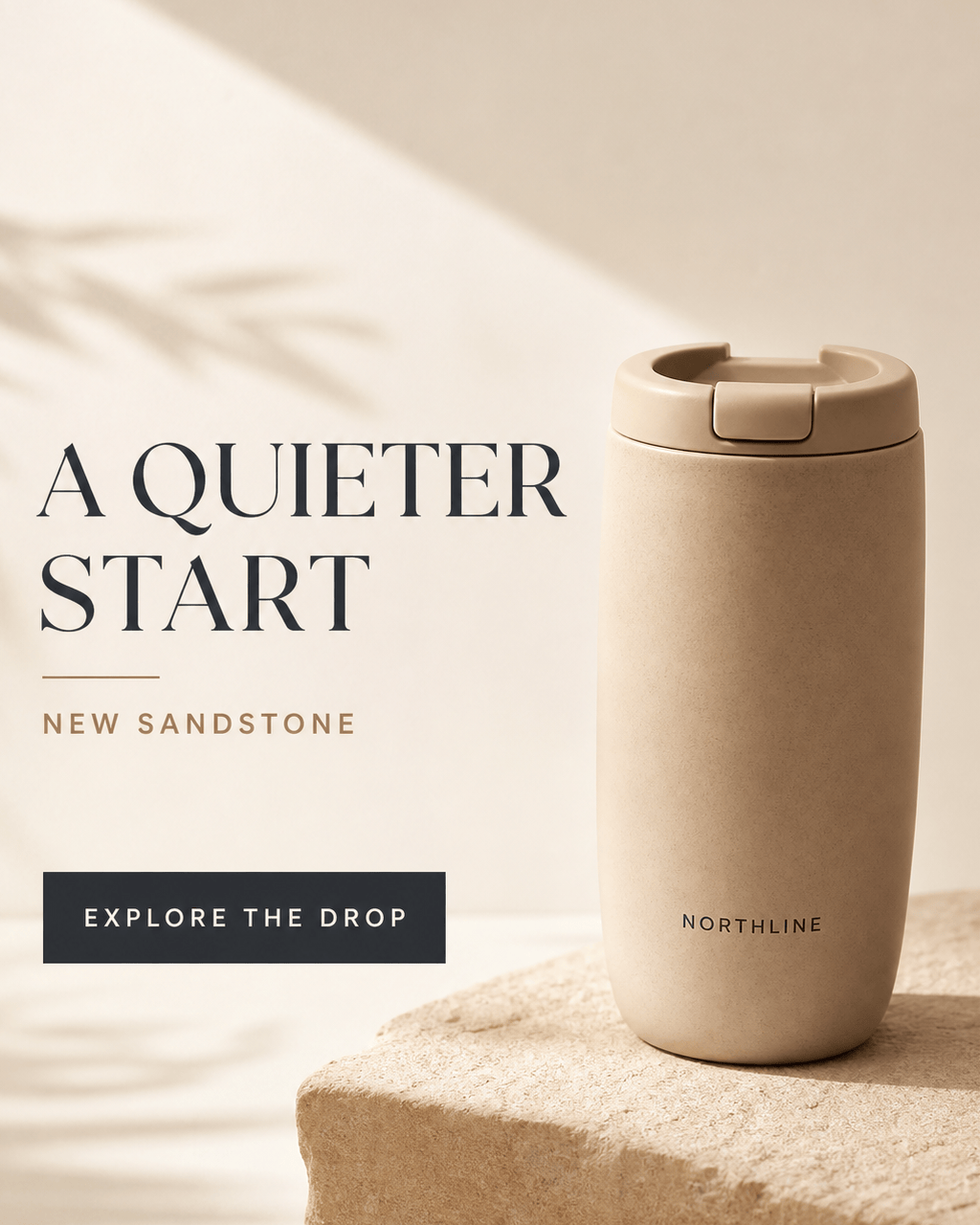
Ecommerce Product Launch: Create a 4:5 Instagram feed post using @approved-headphones.png and @brand-logo.png. Preserve the product shape, controls, materials, color, and logo. Exact headline: 'A NEW WAY TO LISTEN'. Exact supporting line: 'Cloud Gray arrives September 12.' Exact CTA: 'See the Collection'. Use a clean studio composition with silver, charcoal, and pale blue. Do not invent price, battery life, reviews, technical claims, stock urgency, or a discount.
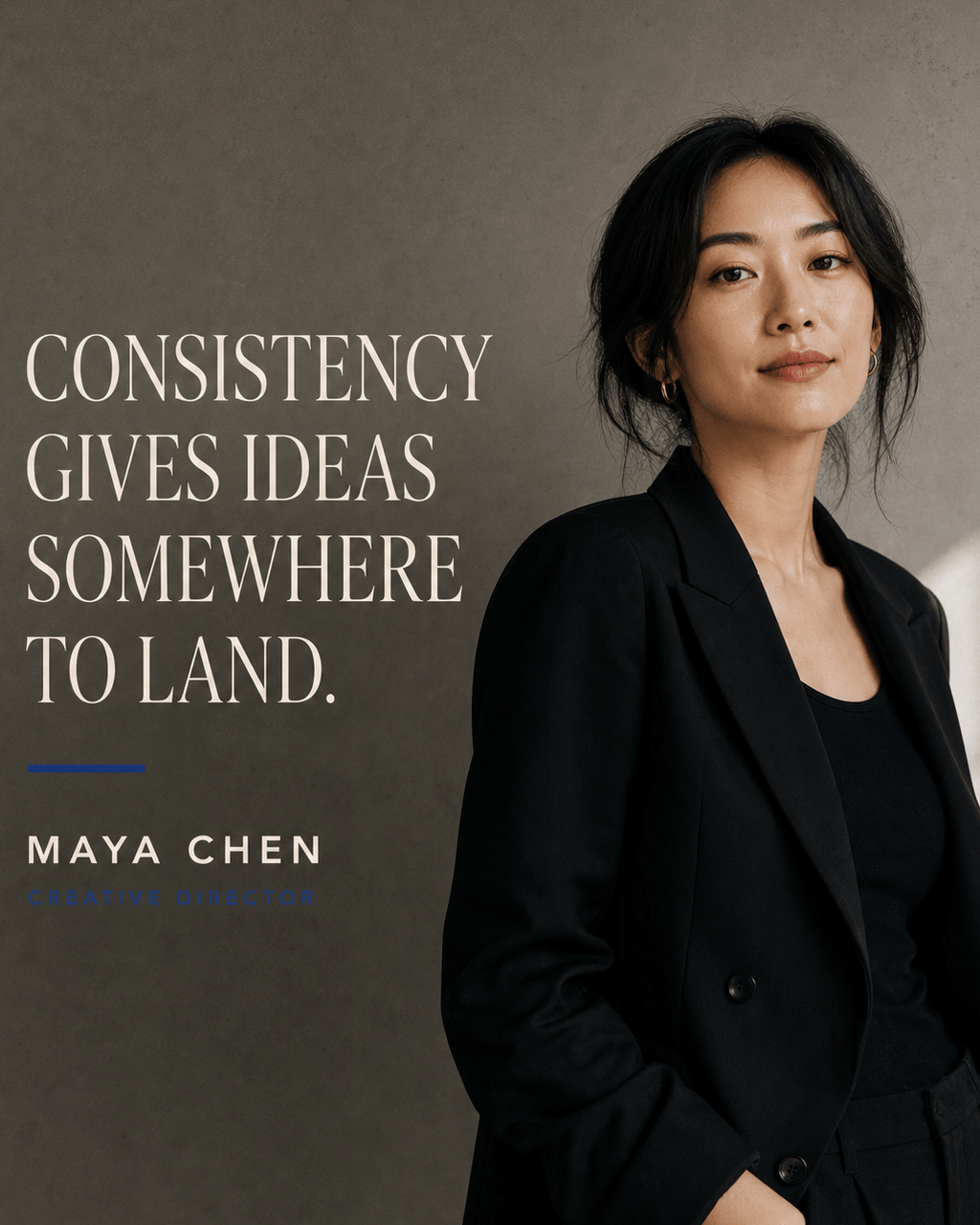
Creator Quote Post: Design a 4:5 editorial quote graphic using @approved-portrait.jpg. Exact quote: 'Consistency gives ideas somewhere to land.' Attribution: 'Maya Chen, Creative Director'. Keep the portrait recognizable, use warm monochrome photography, condensed sans-serif type, and generous whitespace. Do not change the quote, invent credentials, or add engagement claims.
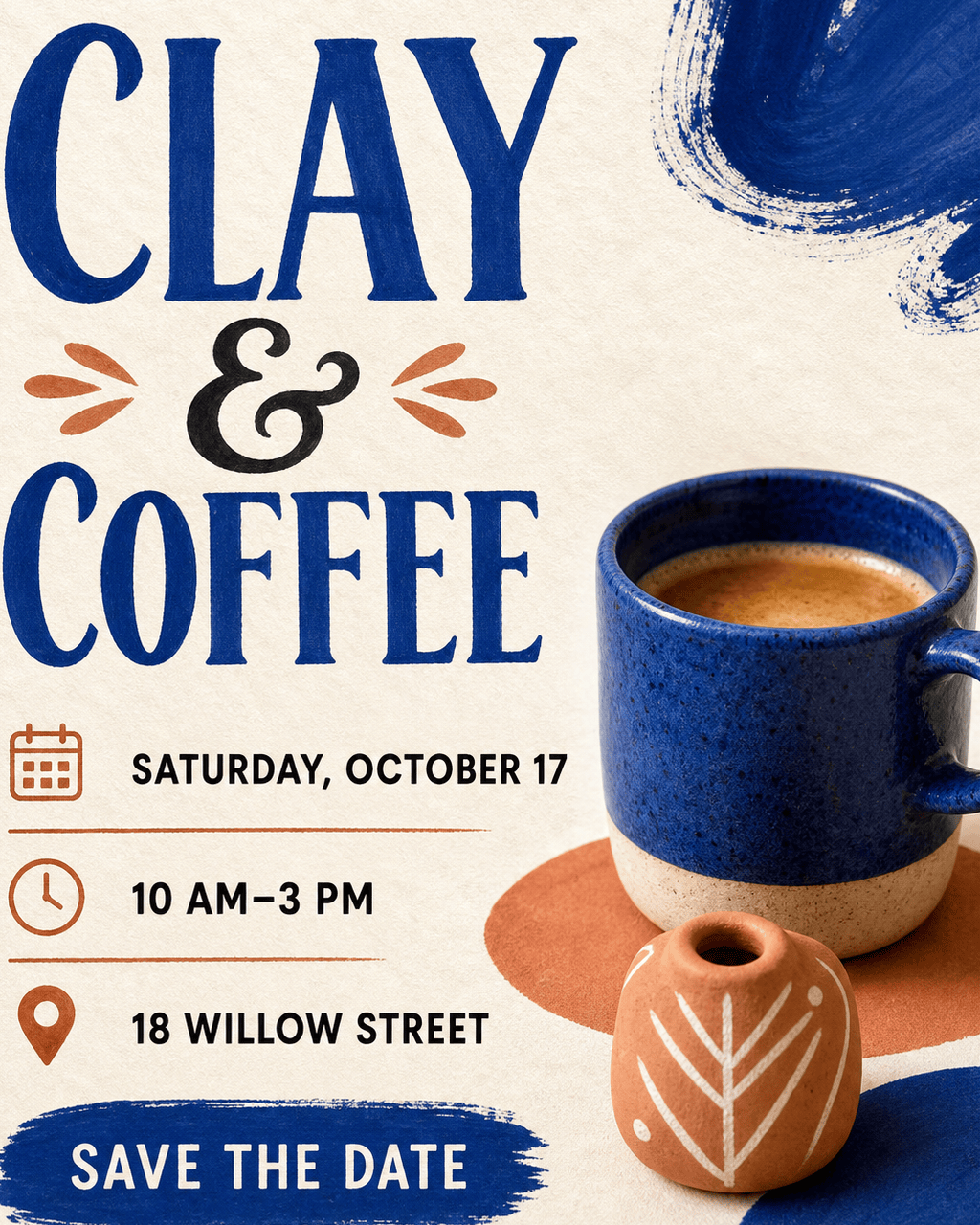
Local Event Announcement: Make a 4:5 Instagram post for a fictional neighborhood ceramics pop-up. Exact headline: 'CLAY & COFFEE'. Add 'Saturday, October 17, 2026', '10 AM–3 PM', '18 Willow Street', and CTA 'Save the Date'. Use cobalt, terracotta, and cream with a handmade editorial feel. Keep every date and address readable; do not add sponsors, admission terms, or vendors that were not supplied.
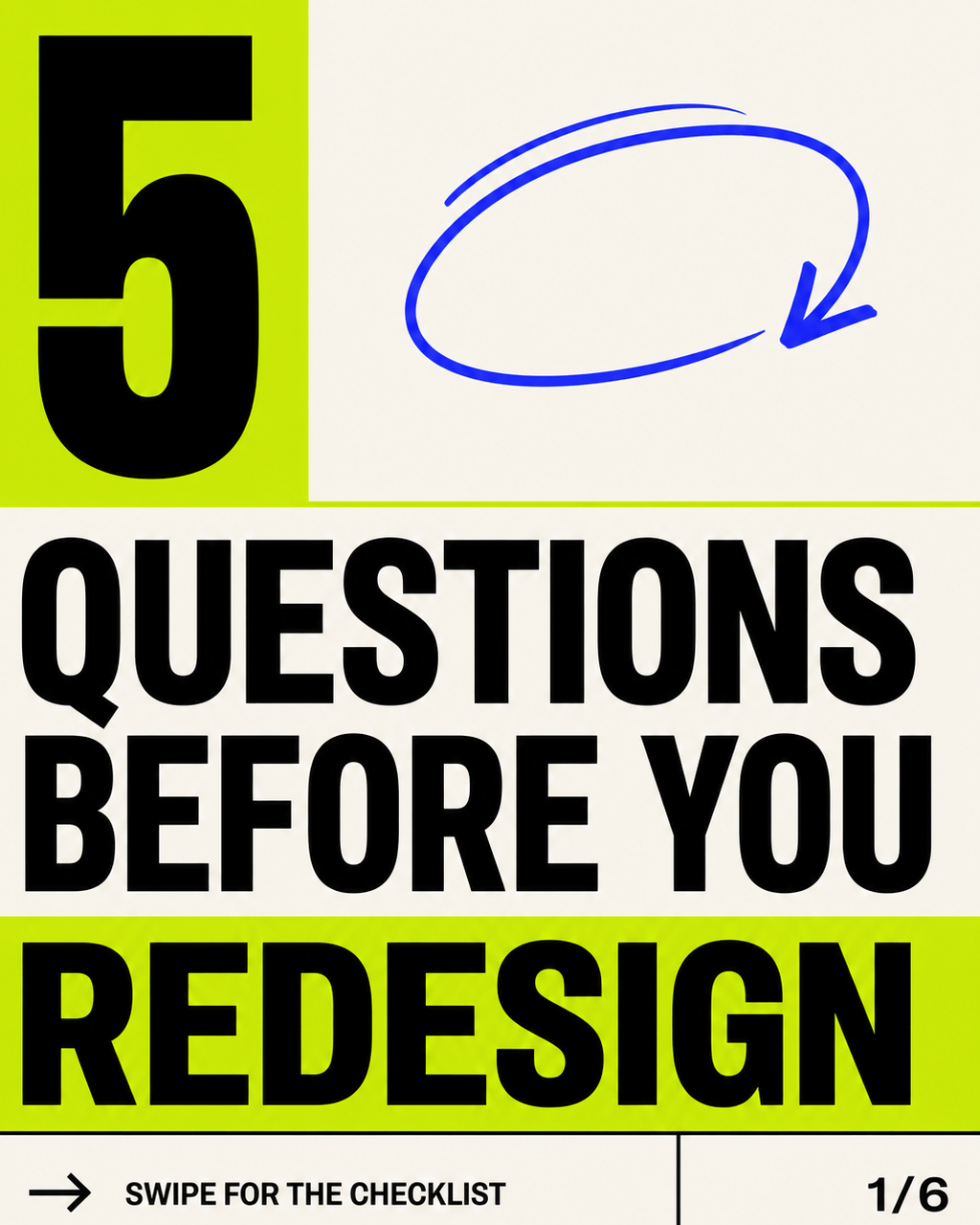
Educational Carousel: Create a coordinated six-slide Instagram carousel for a freelance designer. Cover: '5 QUESTIONS BEFORE YOU REDESIGN'. Slides 2–6: one supplied question per slide, with short approved supporting text. Use a consistent black, ivory, and electric-lime system, visible slide numbers, crop-safe headings, and a final CTA 'Save for Your Next Brief'. Do not add statistics or advice beyond the supplied outline.
Restaurant Seasonal Offer: Design a 4:5 feed post using @licensed-brunch-photo.jpg and @restaurant-logo.png. Exact headline: 'AUTUMN BRUNCH, THIS WEEKEND'. Include the supplied dish name, approved price, Saturday and Sunday hours, reservation URL, and dietary disclaimer. Use warm natural light and deep burgundy accents. Do not invent ratings, ingredients, availability, delivery, or limited-time claims.
Podcast Episode Announcement: Create a 1:1 Instagram post using @host-portrait.png, @guest-portrait.png, and @podcast-logo.png. Exact episode title: 'Designing for Real Attention'. Include the approved guest name, role, episode number, release date, and CTA 'Listen Now'. Use a bold split-portrait composition with cobalt and coral. Preserve both likenesses and do not invent quotes, company affiliations, listener counts, or platform badges.





