Free OnlineAI Holiday Card Generator
How to Create a Holiday Card with AI
Choose the Occasion and Format
Add the Greeting and Personal Details
Generate the Complete Card Layout
Refine, Export, and Send

An AI Holiday Card Maker for Personal and Professional Greetings
Your Exact Message Leads the Design
Names and greetings are the heart of a card. The AI greeting card generator organizes your supplied copy into a readable headline, supporting message, and sign-off instead of treating text as decoration.
Photos Become Part of the Layout
Upload one portrait or a small year-in-review collection. The personalized holiday photo card generator can frame images, balance a collage, and leave faces clear of borders and typography.
One Tool for Many Holiday Traditions
Create secular winter greetings or direction for New Year, Hanukkah, Diwali, Lunar New Year, and other celebrations. You choose the symbols, colors, language, and level of formality.
Client Greetings Stay on Brand
The business holiday card maker can work with a logo, brand colors, approved wording, and a restrained visual style for customers, partners, employees, or donors.
Print and Digital Versions from One Idea
Design a classic 5×7 card, a landscape mailer, or a digital holiday card. Ask for alternate crops or layouts, then export PNG, JPG, or PDF for the destination you need.
Conversational Editing Without a Template Hunt
Start with free AI credits after signup and refine the card through Chat Edit. Ask for warmer typography, more room around a photo, fewer ornaments, or a more inclusive greeting without rebuilding the design.
How to Brief AI for a Holiday Card That Feels Personal
- Occasion and Audience: State the holiday and whether the card is for family, friends, clients, employees, customers, or a broader community.
- Exact Card Copy: Put the headline, names, year, sign-off, and required wording in quotation marks so the intended hierarchy is clear.
- Photos and Visual Direction: Reference uploaded images, logo placement, colors, illustration style, decorations, and whether the mood should feel warm, elegant, playful, spiritual, or neutral.
- Format and Delivery: Specify 5×7 portrait, landscape, square social post, email graphic, printable PDF, or another destination, plus safe margins when the card will be printed.
Holiday Card Prompts for Families, Teams, and Traditions
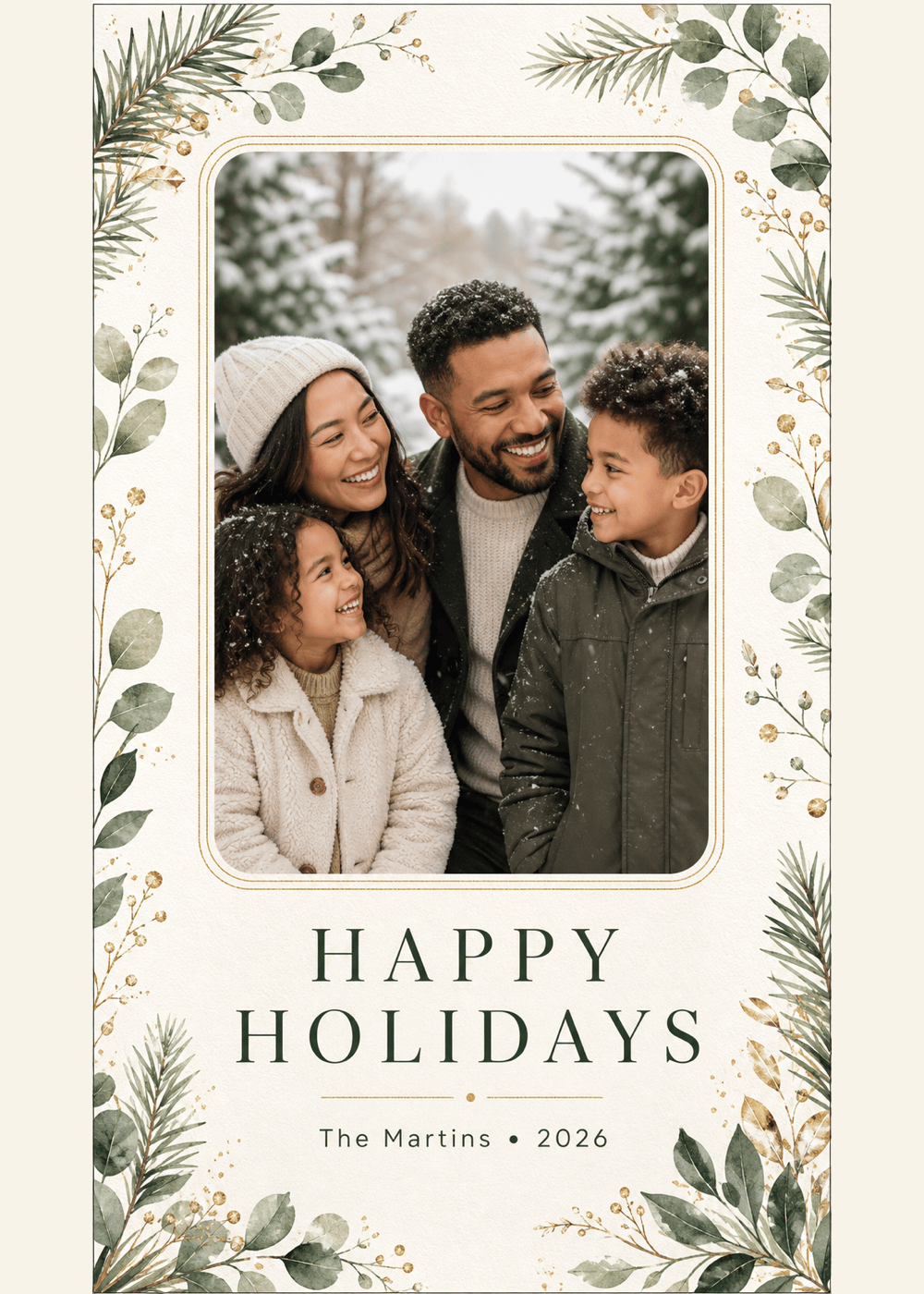
Create a vertical 5×7 family holiday photo card using my four uploaded photos as a tidy year-in-review grid. Headline: ‘Happy Holidays’. Subtext: ‘The Chen Family • 2026’. Warm cream background, evergreen accents, small gold stars, modern editorial typography, generous print margins, keep faces unobstructed.
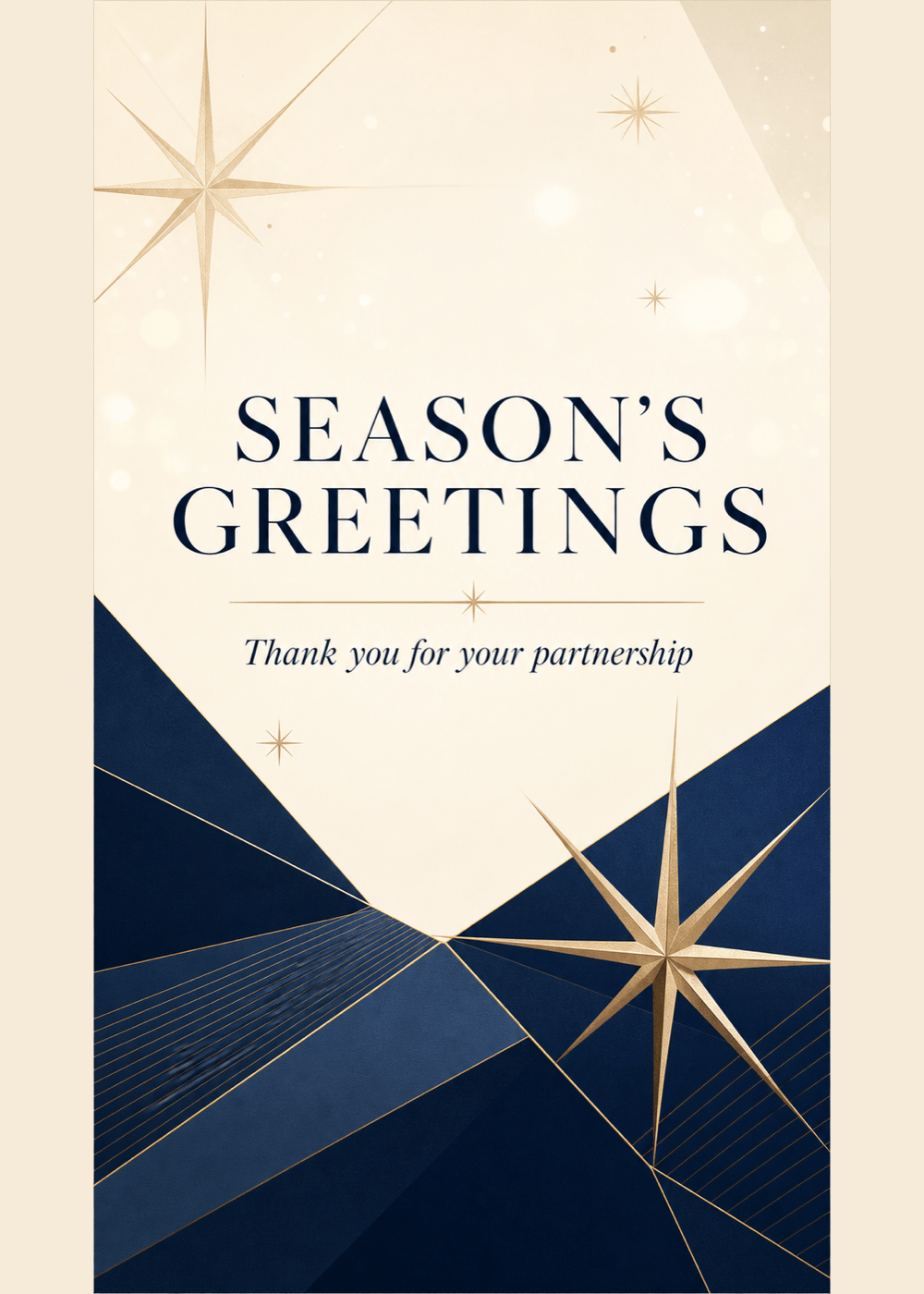
Design a sophisticated business holiday card for a consulting firm. Use my uploaded logo and navy, ivory, and champagne-gold brand colors. Headline: ‘Season’s Greetings’. Message: ‘Thank you for your partnership this year.’ Minimal geometric winter pattern, landscape 7×5 layout, professional and inclusive, print-ready.
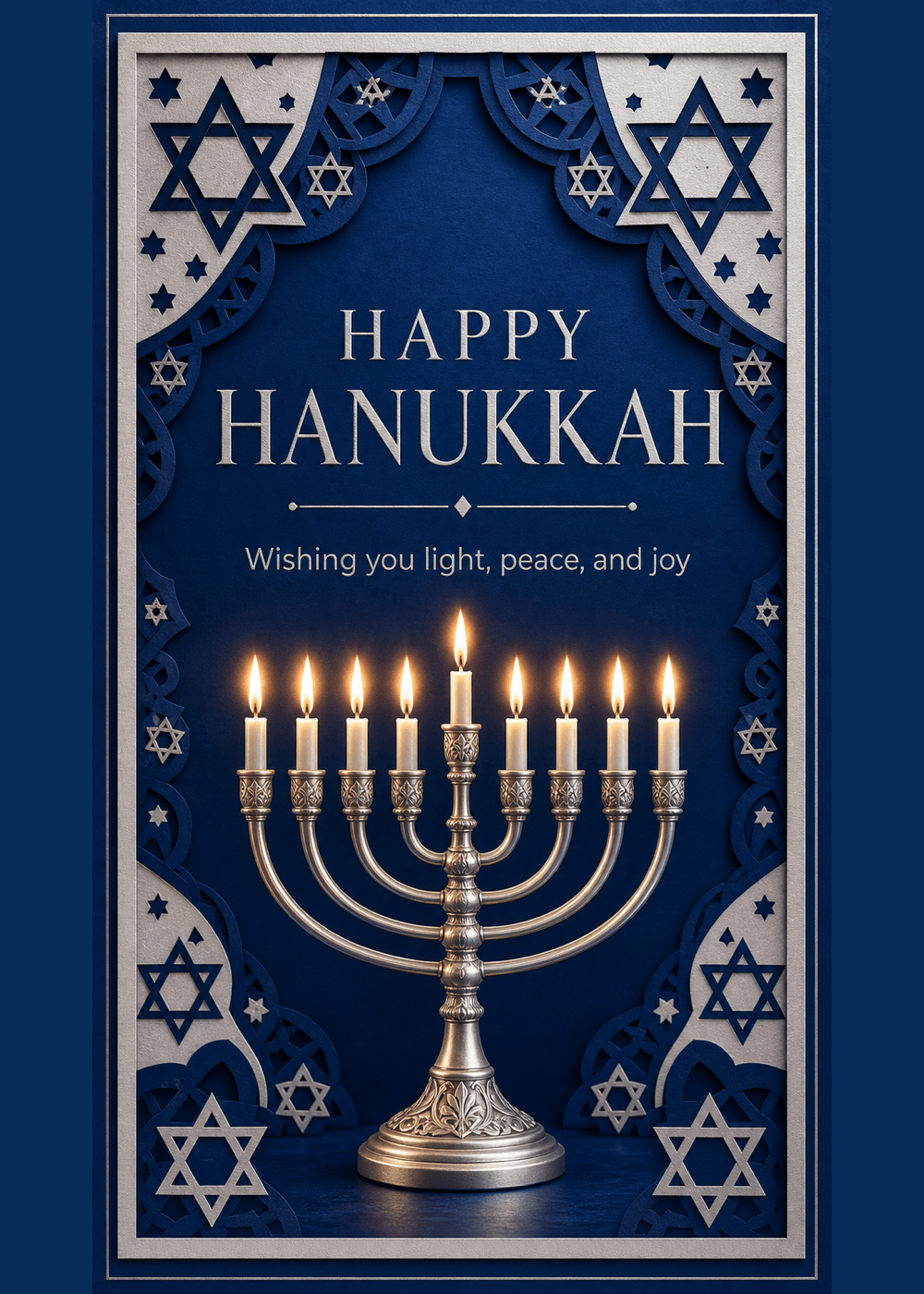
Create a contemporary Hanukkah greeting card with an elegant menorah, eight soft blue lights plus the shamash, subtle silver texture, and generous white space. Headline: ‘Happy Hanukkah’. Subtext: ‘Wishing you light, peace, and joy’. Vertical 5×7, refined watercolor style, no Christmas motifs.
Make a festive Diwali card with original rangoli-inspired geometry, glowing diyas, deep indigo, saffron, magenta, and gold. Headline: ‘Happy Diwali’. Message: ‘May your year be filled with light and possibility.’ Elegant typography, balanced 5×7 portrait layout, rich but uncluttered, suitable for print and digital sharing.
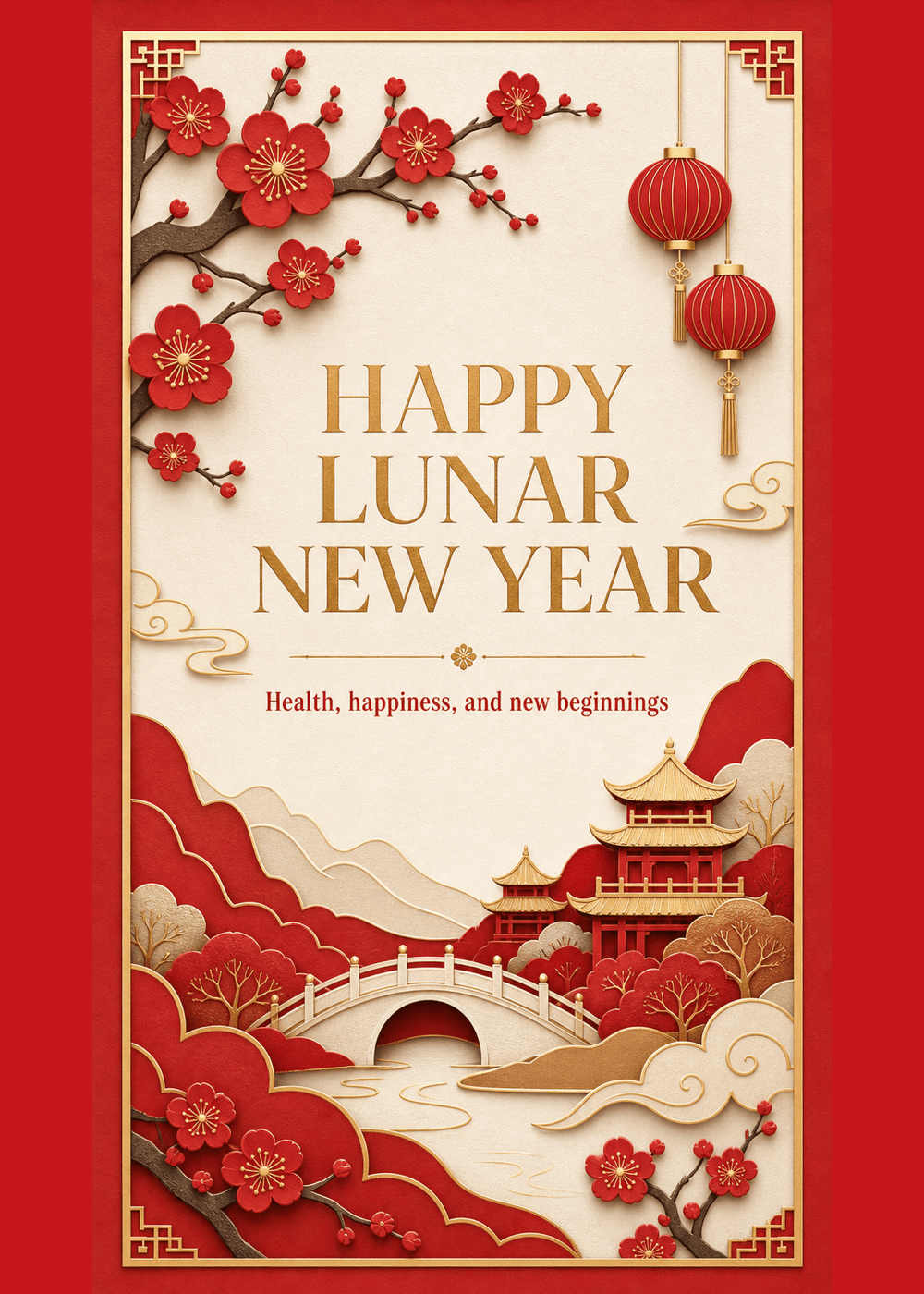
Design a modern Lunar New Year greeting card with an original red paper-cut landscape, plum blossoms, lanterns, and restrained gold details. Headline: ‘Happy Lunar New Year’. Subtext: ‘Health, happiness, and new beginnings’. Vertical 5×7, culturally respectful, clean text hierarchy, no copied characters or logos.
Create a funny digital holiday card using my uploaded dog photo. Add a loose illustrated scarf and a few paper snowflakes without covering the face. Headline: ‘Fleece Navidad’. Subtext: ‘Warm wishes from Luna and family’. Bright editorial collage style, square social format, readable text, playful but polished.





