Free OnlineAI History Generator
How to Create Historical Images with AI
Set the Time and Place
Generate the Scene
Review the Period Details
Download for Your Project

Build a Past You Can Picture
Describe the Scene You Need
Create historical images from text when the scene you need is hard to find. Describe everyday life, architecture, or a character instead of searching through unrelated stock images.
Give Your Research a Visual Starting Point
Upload a PDF or DOCX to the file library, reference it with @ in the conversation, and ask Mew Design to illustrate a passage. Check the result against your sources.
Guide Clothing and Architecture with References
Add reference images for garments, objects, or buildings. Tell the AI historical image generator which details to follow and which parts of the scene to invent.
Choose the Look of Your History Project
Explore painterly historical AI art, detailed illustrations, or cinematic realism. Match the style to a classroom slide, story concept, or history channel image.
Fix the Details in Conversation
Use Chat Edit to replace an out-of-period object, simplify a crowded street, or adjust a portrait. Request a focused change and review the revised image.
Carry a Visual Direction Across a Series
Create related scenes with a shared palette and composition style. Save your preferred workflow as a Mew Skill to reduce setup for the next history lesson or episode.
Make the Era Clear Before You Generate
- Narrow the SettingGive a place and approximate date. “Rome around 100 CE” is more useful than “ancient city.”
- Describe Everyday DetailsName clothing, building materials, tools, and the activity. Use references for details that matter to your project.
- Separate Style from EvidenceA realistic image is still an interpretation. Say whether you want a painting, an illustration, or a cinematic scene; do not present it as an archival photograph.
- Check for Mixed ErasReview transport, lighting, signs, uniforms, and landmarks. Ask for one correction at a time, then compare the revision with your sources.
Six Starting Points for Historical Images
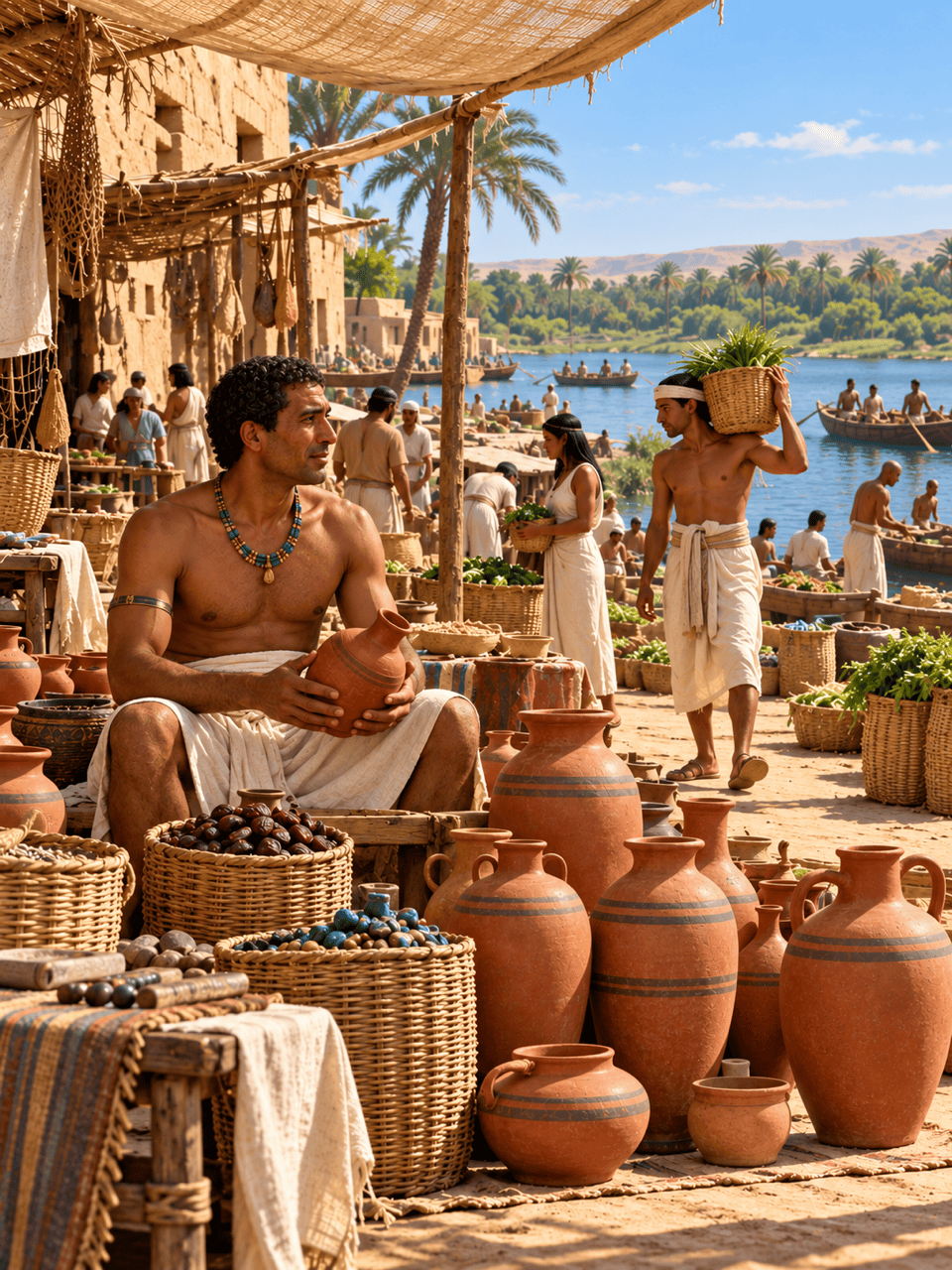
Create an ancient Egyptian riverside market illustration for a history lesson, around 1250 BCE. Show linen clothing, pottery, woven baskets, and wooden boats. Keep the scene clear enough to discuss everyday trade. No labels or modern objects.
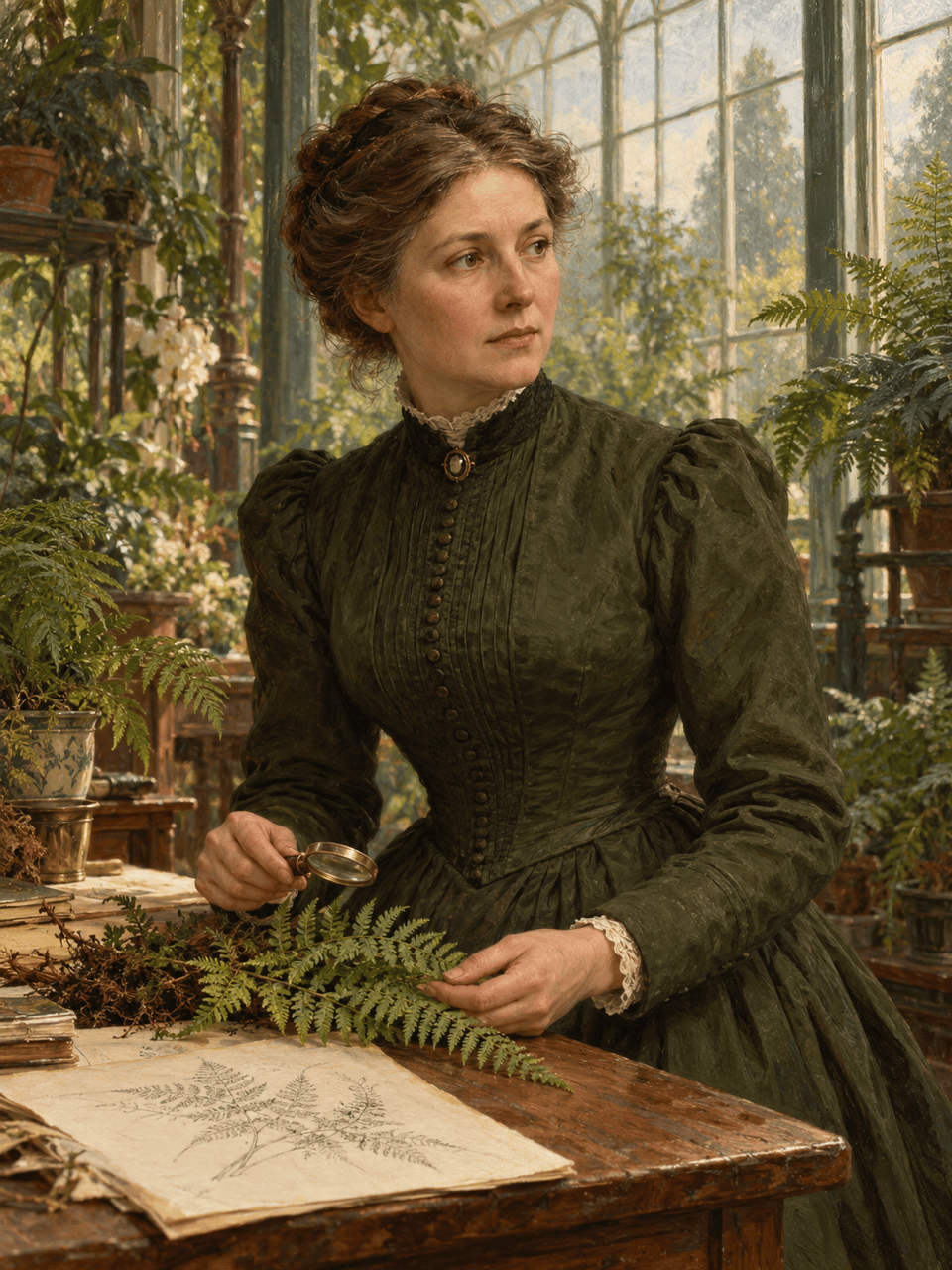
Generate a fictional Victorian botanist portrait in an 1880s British conservatory. Use period clothing, botanical specimens, and soft window light in a muted oil-painting style. Avoid modern laboratory equipment.
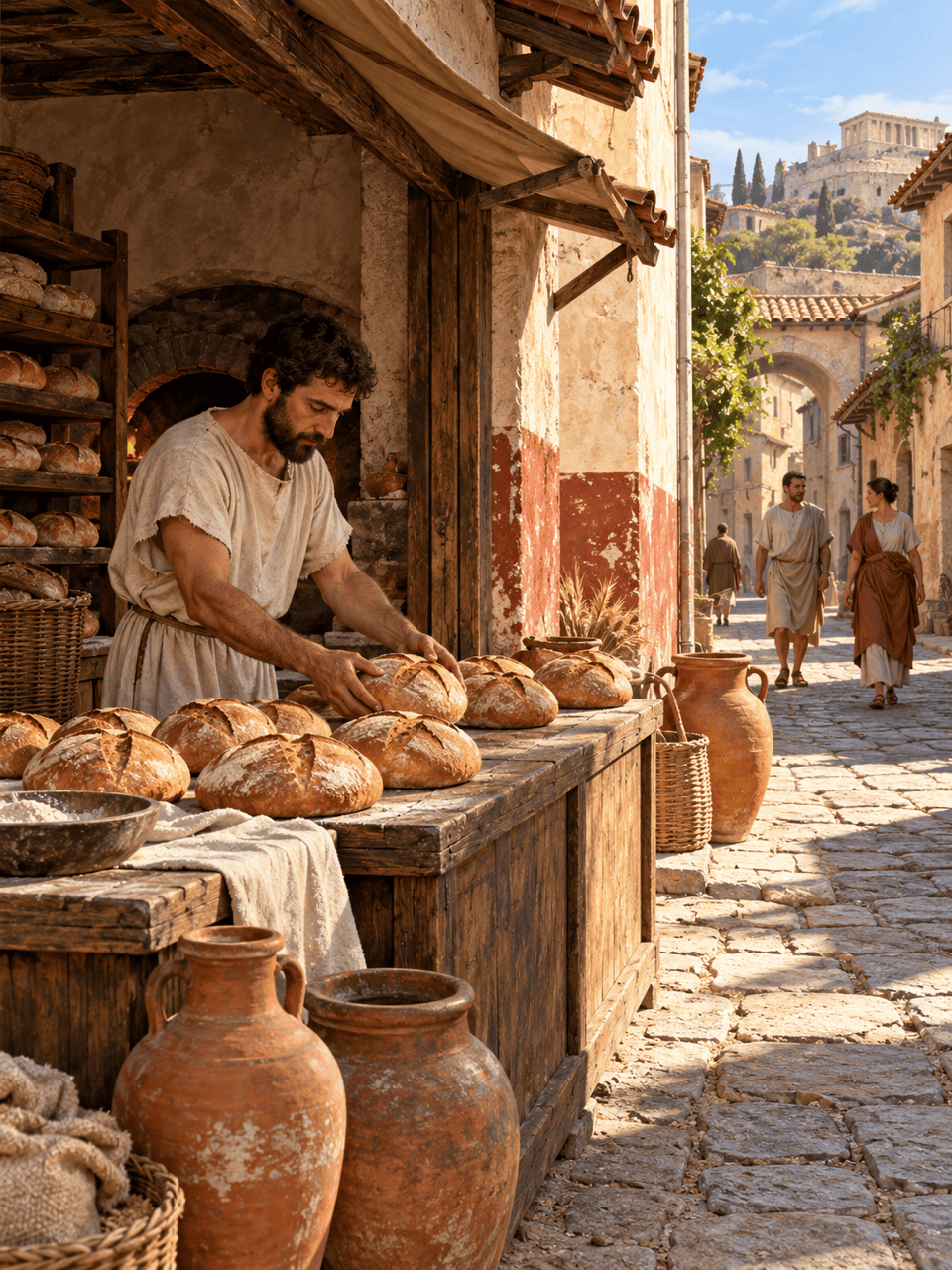
Create a street-level view of a Roman bakery around 100 CE. Show plastered walls, bread, pottery, and people in tunics. Use warm daylight and a detailed illustration style. Exclude modern signs and equipment.
Make a 16:9 historical illustration for a YouTube episode about medieval manuscript making. Show a scribe at a wooden desk in 14th-century France. Place the main subject on the right and leave quiet space for a title. No text.
Use my uploaded portrait as a reference for a Renaissance-inspired painted portrait. Keep the person recognizable, with period-inspired clothing and a simple interior. Treat it as an imaginative transformation, not a real historical portrait.
Revise my generated historical scene using the date, location, and references I provide. Replace the modern objects I identify, while preserving the composition and color palette. Ask me for any missing period details before editing.





