Free OnlineAI Hiring Poster Generator
How to Create a Hiring Poster with AI
Collect the hiring details
Generate the recruitment poster
Check clarity and compliance
Export for every hiring channel

Why Mew Design Helps Hiring Posters Get Read
Clear Candidate Path
This recruitment poster maker helps candidates see the job, benefits, and application step quickly, which matters for storefront and social hiring.
Readable Role and Benefit Blocks
Mew Design can structure multiple roles, shifts, perks, and contact details without turning the poster into a dense job description.
Brand and Location Adaptation
Create different versions for a cafe, retail store, restaurant, startup, school, warehouse, or nonprofit while keeping the message consistent.
QR and Contact Area Planning
Ask the online hiring flyer maker to leave a clear QR placeholder, email line, phone number, or application URL area.
Editable Through Chat
Change roles, add a benefit, update the location, revise the CTA, or turn one poster into several department-specific versions.
Print and Social Recruiting Outputs
Export AI-generated recruitment posters for windows, bulletin boards, job fairs, feed posts, stories, and internal referrals.
What Makes a Good Hiring Poster Prompt
- Required hiring text: List headline, roles, schedule, location, benefits, salary if shown, and contact details.
- Audience and channel: Mention retail window, restaurant wall, campus board, LinkedIn, Instagram, or job fair so the layout fits the placement.
- Brand tone: Describe friendly, professional, urgent, youthful, premium, local, or corporate styling.
- Action step: Ask for a QR placeholder, apply button, phone line, email, or URL area so candidates know what to do next.
Hiring Poster Prompt Examples
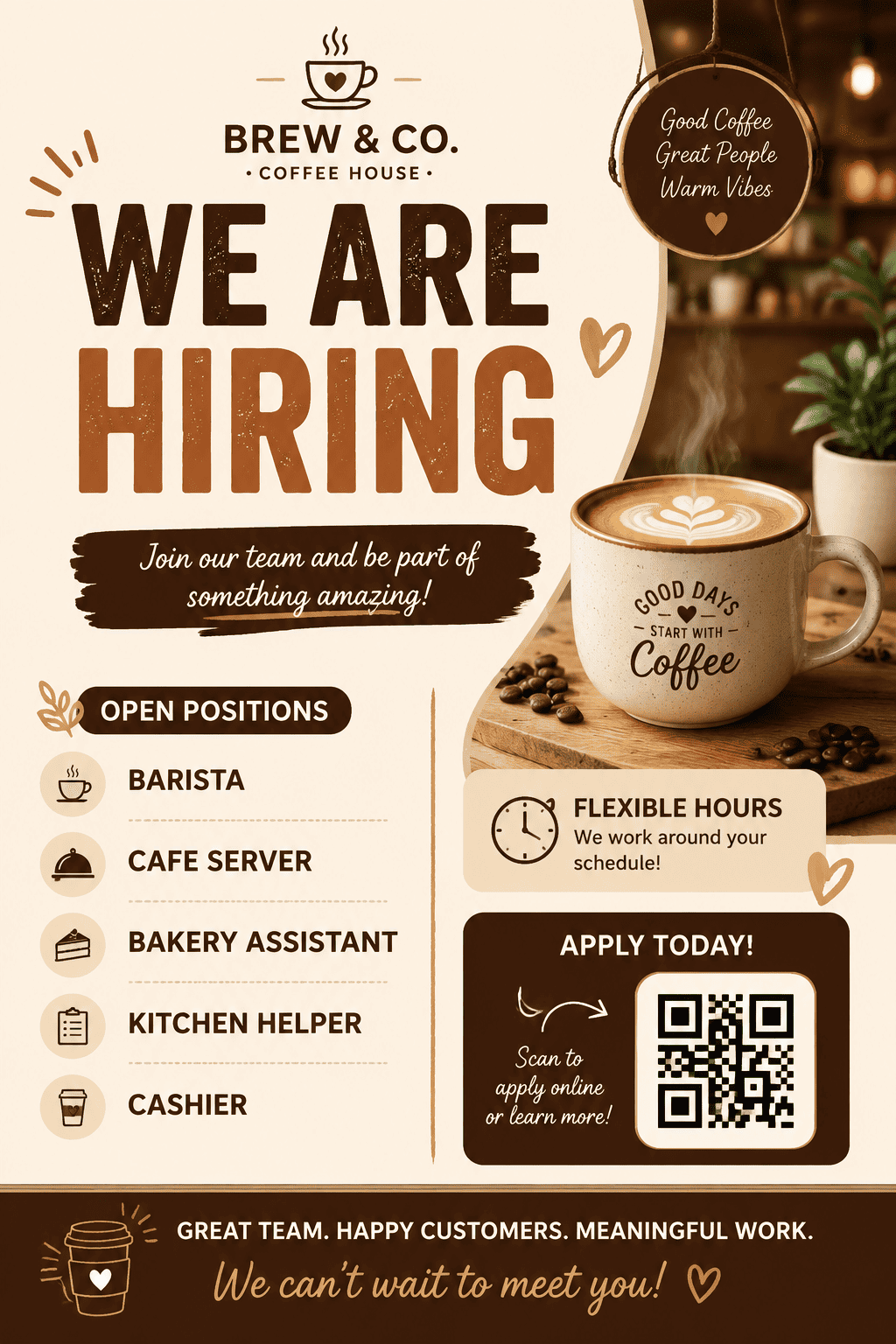
Create a vertical hiring poster for a cafe. Headline: "WE ARE HIRING". Roles: Baristas and Shift Leads. Add flexible hours, friendly team culture, a QR placeholder, and warm coffee colors.
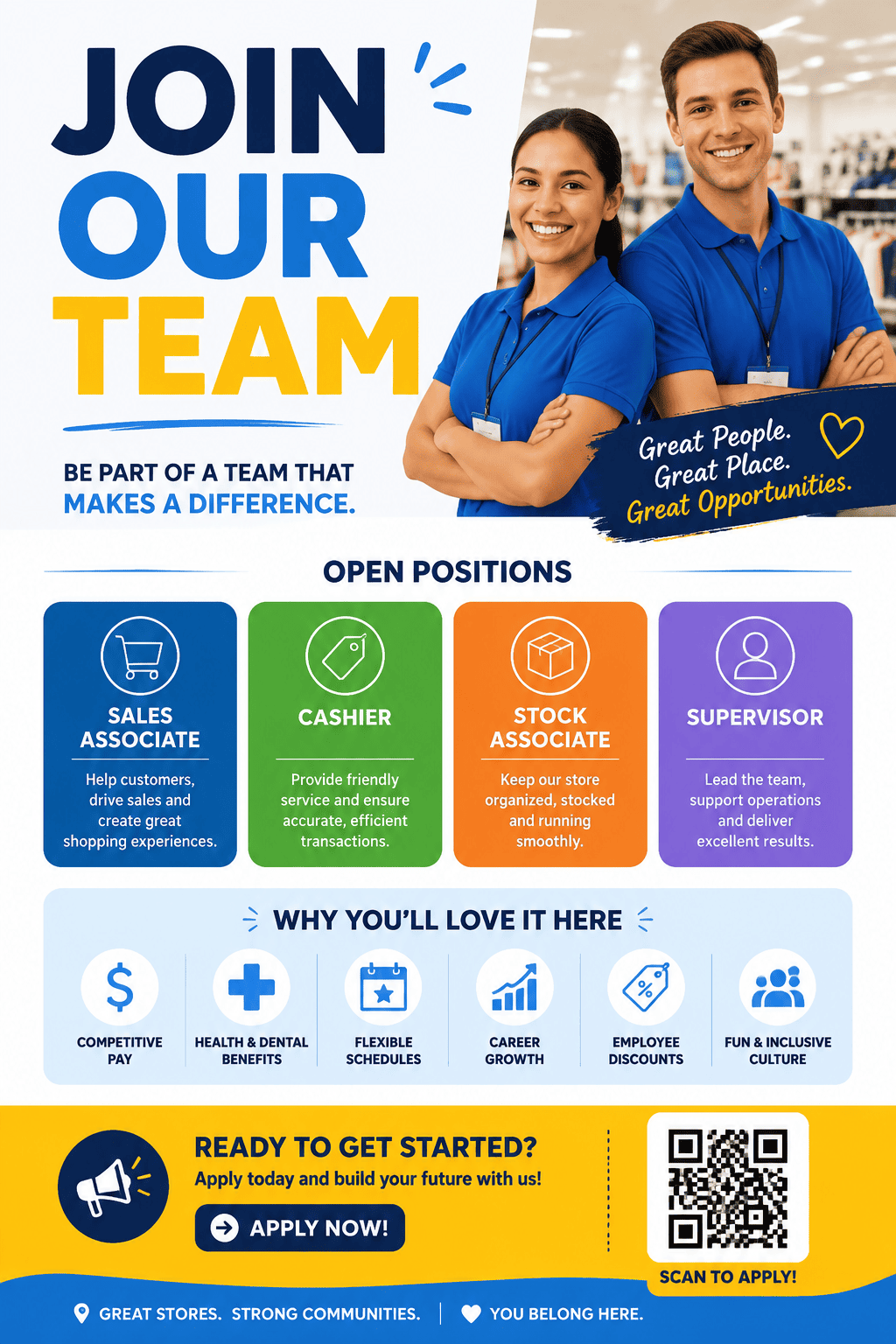
Design a retail recruitment poster for sales associates and stock team roles. Use a bright modern layout, weekend shifts note, benefits icons, and a clear apply section.
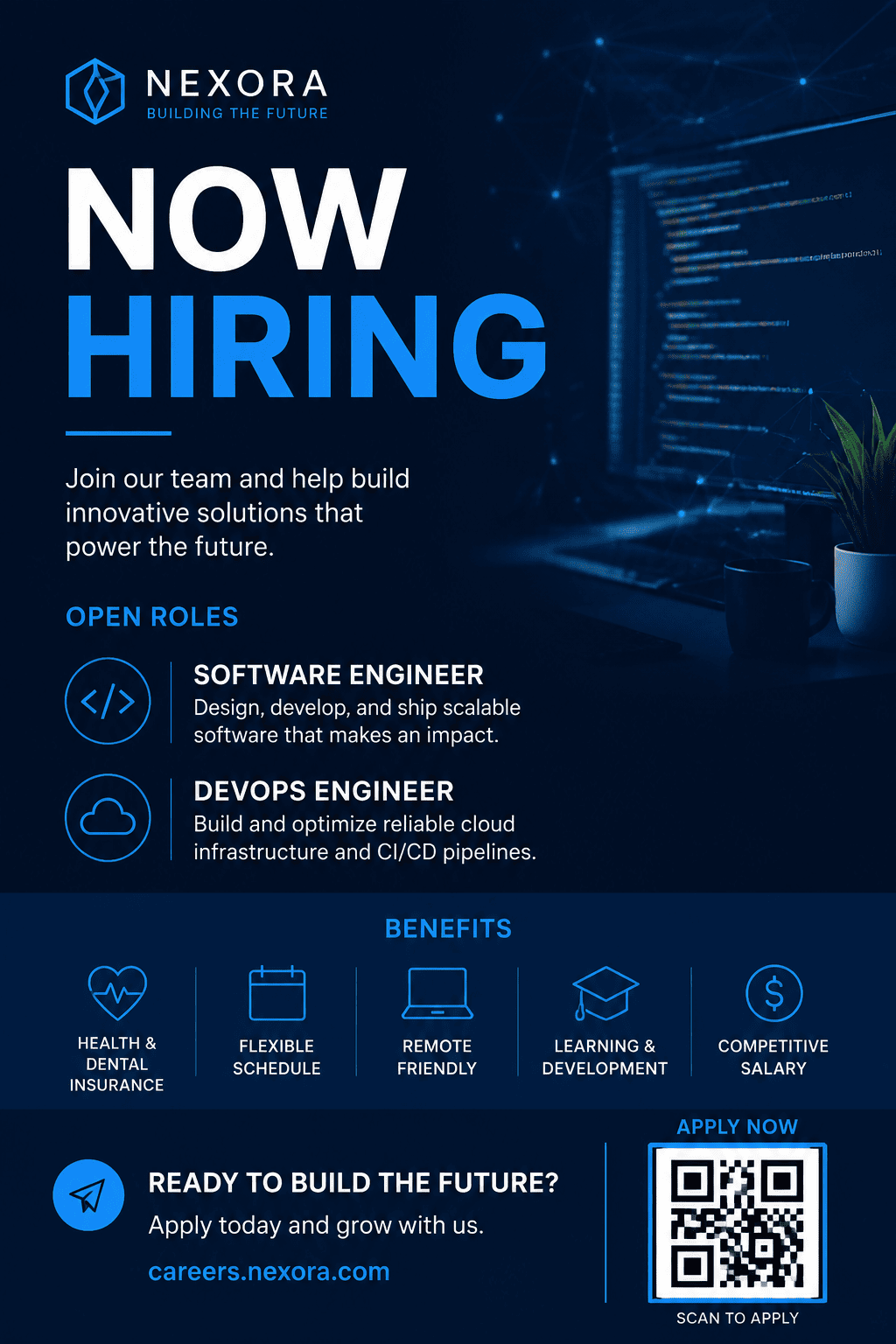
Make a startup hiring poster for a Design Intern and Frontend Engineer. Use a modern tech style, gradient accents, and a QR placeholder for applications.
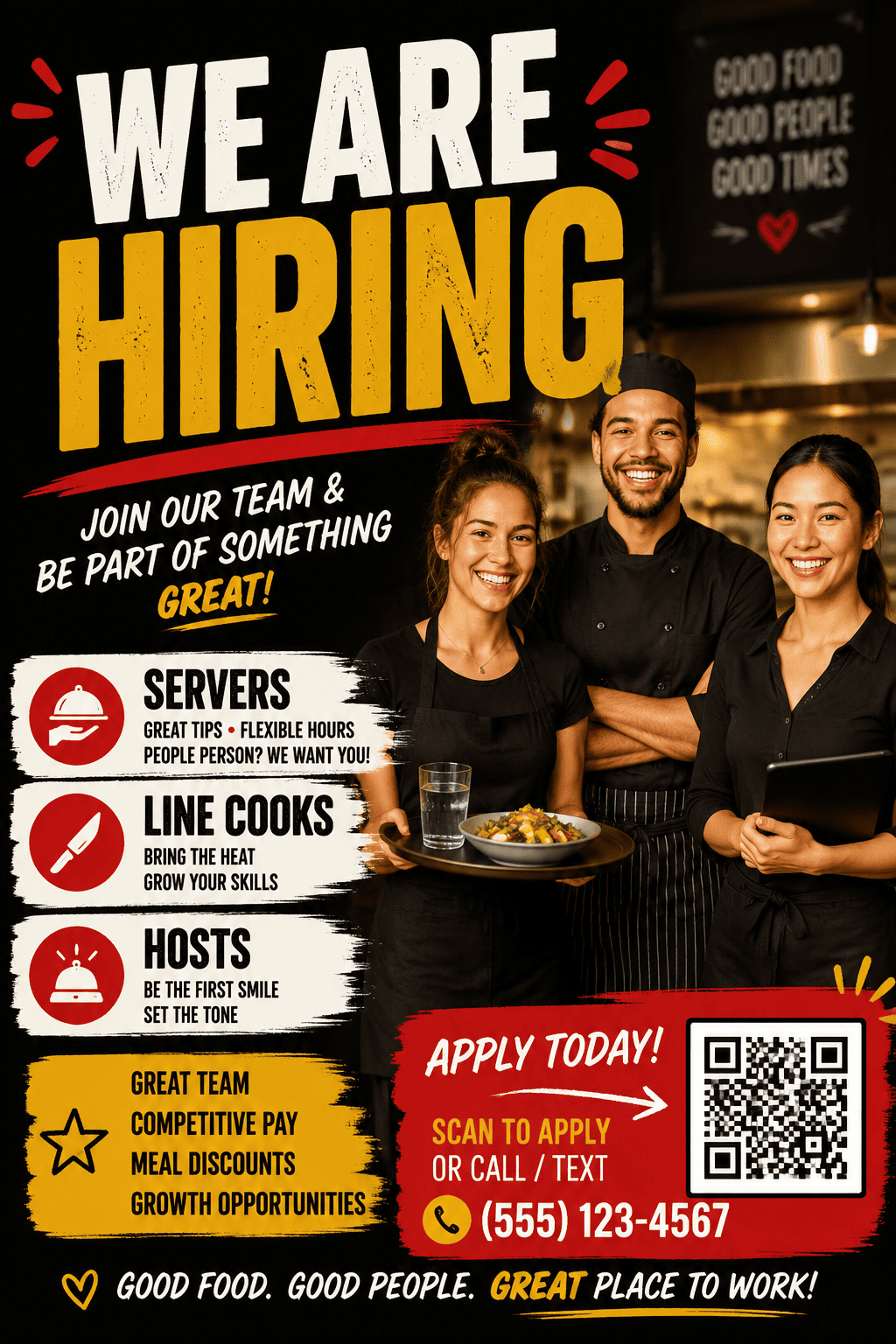
Create a restaurant hiring flyer for servers, line cooks, and hosts. Use energetic typography, food-service colors, and phone/email placeholders.
Generate a campus hiring poster for part-time student ambassadors with flexible schedule, training provided, and a social media crop.
Design a warehouse job opening poster with shift blocks, benefits, location, and a large "Apply Today" CTA for a bulletin board.





