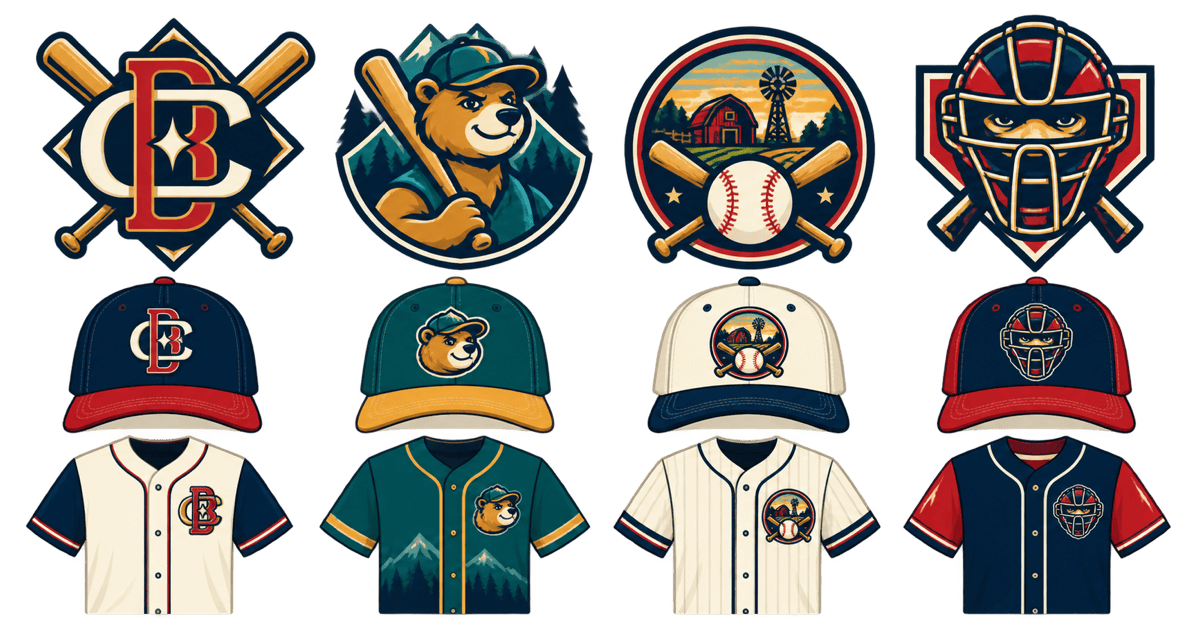
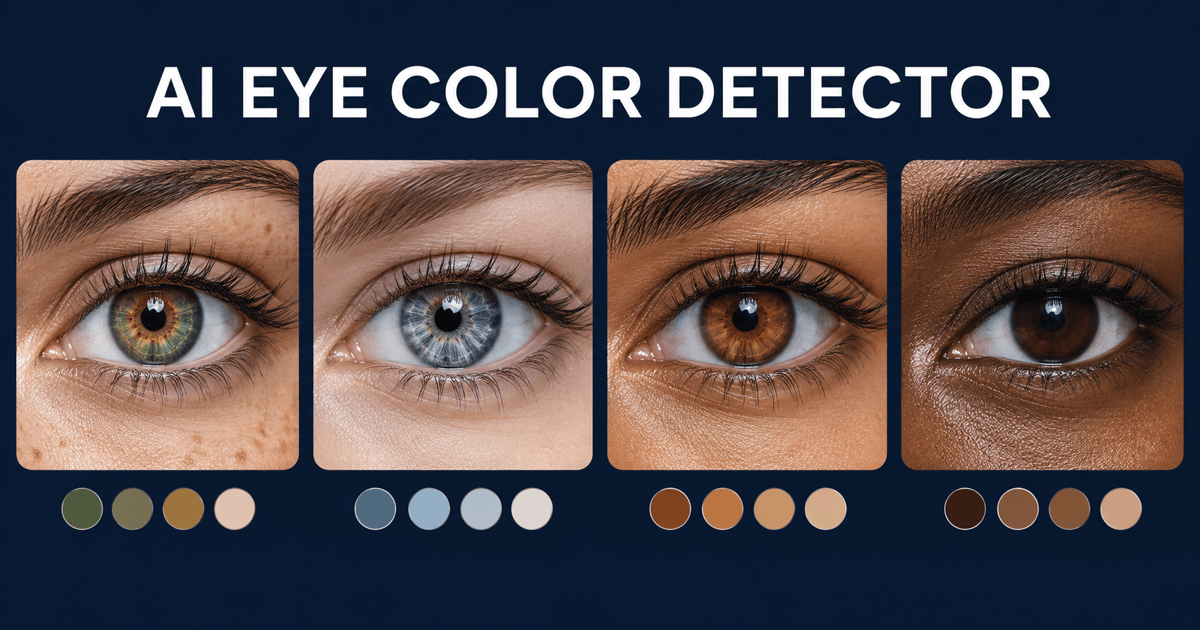
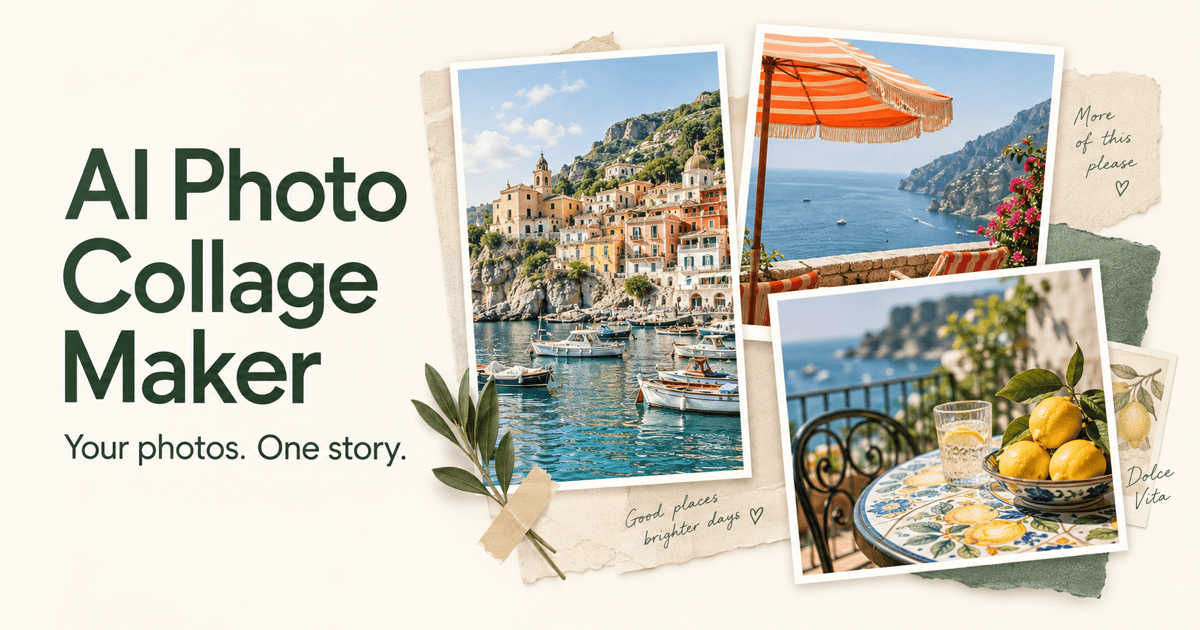
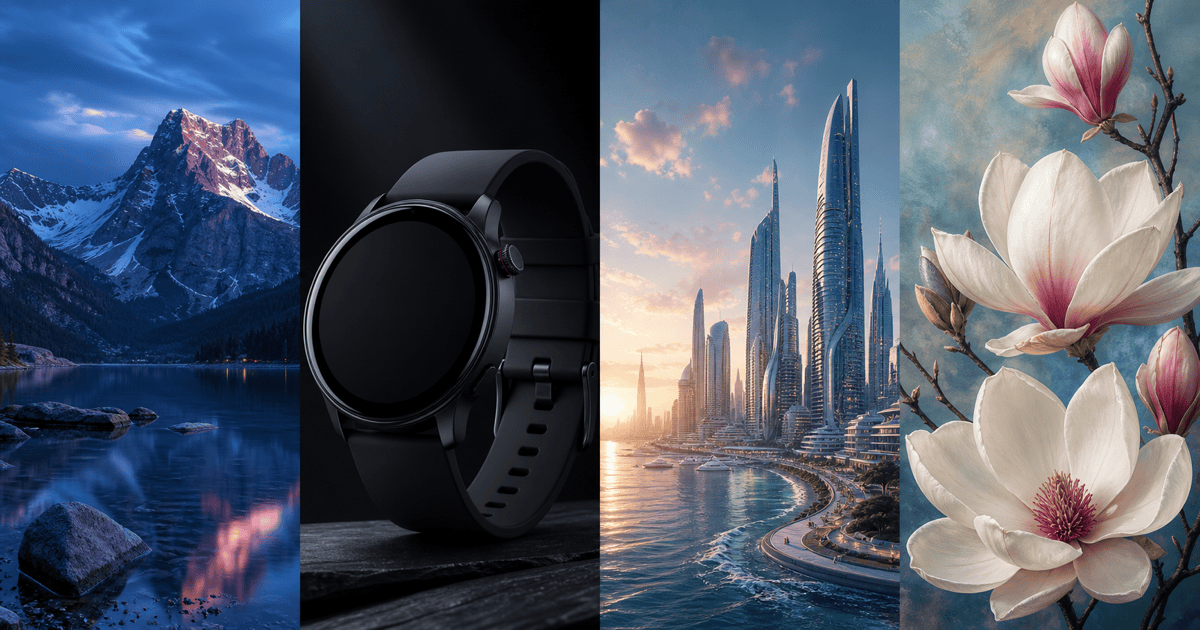
Free OnlineAI Head Generator
How to Create a Character Head with AI
Describe the Head You Imagine
Generate a Complete Head Portrait
Refine the Silhouette and Expression
Check the Crop and Download
An AI Head Maker for Avatars and Character Design
Control Head Shape, Hair, and Expression
Tell this online AI head maker how the head should look: a defined jawline, rounded silhouette, curly hair, or a particular expression. Specify the viewing angle to guide the composition.
Realistic, Anime, and 3D-Style Heads
Create realistic head portraits for character concepts, anime heads for profile avatars, or 3D-style illustrations for playful designs. Describe the medium and finish to guide the result.
Create a Head from a Photo or Sketch
Upload a sketch or image to guide the hairstyle, proportions, or visual style. Tell Mew Design which details matter most.
Focused Changes Through Chat
Change a stiff expression or distracting background with Chat Edit. Ask to retain the approved features while revising one detail.
Transparent Head PNGs for Stickers
Ask to remove the background for an isolated character head, then export a transparent PNG for layouts, stickers, or avatar designs.
A Reusable Character Art Workflow
Save your preferred palette, framing, and rendering approach as a Mew Skill for future character portraits. It helps maintain a shared style; review identity details across images.
How to Get Better AI-Generated Head Portraits
- Define the Silhouette: Describe head shape, hair volume, and distinctive features before adding decorative details.
- Choose One View: Specify front, side profile, or three-quarter view. For another angle, reuse the approved image as a reference and check for drift.
- Leave Cropping Room: Keep hair, ears, and chin inside the frame. A square image with clear margins is a practical starting point for an avatar.
- Check the Small Details: Review pupils, teeth, glasses, earrings, and hair edges. Request a focused correction when something looks wrong.
Character Head Ideas for Avatars, Games, and Art
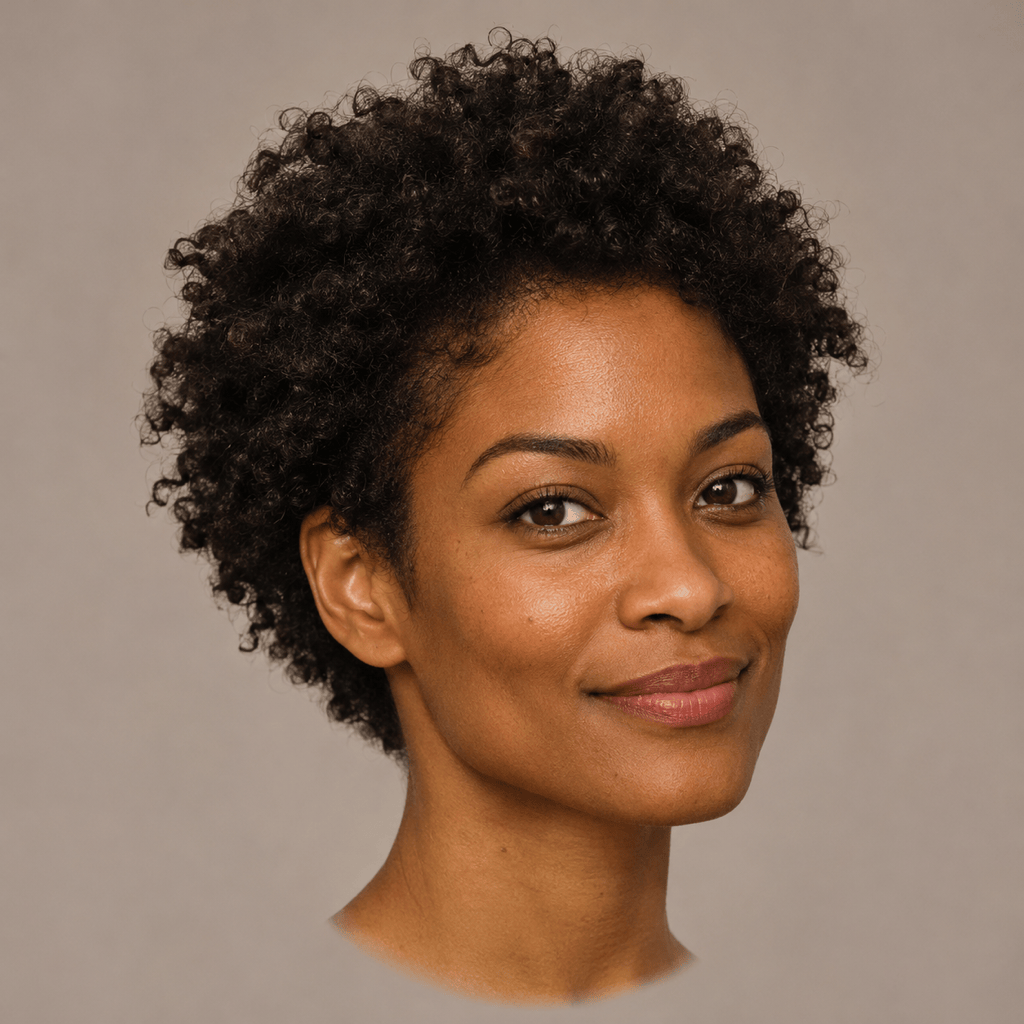
Generate a realistic head portrait of a fictional adult with short curls and a relaxed expression. Use soft studio light, natural skin texture, and a neutral backdrop. Show the full head with space around the hair.
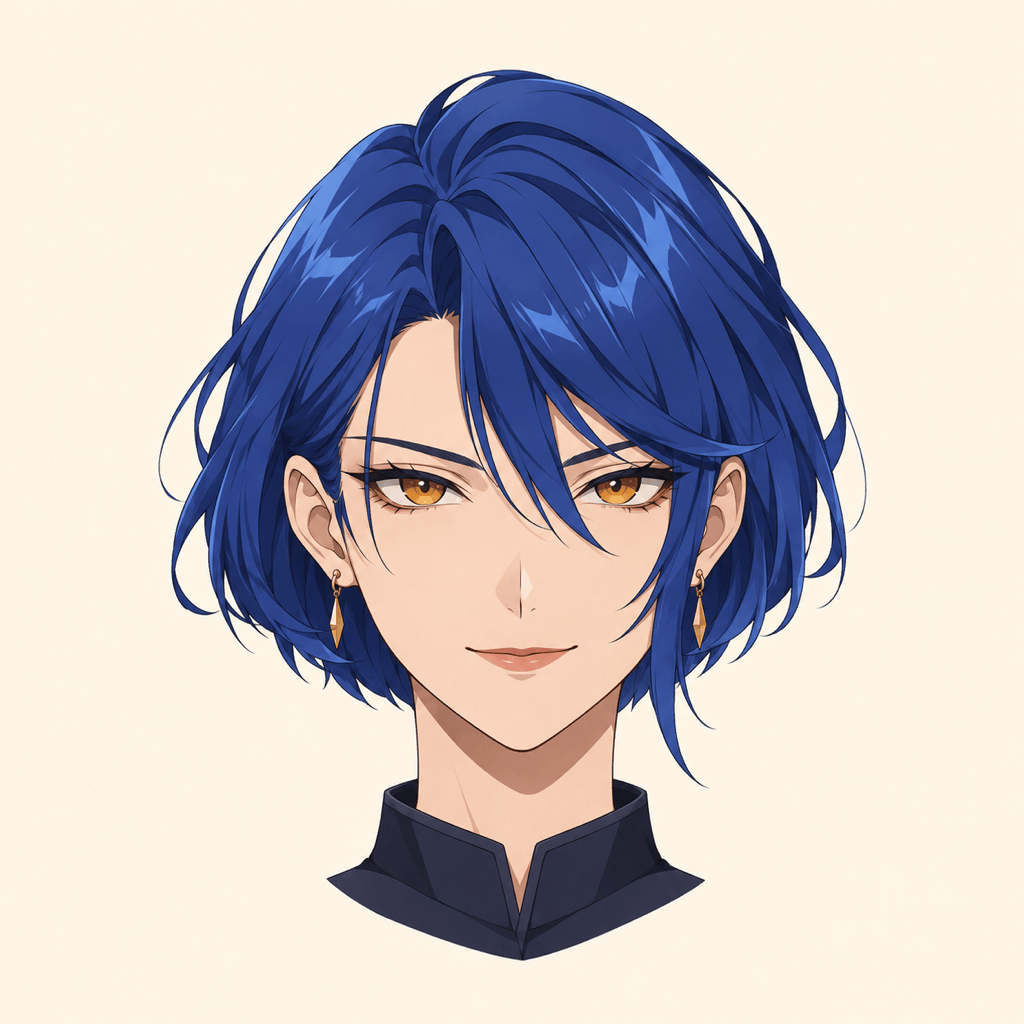
Create a square anime head avatar of an original adult character with a short blue bob, amber eyes, and a confident smile. Use crisp linework and simple shading. Keep the silhouette clear at a small size.
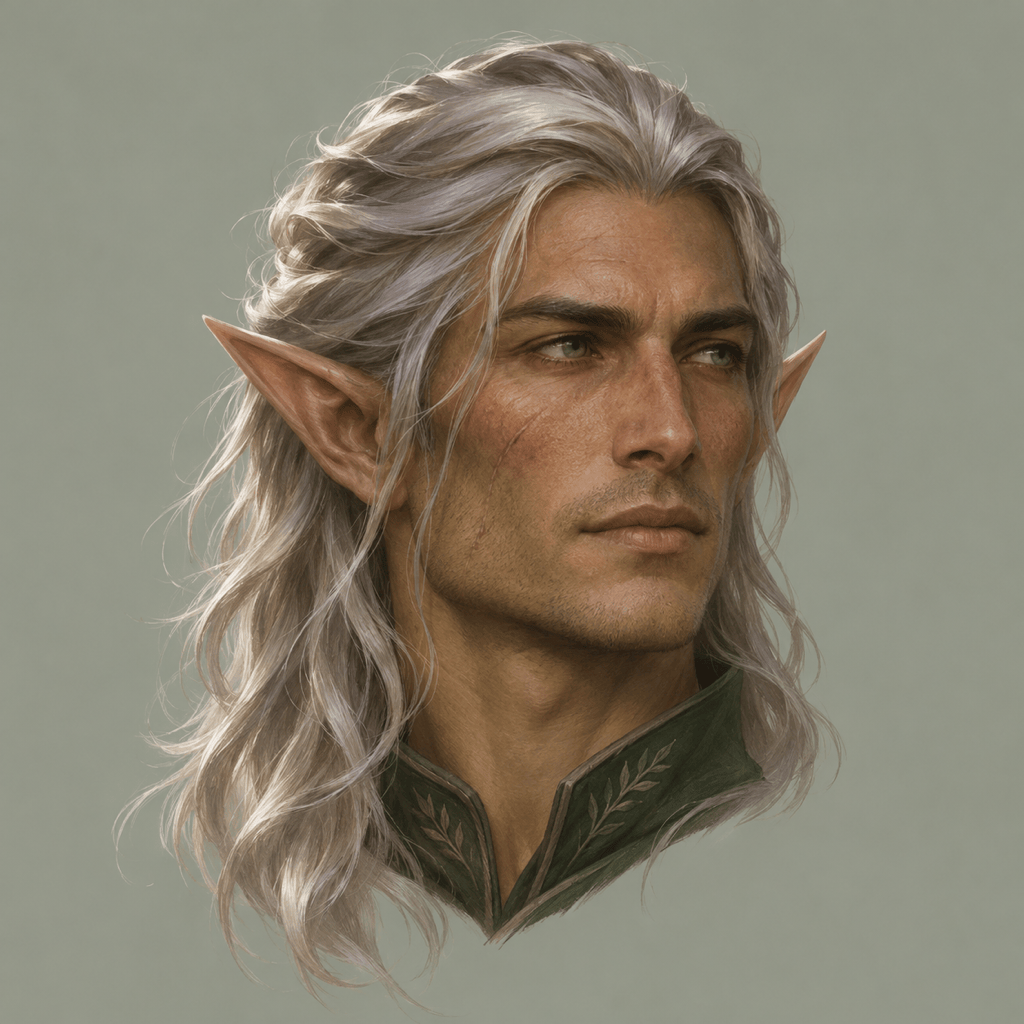
Design a fantasy character head for a tabletop role-playing game: an adult elf ranger with swept-back silver hair, pointed ears, and a weathered expression. Use a three-quarter view and a muted painted finish.
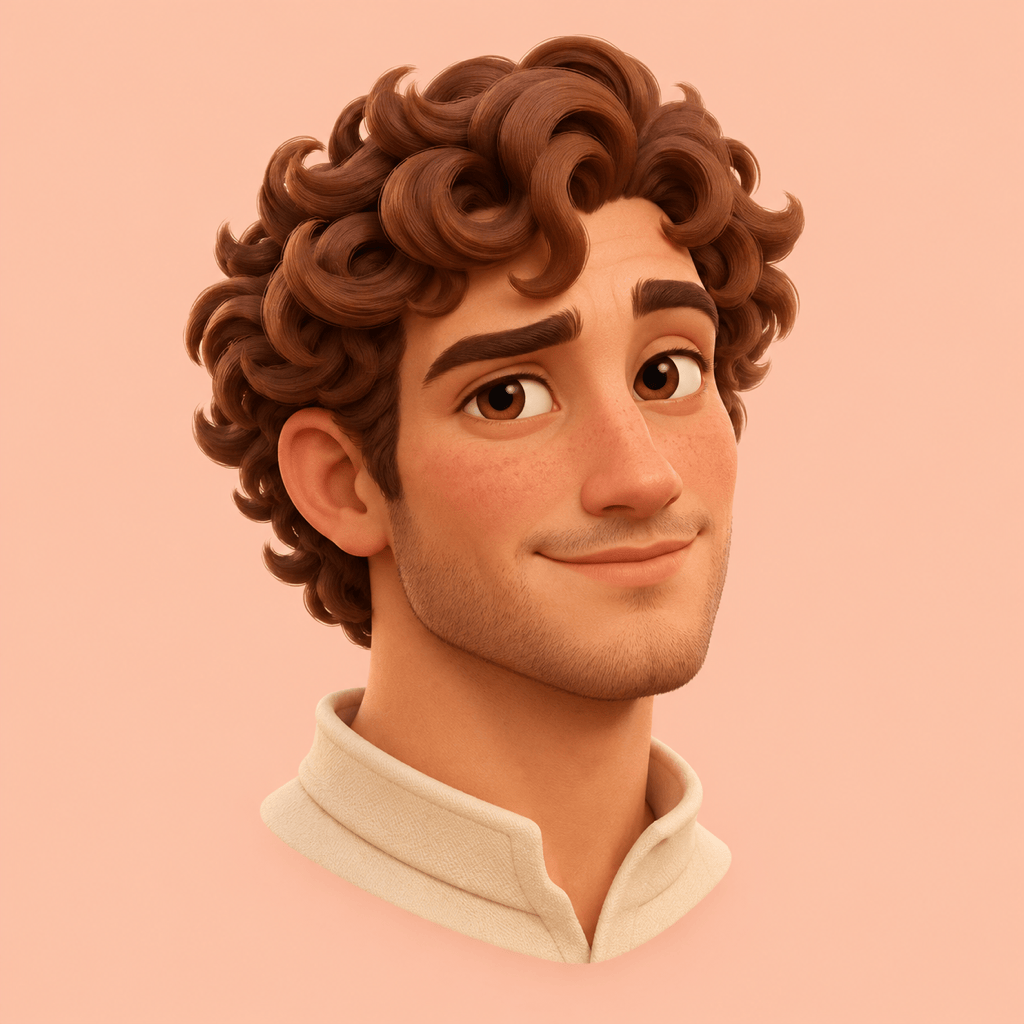
Create a 3D-style head illustration of a friendly fictional adult with rounded features and sculpted curls. Use matte materials, soft studio lighting, and a plain peach background. Deliver a still image.
Create a side-profile head drawing of a fictional adult for an art reference. Show the forehead, nose, lips, chin, ear, and back of the skull clearly. Use simple graphite shading on an uncluttered background.
Create an isolated cartoon character head for a sticker: an original adult with round glasses, a high bun, and a cheerful expression. Use bold outlines and readable shapes, remove the background, and export as transparent PNG.