Free OnlineAI Face Generator
How to Create a Face with AI from Text or a Photo
Start with Text or a Photo
Generate the First Portrait
Refine the Face
Check and Download
Create Realistic AI Faces from Text or Photos
AI Face Generator from Text
Describe age, face shape, skin tone, hairstyle, and expression to create a fictional person from scratch. Our AI face generator turns your text into a portrait for a story character, game concept, or avatar without requiring a photo.
AI Face Generator from Photo
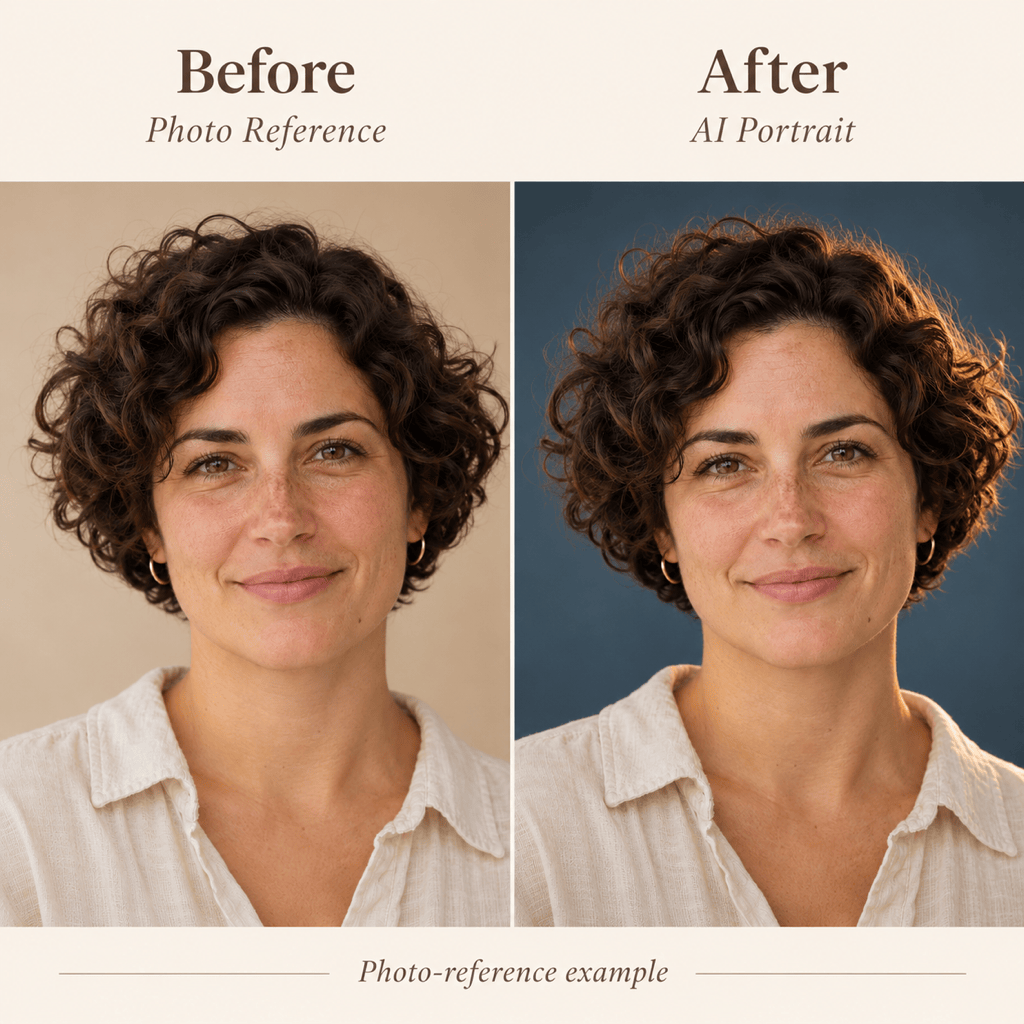
Turn your own or an authorized photo into a new portrait by describing what to keep and change. Try a studio background, softer lighting, or an illustrated style, then compare the result with your reference. Facial likeness can vary.
Focused Edits in Conversation
This online AI face maker lets you request changes to lighting, expression, or background through Chat Edit. Review each version before making the next adjustment.
Realistic Faces and Art Styles
Explore a natural photographic portrait, a painted face, or a stylized character. Specify the medium so skin texture and facial proportions suit the intended look.
Faces for Avatars and Character Design
Create a square profile picture with room for a circular crop, a character reference for a story, or a portrait for a game concept. Describe the intended use so the framing, expression, and background suit the project.
Images Ready for Your Project
Export watermark-free PNG or JPG portraits for avatars and creative layouts. Free signup credits let you test a direction before deciding whether you need additional credits.
What Makes an AI Face Look Natural?
- Choose Distinctive Features: Specify a few useful details such as age range, face shape, hairstyle, or freckles. Avoid conflicting descriptions.
- Keep Light and Texture Believable: Ask for soft daylight and natural skin texture. Excessive smoothing and glassy eyes can make a face feel artificial.
- Prepare a Clear Photo Reference: Choose a well-lit image with an unobstructed face. State whether you want a related likeness or only the photographic style.
- Review Small Details: Check pupils, teeth, ears, glasses, and the hairline at full size. Request one correction at a time and recheck the whole face.
AI Face Prompts for Avatars, Characters, and Photo Edits
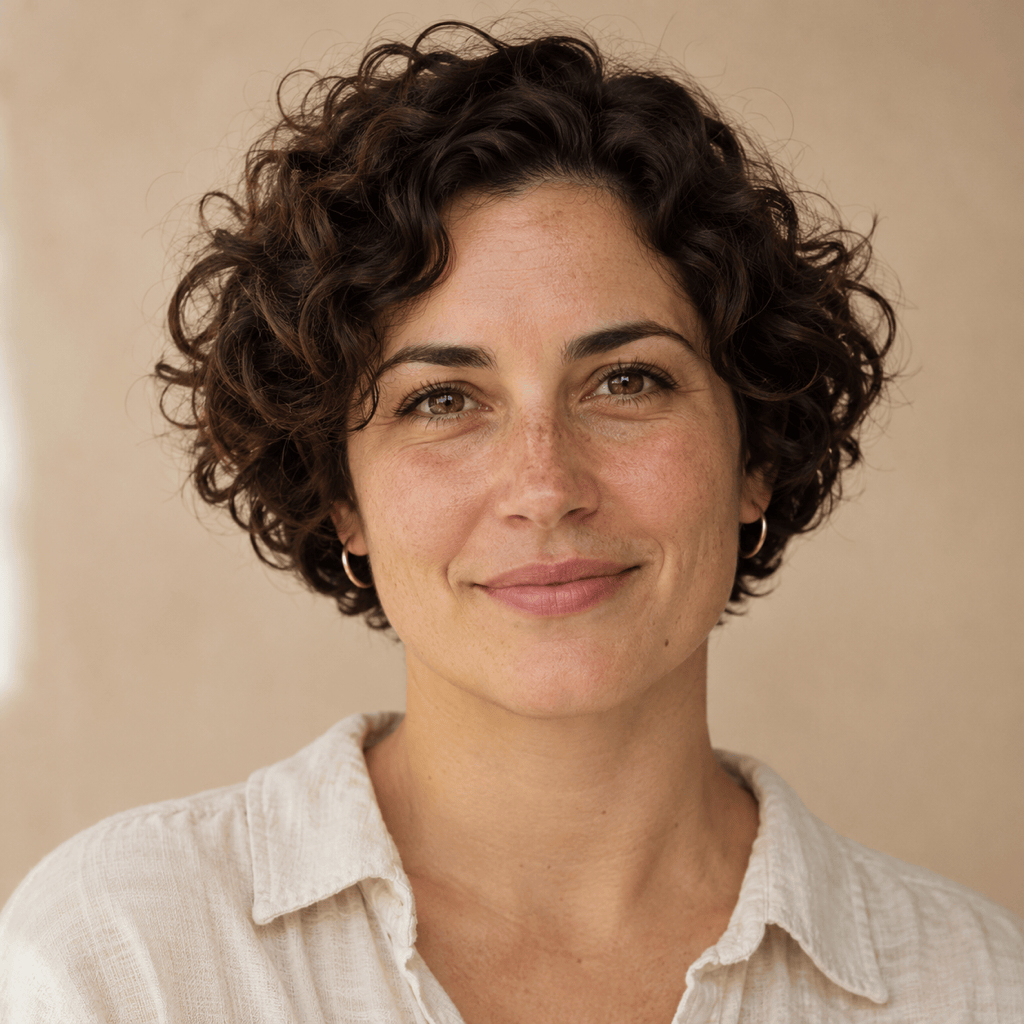
Generate a square avatar of a fictional adult with short curls and a friendly, closed-mouth smile. Use soft daylight, natural skin texture, and a plain background. Leave room for a circular crop.
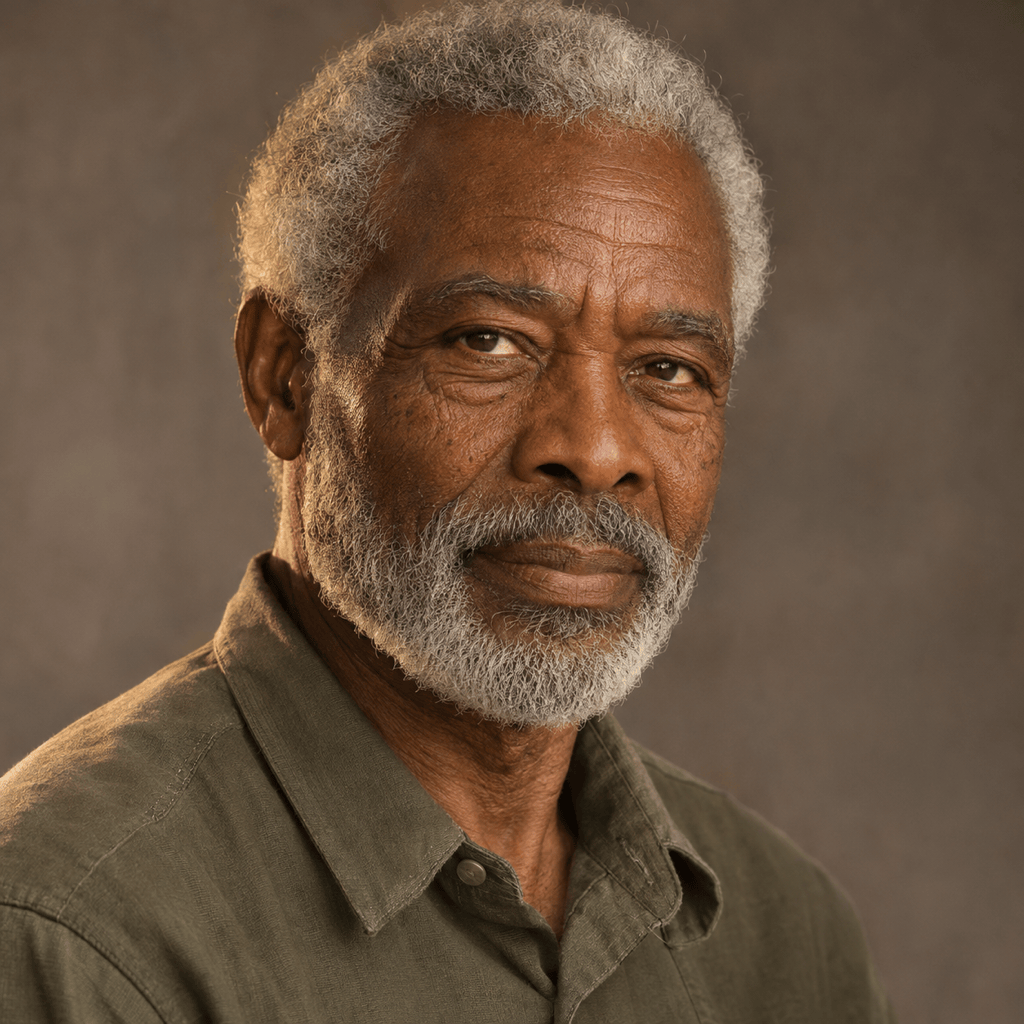
Create a realistic close-up of a fictional man in his sixties with silver hair, subtle wrinkles, and a thoughtful expression. Use warm side lighting without smoothing away age details.
Create a cinematic portrait of a fictional adult explorer with short dark hair and a focused expression. Use a three-quarter view, muted teal shadows, and warm rim lighting.
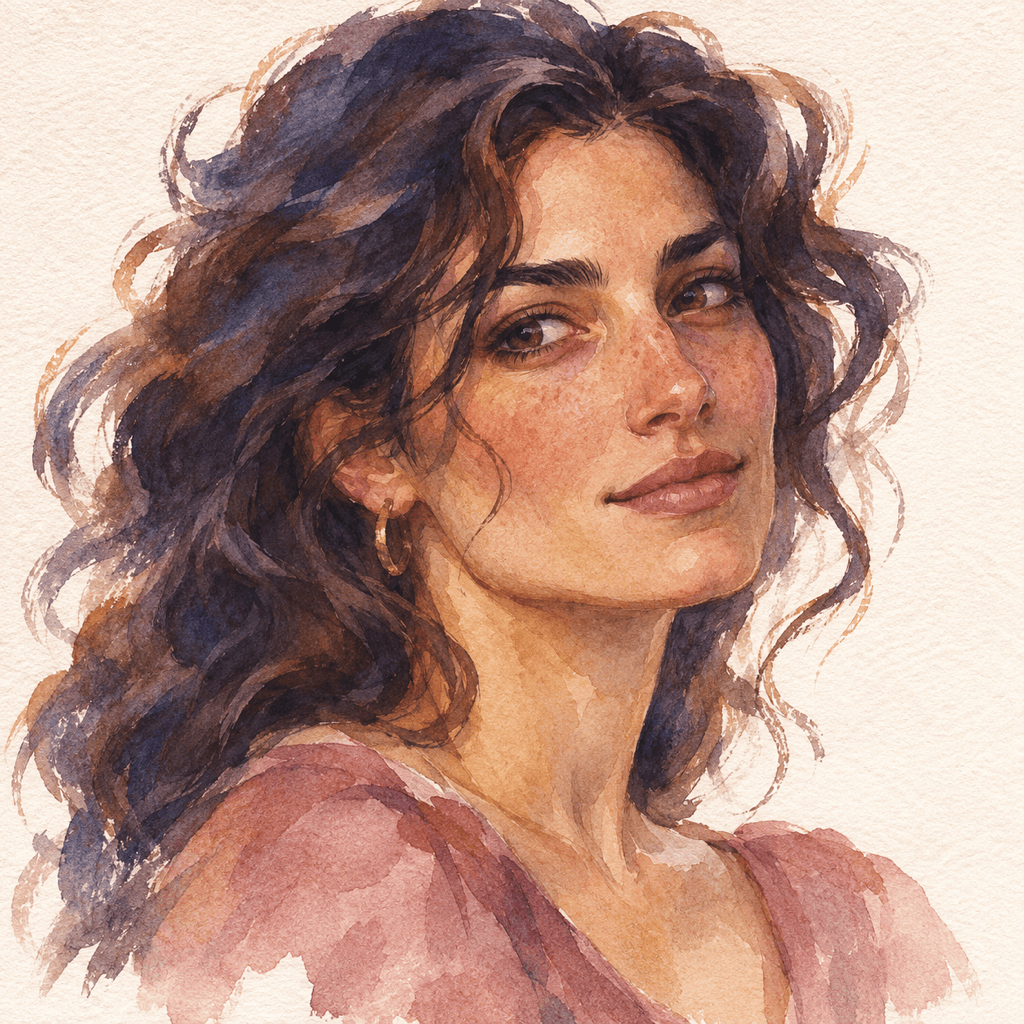
Create an AI art face for a fictional adult woman: watercolor portrait, expressive eyes, loose indigo and ochre brushwork, visible paper texture, and a clean background.
Refine this portrait by reducing waxy skin smoothing and giving the eyes more natural reflections. Keep the face shape, pose, hairstyle, and background as close as possible.
Use my uploaded authorized photo as a portrait reference. Keep the main facial features, pose, and hairstyle as close as possible. Change the background to slate blue and use soft studio lighting with a warm rim light.