Fix Hands Online withAI Hands Fixer
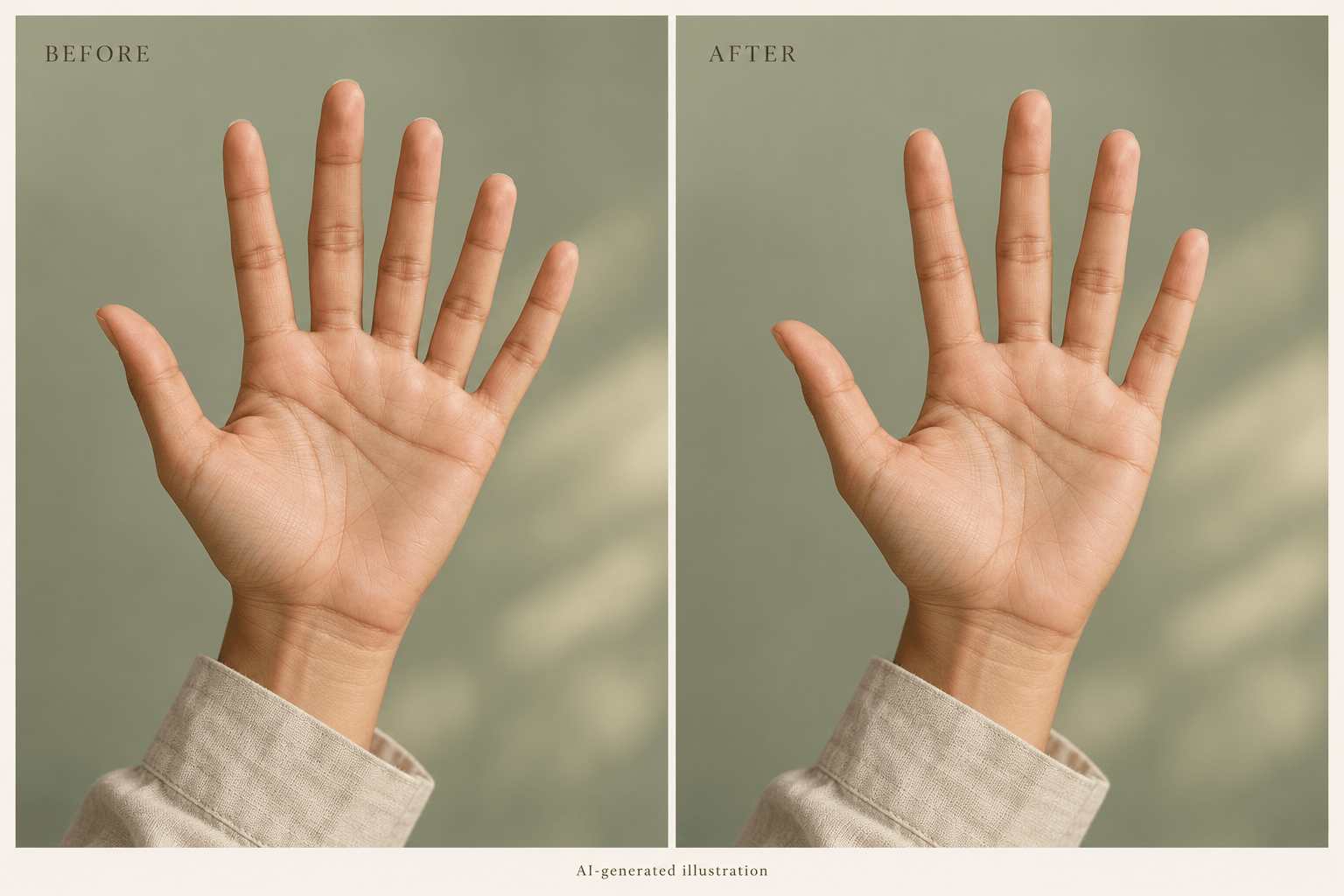
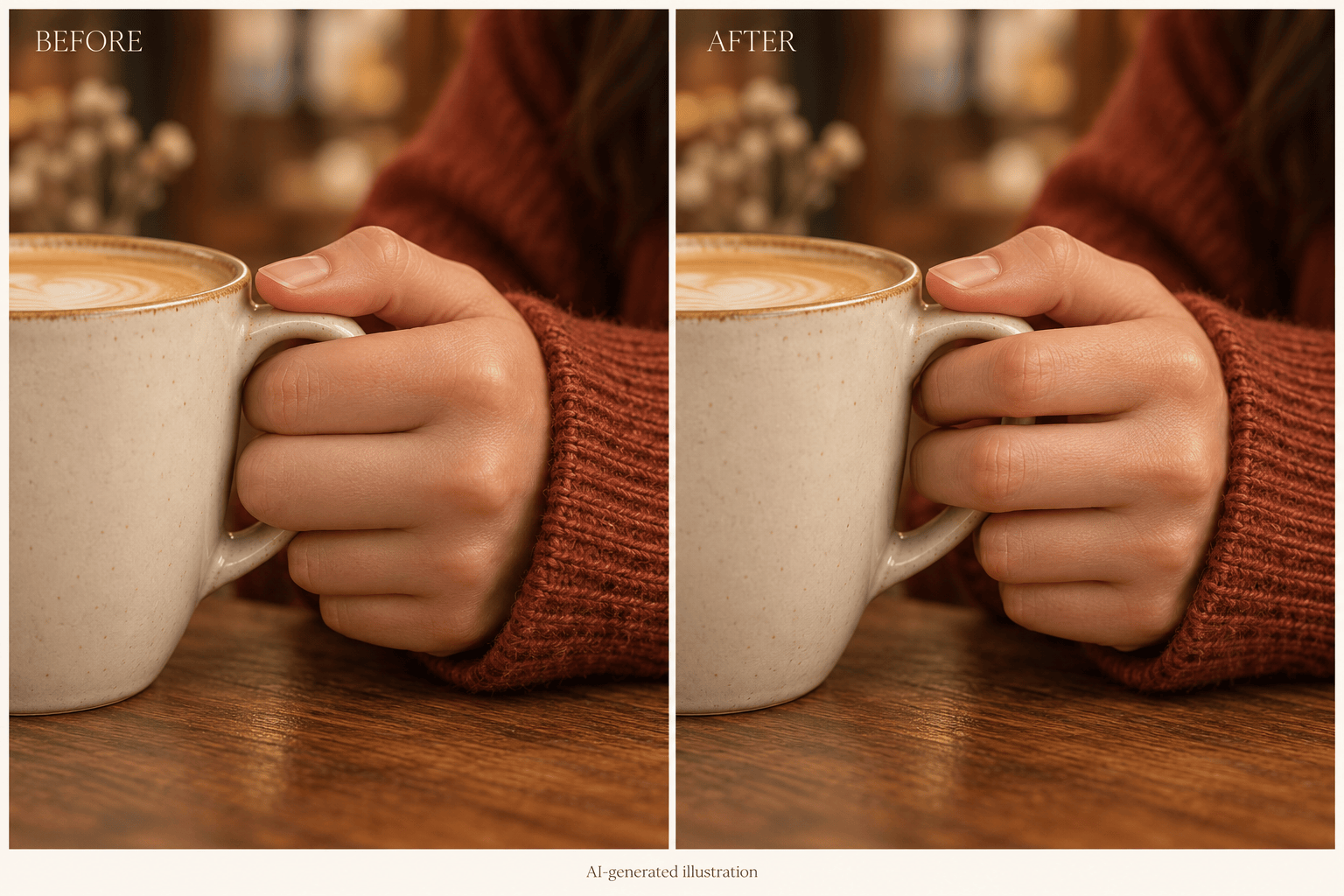
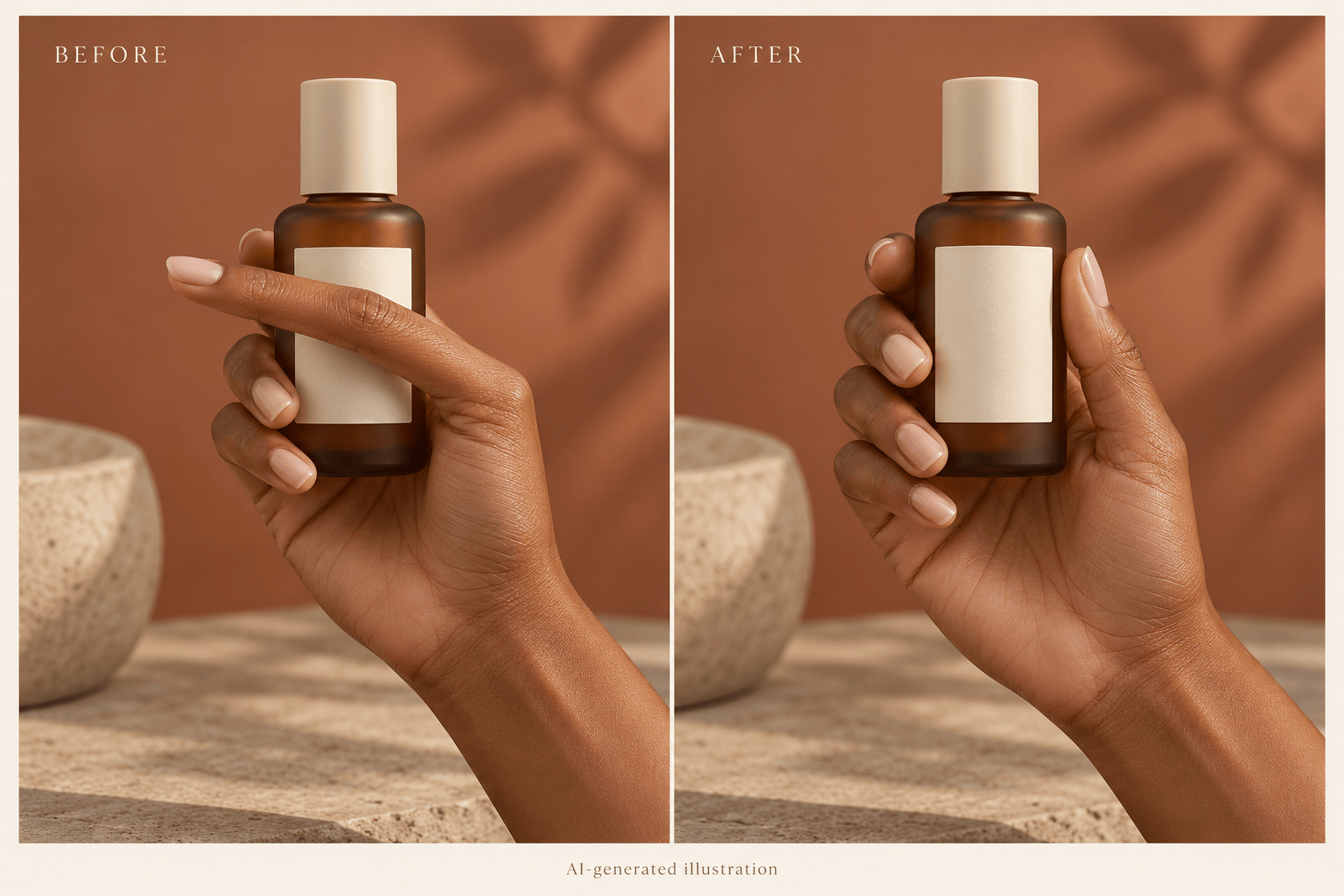
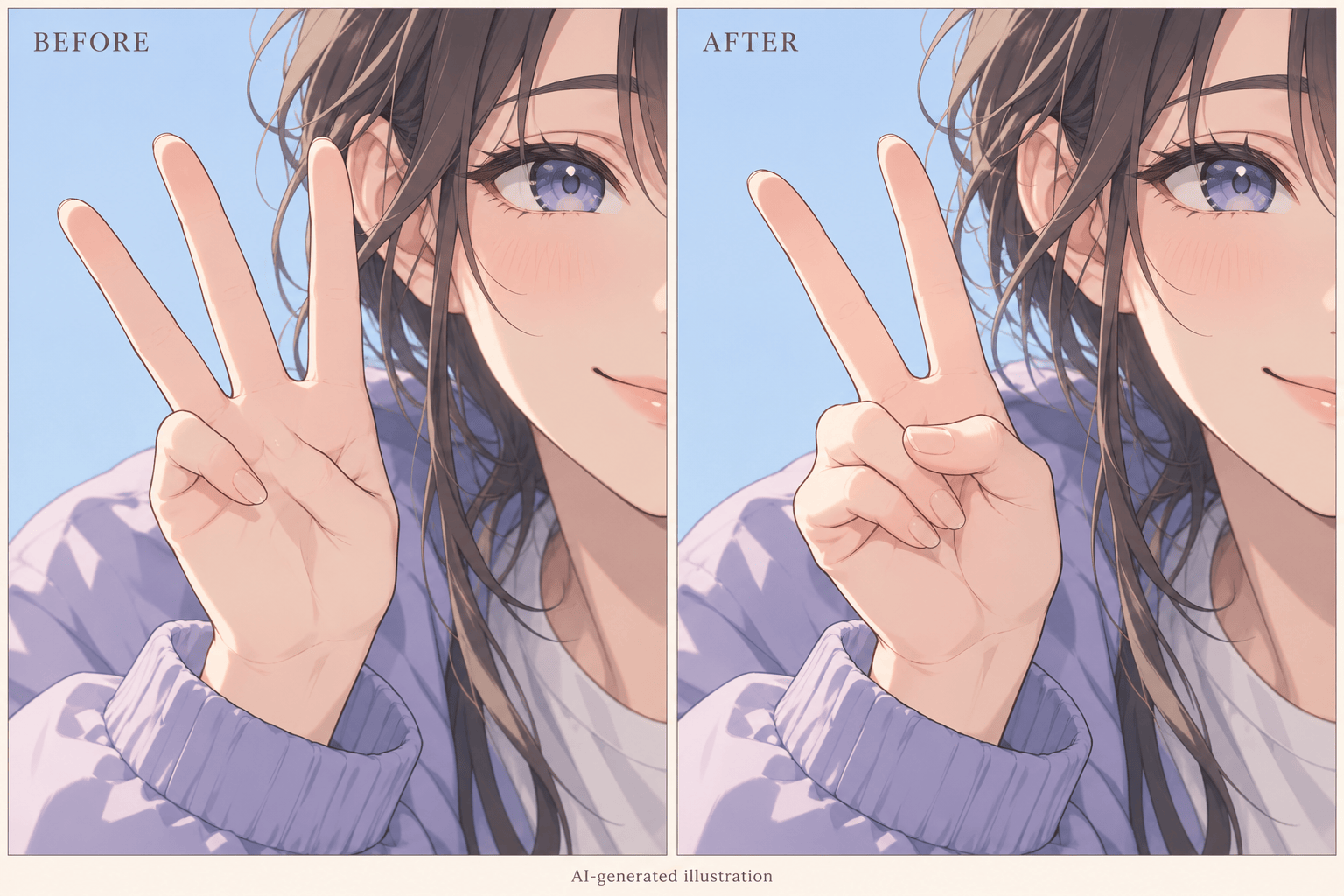
How to Fix AI-Generated Hands
Upload Your Original Image
Describe the Hand Correction
Check and Refine the Result
Download the Corrected Image

Keep the Image You Like. Refine the Hands.
Work from Your Existing Image
Upload an AI portrait, product visual, or illustration to begin AI hand correction without writing a new scene from scratch.
Explain the Problem in Plain Language
Ask to fix extra fingers, separate fused fingers, or relax a grip. Describe the change naturally without complex prompt syntax.
Give the Edit a Visual Reference
Upload a suitable hand-pose reference when a gesture is hard to describe. Specify which image to edit and which to use as guidance.
Keep Your Art Direction in Focus
Ask the AI hand fixer to match skin tone, lighting, or illustrated linework. Compare the result with your original to catch unwanted changes.
Refine a Stubborn Detail
Continue with Chat Edit when a thumb or knuckle still looks wrong. Address one hand at a time in a crowded scene.
Try a Repair with Free Credits
Sign up for free AI credits to test a hand repair on your own image. Exports are watermark-free; further use depends on your available credits.
What to Check When Fixing AI Hands
- Keep the Context: Avoid a tight crop that removes the wrist or held object. The grip needs to make sense in the scene.
- Allow Natural Occlusion: A hand normally has four fingers and a thumb, but some may be hidden. Do not ask for five visible digits in every pose.
- Check Contact and Joints: Look for fingers passing through objects, disconnected nails, reversed thumbs, or joints bending the wrong way.
- Compare the Whole Image: Check faces, jewelry, product details, and background as well as the hand. Generative editing can change nearby areas.
Common Hand Problems You Can Ask AI to Fix
Remove the extra finger from the open hand in my uploaded image. Keep a natural four-finger-and-thumb structure and preserve the wrist, sleeve, and background.
Separate the fused fingers on the hand resting on the table. Keep the relaxed pose, finger lengths, skin texture, and existing shadows.
Correct the hand gripping the bottle in my uploaded image. Make the fingers wrap around it naturally without passing through it. Preserve the bottle shape and label.
Fix the thumb on the hand beside the face. Give it a plausible base and bend while preserving the gesture, facial features, and lighting.
Correct the peace-sign hand in my anime illustration. Keep two raised fingers, naturally folded remaining fingers, and the original linework and shading.
Repair the smaller hand on the right side of this group image first. Make its wrist connection and finger shapes believable while preserving every face and the other hands.





