Free OnlineAI Halloween Background
How to Create a Halloween Background with AI
Choose Your Starting Point
Build the Halloween Setting
Check the Subject and Lighting
Download and Preview in Place

A Halloween Scene That Fits Your Photo or Screen
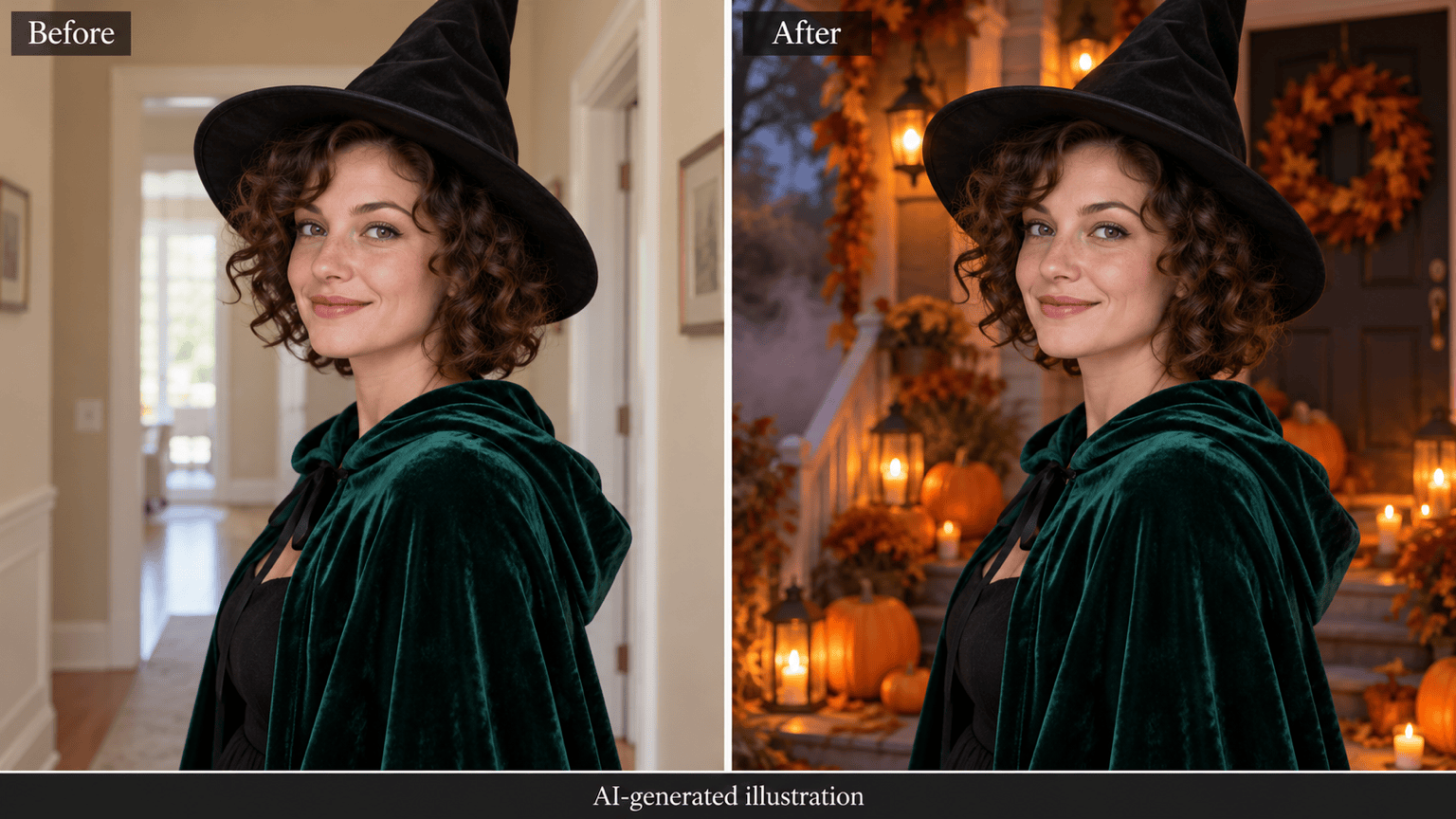
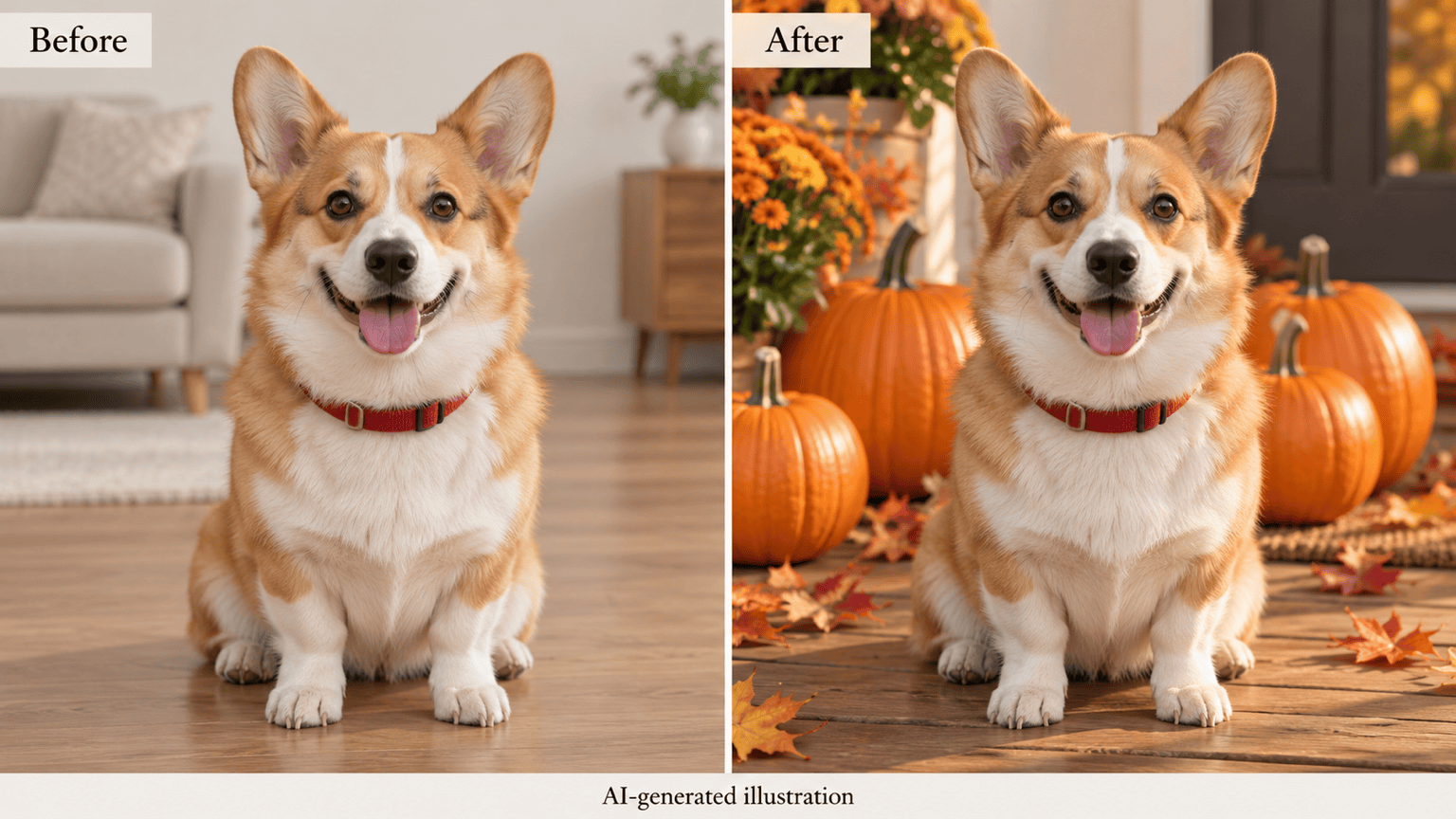
Give Your Photo a Seasonal Setting
Upload a portrait or pet photo and request a new backdrop. Name what should stay unchanged, then review those details before sharing.
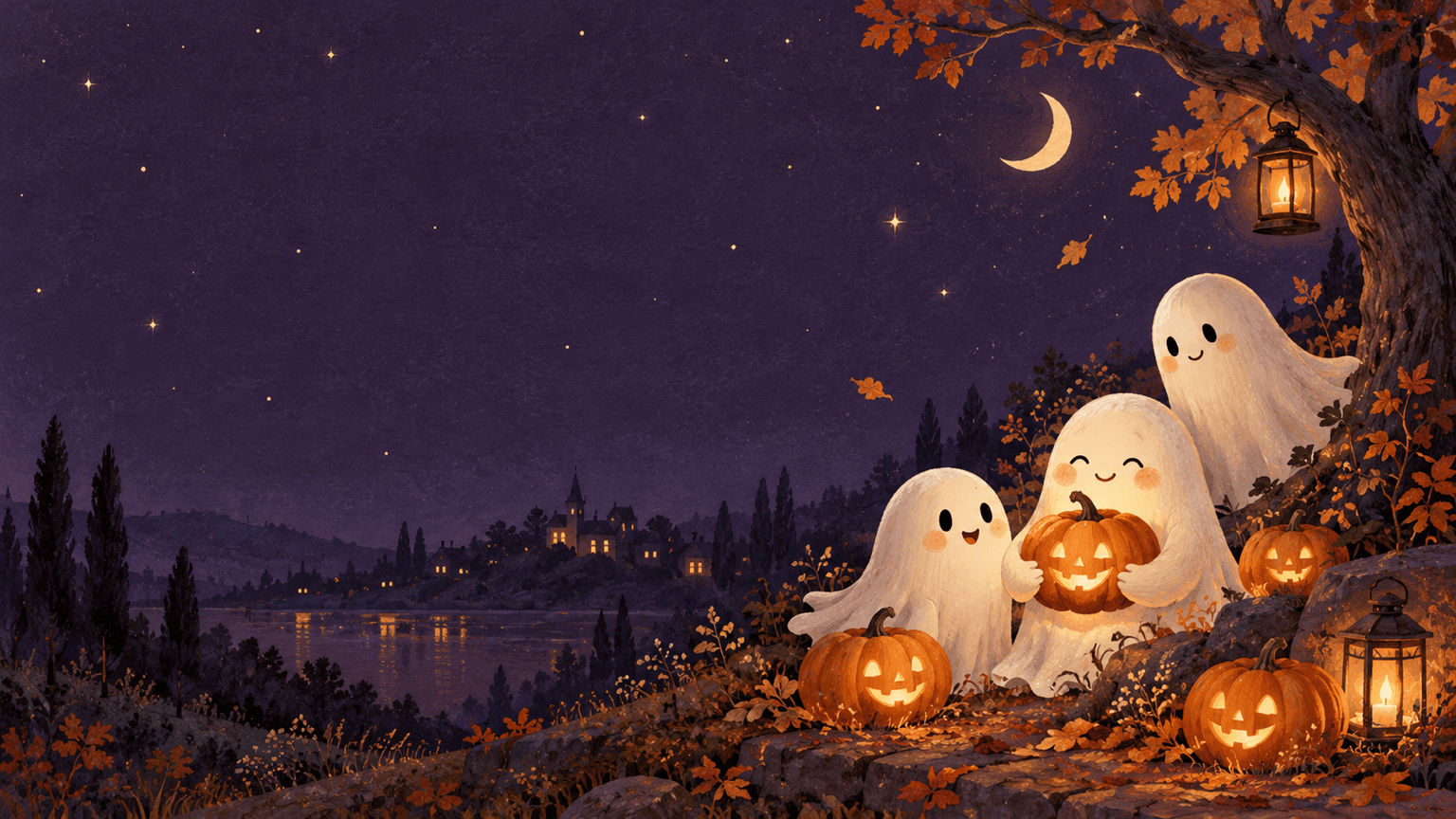
Choose Cute, Cozy, or Creepy
This AI Halloween background generator can explore pastel ghosts, warm pumpkin porches, or misty mansions. Control the atmosphere through your description.
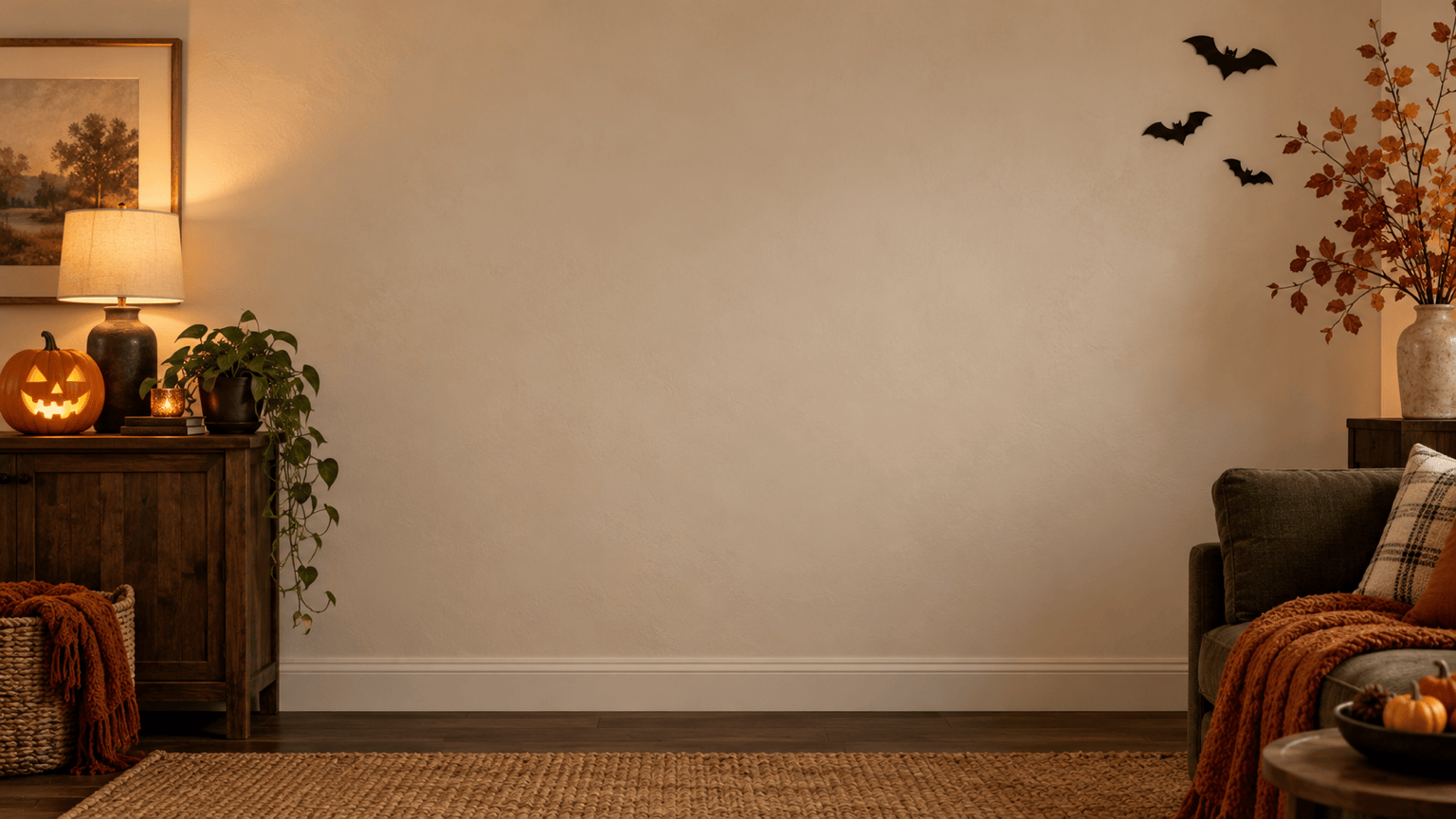
Leave Room Where It Matters
Ask for an uncluttered center in a Halloween Zoom background or space for a phone clock. Plan the composition around its destination.
Refine the Scene in Words
Use Chat Edit to reduce the bats, brighten the setting, or move a decoration. Describe the change and the parts you want to keep.
Carry a Look Across Screens
Upload a color or style reference and request related desktop and phone versions. Adapt each layout instead of stretching one image.
Keep Your Download Watermark-Free
Try the online Halloween background maker with free signup credits. Download PNG or JPG images without watermarks; additional generation requires available credits.
Keep the Subject Clear and the Background Believable
- Start with Visible Edges:Use a sharp photo with hair, hats, and paws clearly visible. Heavy blur or cropped details leave less information for the edit.
- Match the Light:Pair a daylight photo with a daytime pumpkin patch, or request a softly lit porch. Avoid a bright face against an almost black scene.
- Place Decorations Deliberately:Keep pumpkins away from faces and leave open space for screen icons, a webcam silhouette, or event copy.
- Inspect Before Sharing:Check faces, fingers, fur, and costume details at full size. If something changed, request a focused correction and compare again.
Halloween Background Ideas for Photos, Wallpapers, and Calls
Replace the room behind my uploaded costume portrait with a moonlit haunted-house entrance. Keep my face, clothes, pose, and crop unchanged. Put fog behind me and match the light on my face.
Add a cute Halloween background to my pet photo: a sunny pumpkin porch with autumn leaves. Preserve the fur markings, collar, and pose. Keep every decoration behind the pet.
Create a 16:9 Halloween desktop wallpaper with small friendly ghosts and orange pumpkins on a deep plum background. Keep the left side simple for desktop icons. No text.
Make a vertical Halloween phone wallpaper with pastel pumpkins, tiny stars, and a friendly ghost near the bottom. Leave the upper area clear for the clock. No lettering.
Create a 16:9 Halloween Zoom background: a cozy room with a pumpkin lantern and paper bats near the edges. Keep the center uncluttered for my webcam image. No people or text.
Design an orange-and-black Halloween party background with paper-cut bats around the edges. Leave a large quiet center for event details that I will add later. No text.





