Free OnlineAI Graffiti Generator
How to Create Graffiti Art with AI
Choose the Piece and Destination
Build the Letter or Image Skeleton
Add Paint, Surface, and Depth
Repair and Prepare the Artwork

From Letter Skeleton to Believable Painted Surface
Know the Difference Between Styles
A tag is fast handstyle, a throw-up uses simple bubble forms, straight letters favor clarity, and wildstyle adds interlocking extensions. The AI graffiti art generator can follow the right structure instead of mixing every convention at once.
Keep Complex Letters Decodable
Start with readable core shapes, then add connections, arrows, bars, and overlaps. If the name disappears, use Chat Edit to reopen counters or simplify one extension without flattening the whole piece.
Make Paint Belong to the Wall
Control brick joints, concrete grain, corrugated metal, overspray, drips, reflected color, perspective, and directional light so the art feels painted onto a surface rather than pasted above it.
Turn Photos into Street-Art Graphics
Upload a permitted portrait, pet, product, or scene and convert it into stencil layers, wheat-paste poster art, spray-painted halftones, or a mixed mural while preserving the important silhouette.
Preview Legal Mural Concepts
Place original artwork on a client-provided wall photo, keep windows and architecture intact, and test color balance at scale. Use the result as a commissioned mural concept, not permission to mark someone else's property.
Create a Cohesive Graphic Series
Develop matching sticker, cover, social crop, tee concept, and mural variations from one visual system. Reference images and conversational edits help preserve palette, outline logic, and character details.
How to Prompt AI for Convincing Graffiti Art
- Start from readable bones: Describe case, width, slant, round or angular construction, and key letter connections. Add wildstyle extensions only after the core word is clear.
- Specify the paint stack: Name fill, inner keyline, outer outline, 3D direction, highlight, shadow, drips, overspray, and cap texture. Keep each layer visually distinct.
- Anchor the work to its surface: Mention brick, raw concrete, metal shutter, paper sticker, canvas, or digital cover plus viewpoint and light. For an uploaded wall, require unchanged architecture and matched perspective.
- Protect originality and context: Ask for original letterforms rather than a living artist's signature style. Exclude extra text, unreadable cores, random arrows, inconsistent shadows, copied tags, unrelated characters, property damage, and watermarks.
Graffiti Prompts for Murals, Names, Covers, and Photos
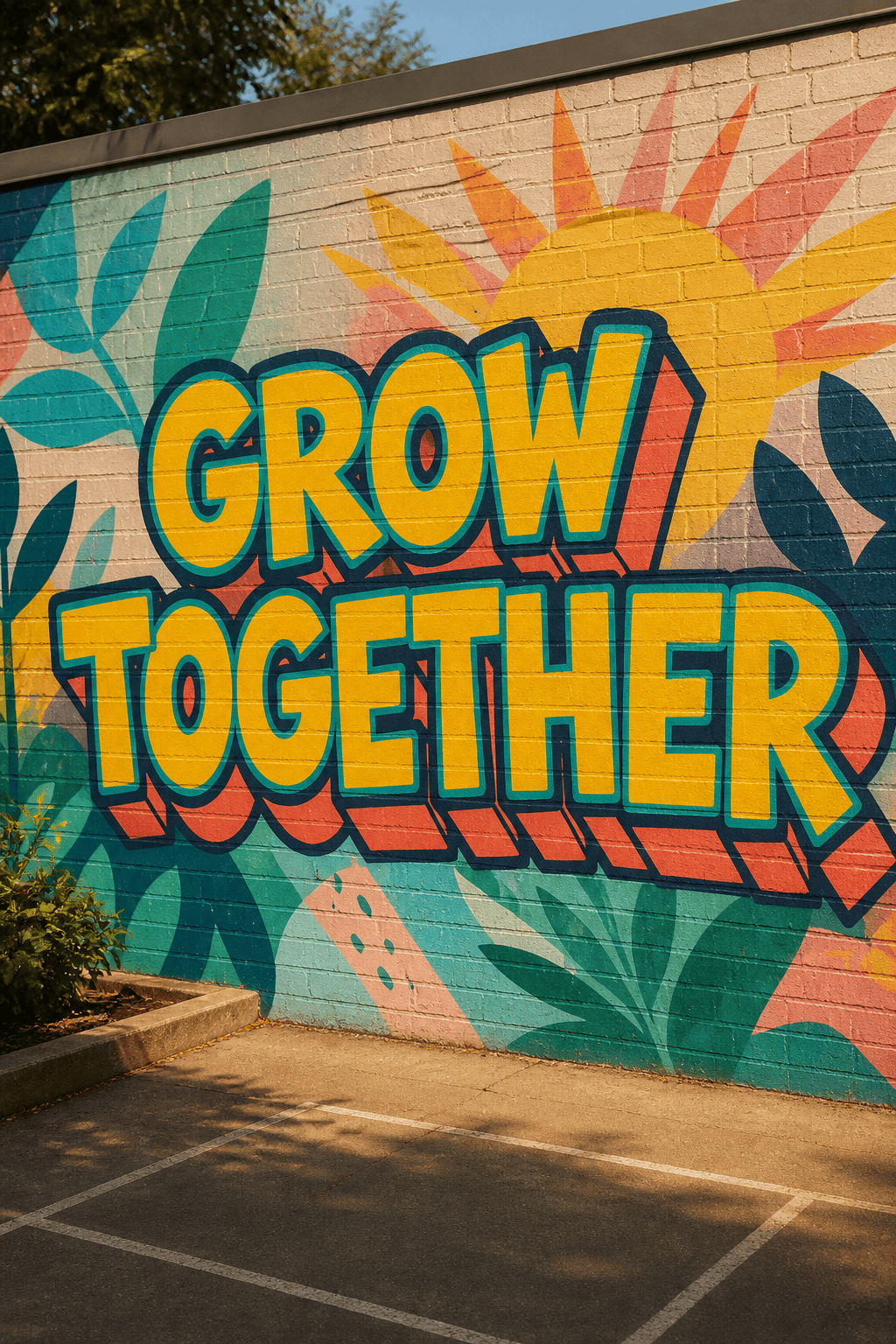
Community Mural: Design the exact words "GROW TOGETHER" in friendly straight letters with sunflower-yellow fill, teal outline, coral down-right shadow, abstract leaves behind the text, realistic paint on a permitted school courtyard wall, wide presentation crop, no people or extra slogans.
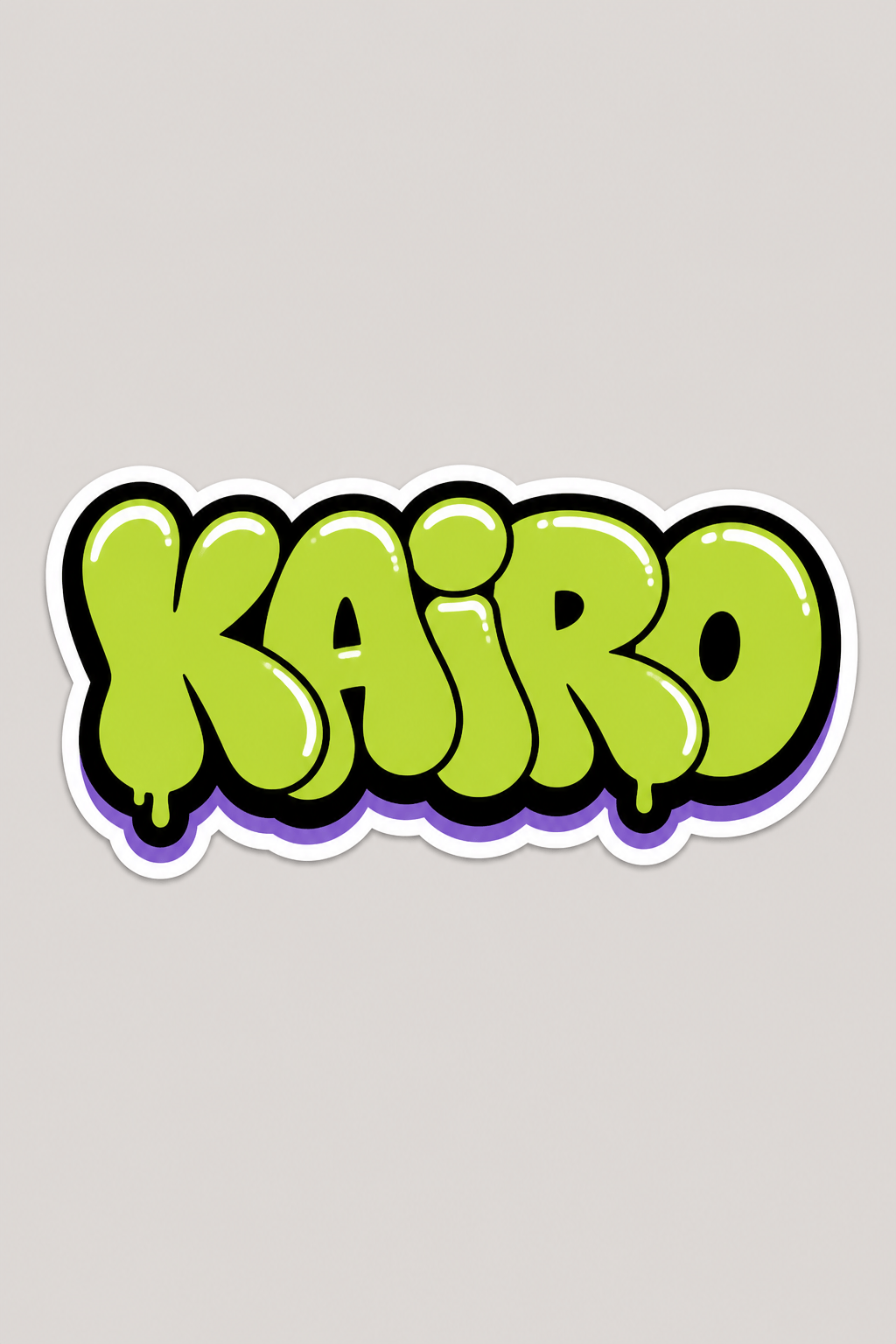
Bubble Name Sticker: Write "KAIRO" once in chunky connected bubble letters, lime fill, black outline, white shine cuts, short violet drop shadow, die-cut sticker border on a plain background, compact square composition, no crown, character, or duplicate tag.
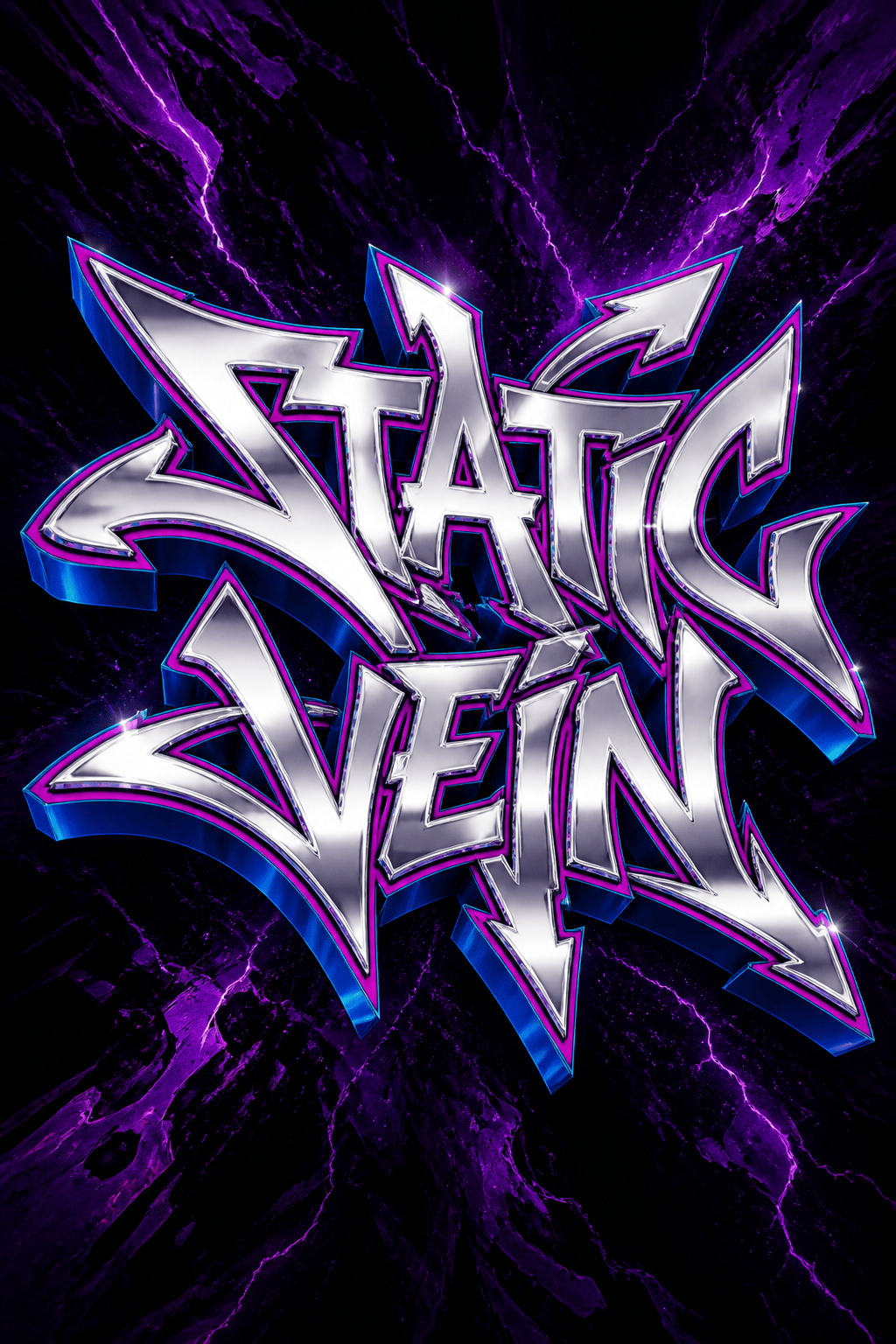
Wildstyle Album Cover: Render "STATIC VEIN" in readable angular semi-wildstyle, chrome fill, magenta keyline, electric-blue 3D, controlled extensions, dark rail-yard-inspired abstract texture without real property, square cover, no artist signature or extra copy.
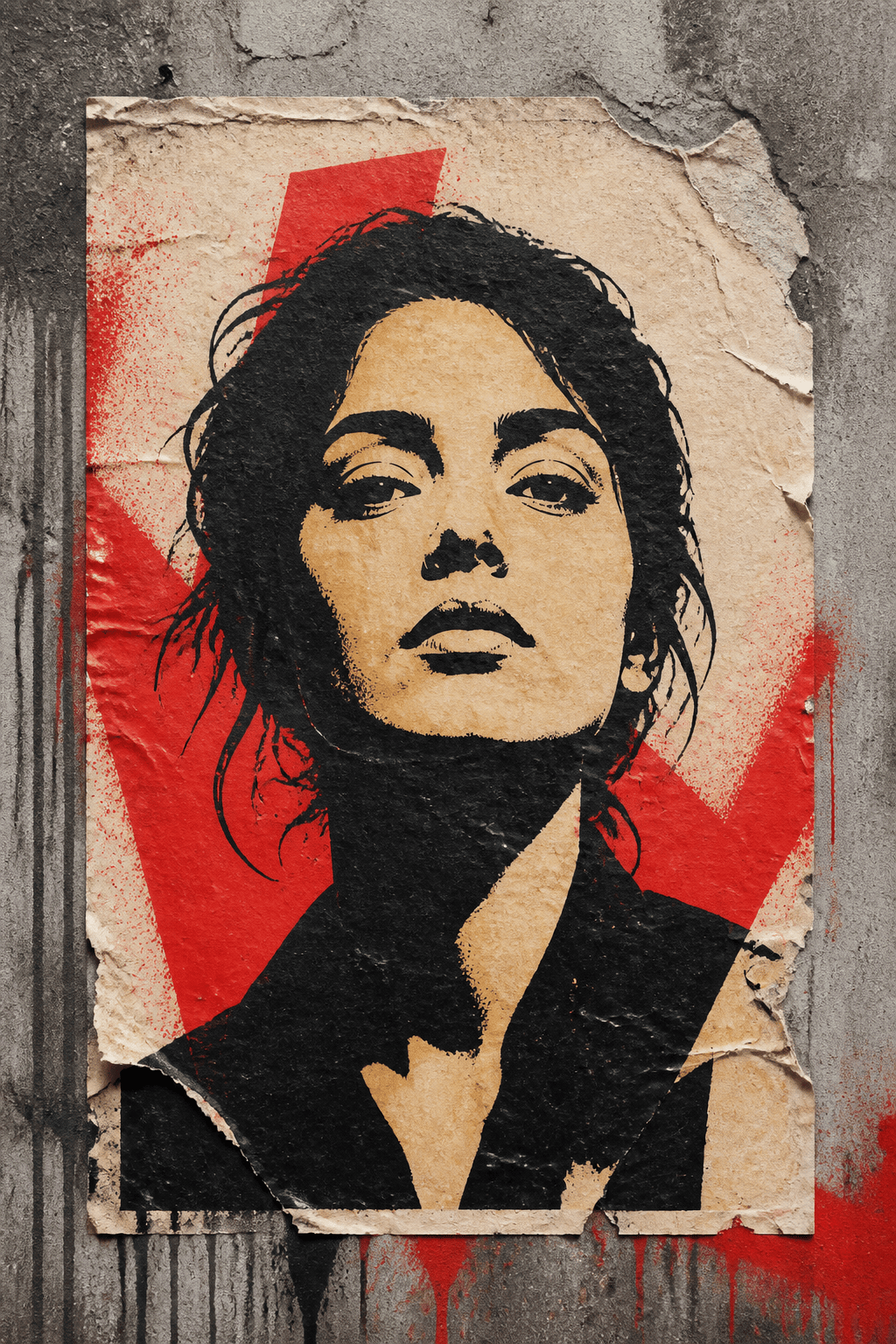
Photo-to-Stencil Portrait: Transform my permitted high-contrast portrait into a three-layer stencil street-art poster, black shadow layer, warm cream midtone, red accent, torn wheat-paste paper on concrete, preserve face shape and gaze, vertical poster, no text or logos.
Skate Deck Graphic: Create an original handstyle word "MOTION" with fast black marker rhythm, red underline and a small checker texture, elongated vertical composition for a deck, clean printable artwork, no copied signature, brand mark, or wall scene.
Festival Wall Preview: Place the exact title "NIGHT MARKET" on an uploaded permitted shutter, bold block letters with orange-to-pink fill, navy outline, consistent cream 3D, lantern-like abstract circles behind, match corrugation and evening light, preserve handles and edges.





