Turn Names and Words into Graffiti Lettering
How to Create Graffiti Text with AI
Write the Tag or Phrase
Set the Street Style
Generate Lettering Options
Refine the Piece

Why Use Mew Design for AI Graffiti Lettering
Built around Names and Tags
The AI graffiti text generator starts from the word itself, so the letter flow, outlines, and shadows support the tag instead of hiding it.
Street Styles without Drawing Skills
Create bubble letters, wildstyle forms, marker tags, stencil looks, or sticker-ready graffiti logo text from plain language.
Color and Outline Control
Ask for chrome fills, black outlines, neon fades, pastel spray paint, drips, arrows, highlights, or cleaner flat vector-like versions.
Reference-Friendly Workflow
Upload a sketch, wall photo, sneaker colorway, or streetwear reference and let Mew Design build a matching graffiti text direction.
Chat Fixes for Readability
If the letters feel too tangled, ask for more readable forms, larger counters, fewer arrows, or a simpler custom graffiti name maker result.
Useful Exports
Create artwork for stickers, album art, social banners, mural previews, merch concepts, or brand mood boards in PNG or JPG.
How to Prompt AI for Graffiti Text
- Choose a Graffiti Family: Mention tag, throw-up, bubble, wildstyle, stencil, sticker, mural, or streetwear logo so the AI sets the right complexity.
- Control Readability: Say whether the design should be highly readable, semi-wildstyle, or complex street art for visual impact.
- Specify Spray Details: Add fill colors, outlines, shadows, drips, arrows, splatter, wall texture, and lighting if they matter.
- Ask for Cleanup: After generation, request stronger spelling, fewer overlaps, transparent background, or a flatter logo version.
Graffiti Text Prompt Examples
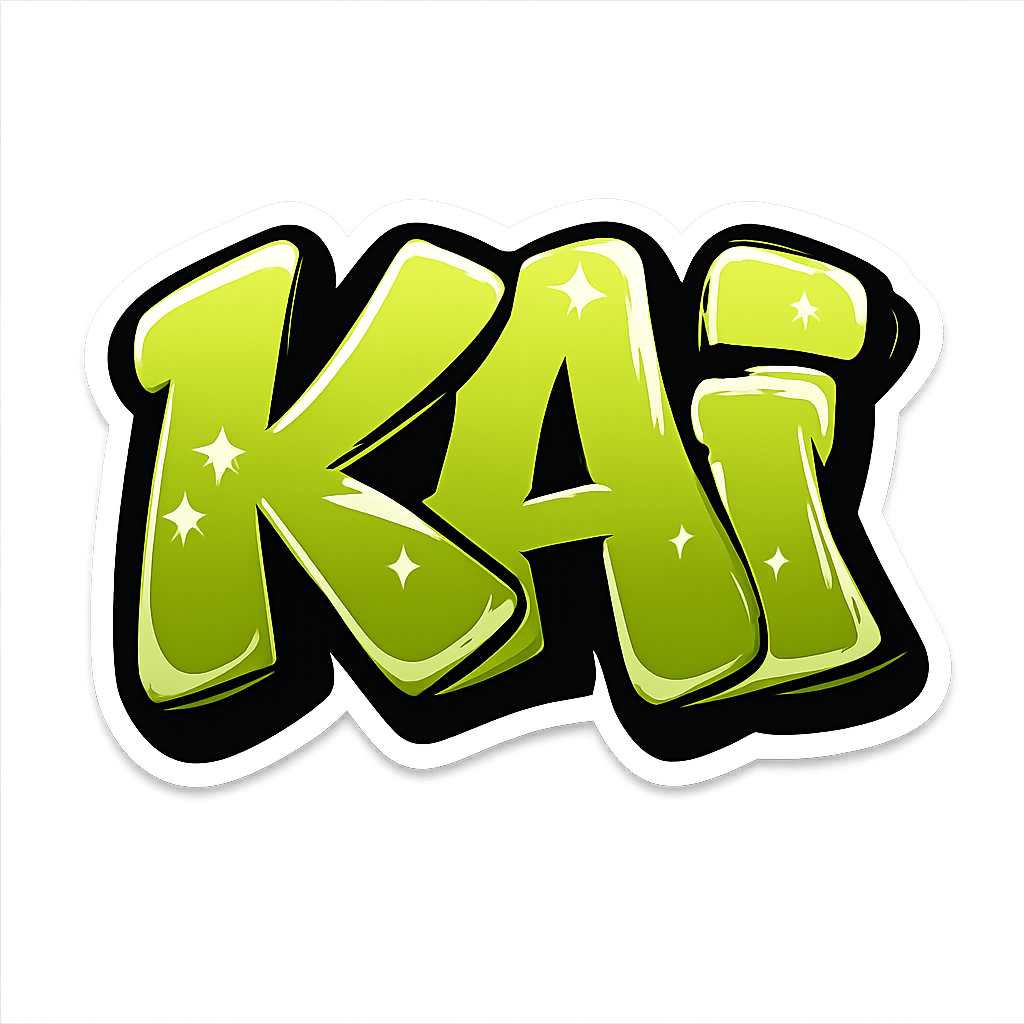
Design the word “NOVA” as readable bubble-style graffiti lettering. Use a turquoise fill, dark outline and short violet shadow on a simple cream background. Keep all four letters recognizable, leave space around the word and do not add extra words, signatures or a wall scene.
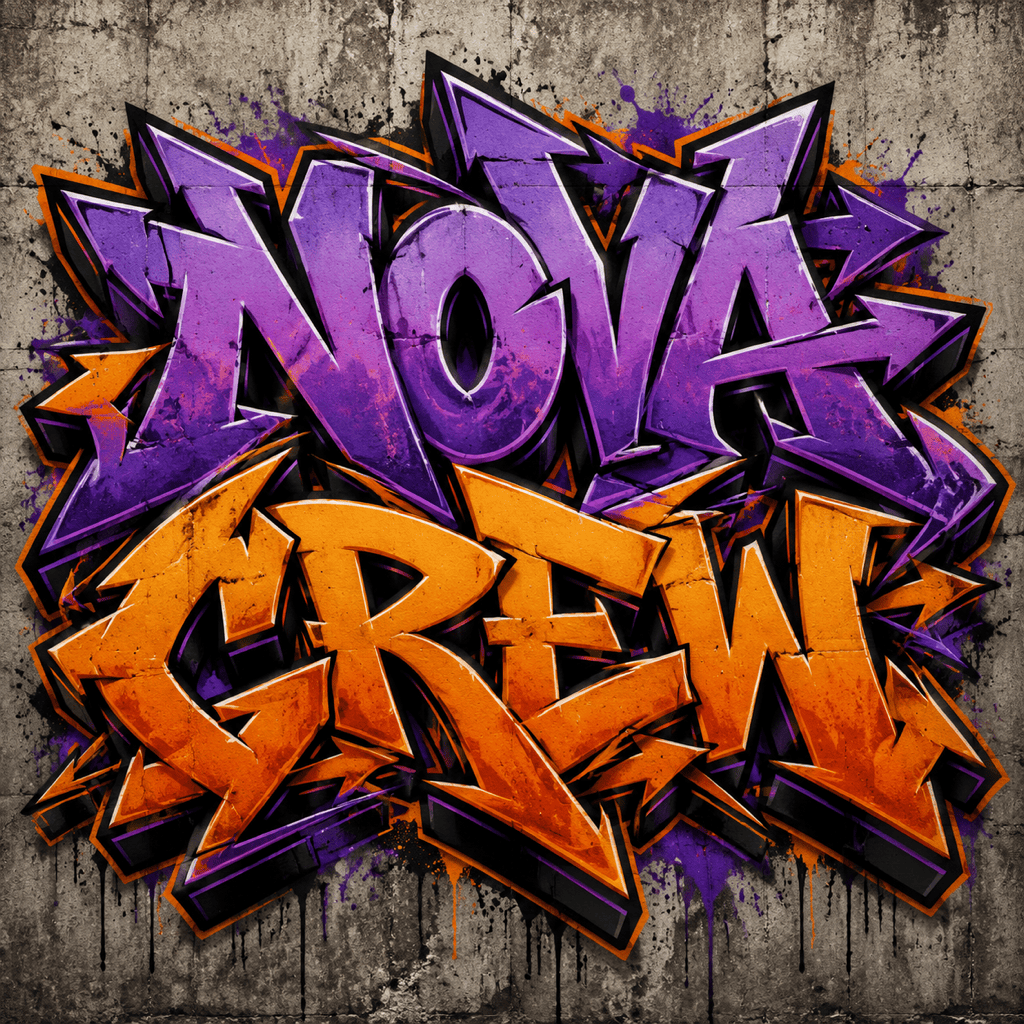
Design wildstyle graffiti text reading NOVA CREW, purple and orange spray paint, arrows and sharp extensions, concrete wall, and readable center letters.
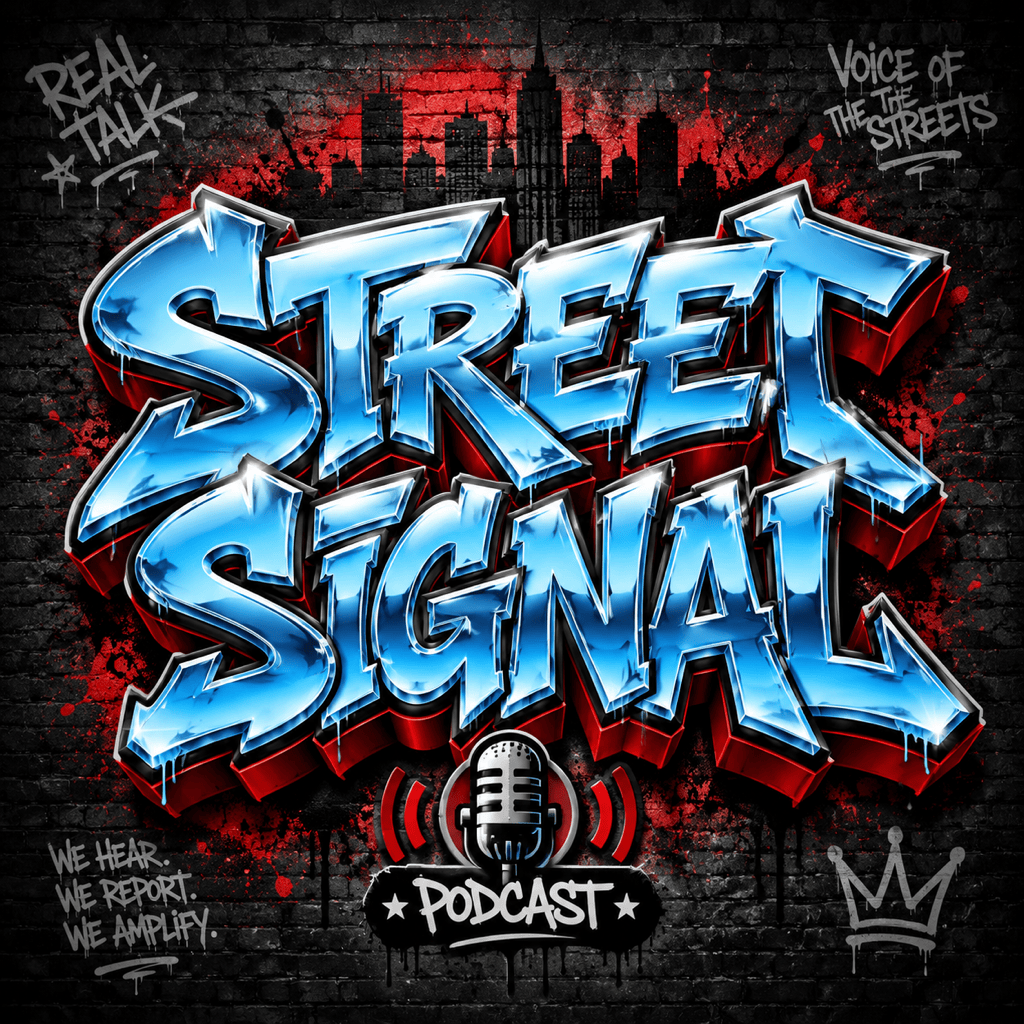
Make graffiti logo text for a hip-hop podcast called Street Signal, with a chrome fill, red shadow, urban night wall, and strong horizontal layout.
Generate the word RUSH in marker-tag style with quick black ink strokes, a red underline, paper-sticker texture, and raw street-art energy.
Create a mural preview that says COMMUNITY JAM, with friendly bubble letters, bright neighborhood colors, brick-wall texture, and a family-friendly style.
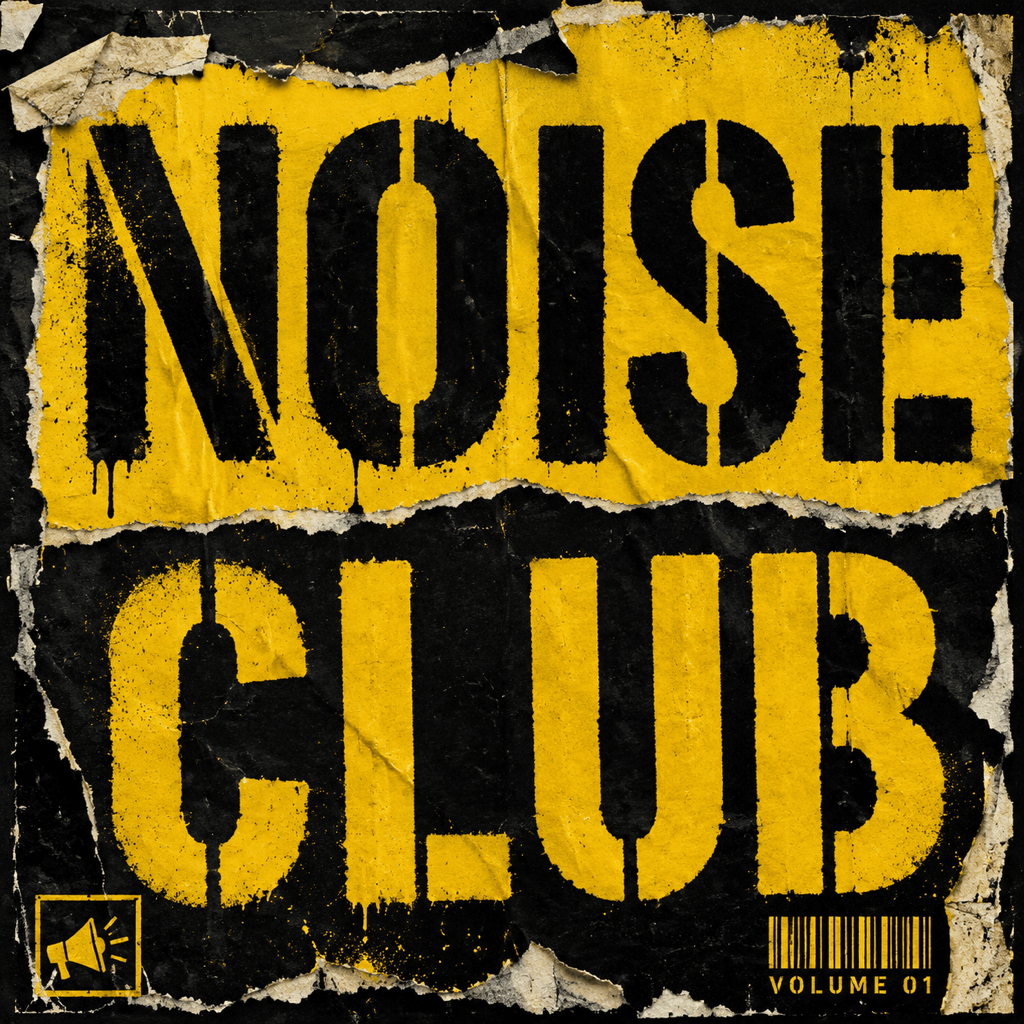
Make stencil graffiti text reading NOISE CLUB, with gritty black and yellow paint, a torn-poster background, and a square album-cover format.





