Free OnlineAI Graduation Invitation Maker
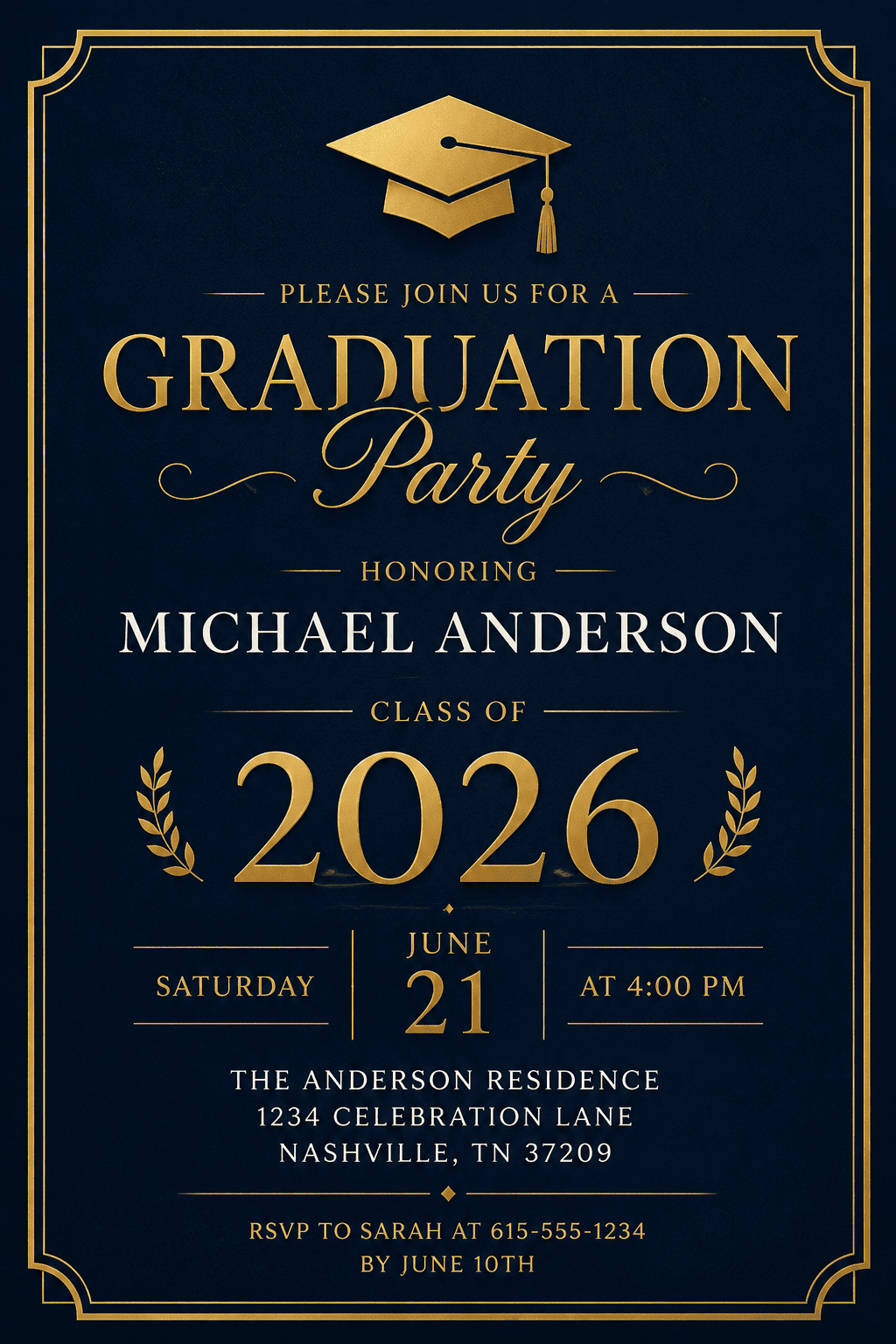

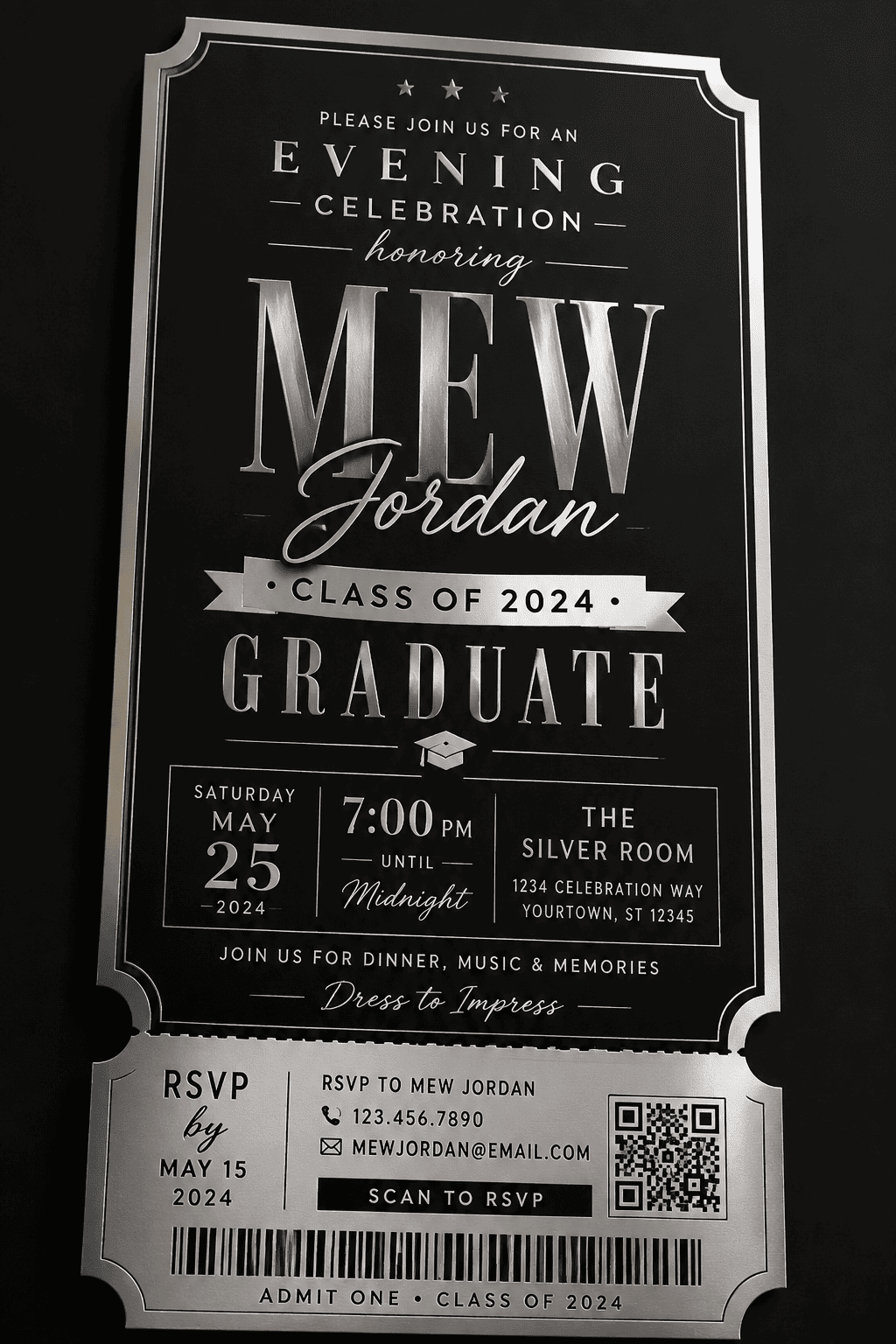

How to Create Graduation Invitation with AI
Describe your graduation invitation idea
AI generates your invitation design
Refine the graduation invitation design
Export and share

Why Mew Design Works Well for AI Graduation Invitation Creation
Create Invitations Through Natural Conversation
Describe your graduation event in everyday language, and the AI design agent turns your ideas into personalized graduation invitations without complicated design tools.
Designed for Real Graduation Events
Generate invitations for graduation parties, ceremonies, dinners, announcements, and senior celebrations with layouts optimized for both digital sharing and printing.
Upload Photos and School Elements
Add graduation portraits, school logos, mascots, or class colors to create invitations that feel personal and visually connected to your school identity.
Refine Designs by Chatting with AI
Not satisfied with the first version? Use Chat Edit to adjust typography, invitation wording, photo placement, colors, or decorative details in seconds.
Balanced Text and Layout Generation
Our AI graduation invitation generator combines image generation with structured typography and invitation layouts, helping avoid distorted text and cluttered compositions common in many AI tools.
Free to Start and Easy to Share
Use the free AI credits after signup to test this free graduation invitation maker workflow, then export polished, watermark-free results when your design is ready.
How to Write a Good Prompt for AI Graduation Invitation Design
- Event Details: Include important information such as graduate name, event type, date, venue, RSVP details, and graduation year.
- Visual Style: Describe the design direction you want, such as elegant, modern, minimalist, formal, playful, or editorial.
- Photos and School Elements: Mention whether you want to upload graduation portraits, school logos, mascots, or school color palettes.
- Layout and Usage: Specify portrait or landscape orientation and whether the invitation is intended for printing, social sharing, or messaging apps.
AI Graduation Invitation Prompt Examples
Create a formal graduation invitation for a university commencement celebration. Black and gold color palette, elegant serif fonts, subtle gold decorative borders, and a balanced portrait layout. Include: Graduate: [graduate name] School: [university name] Date: [event date] Venue: [event location] RSVP: [contact information] Use @[upload graduation portrait] as the main photo.
Design a fun graduation party invitation for a high school senior. Use school colors [school colors], playful typography, photo collage layout, and modern graphic decorations. Include: Graduate: [graduate name] Class of: [graduation year] Party Time: [event time] Location: [venue] Use @[upload multiple graduation photos].
Create a minimalist graduation dinner invitation with beige and cream tones, elegant spacing, and clean typography. Include: Graduate Name: [graduate name] Dinner Date: [event date] Venue: [restaurant or venue] Dress Code: Formal Keep the layout simple and printable.
Generate a graduation announcement card using @[upload portrait photo]. Editorial magazine-inspired layout with soft lighting, modern typography, and subtle graduation-themed graphics. Include graduation year, school name, and graduate name.
Create a graduation invitation for a nursing school graduate. Use medical-themed blue and white colors with clean modern typography and subtle healthcare icons. Include ceremony details and RSVP information.
Design a warm graduation celebration invitation for family and friends. Soft neutral tones, elegant script fonts, family-photo-focused composition, and printable invitation layout. Use @[upload family graduation photos].





