Free OnlineAI Goth Filter
How to Create a Goth Portrait with AI
Upload a Clear Portrait
Generate Your Goth Look
Adjust the Details in Chat
Check and Download

Explore Goth Styling on Your Own Terms
Start with Your Own Face
Upload a selfie to explore a personal transformation. This online gothic filter uses your image as the starting point; ask for the features you want to retain.
Choose the Extent of the Makeover
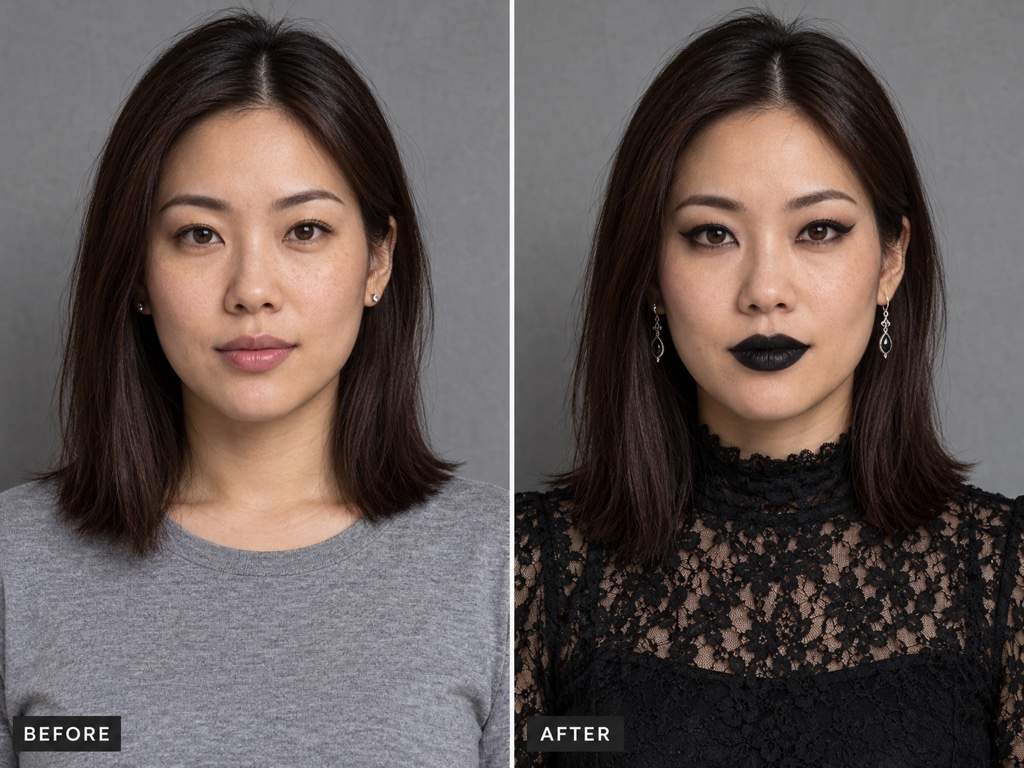
Try a goth makeup filter effect on its own, or request black clothing, silver accessories and a new setting. Describe exactly which parts may change.
Bring a Style Reference
Upload a makeup or outfit reference to explain your direction. Specify whether to borrow its eyeliner, fabrics or lighting while using your portrait as the subject.
Refine a Look That Feels Too Strong
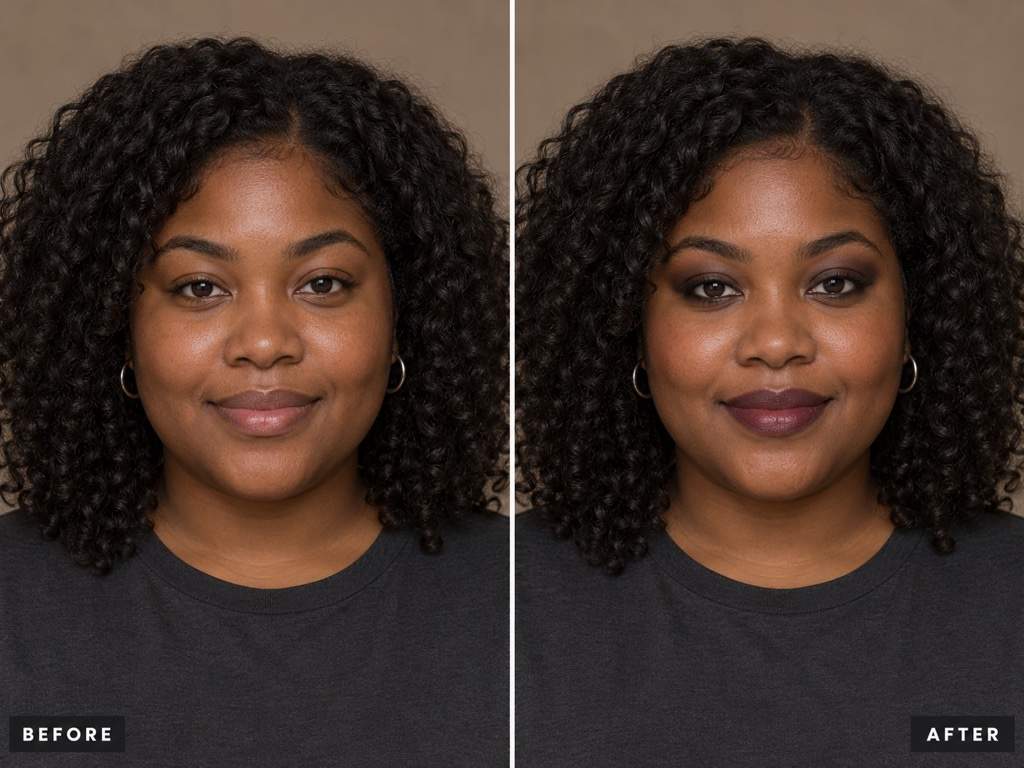
Ask for softer eyeshadow, less glossy lips or more visible skin texture. Chat edits let you adjust the details without learning retouching tools.
Compare Different Goth Directions
Request soft, classic or romantic variations from the same portrait. Compare the styling before choosing a favorite for your profile image.
Try It with Free Credits
Sign up for free AI credits to test a goth photo edit. When the look is ready, export a watermark-free PNG or JPG.
Keep Your Features Clear in a Darker Look
- Choose the Right Crop:Use a close portrait for makeup. Include the shoulders or full outfit when you want clothing changes; avoid cropped faces and heavy beauty filters.
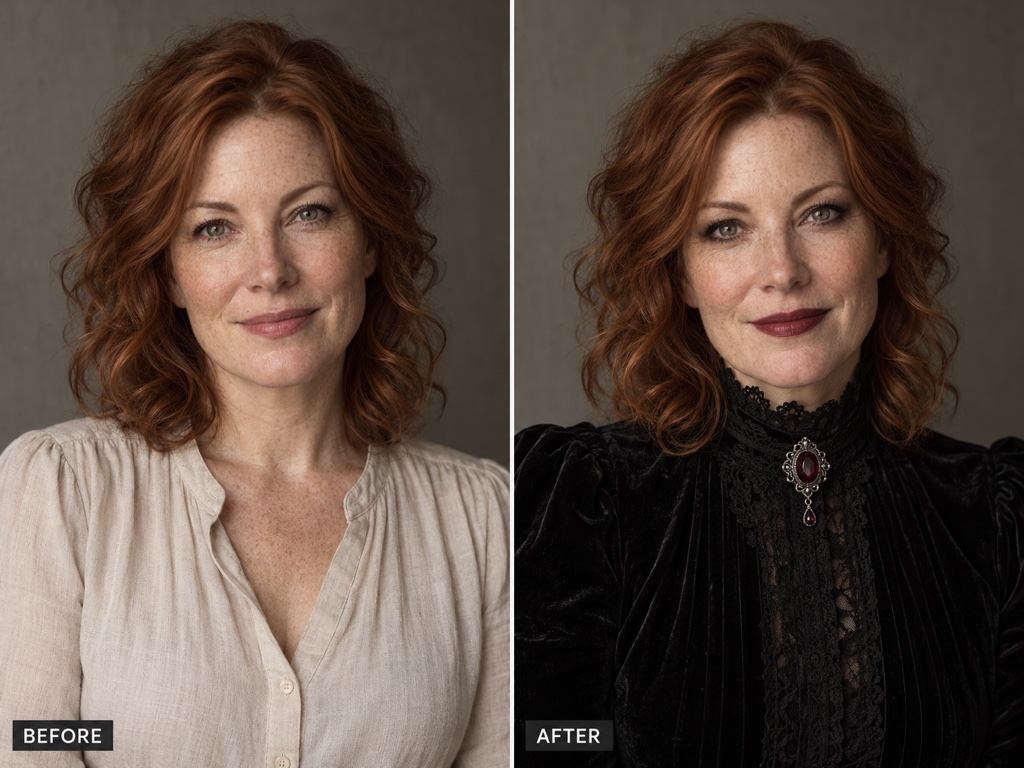
- Name What Should Stay:Specify face shape, skin tone, expression and any distinctive features. Compare the result with the original, because AI edits can still change details.
- Make Dark Details Visible:Request separation between black hair, clothing and background. Goth styling can use contrast and rich colors without whitening skin or hiding the eyes.
- Set the Makeup Intensity:For a soft goth filter effect, start with smudged liner and berry lips. Add sharper wings or black lipstick only if you want a bolder look.
Make Your Goth Photo Work for You
Soften the makeup in my uploaded goth portrait. Use subtle charcoal eyeliner and sheer berry lipstick. Keep the current face, natural skin texture and clothing.
Apply goth makeup to my uploaded selfie with black winged eyeliner and deep plum lips. Keep my hairstyle, outfit, background, expression and natural skin tone unchanged.
Revise this goth edit using my original photo as the reference. Restore my face shape, eye color, freckles and expression while keeping the chosen makeup.
Brighten the face and lift the deepest shadows in this goth portrait. Keep the dark mood, but make the eyes, black lace and hair clearly distinguishable.
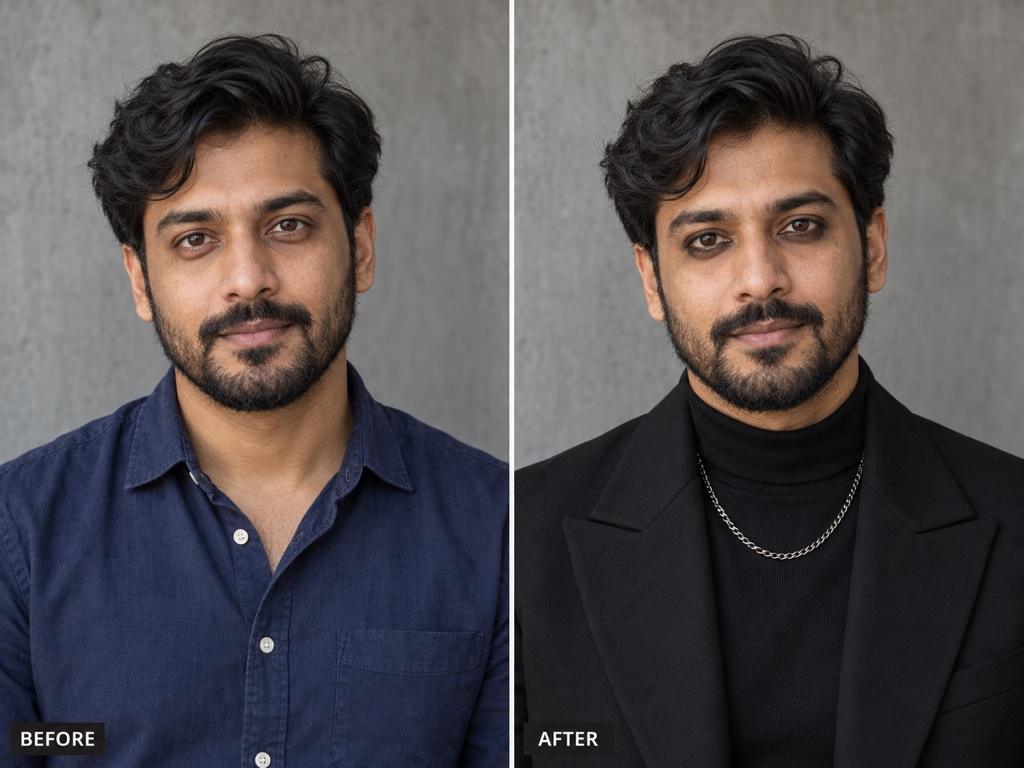
Give the man in my uploaded portrait a subtle goth look with smudged eyeliner, black tailoring and a small silver chain. Keep his beard, face, skin tone and pose.
Adapt my goth portrait into a square profile picture. Keep the face centered with space around the head for a circular crop, and simplify the background.





