Free OnlineAI Gingerbread Generator
How to Create Gingerbread Images with AI
Choose a Photo or Describe a Scene
Shape the Cookie Details
Refine the First Result
Download and Share

Why Make Gingerbread Art with Mew Design
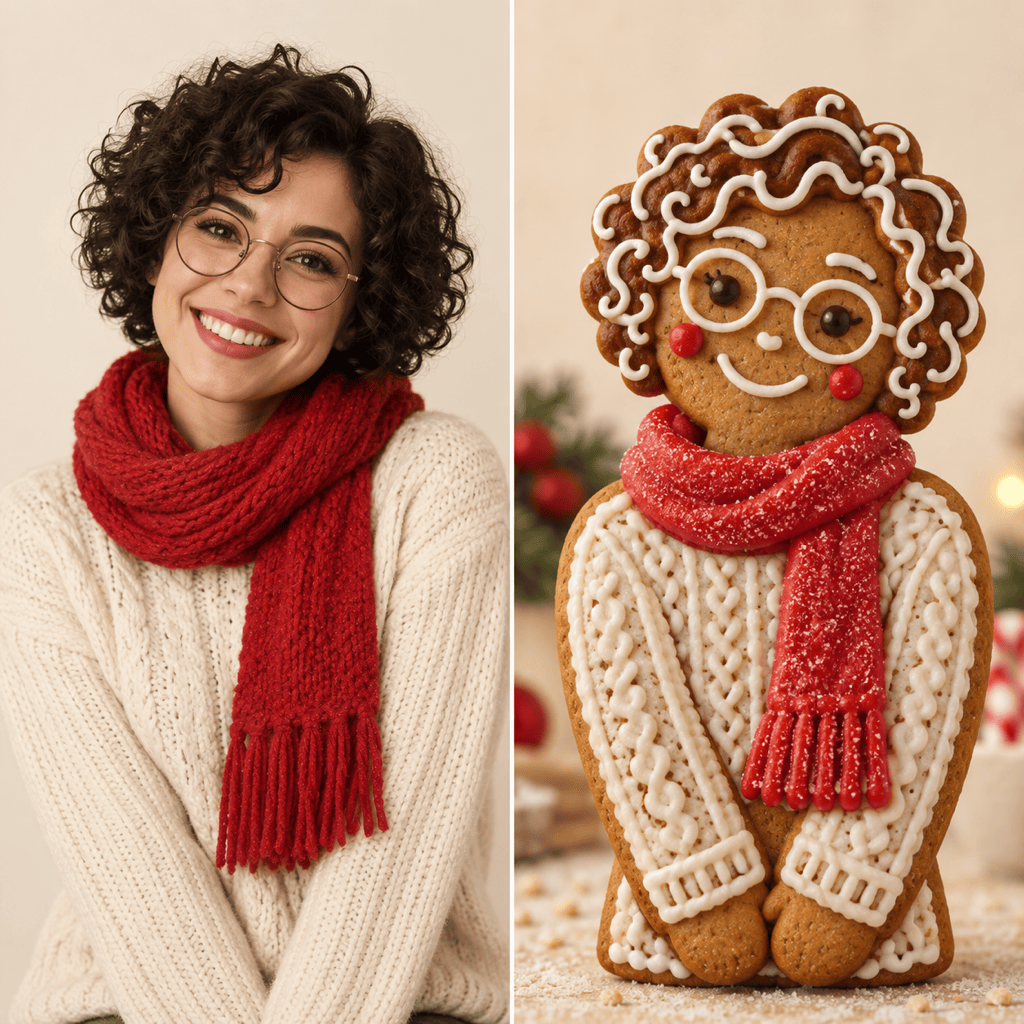
Start from Your Own Photo
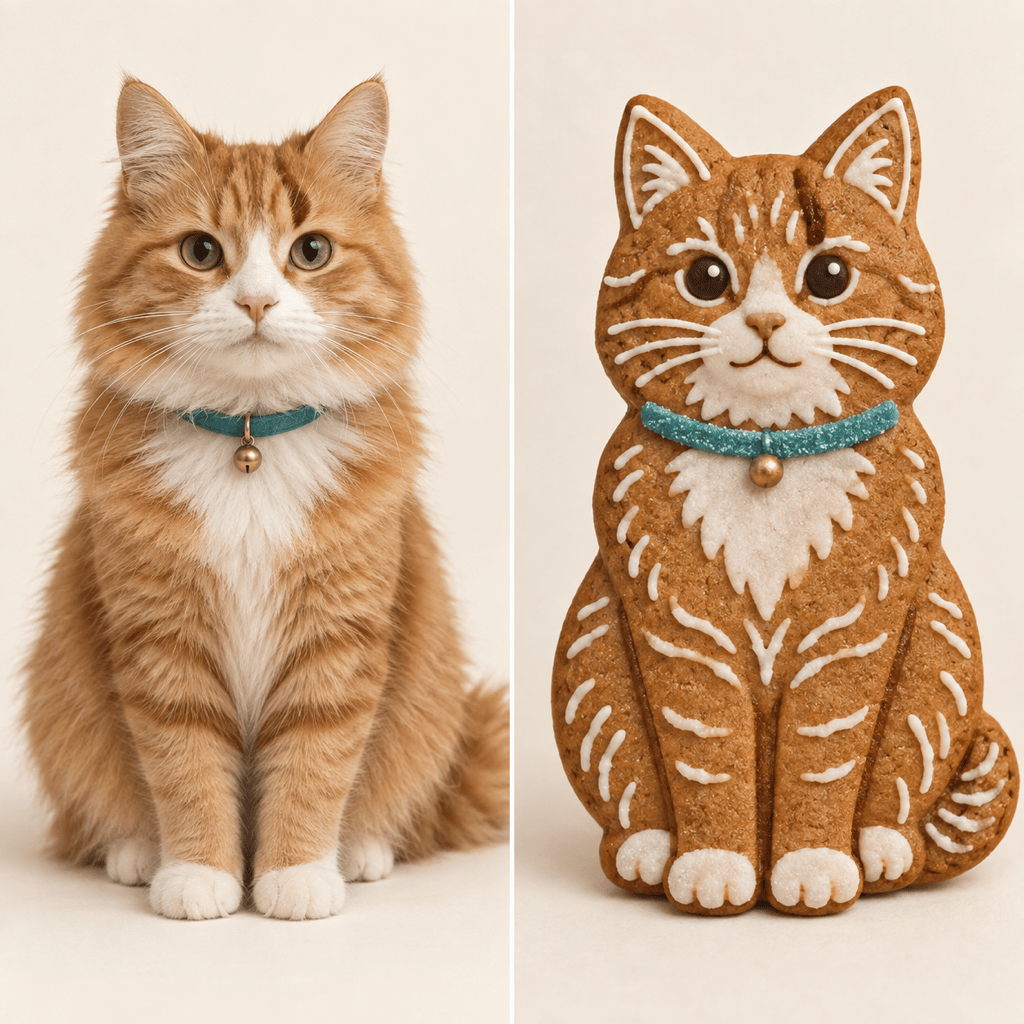
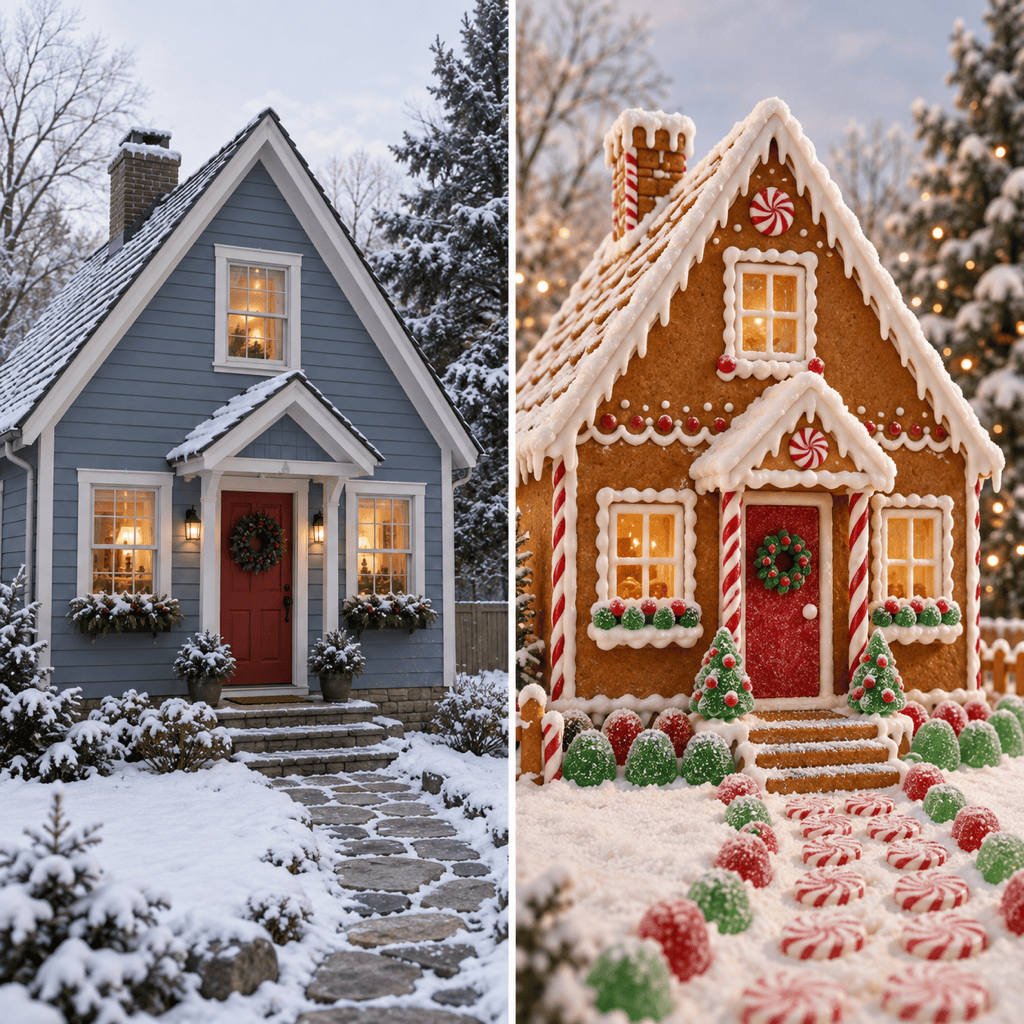
The gingerbread AI filter can use a portrait, pet photo, or building as its visual starting point, so the result follows your chosen subject.
Create Without a Source Image
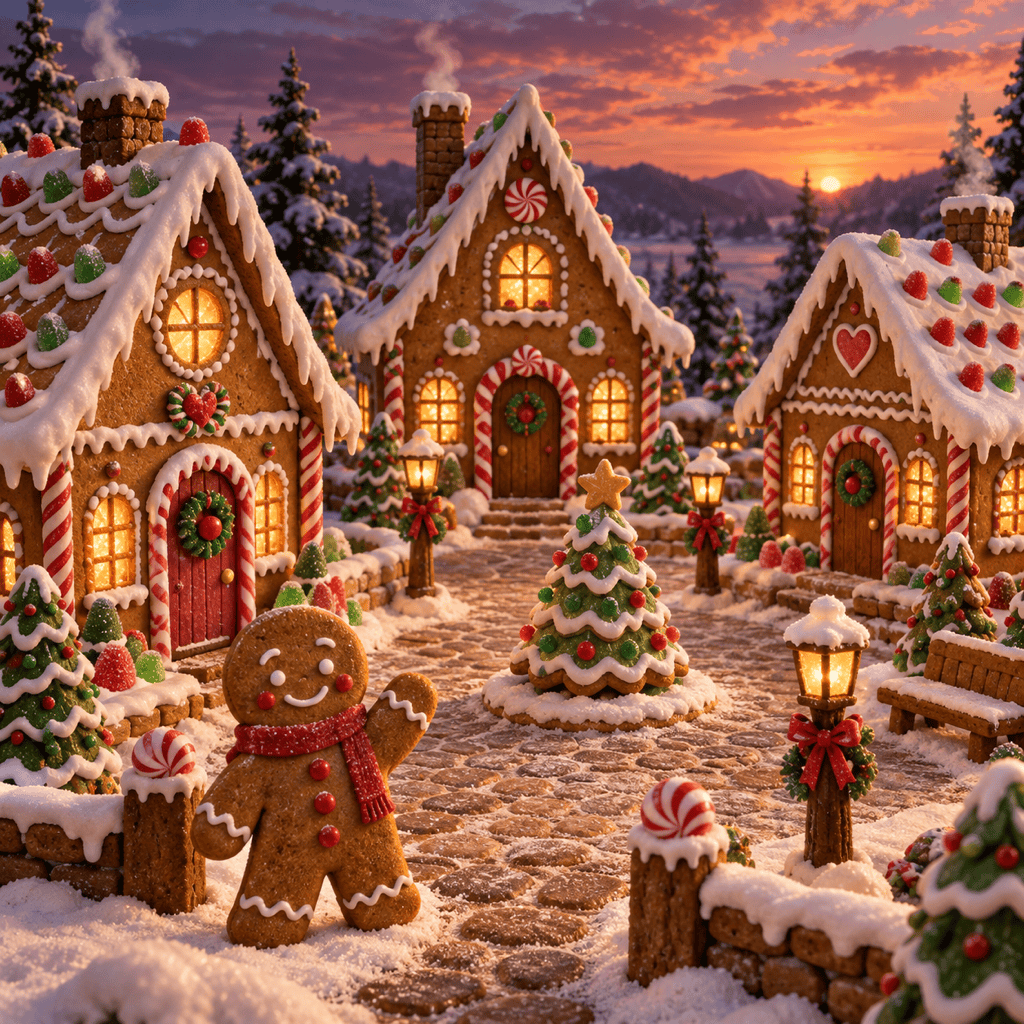
Our AI gingerbread generator also turns a written idea into a cookie cottage, character, or snowy candy-filled scene.
Guide the Edible Look
Ask for crumbly baked texture, white royal-icing outlines, gumdrop accents, and warm kitchen or winter lighting instead of a generic brown cartoon.
Correct Details in Chat
If a face, pet marking, or roof shape drifts, select Chat Edit and describe the one detail you want changed.
Explore Holiday Variations
Try a simple cookie cutout, a decorated portrait, and a richer Christmas scene to find the right look for your card or post.
Try It with Free Credits
New users can test the online AI gingerbread maker with free AI credits after signing up, then export a watermark-free result.
How to Turn a Photo Into Gingerbread Art
- Name what stays: Call out the expression, hair, glasses, pet markings, or building silhouette that make the original recognizable.
- Describe the cookie: Specify baked dough texture, icing lines, candy placement, and whether the result should feel realistic or illustrated.
- Choose the setting: A clean backdrop suits an avatar; a snowy kitchen or candy village suits a Christmas card.
- Review the result: Check likeness, extra limbs, icing edges, and the final crop. Ask for a focused correction when something changes too much.
Gingerbread Ideas for Photos and New Scenes
Turn my uploaded selfie into a gingerbread person. Keep my hairstyle, expression, and glasses recognizable in piped icing; use a plain cream backdrop for a square profile image.
Turn the two people in my uploaded photo into a matching gingerbread couple. Preserve each person’s pose and distinguishing features; add different icing outfits and a cozy holiday glow.
Make a gingerbread pet portrait from my uploaded dog or cat photo. Keep the ear shape, markings, and collar recognizable; use cookie texture and delicate icing details.
Transform the house in my uploaded photo into a gingerbread cottage. Keep its roofline and front-door placement; add an icing roof, candy-trimmed windows, and soft snow.
Create an original gingerbread house in a snowy village at dusk, with baked-cookie walls, piped white icing, peppermint posts, warm lit windows, and no text.
Create square gingerbread Christmas card artwork with a friendly cookie character, candy-cane accents, and open space for my own greeting; keep the illustration clear at small sizes.





