Free OnlineAI GIF Generator
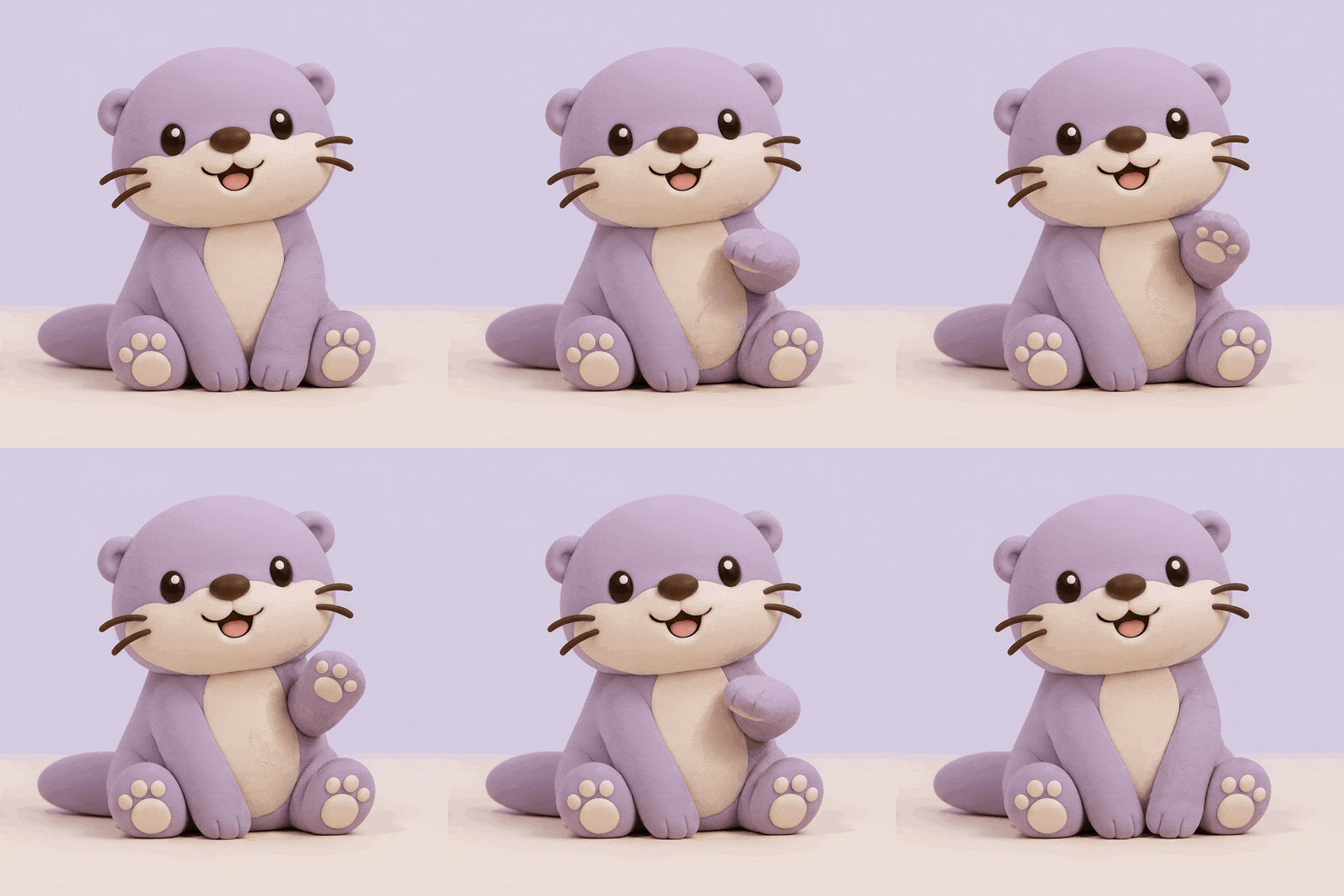
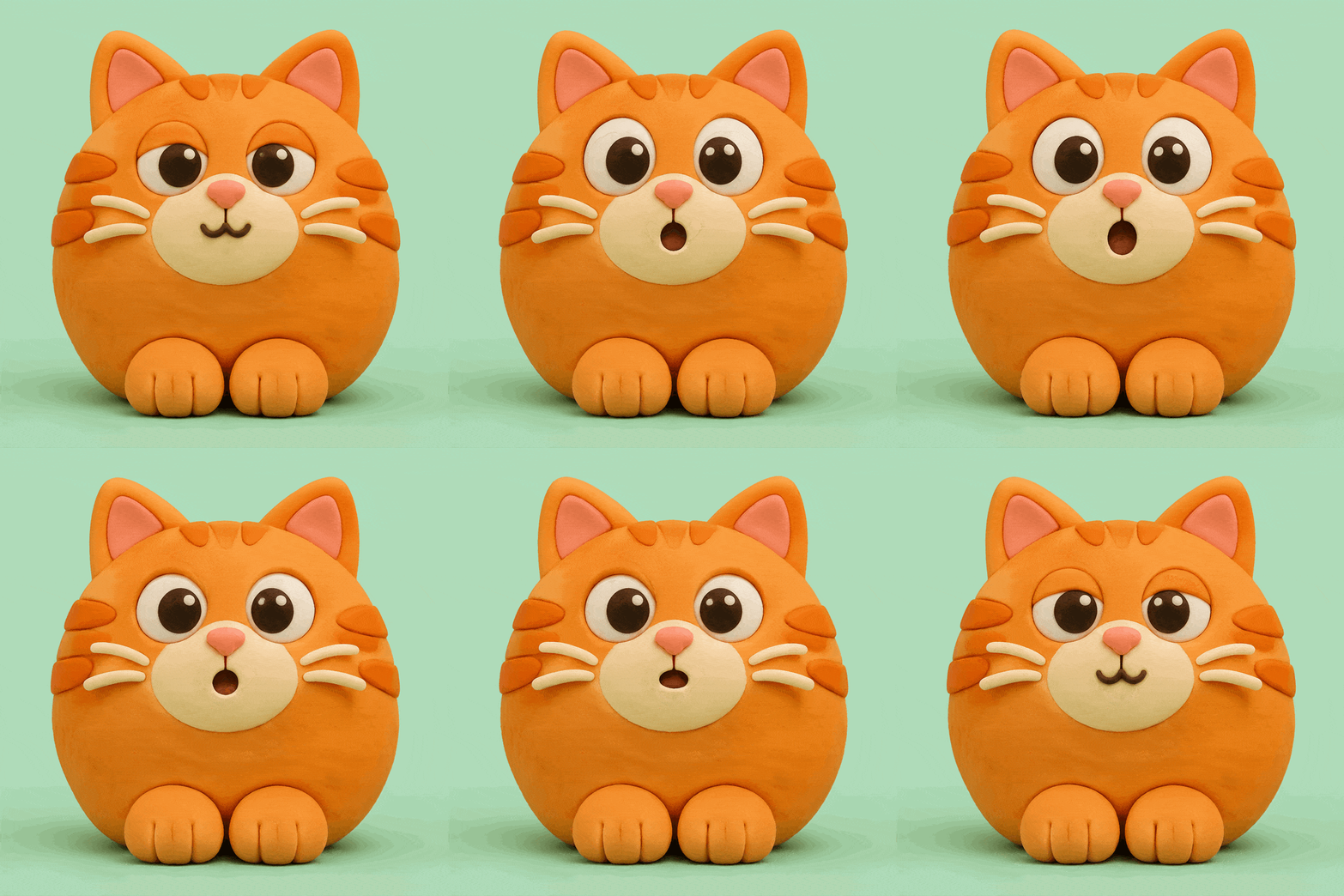
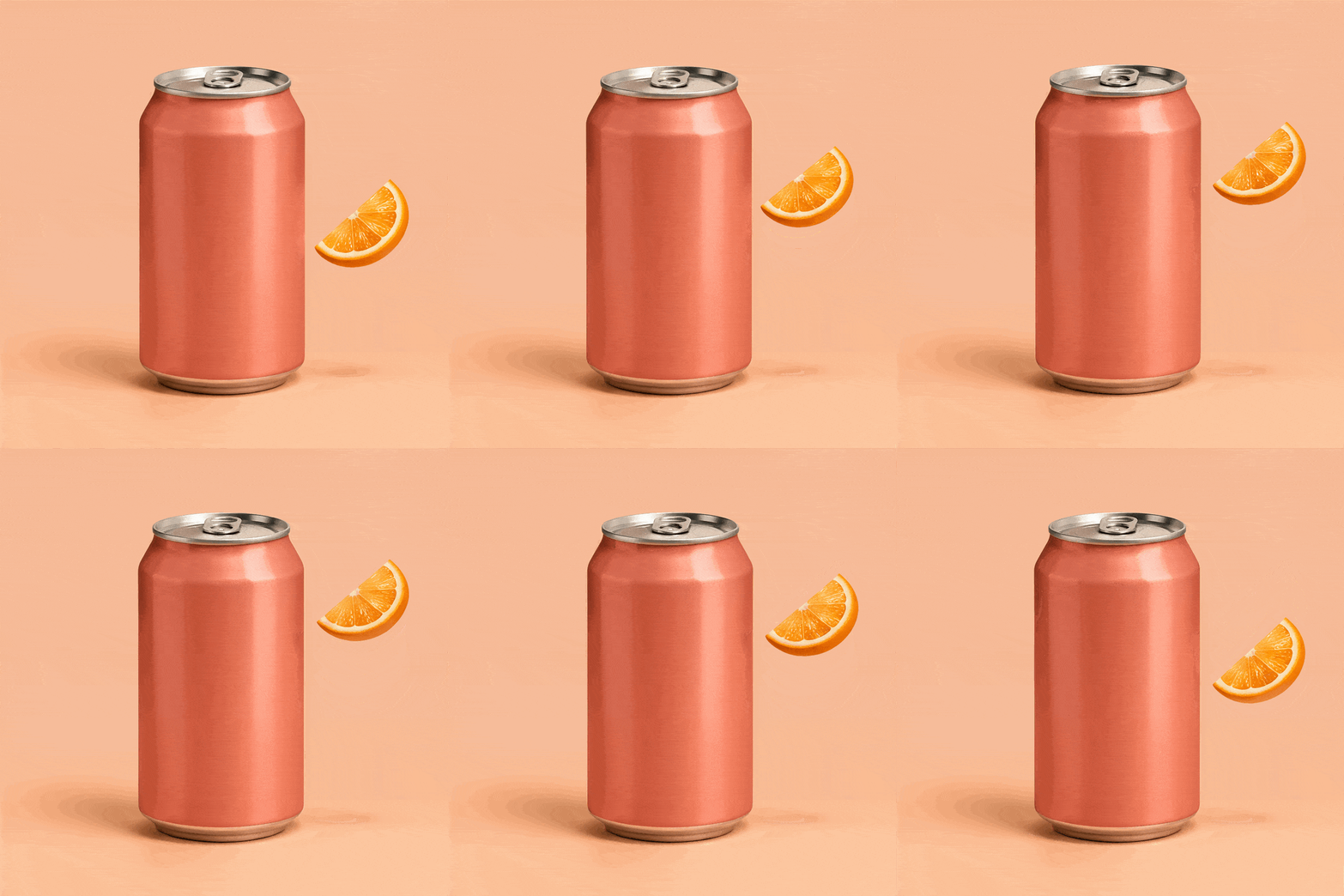

How to Create GIFs with AI
Choose Text or an Image
Describe What Happens
Make It Feel Like Yours
Save Your GIF and Share

One GIF Maker for Everyday Creative Work
Text to GIF AI for New Ideas
No source clip or drawing is needed. Describe a scene and let the text to GIF AI turn it into a custom animation for your message.
Turn Images into Animated GIFs
Use a photo, drawing, or mascot as your starting point. Explain which details to preserve and what should move, then review the animated version.
Create Reactions That Fit the Moment
Make a welcome, thank-you, or surprised response with your own visual style. This AI animated GIF maker helps you go beyond searching for an almost-right reaction.
Create Product GIFs for Websites and Social Media
Give a product post or page one moving detail, such as floating fruit or a soft sparkle. Ask to keep packaging and labels steady so the product remains the focus.
Change the Brief Through Conversation
Keep refining in the same conversation. Ask for a warmer palette, a simpler scene, or a more subtle gesture without describing the whole idea again.
Reuse a Successful Creative Direction
Save your brand colors, character guidelines, and GIF workflow as a Mew Skill. Apply that approach to future posts and replies with less repeated setup.
Text or Image: Choose Your Starting Point
- For a New Idea: Describe the subject, action, and visual style. One clear moment is enough to begin; you do not need a detailed storyboard.
- For a Reference Image: Choose a clear image with the subject fully visible. Identify the features to keep, such as the face, outfit, or product outline.
- For the Right Placement: Mention where the GIF will appear. Keep the main subject easy to read at that size and avoid important details near the edges.
- For a Useful Revision: After previewing, request one specific change. Check the opening frame and the repeat before adding more movement.
AI GIF Ideas for Chats, Social Posts, and Brands
Make a welcoming GIF for a community chat. An original friendly robot lifts one hand in greeting, then lowers it. Use a clean pastel background and a clear silhouette. No text.
Create a surprised reaction GIF of a round cartoon frog. Its eyes widen briefly before returning to a relaxed expression. Keep the head still and use a simple background. No captions.
Animate my uploaded product photo for a website. Keep the product and its label still. Add a small, gentle sparkle beside it that appears and fades in a repeating cycle.
Make a celebration GIF for a social post: a small gift box with a ribbon that bounces gently and settles back into place. Use bright colors and a fixed background. No text.
Create a thank-you GIF for a customer message. Two illustrated hands form a heart, hold briefly, and return to the opening position. Use soft colors and a simple composition without words.
Use my uploaded mascot as a reference for a cheerful approval GIF. Give it a small nod, preserving its colors, face, and proportions. Keep the background plain and the movement restrained.





