Free to Try OnlineAI Ghostface Generator
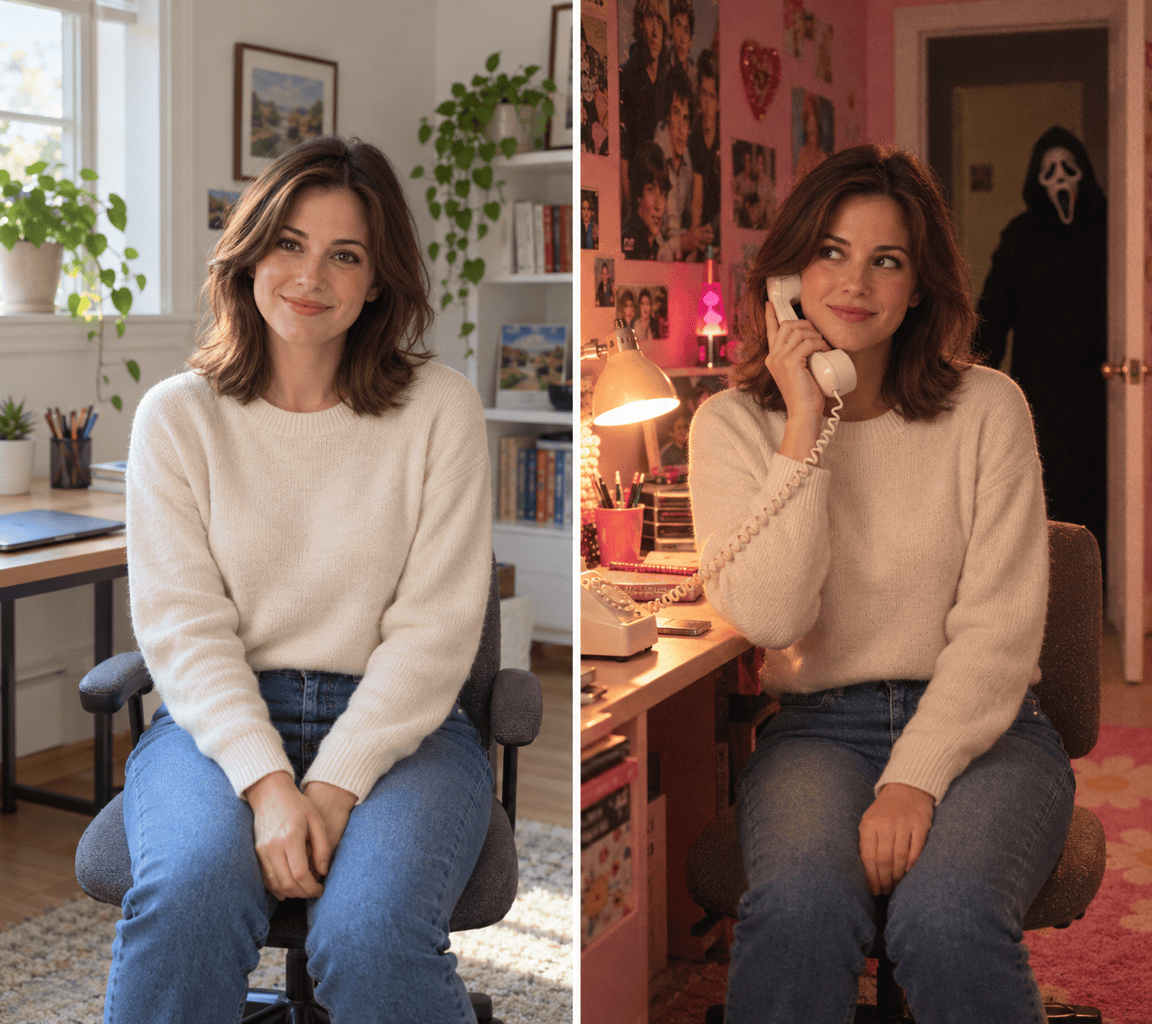
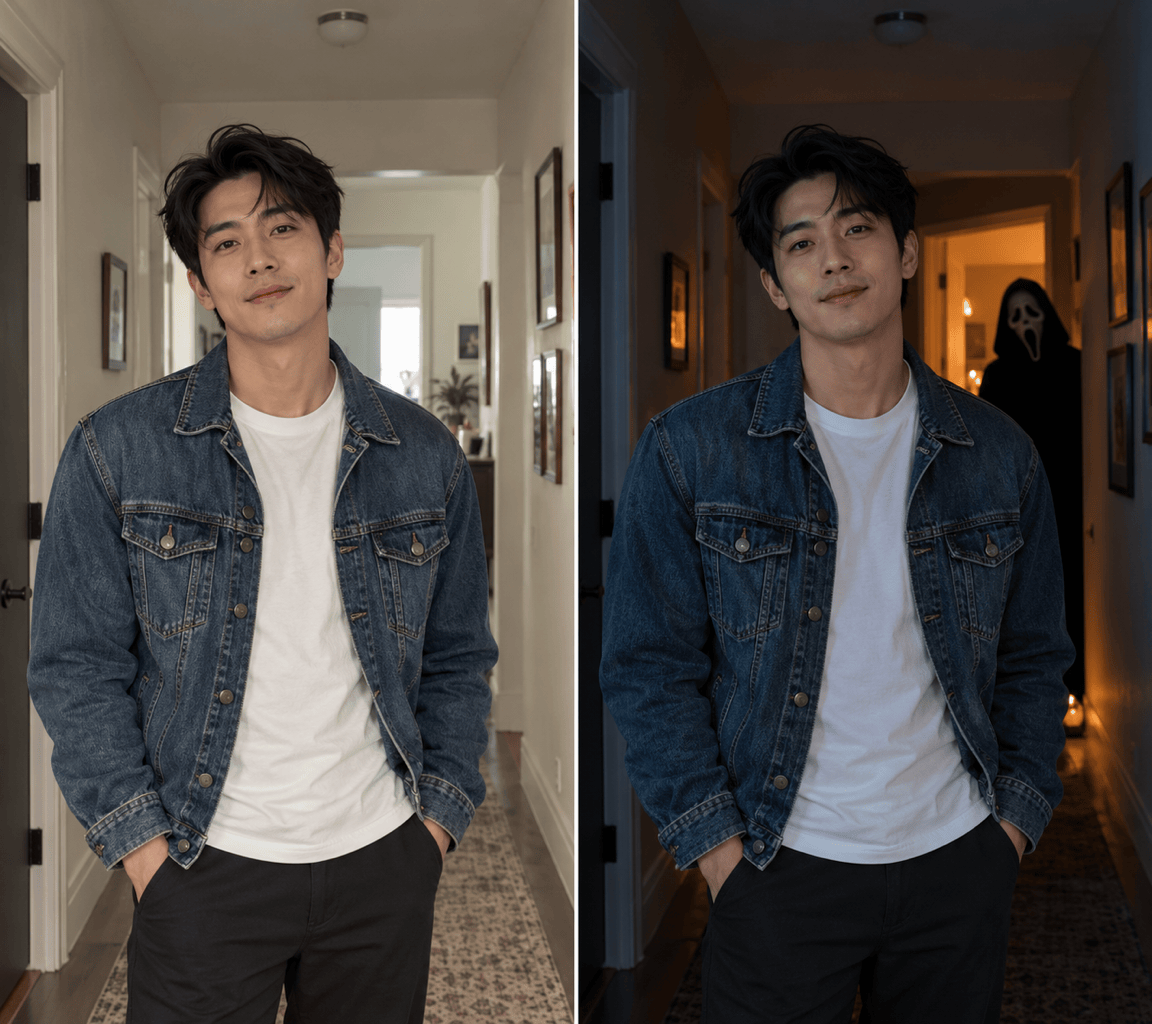
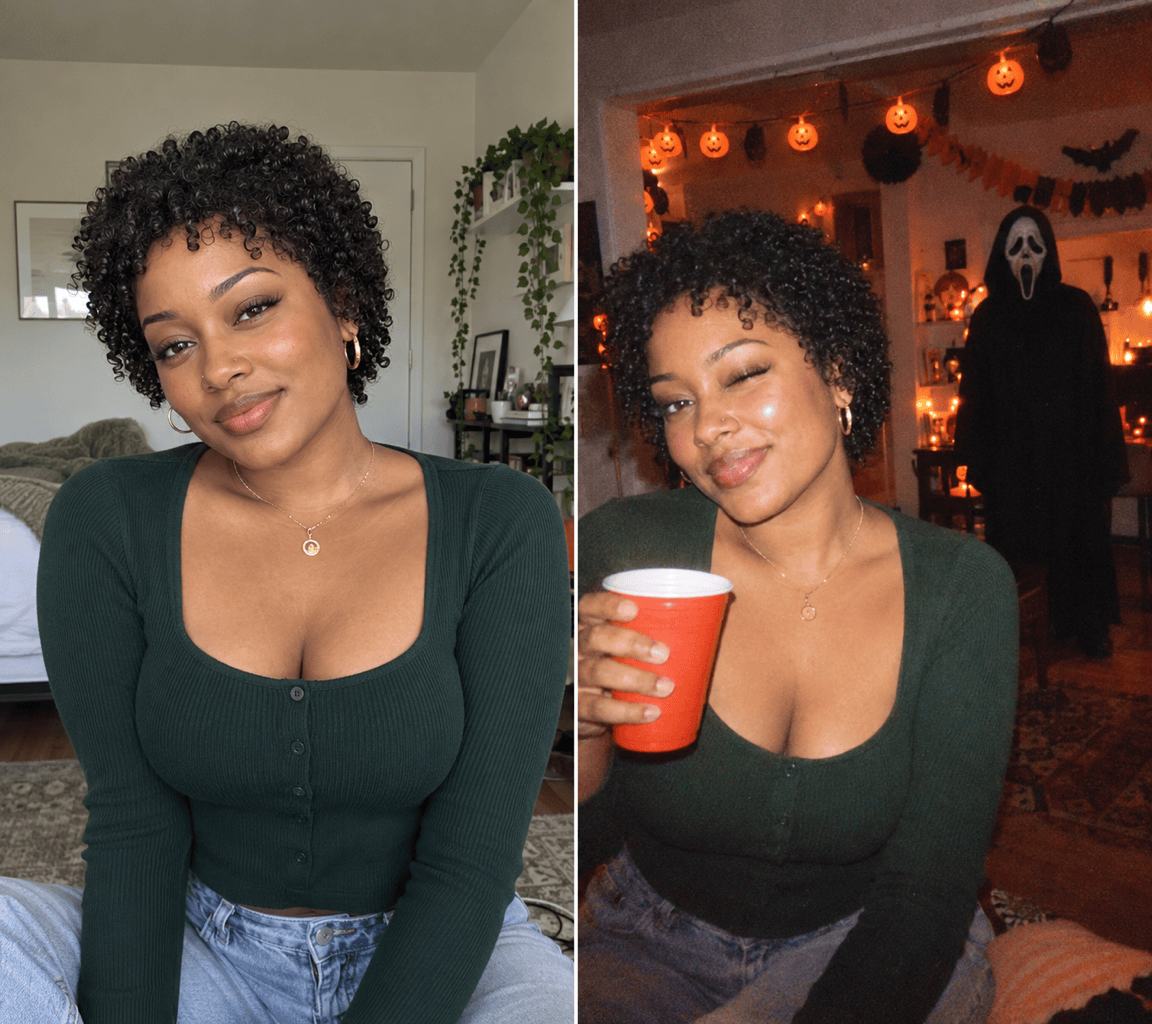
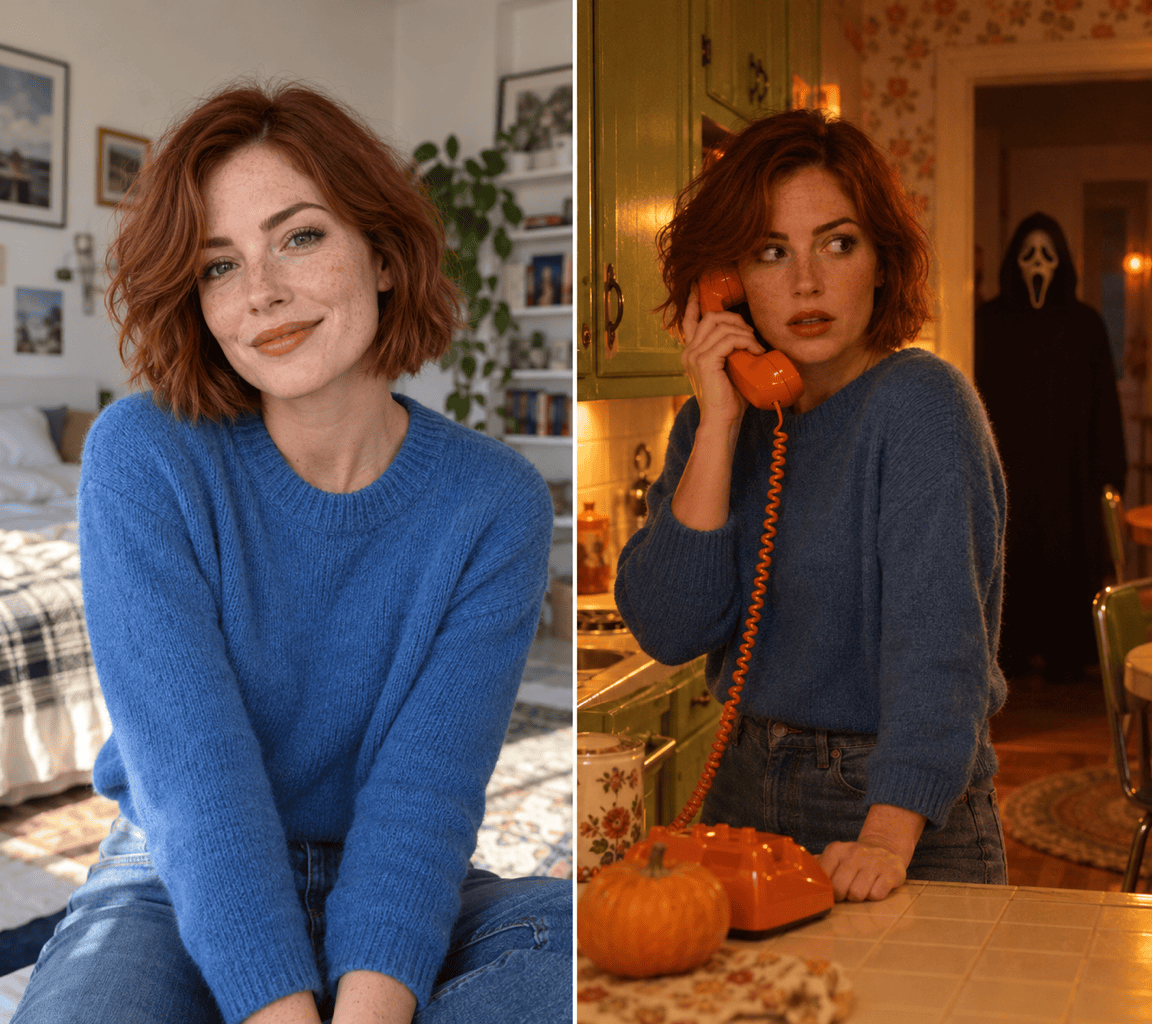
How to Create Ghostface Photos with AI
Choose Your Selfie and Scene
Build the Horror Movie Moment
Adjust the Face, Mask, and Lighting
Download Your Halloween Photo

Your Face, Your Setting, Your Horror Story
Make the Trend Personal
Use your selfie as a reference for a Ghostface AI photo. Ask to retain your facial features and hairstyle, then compare the result with your original.
Go Beyond the Pink Bedroom
This Ghostface AI photo generator can explore a dim hallway, retro kitchen, or Halloween party. Describe the setting you want instead of relying on one fixed filter.
Place the Scare in the Background
Specify a distant doorway or a shadow behind your shoulder. Ask for matching light and perspective so the mask feels part of the scene.
Refine One Detail at a Time
Keep a composition you like and use Chat Edit to change the phone, mask placement, shadows, or film texture. You can request focused changes in everyday language.
Create Without a Selfie, Too
Describe a fictional subject or a Ghostface-only scene to generate an image from text. A reference photo is useful when you want the result to resemble you.
Try a Watermark-Free Photo
New accounts receive free AI credits to test the online photo maker. Export your finished image without a watermark; further generation uses credits.
What to Include in a Y2K Ghostface Prompt
- Start with a Clear Face: Choose an evenly lit portrait without sunglasses or heavy filters. Say which facial details and hairstyle should stay.
- Locate the Mask: Say “in the far doorway” or “behind my shoulder.” If you want to wear the mask instead, make that explicit.
- Choose a Few Retro Details: A corded phone, satin bedding, warm light, and light film grain establish the look without overcrowding the room.
- Check the Small Details: Review facial likeness, fingers, phone cords, and mask shape. Ask for one correction while keeping the rest of the scene.
Ghostface Photo Ideas and Fixes to Try
Y2K Bedroom: Use my uploaded portrait for a pink satin bedroom photo. Give me a cream corded phone and place Ghostface in the far doorway. Keep my facial features recognizable and add warm light with subtle film grain.
Add Ghostface to My Photo: Keep my uploaded photo’s pose, outfit, and setting. Add Ghostface in the background behind my shoulder, matching the existing perspective and light. Leave my face unobstructed.
Halloween Party Picture: Use my portrait as a reference for a flash-lit Halloween party photo with orange decorations. Place Ghostface across the room, away from my face. Keep the mood playful, with no blood or weapons.
Ghostface Profile Picture: Create a square portrait of a fictional adult wearing the Ghostface mask and a black hood. Use a dark background and soft red rim light. Keep the whole mask inside the crop; no text.
Fix a Changed Face: Use my original uploaded selfie as the face reference again. Bring the facial proportions and hairstyle closer to the original, with natural skin texture. Keep the current background and Ghostface placement.
Fix a Pasted-On Mask: Move the background figure farther into the doorway. Match its scale, shadows, and light direction to the room. Keep my foreground portrait unchanged and make the mask visible without making it glow.





