Free OnlineAI Ghost Filter
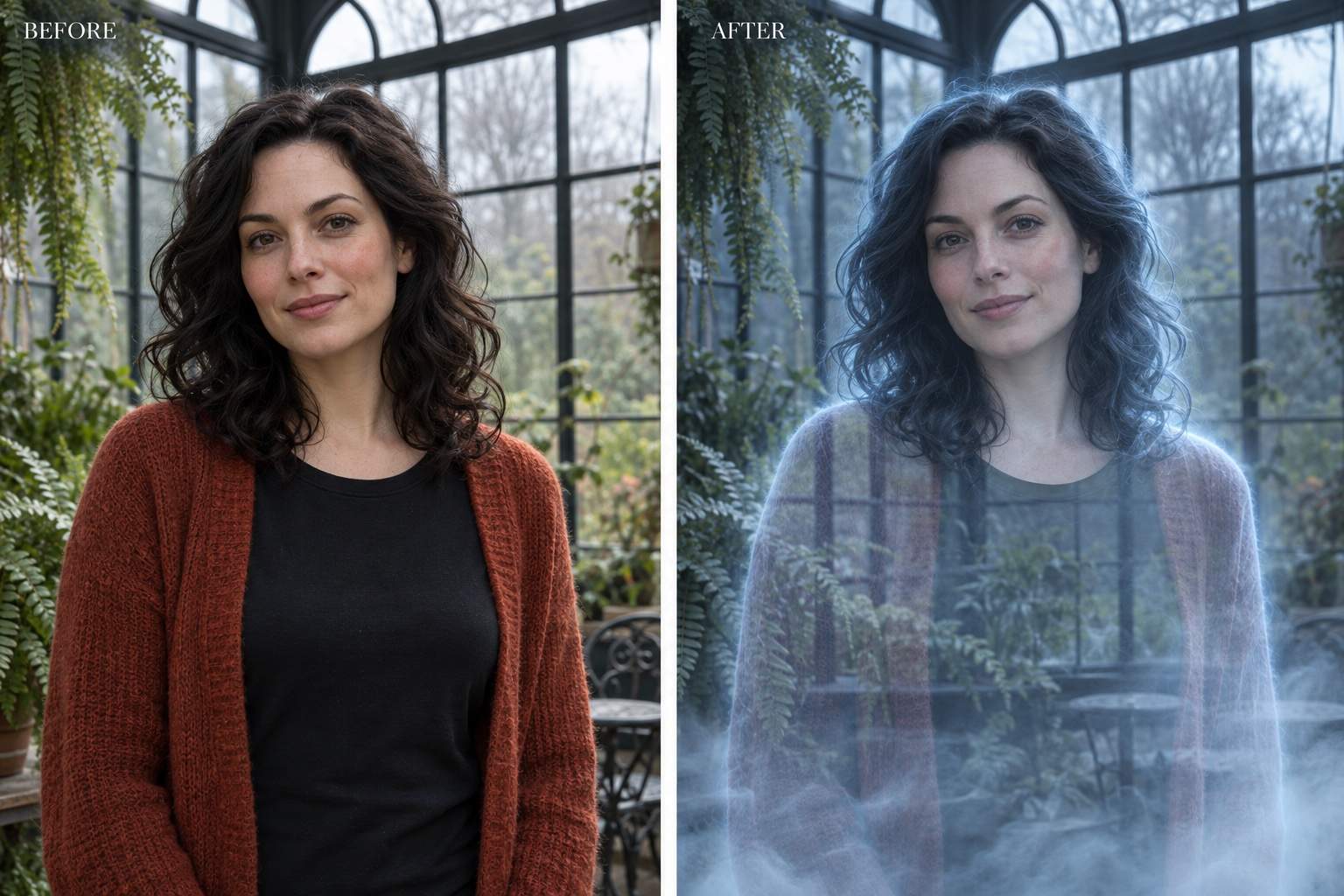
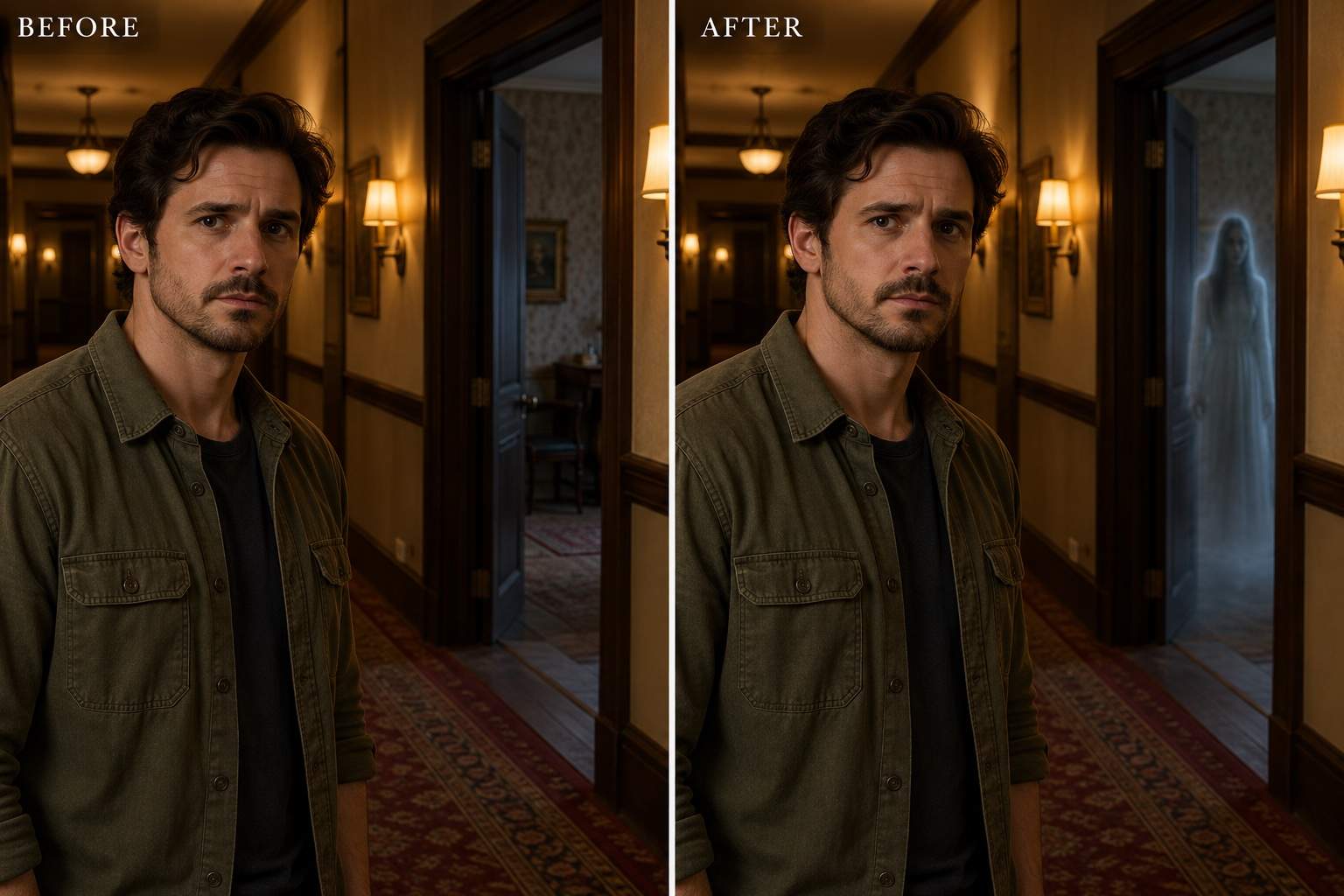
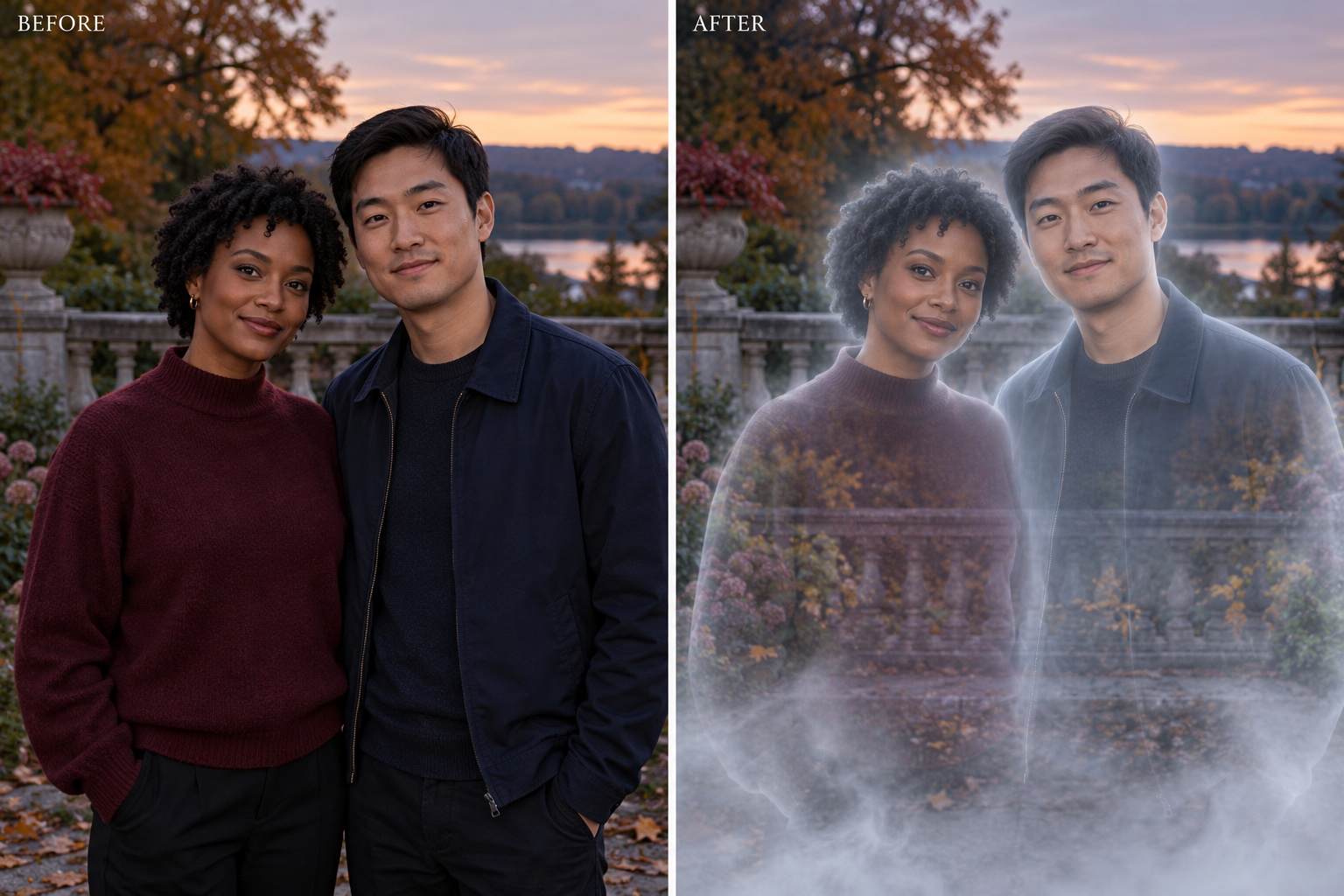
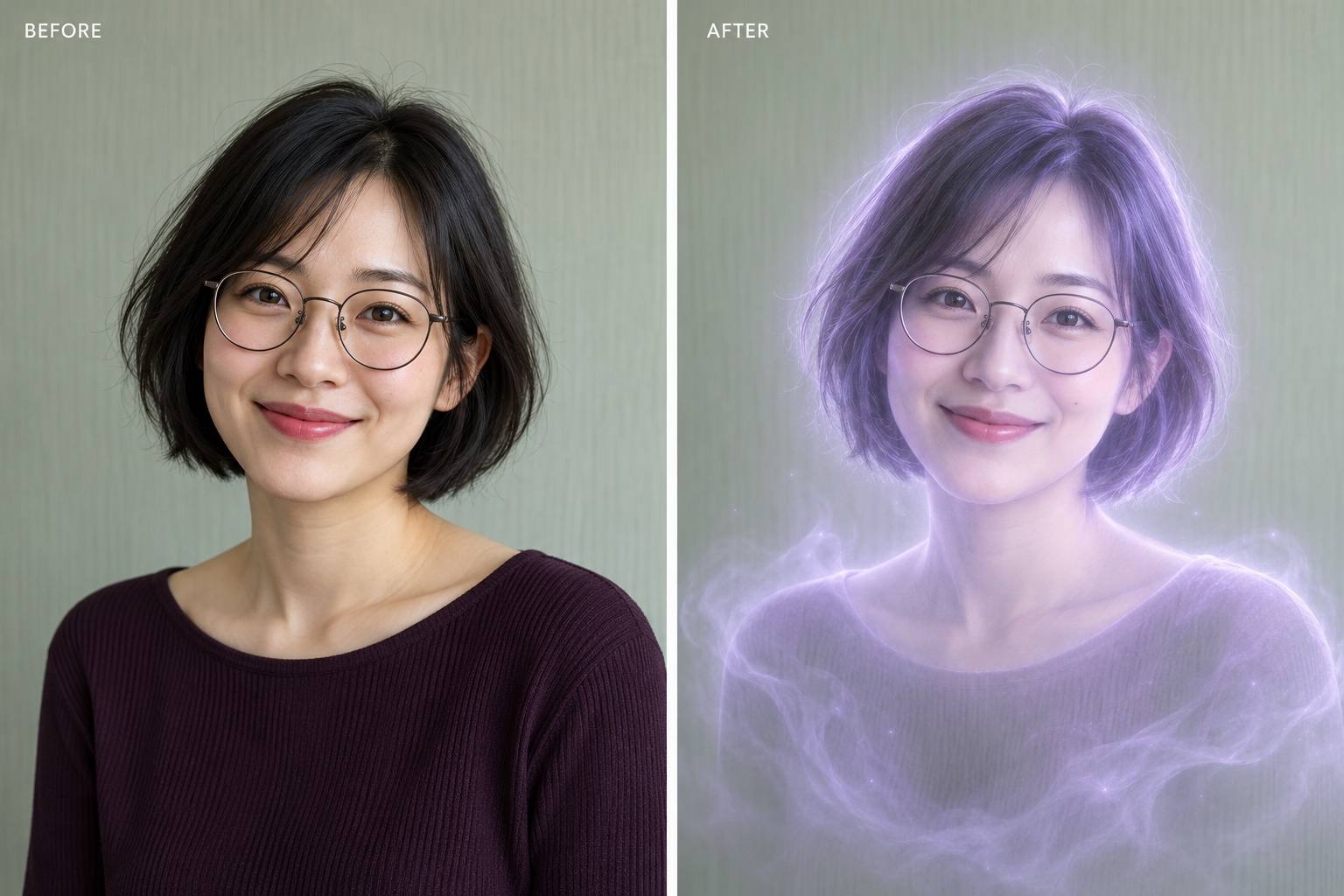
How to Create a Ghost Photo with AI
Upload a Clear Photo
Choose the Ghost Effect
Refine the Haunted Look
Save Your Ghost Photo

Your Photo, Your Kind of Haunting
Transform Yourself or Add a Visitor
This AI ghost photo editor supports both creative directions. Make the person spectral, or place a separate figure in the scene while asking to preserve the foreground.
Guide What Stays Recognizable
Use your uploaded portrait as the visual reference. Specify the expression, pose, outfit, and setting to retain, then review the result for unintended changes.
Set the Mood Beyond a Preset
Try a transparent ghost effect with pale edges, a soft lavender aura, or a distant silhouette. Describe how visible and how eerie the spirit should feel.
Adjust the Effect in Conversation
Ask for less fog around the face or a smaller ghost in the doorway. Chat Edit lets you refine the details without manually painting masks.
Explore Matching Ghost Portraits
Create related solo or couple-photo variations from your references. Request a shared color palette and glow, and check each face before choosing your favorites.
Try It Online and Export Cleanly
Use free AI credits after signup to test a Halloween ghost filter in your browser. Export your chosen image without a watermark; further generation depends on your credits.
Keep Your Face Clear in a Ghost Photo
- Start with Visible Detail: Use a sharp photo with an unobstructed face. Heavy blur or deep shadow makes likeness harder to retain.
- Name the Subject: For couples, identify one person by position or clothing, or ask to transform both. State whether a new figure should appear.
- Balance Glow and Transparency: Keep the eyes and mouth readable. Ask for a faint outline and light mist before trying a stronger effect.
- Check the Whole Scene: Compare hands, furniture, and doorframes with the original. Generative edits can change details even when asked to preserve them.
Fine-Tune Your Ghost Photo Effect
Restore Facial Detail: Use my original portrait as the reference. Reduce haze over my eyes and mouth, bring back my expression, and keep the ghost effect mainly on my body and clothing.
Make the Ghost More Visible: Increase the faint apparition’s edge contrast slightly so it reads against the background. Keep its body translucent and avoid a solid white silhouette.
Soften an Overpowering Glow: Reduce the bright blue halo and thick fog in this ghost photo. Use a restrained cool rim light and leave the room’s original lighting visible.
Move the Ghost Behind Me: Place one separate apparition inside the doorway behind my shoulder. Match the scene’s perspective. Keep my face clear and do not turn me into a ghost.
Transform Only One Person: In this couple photo, make only the person on the right translucent. Keep the person on the left natural, preserve both expressions, and add no extra figures.
Fit a Halloween Profile Picture: Make this ghost portrait square with my face centered and room around my head for a circular crop. Keep the glow visible at a small size and add no text.





