Free OnlineAI Fusion Generator
How to Create a Fusion Image with AI
Choose Two Sources
Map the Borrowed Traits
Generate One Coherent Hybrid
Repair, Refine, and Export

Why Mew Design Makes Fusion Ideas Easier to Direct
Text and Image Inputs Work Together
Start from two written concepts, two uploaded images, or a mix of both. The online AI fusion generator lets the prompt explain what the references alone cannot.
Assign a Job to Each Source
Choose which image controls structure and which contributes texture, clothing, color, material, or style. Clear source roles reduce random averaging and make the hybrid easier to recognize.
Aim for a Unified Visual World
This AI image fusion generator can synthesize perspective, lighting, scale, and surface transitions so the result reads as one scene or subject instead of a cut-and-paste composite.
Fix Fusion Errors Through Conversation
If the draft has two heads, extra components, conflicting materials, or a weak Source B influence, describe the correction in Chat Edit and continue from the current idea.
Explore Characters, Objects, and Styles
Use the AI character fusion generator online for original game concepts, or combine products, vehicles, buildings, costumes, and visual styles for storyboards and creative development.
Try Fusion Directions for Free
New users receive free AI credits after signup. Test more than one fusion balance, refine the strongest direction, and export finished images without a watermark.
How to Prompt AI for a Believable Fusion
- Define Source A: Choose the silhouette, anatomy, pose, composition, or main product form that should stay dominant.
- Map Source B: List the exact features to borrow, such as a visor, wing shape, ceramic texture, color system, pattern, or drawing style.
- Explain the Transition: Describe where materials meet and how they transform. Ask for one lighting setup, one perspective, and a shared palette so the fusion feels continuous.
- Set Structural Limits: State the number of heads, limbs, wheels, or major components. Exclude split screens, duplicate parts, seams, unrelated props, text, logos, and watermarks.
AI Fusion Prompts for Original Hybrid Concepts
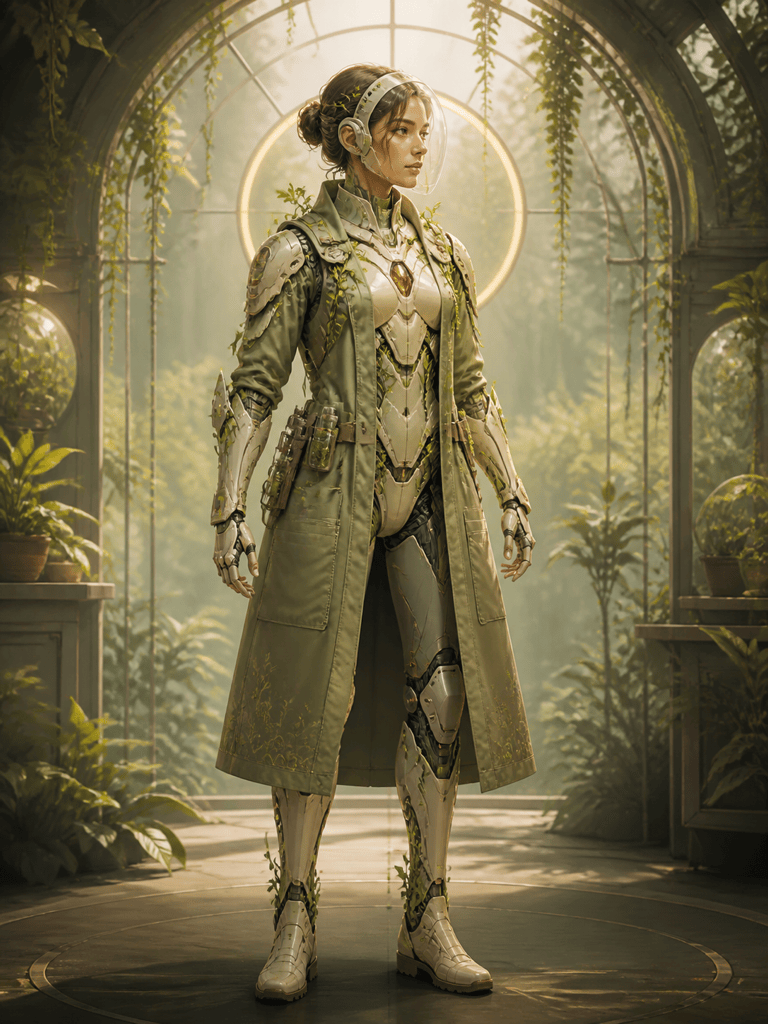
Original Character Fusion: Combine a desert cartographer with a wind-powered scout robot into one original character. Keep the human explorer's proportions and layered travel clothing; add a turbine backpack, brass navigation lenses, and lightweight mechanical lower legs. Sandstone and teal palette, full-body game concept art, no franchise symbols, no extra limbs.
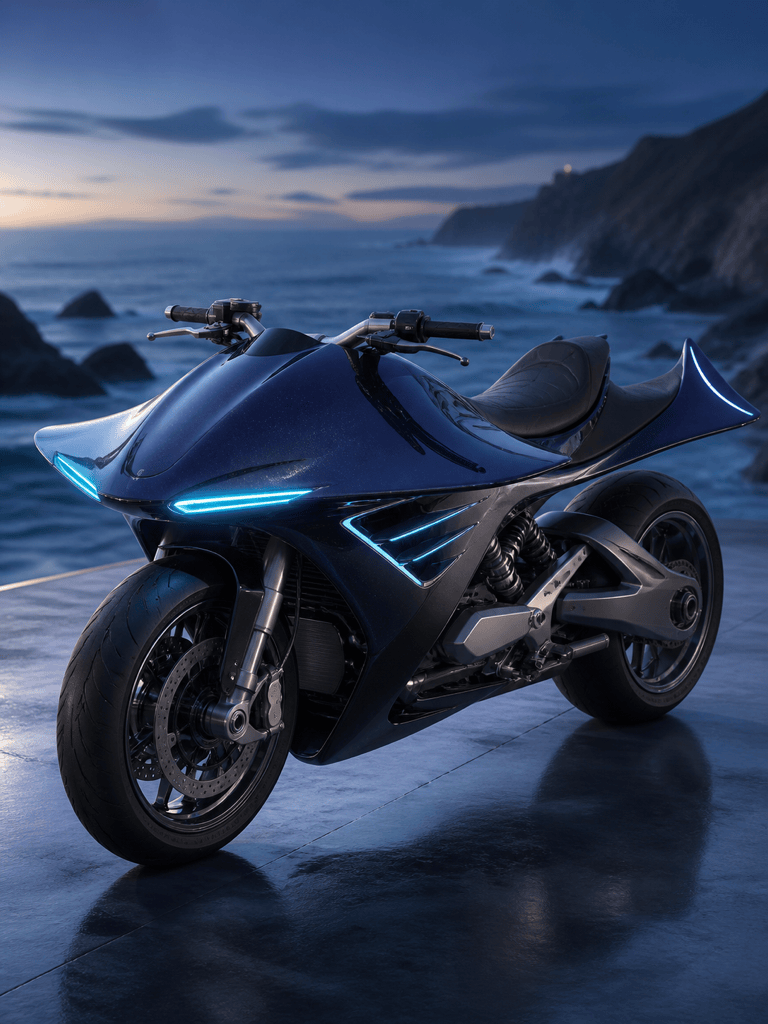
Vehicle Fusion: Design one electric coastal motorcycle inspired by the silhouette and fin structure of a manta ray. Keep two wheels and a rideable frame, integrate broad wing-like fairings, matte black rubber, pearlescent blue bodywork, and soft cyan running lights. Three-quarter studio view, believable engineering, no rider or logo.
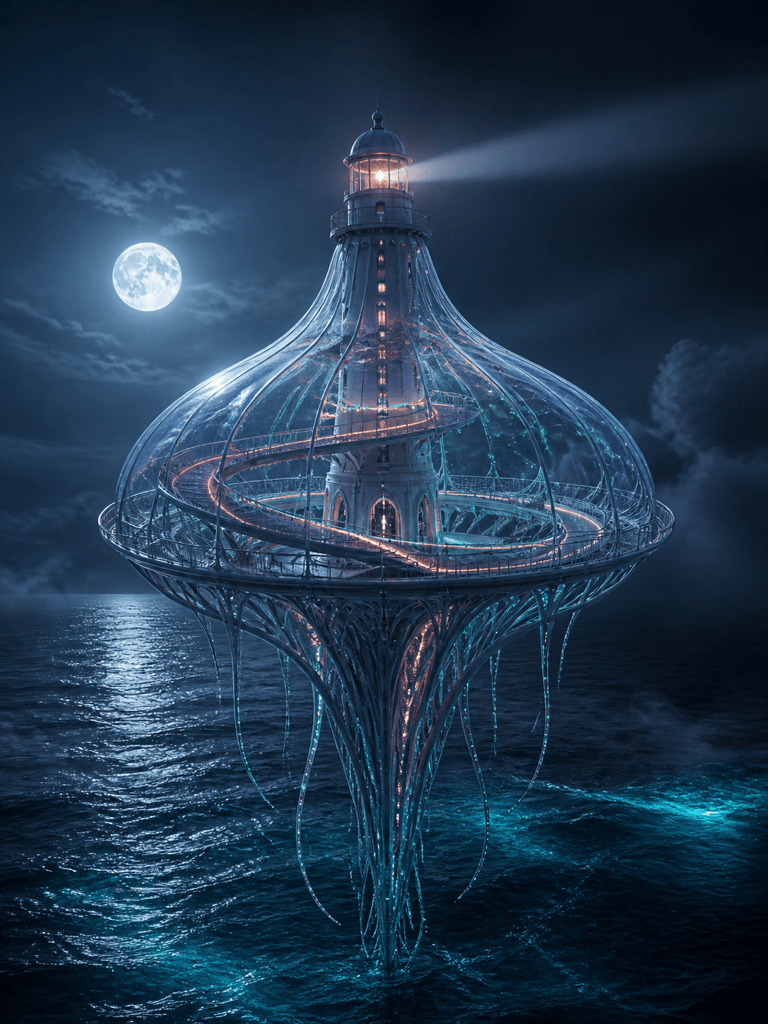
Architecture Fusion: Create a floating ocean observatory that combines a lighthouse with a bioluminescent jellyfish. Use one tall central tower, a translucent bell-shaped roof, ribbon-like illuminated walkways, and tentacle-inspired support cables. Moonlit sea, unified scale and perspective, cinematic architectural concept art, no text.
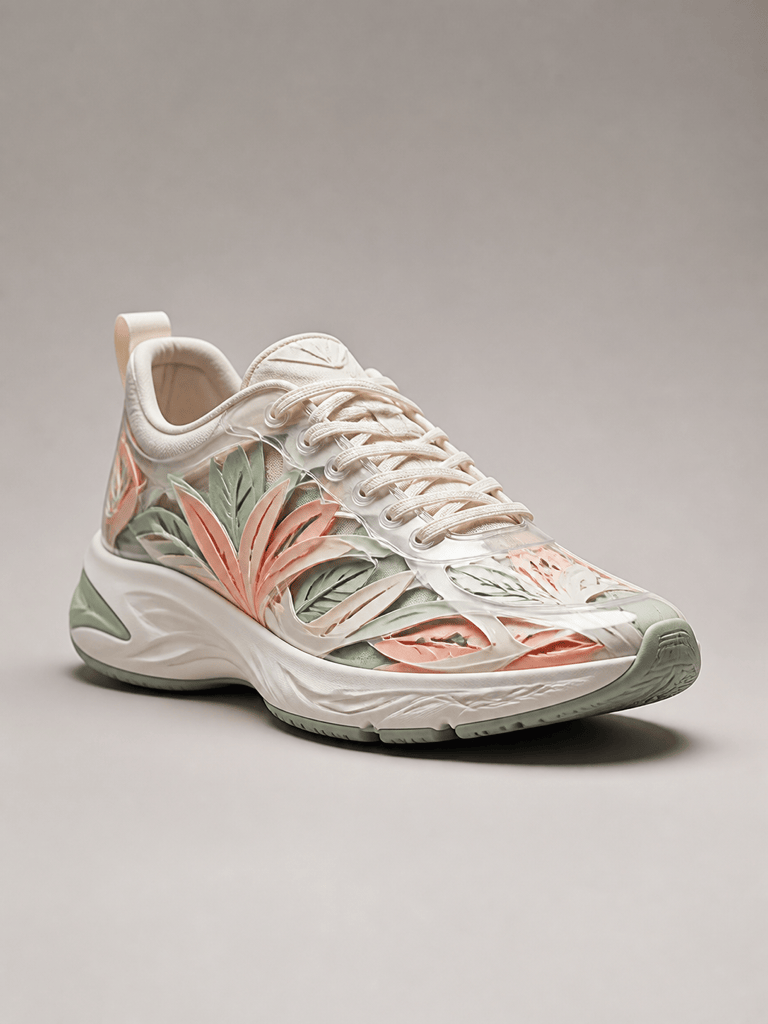
Product Fusion: Design a performance running shoe that fuses translucent blown-glass surfaces with layered botanical paper-cut forms. Keep a functional sneaker structure, use flexible glass-like panels only on the upper, add leaf-shaped ventilation layers, mint, coral, and clear accents, clean product photography, no brand mark.
Style Fusion from Two Images: Use @[portrait reference] as the subject and composition. Apply the layered indigo paper texture, limited cream palette, and hand-cut edge quality from @[style reference] while keeping the face, pose, and clothing structure recognizable. One cohesive editorial portrait, soft side light, no collage border or words.
Two-Image Concept Fusion: Combine the compact espresso machine in @[product image] with the rounded controls and warm wood trim of @[vintage radio reference]. Keep the coffee machine's functional layout dominant, borrow only the dial language, speaker-grille texture, and walnut accents. Front three-quarter product render, cream studio background, no logos.





