Free OnlineAI Flashcard Generator
How to Generate Flashcards with AI
Add Your Study Material
Choose the Card Format
Generate the Flashcard Deck
Edit, Print, or Keep Reviewing

Why Mew Design Is Useful for AI Flashcard Creation
From notes to cards fast
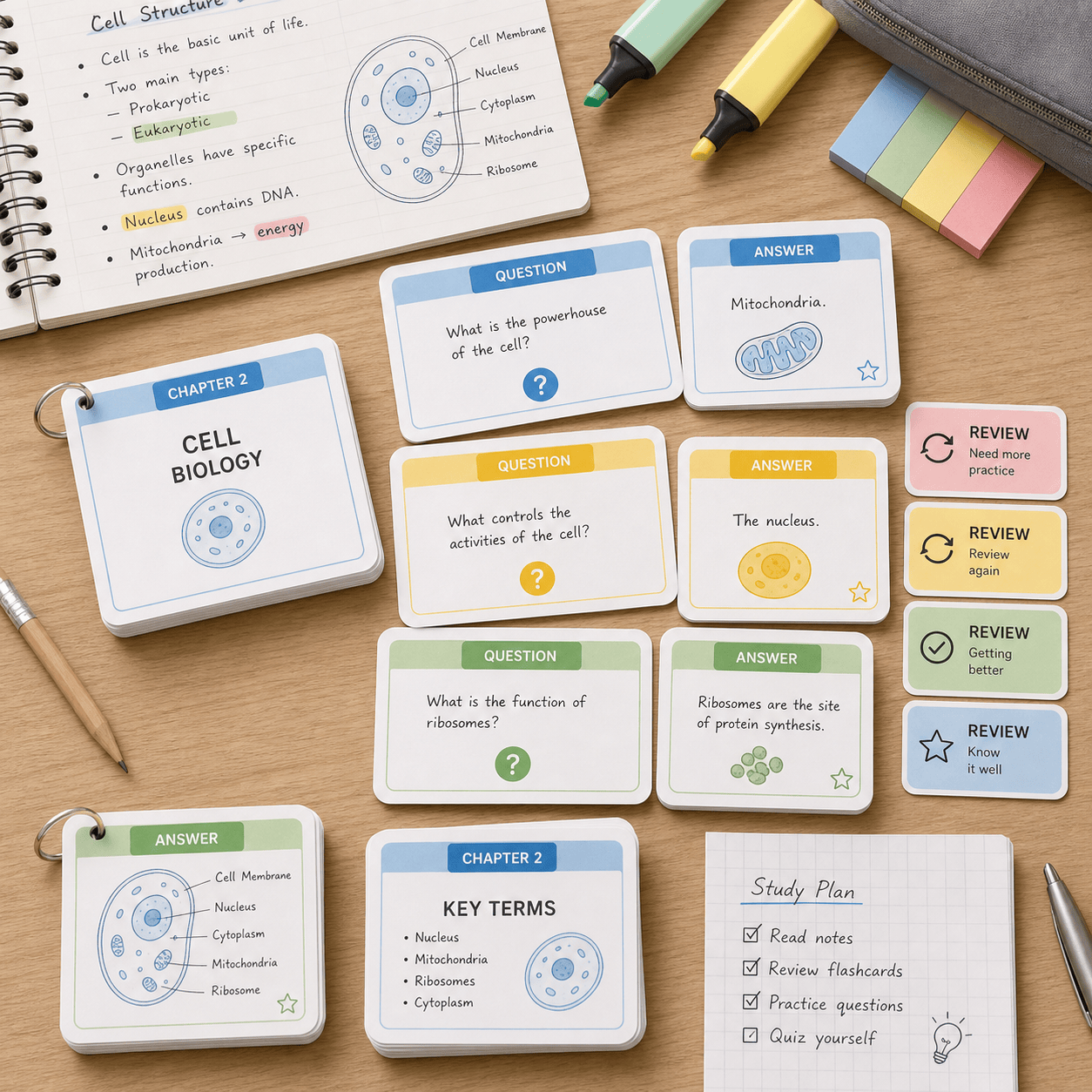
Paste rough lecture notes or summaries, and Mew Design turns them into organized flashcard decks instead of making you rewrite every card manually.
Question quality, not just formatting
The AI studies your material, separates key terms from supporting details, and writes prompts that are useful for active recall.
Supports text and visual cards
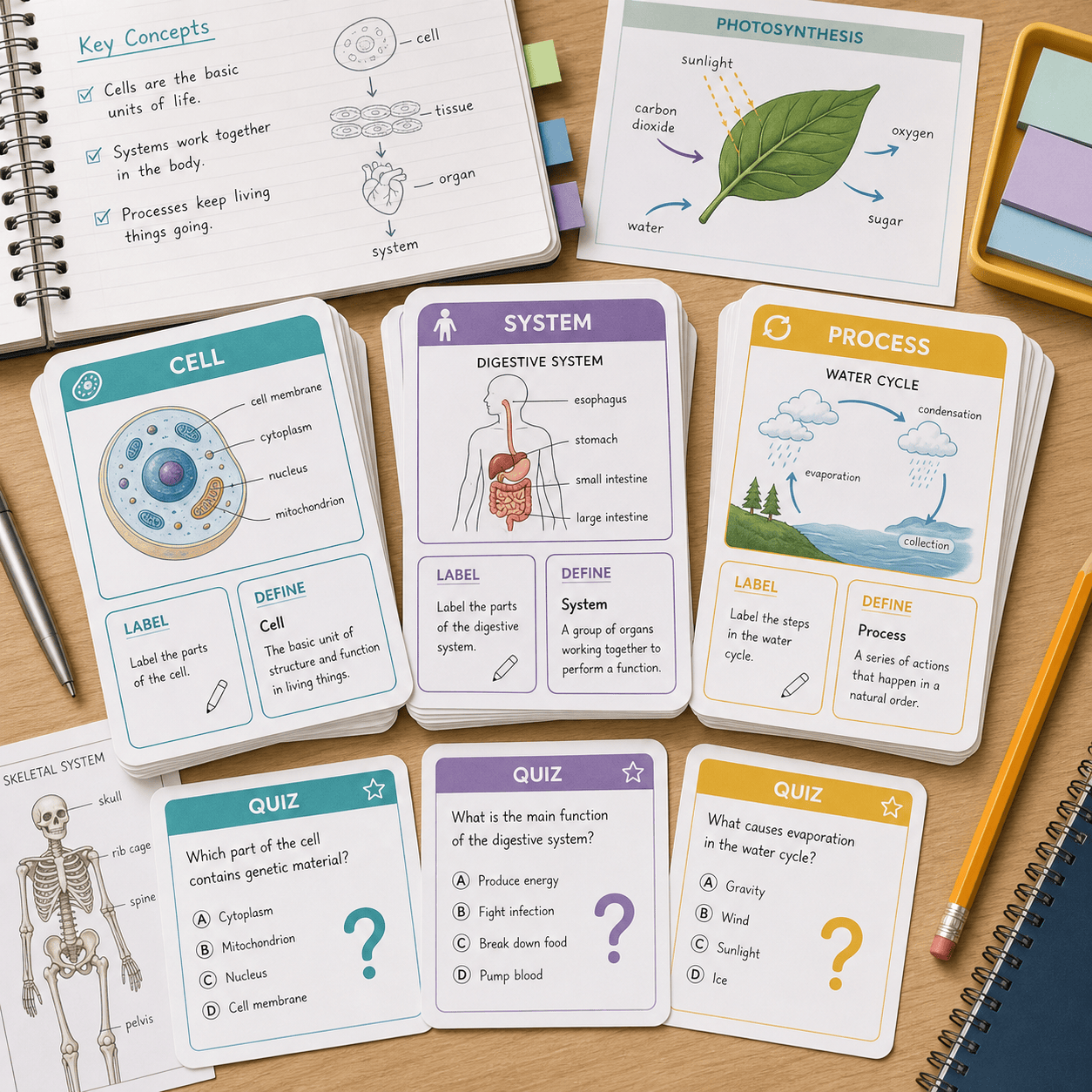
Create vocabulary cards, formulas, diagrams, timelines, and image-assisted study cards when the subject needs more than plain text.
Adjust difficulty through chat
Ask for beginner, exam-level, or quick-review cards. You can also request hints, shorter answers, or more challenging prompts.
Ready for classroom and self-study
Use this online AI flashcard maker for lesson review, tutoring, language learning, test prep, or printable classroom card sets.
Editable decks after generation
If a card is too broad or too easy, refine it with natural-language edits instead of starting over.
How to Write an Effective AI Flashcard Prompt
- Provide source material: Paste notes, terms, a chapter summary, or the key points you want covered.
- Choose card type: Specify term-definition, question-answer, cloze deletion, multiple-choice, or image-supported cards.
- Set learner level: Mention beginner, middle school, high school, college, professional exam, or language level.
- Define review style: Ask for quick recall, exam prep, spaced repetition groups, printable cards, or classroom review.
AI Flashcard Prompts You Can Adapt
Turn my biology notes into 25 question-answer flashcards about cell organelles. Keep answers under two sentences and group them by topic.
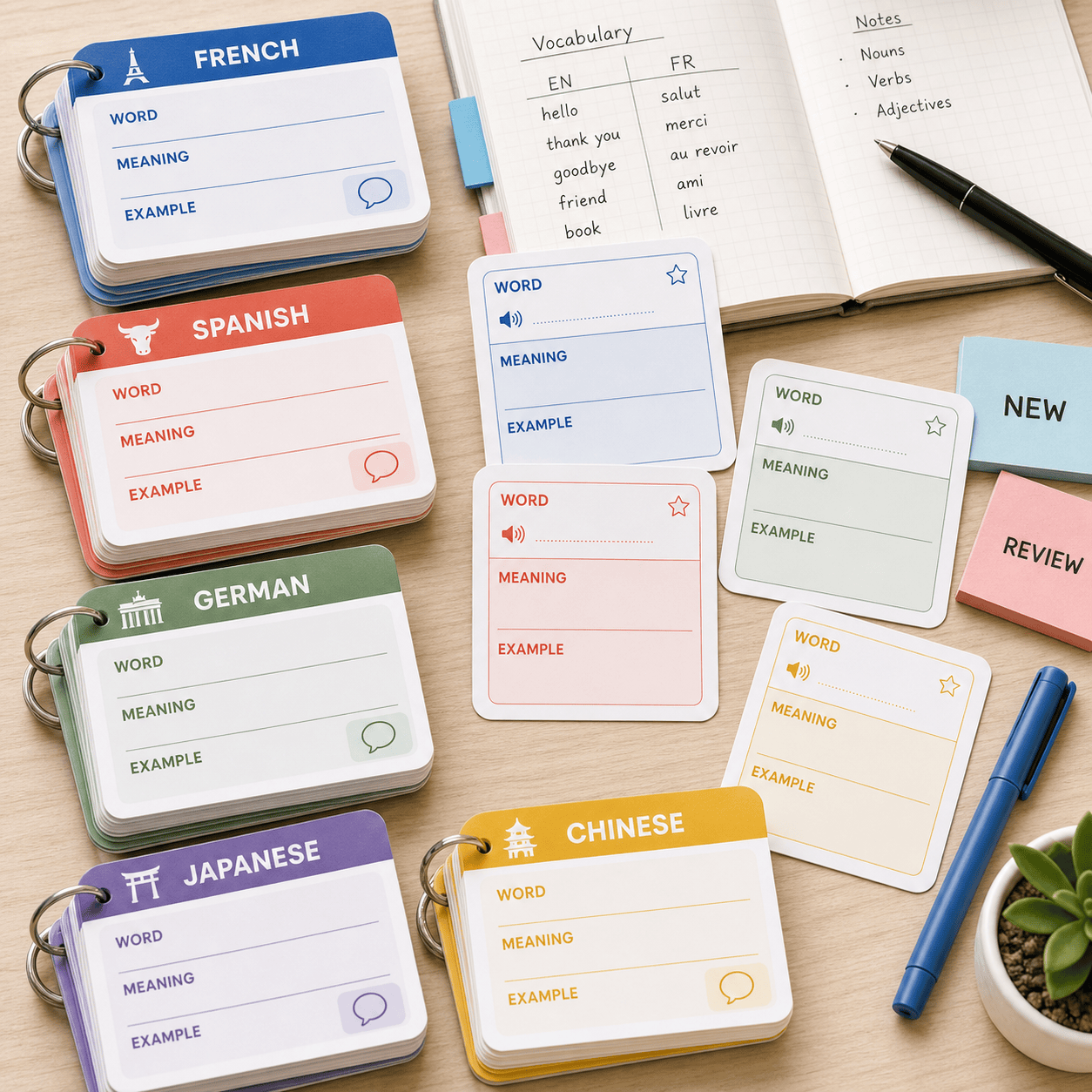
Create Spanish vocabulary flashcards from this word list. Include the word, pronunciation hint, English meaning, and one short example sentence.
Generate chemistry formula flashcards for balancing equations. Make half the cards conceptual and half practice-based.
Make history flashcards for World War II causes and key dates. Include timeline cards, person cards, and short-answer quiz cards.
Create medical terminology flashcards from this glossary. Use term on the front, definition and simple memory cue on the back.
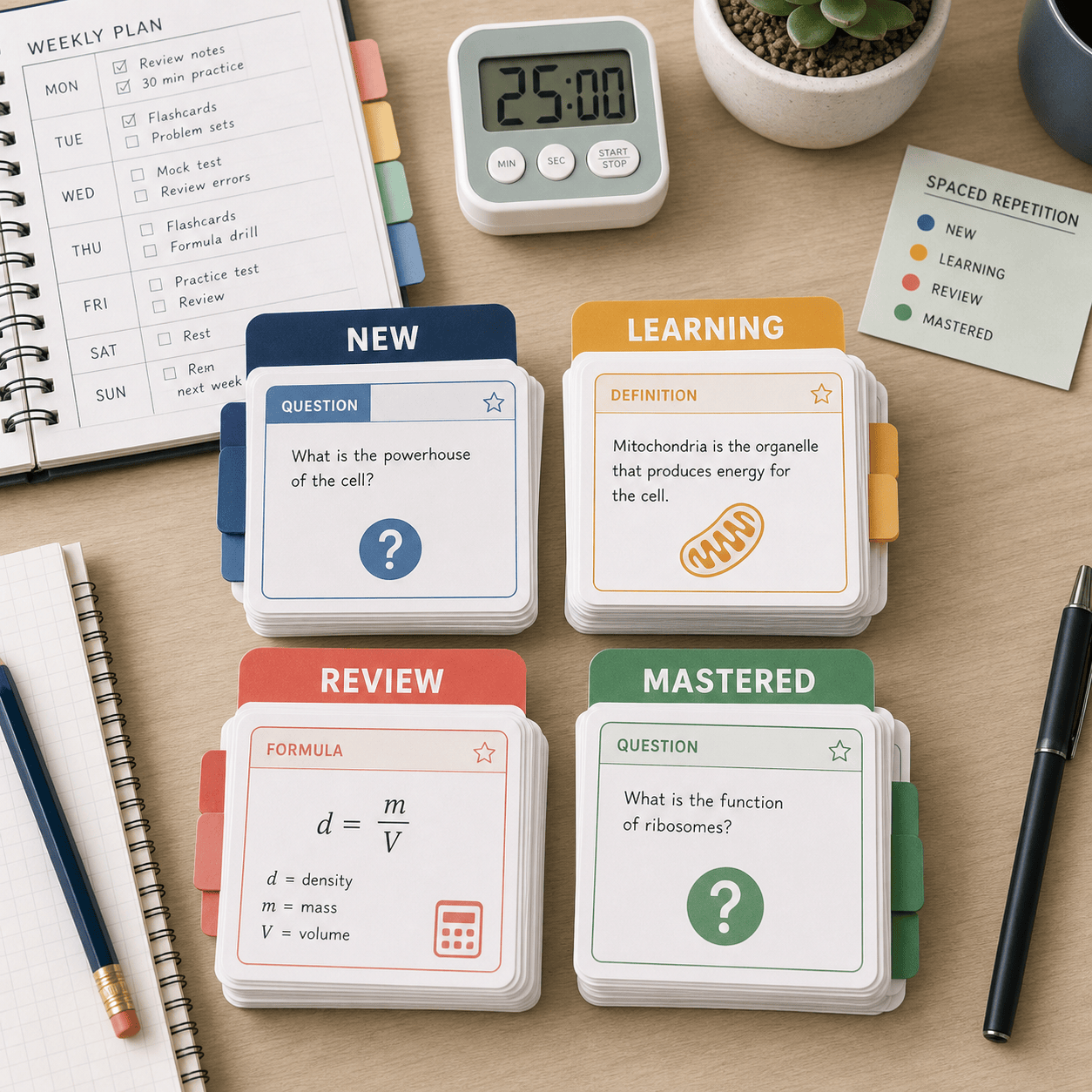
Build an exam review deck from these lecture notes. Sort cards into New, Learning, Review, and Mastered groups for spaced repetition.





