Free OnlineAI Fitness Filter
How to Add Muscle to a Photo with AI
Upload a Clear Photo
Describe the Muscle Effect
Refine the Details
Download Your Preview

An AI Muscle Filter You Can Refine in Chat
Start with Your Own Photo
Use an AI muscle filter on an existing gym selfie or portrait. Your uploaded image gives the editor a reference for your face, pose, and surroundings.
Choose Subtle or Defined
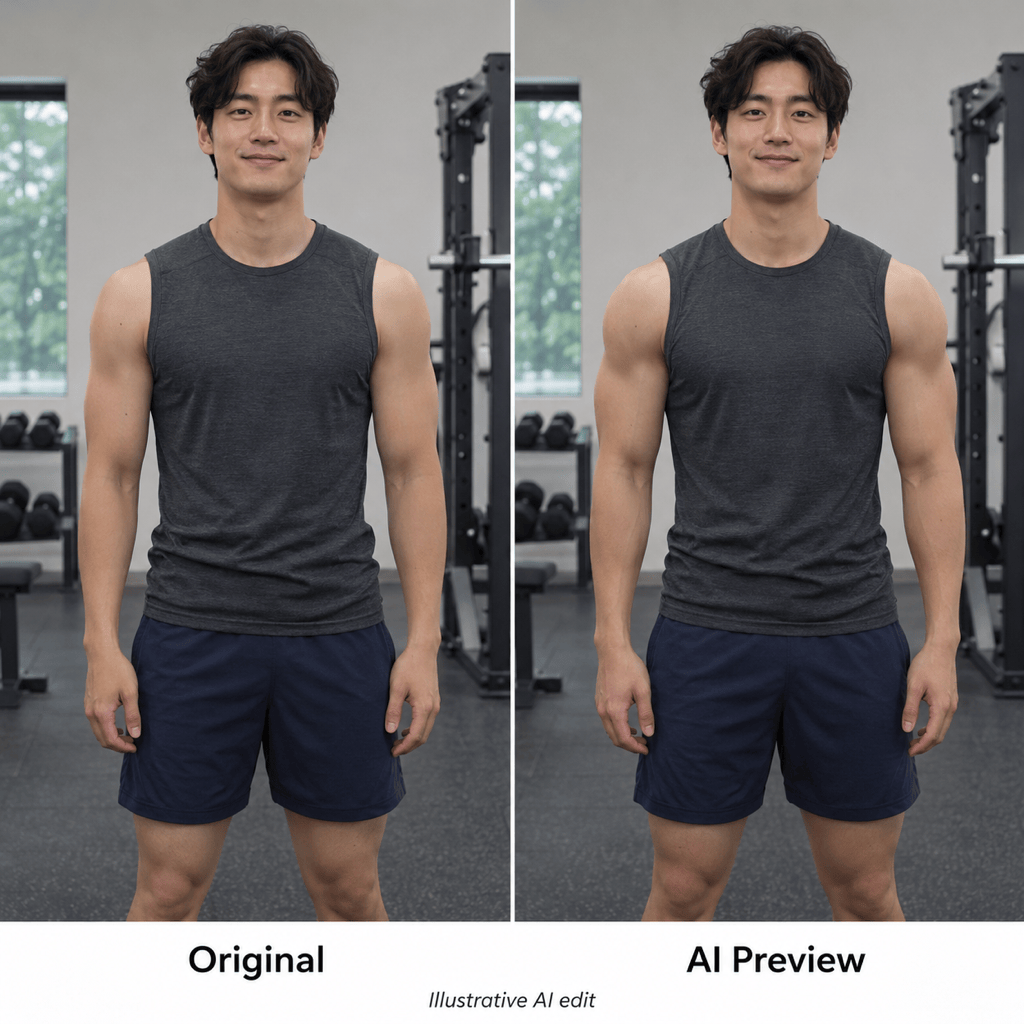
Describe the strength of the effect instead of accepting one fixed look. Request light arm definition, an athletic silhouette, or more visible abs.
Focus on One Area
Use the AI body editor to request changes to shoulders, arms, or visible abs. Specify which details should stay unchanged, then review the result.
Correct the Look in Chat
Overdone muscles or uneven shading? Click Chat Edit and ask for a softer effect or lighting that better matches your original photo.
Choose a Model for Photo Editing
Choose an available image model yourself, or let Mew Auto select one for your photo and requested edit. Mew Design adds new leading image models as they launch.
Try Online and Export Cleanly
Test a fitness filter online with free credits after signup. Download PNG or JPG files without watermarks; further generation depends on your available credits.
How to Get Natural-Looking AI Muscle Edits
- Show the Area: Use even lighting and fitted clothing. For an abs edit, choose a photo where the abdomen is already visible.
- Set the Intensity: Describe light definition or a stronger build. Start gently and increase the effect if needed.
- Check the Edges: Inspect hands, clothing seams, skin texture, and straight background lines for unwanted changes.
- Keep the Context Clear: Treat the image as a creative preview. It does not predict training results or measure body fat.
Fitness Filter Ideas for Gym Selfies and Portraits
Subtle muscle definition: Edit my uploaded photo to add light definition to my arms and shoulders. Keep my original build, face, outfit, and background.
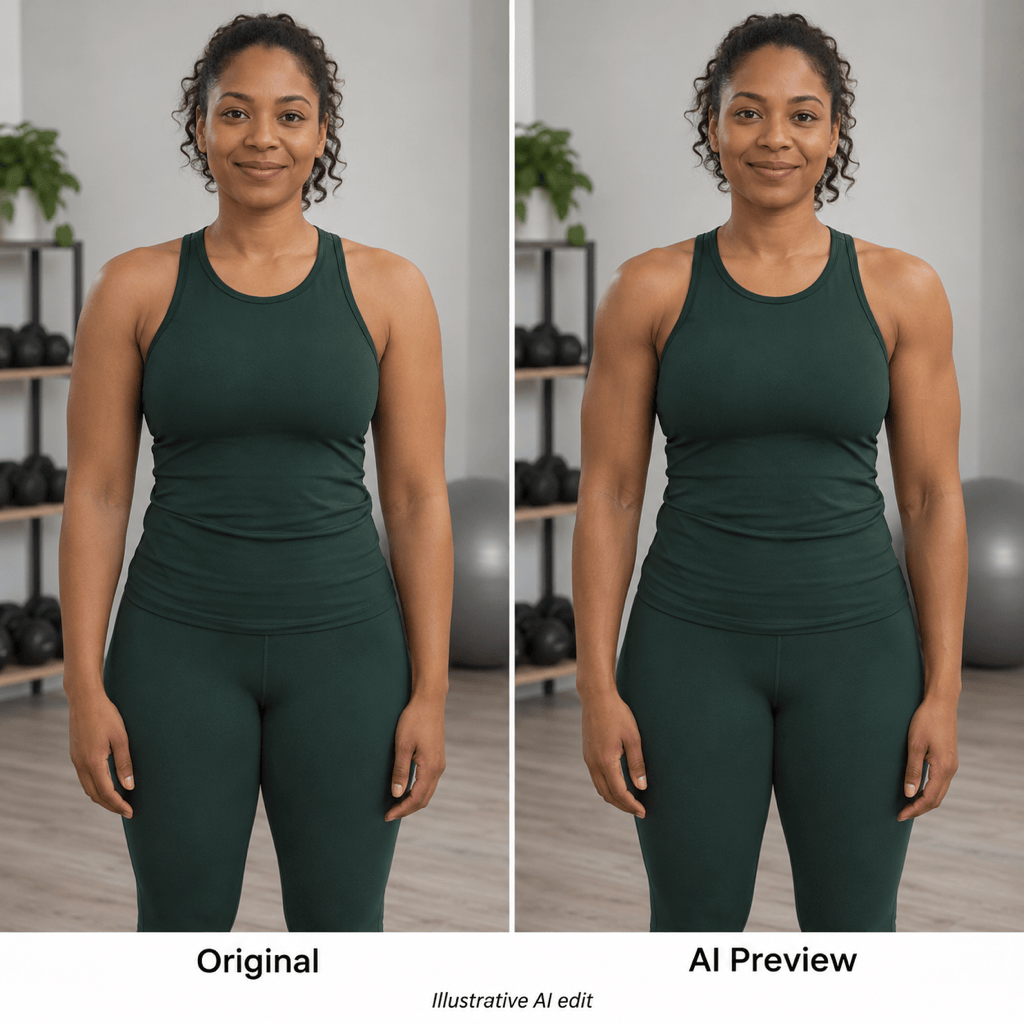
Athletic portrait for women: Give my uploaded portrait a lightly defined athletic look. Keep my natural proportions and clothing, and avoid exaggerated muscles.
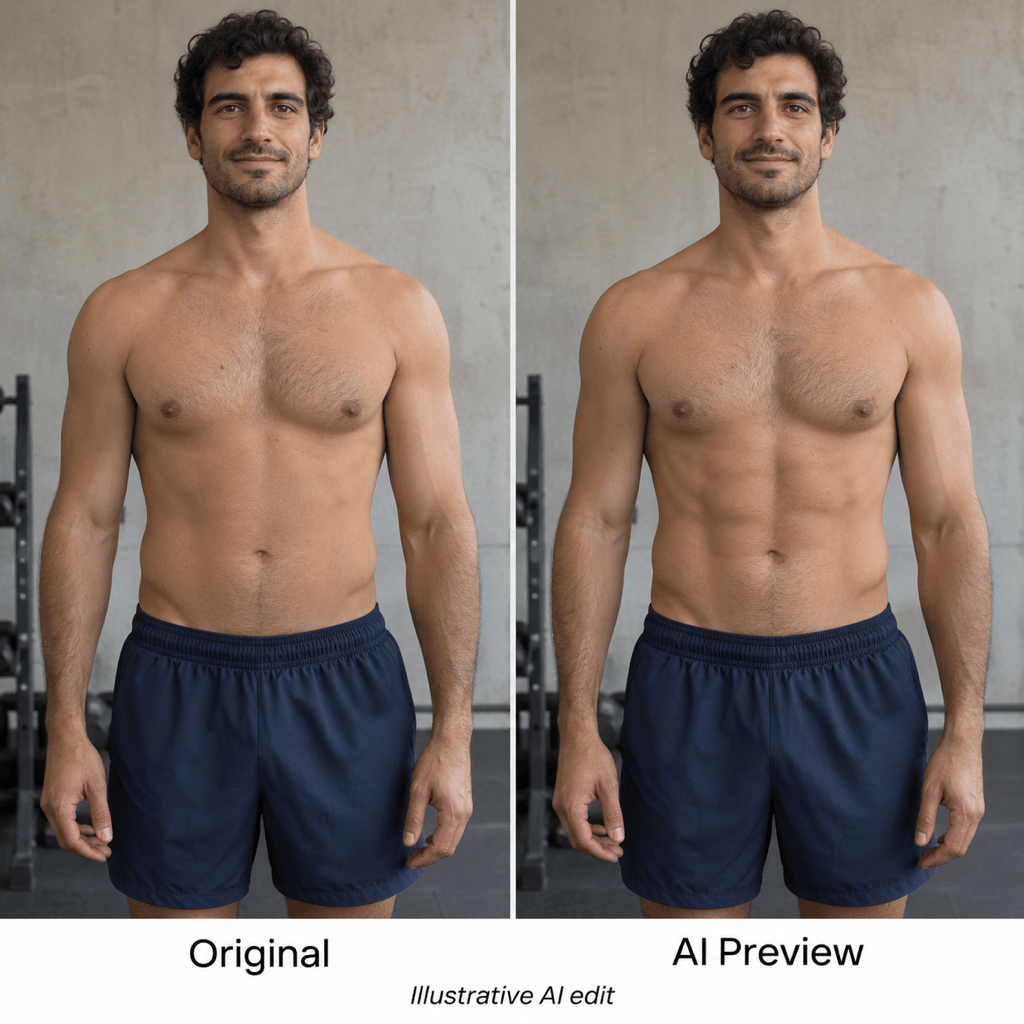
Abs photo edit: Add gentle abdominal definition where my abdomen is already visible. Match the existing shadows and skin texture without changing my waist or clothing.
Stronger upper body: Add moderate shoulder and arm muscle to my photo. Keep the effect balanced, preserving my face, height, pose, and background.
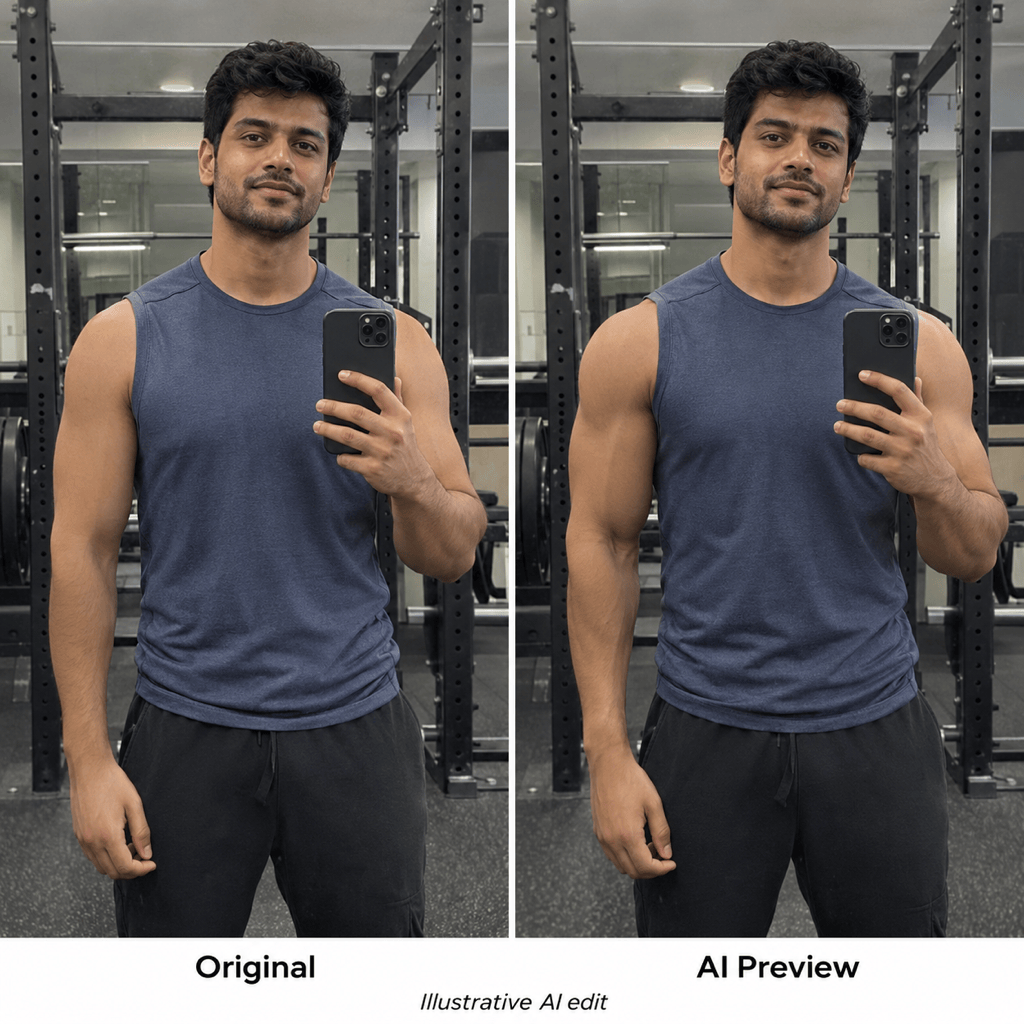
Natural gym selfie: Refine my gym photo with subtle muscle definition. Keep the mirror edges straight and preserve my phone, hands, outfit, and face.
Before-and-after comparison: Place my original photo beside an AI-edited athletic preview with matching crops. Label the panels Original and AI Preview. Keep the change modest.





