Free OnlineAI Figure Editor
How to Edit Scientific Figures with AI
Upload the Source Figure
Describe the Revision
Refine and Compare
Verify and Export

An AI Scientific Figure Editor for Clearer Research Diagrams
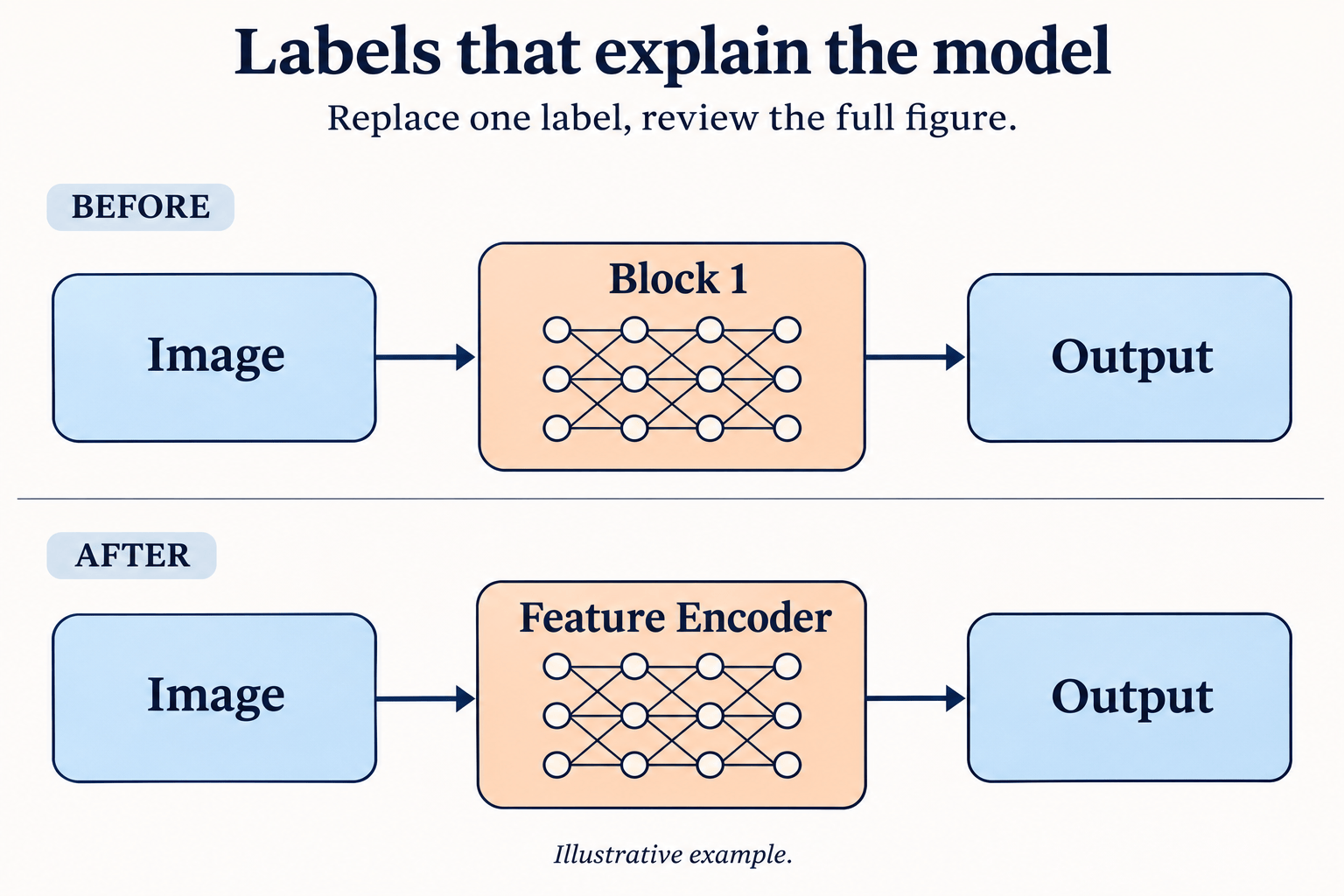
Revise Labels in Plain Language
Use this online scientific figure editor to request exact text replacements or clearer annotations. Review spelling, subscripts, and symbols in the result.
Edit Arrows and Research Workflow Layouts
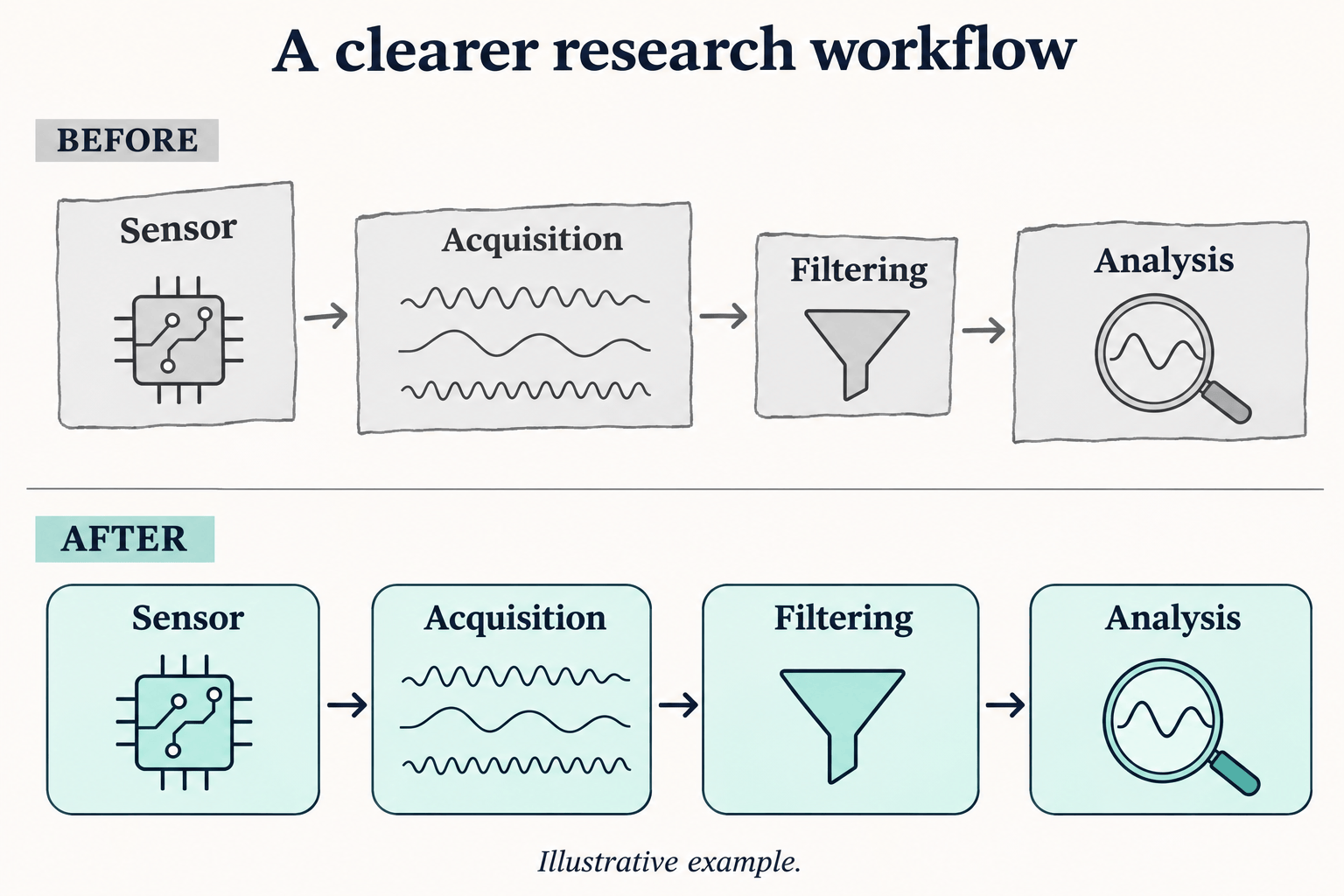
Ask for aligned stages, separated branches, or clearer arrows in a research workflow diagram. Specify which connections and directions must remain.
Use Your Paper to Guide Figure Edits
Upload a PDF or DOCX to the file library, reference it with @ in your message, and identify the passage that should guide the diagram revision.
Choose a Model for Your Edit
Access the latest leading image models, with new releases added promptly. Select a model manually or use Mew Auto for reference-led edits and text-heavy figures.
Reuse Your Lab’s Visual Conventions
Save an approved palette, label style, and review workflow as a reusable Mew Skill. Apply those conventions to related figures with less repeated briefing.
Adapt Graphical Abstracts for Papers and Slides
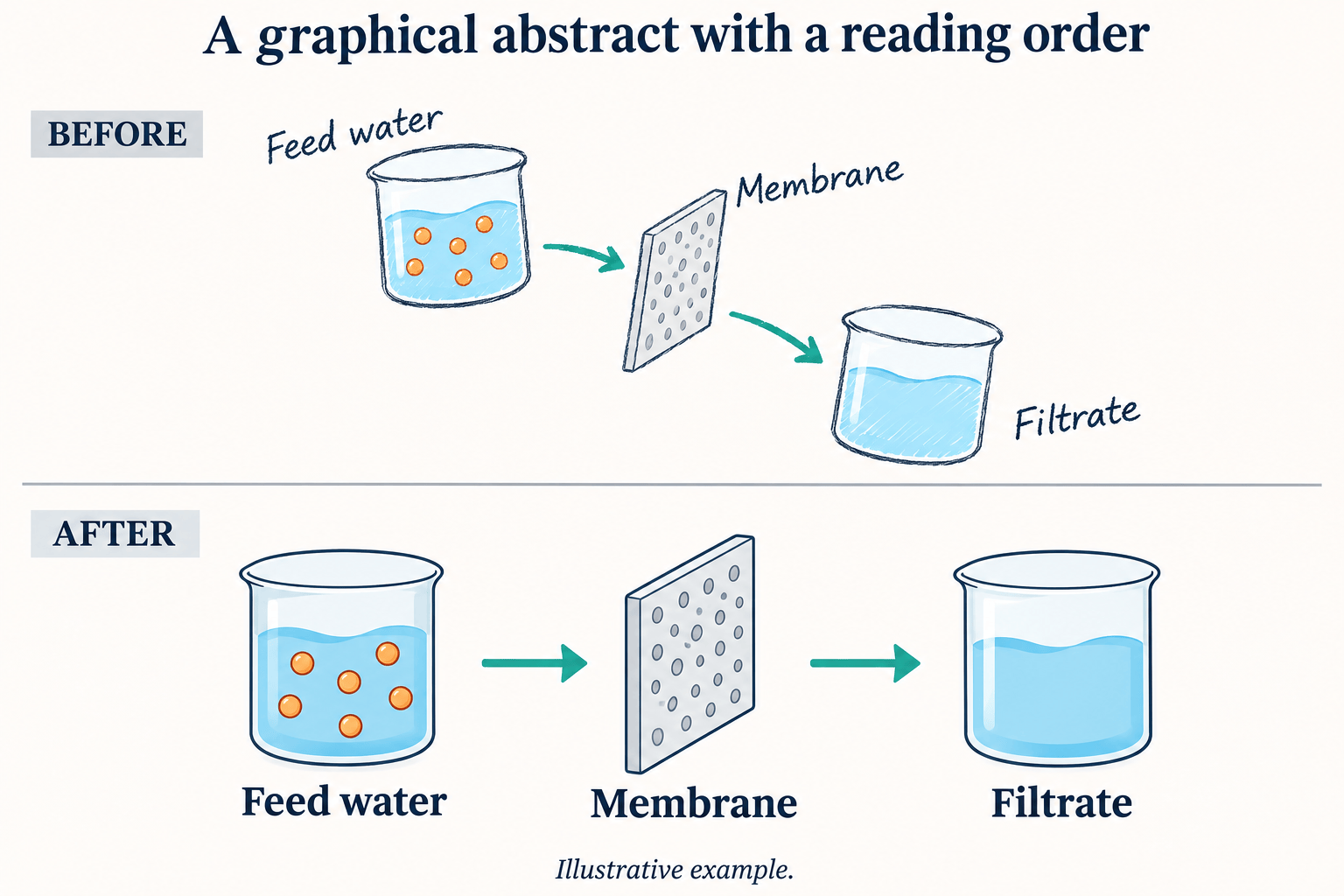
Revise a graphical abstract for a wider slide or simplify annotations for a poster. Set the target dimensions and check the exported figure at its final size.
How to Get Clearer Scientific Figure Edits
- Start with Readable Labels: Use the clearest source image available. Paste small or complex text separately so the intended wording is explicit.
- Define the Allowed Changes: Name the panel, label, or visual style to revise. Separate layout changes from changes to scientific meaning.
- Inspect the Whole Figure: Compare every label, symbol, legend, and arrow with the source, including areas you did not ask to change.
- Keep Evidence Intact: Use generative editing for explanatory diagrams. Preserve experimental images and measured plots in the appropriate scientific workflow.
Scientific Figure Editing Examples: Labels, Layouts, and Color
Edit the labels in my uploaded scientific figure using the replacement text I provide. Keep the diagram structure and other wording unchanged. Ask me for the exact replacements if missing.
Clean up my research workflow diagram: align the stages, separate overlapping arrows, and use consistent spacing. Preserve all nodes, connections, and arrow directions.
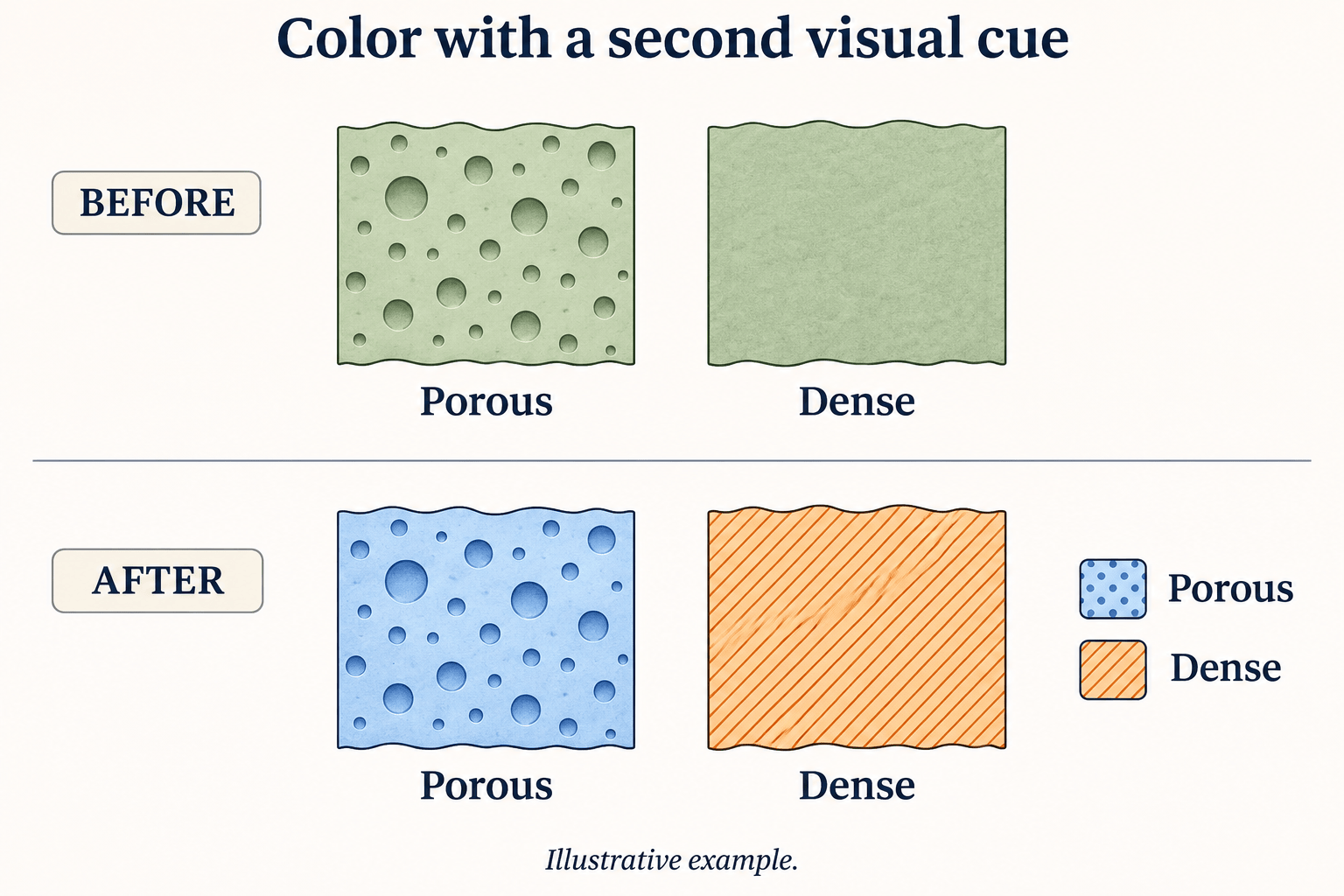
Recolor my scientific diagram with a blue-and-orange palette. Add distinct shapes or line styles so color is not the only cue. Preserve the labels and update the legend to match.
Standardize panel letters, annotation sizes, and margins in my conceptual figure. Keep the panel order and content unchanged; do not invent additional panels.
Revise my graphical abstract into a clear left-to-right reading order. Keep its stated process and conclusions. Use only the supplied content and leave more space around labels.
Turn my uploaded research sketch into a clean schematic. Retain every named component and connection, replace handwriting with readable labels, and ask about unclear details instead of guessing.





