Free OnlineAI Fashion Stylist
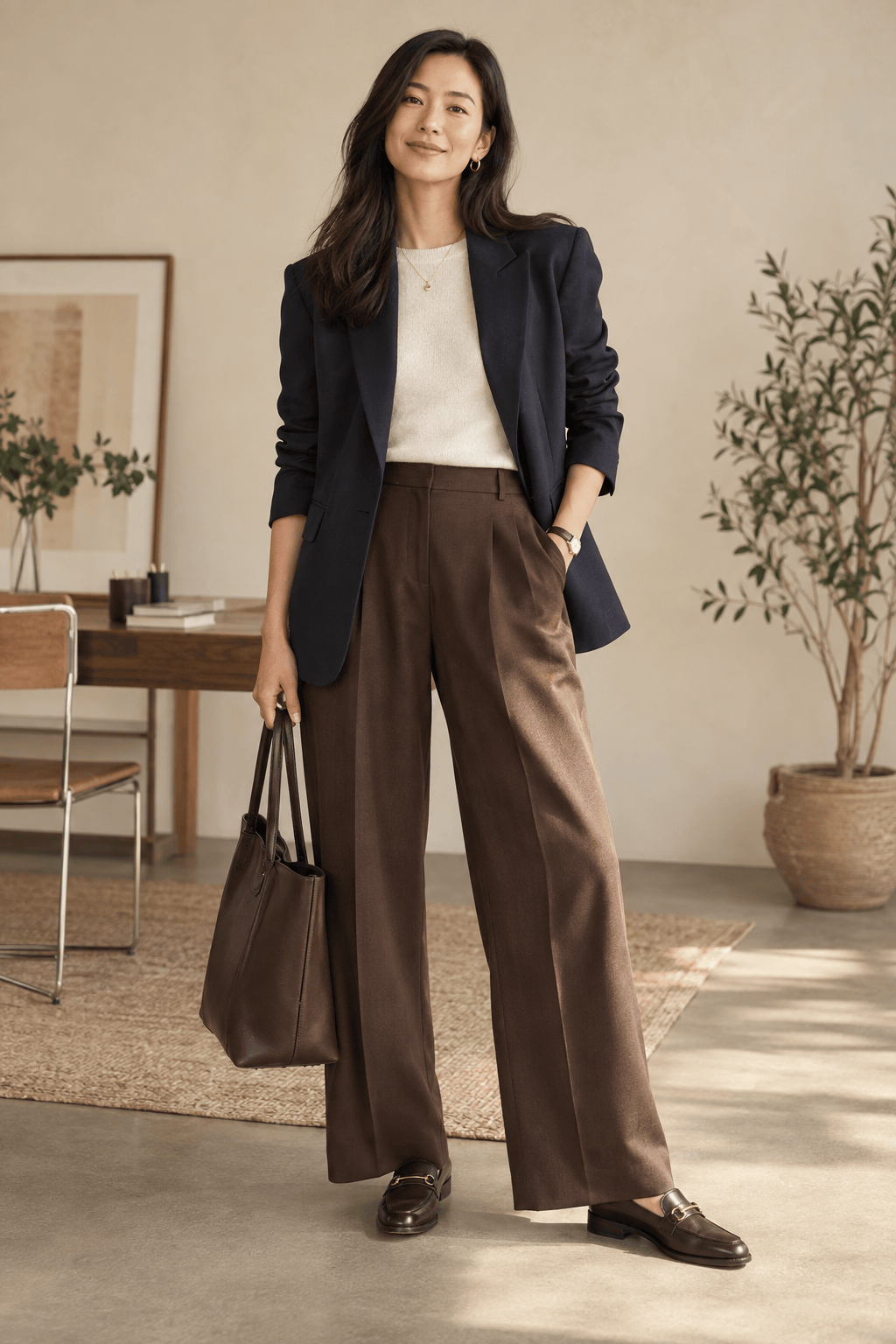
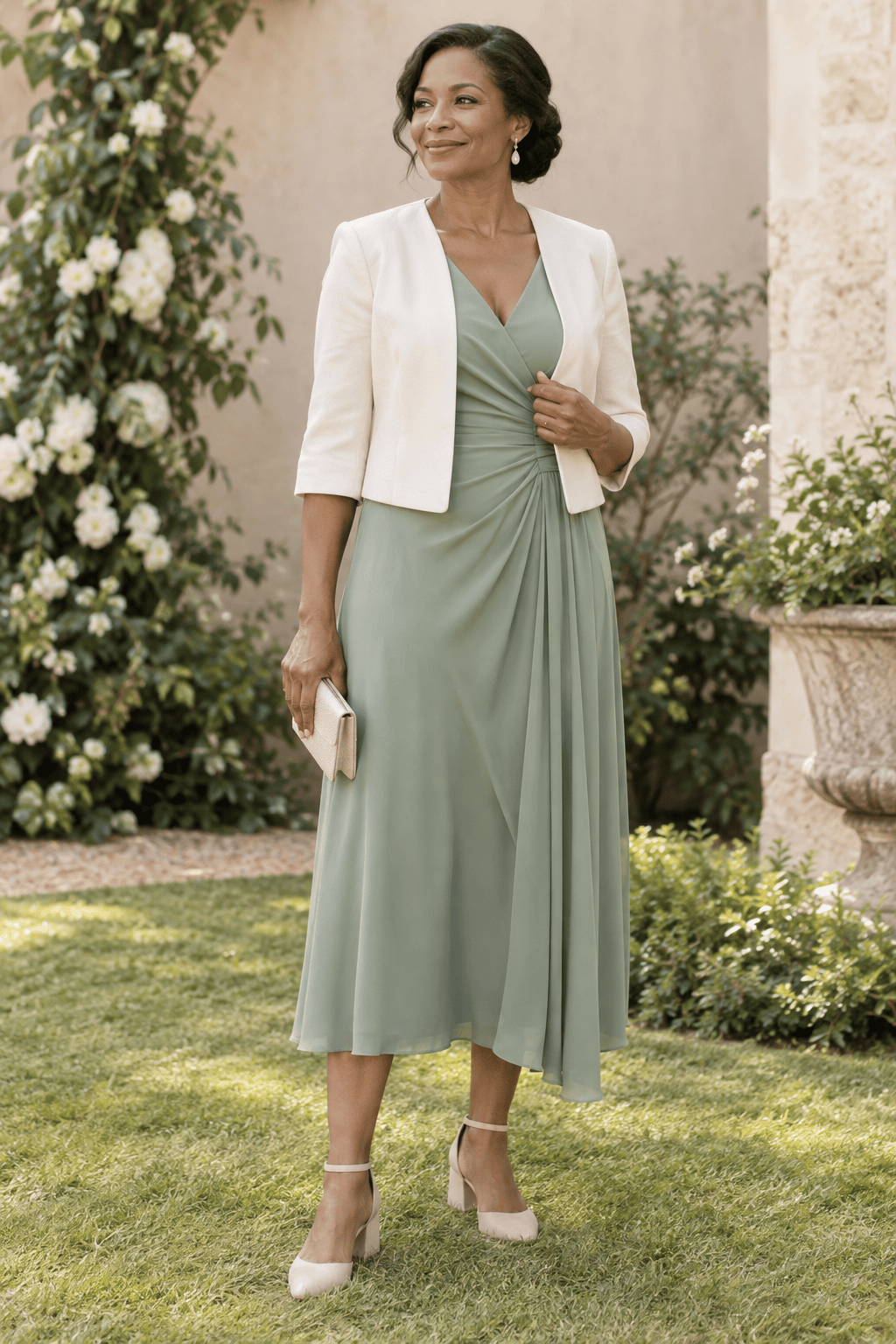
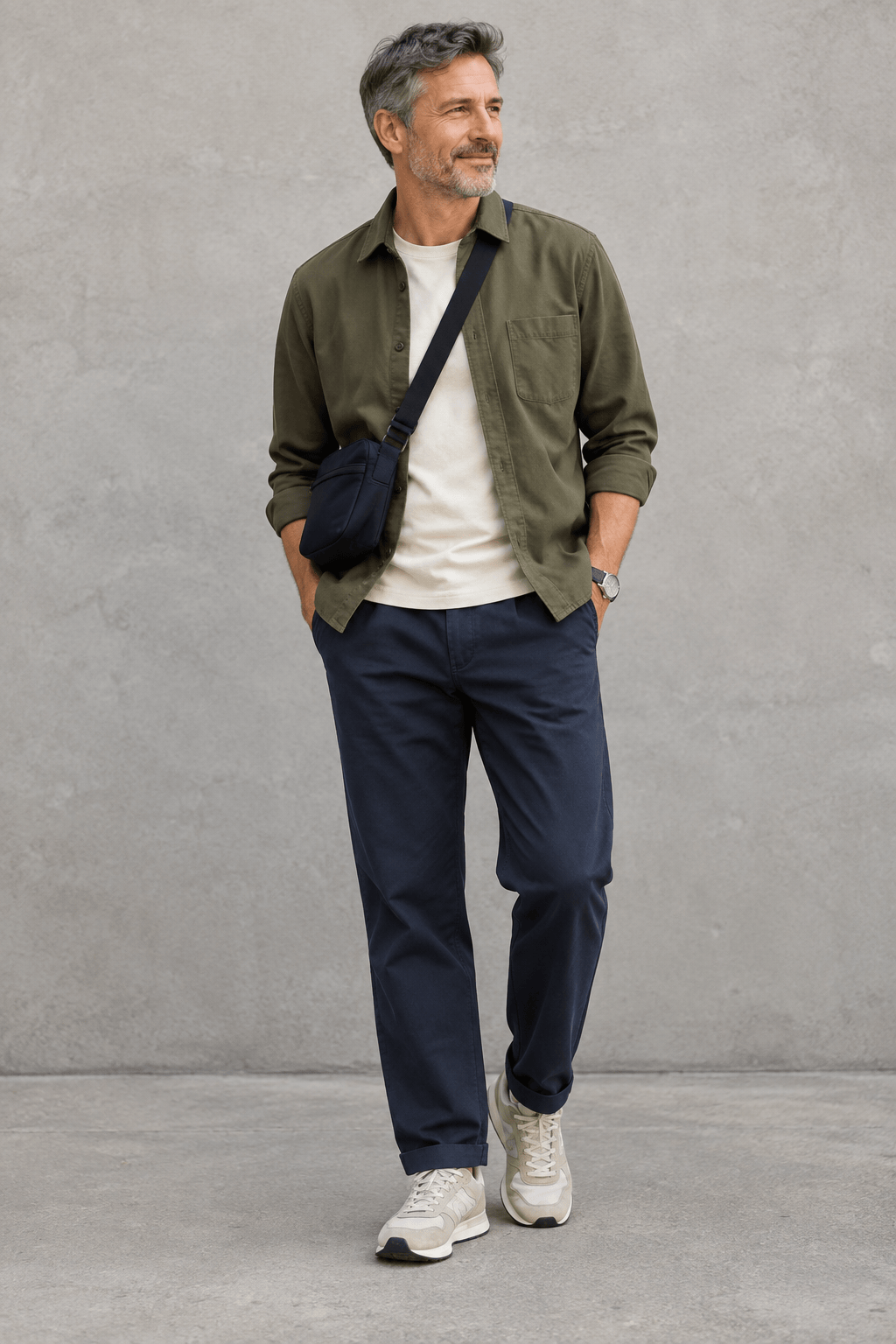
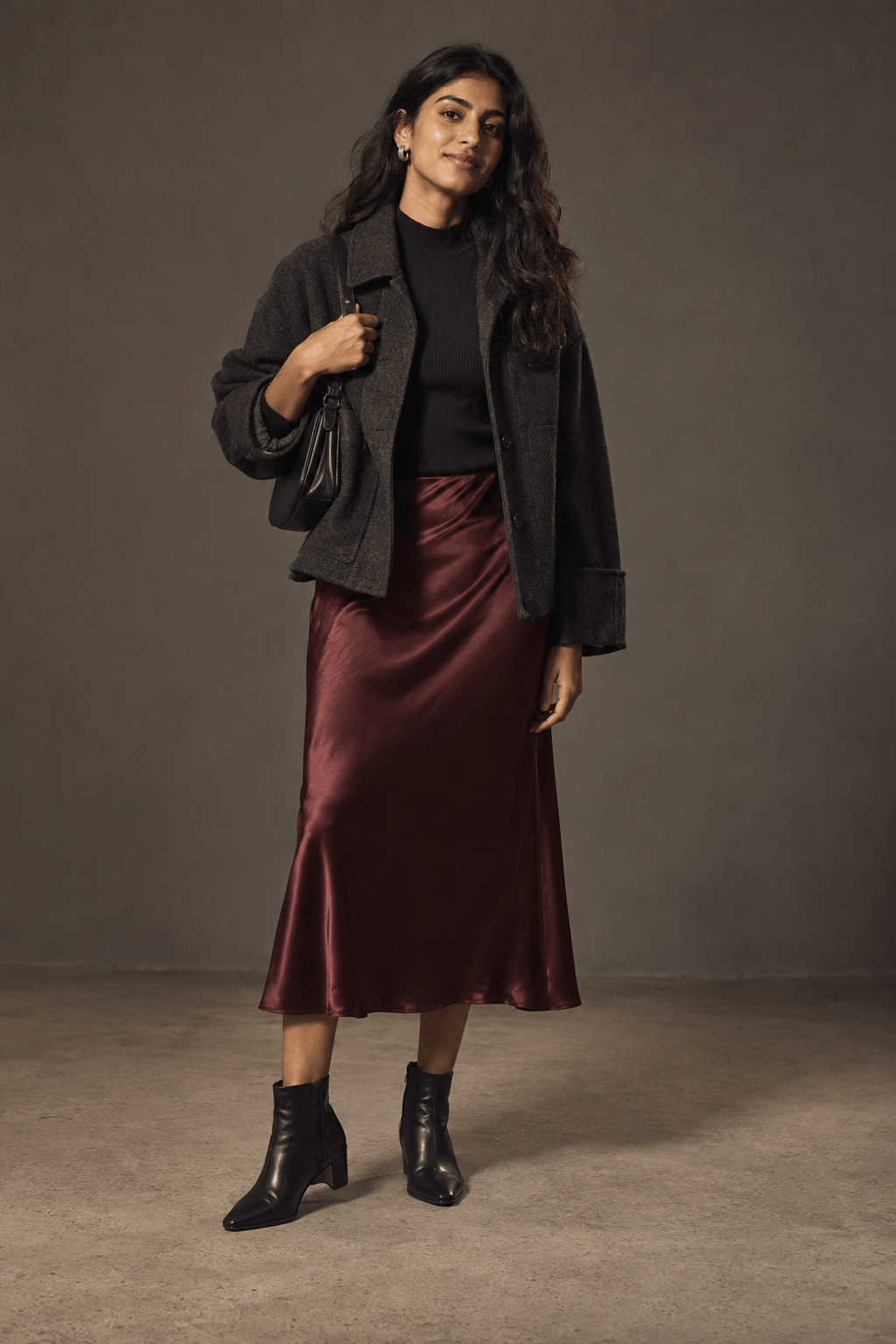
How to Create a Complete Outfit with AI
Set the Occasion and Constraints
Add a Piece or Visual Reference
Generate and Compare Full Looks
Refine and Save Your Favorite

A Visual Stylist for Real Outfit Decisions
Style the Whole Look
Our AI outfit generator shows how garments, footwear, and accessories work together, so you can judge the complete look rather than isolated items.
Begin with Your Own Piece
Upload a jacket, dress, or pair of shoes and ask for outfits built around it. Image references help the styling direction follow what you already have.
Adapt to the Occasion
Specify a creative office, garden wedding, city trip, or dinner date. This online AI fashion stylist can shift the layers, formality, and palette to match the setting.
Refine One Detail in Chat
Keep a look you like and ask Chat Edit for a practical change, such as flatter shoes, more coverage, a warmer layer, or a quieter color.
Compare Style Directions
Generate coordinated alternatives from one brief: minimalist or expressive, casual or tailored, monochrome or colorful. Save the option that feels most wearable to you.
Try It with Free Credits
Start after signup with free AI credits, then download watermark-free outfit images. Check real garment measurements and availability separately before buying.
What to Tell an AI Personal Stylist
- Name the setting: Add the occasion, dress code, season, and weather so layers and formality make sense.
- Anchor one item: Mention or upload a garment you own and say whether its color, pattern, or shape should stay close to the reference.
- Describe your preferences: Include preferred colors, comfort, coverage, silhouette, and footwear; these are more useful than asking for an undefined flattering look.
- Ask for a useful view: Request a full-body image with shoes visible, then review whether the pieces are practical for your real wardrobe and event.
Outfit Ideas for Six Everyday Decisions
Create three polished but comfortable work outfit ideas for a business-casual office in cool weather. Include a practical outer layer, flat shoes, and a full-body view of each complete look.
Style a garden wedding guest outfit for an adult in early summer. Keep it elegant but suitable for grass and changing temperatures; show the outfit with shoes, bag, and a light layer.
Build four capsule wardrobe outfits for a five-day city trip using a small palette of navy, cream, and olive. Reuse key pieces across the looks and show each outfit head to toe.
Create two date-night looks around the jacket in @[jacket photo]. Keep its color and silhouette recognizable; make one look relaxed and one dressy, with shoes and accessories shown.
Suggest complete outfits for a rainy weekend in mild weather. Prioritize comfortable walking shoes, a weather-ready outer layer, and a clean casual style; avoid impractical heels.
Restyle the outfit in @[outfit photo] for a creative workplace. Keep the trousers and overall color mood, add a more polished top and shoes, and show two full-body options without changing the person's identity if their photo is used.





