Free OnlineAI Fashion Photography
How to Create Fashion Photos with AI
Choose the Photo's Job
Build the Shot Brief
Generate a Controlled Direction
Refine, Export, and Check

A Conversational Studio for Fashion Art Direction
Direct the Frame in Plain Language
Describe an adult model, wardrobe, pose, expression, crop, and story as you would brief a photographer. The free AI fashion photography generator turns that creative direction into a visible first draft without requiring technical prompting.
Start from Text or Visual References
Create from an original idea or upload permitted garment photos, portraits, moodboards, logos, and brand assets. Tell Mew Design what must guide the new composition and what may change.
Control Camera and Light Language
Ask for a low-angle 35 mm street frame, compressed 85 mm portrait, hard flash, large softbox, rim light, daylight haze, shallow depth, or crisp catalog lighting. Use photography terms to shape the image rather than applying one generic fashion filter.
Plan a Coherent Image Series
Request a hero, full-body view, close-up, movement shot, and detail frame with repeated styling, set, light, and color grade. Review identity and garment continuity before treating the set as one campaign.
Adapt the Shoot to Each Channel
Create vertical lookbook images, square product-grid options, wide campaign banners, or 9:16 social stories. This online AI fashion photo generator helps preserve the art direction while changing crop and negative space for each placement.
Keep Creative Images Honest
AI-generated fashion photography is visual content, not proof of exact color, texture, construction, size, or fit. Compare any sales image with the physical SKU and review likeness, reference, logo, marketplace, and disclosure requirements.
How to Write an AI Fashion Photography Prompt
- Name the Image's Purpose: Say whether the result is for an editorial, ecommerce product page, seasonal lookbook, campaign hero, magazine layout, portfolio, ad, or social launch. The destination determines framing and visual restraint.
- Cast and Style the Adult Model: Describe approximate age range, presentation, pose, expression, hair, makeup, garment, accessories, and movement. Use respectful, inclusive language and avoid celebrity or private-person likenesses without permission.
- Specify Camera, Light, and Set: Add shot size, angle, lens character, depth of field, key-light direction, contrast, backdrop, location, palette, atmosphere, and intended aspect ratio. Keep the setup coherent rather than stacking conflicting styles.
- Protect Important Details: List the garment color, silhouette, fabric, print, seams, hardware, or logo placement that requires review. Add exclusions for hidden products, extra limbs, warped hands, text, watermarks, copied campaigns, and distracting props.
AI Fashion Photography Prompts for Six Shoot Types
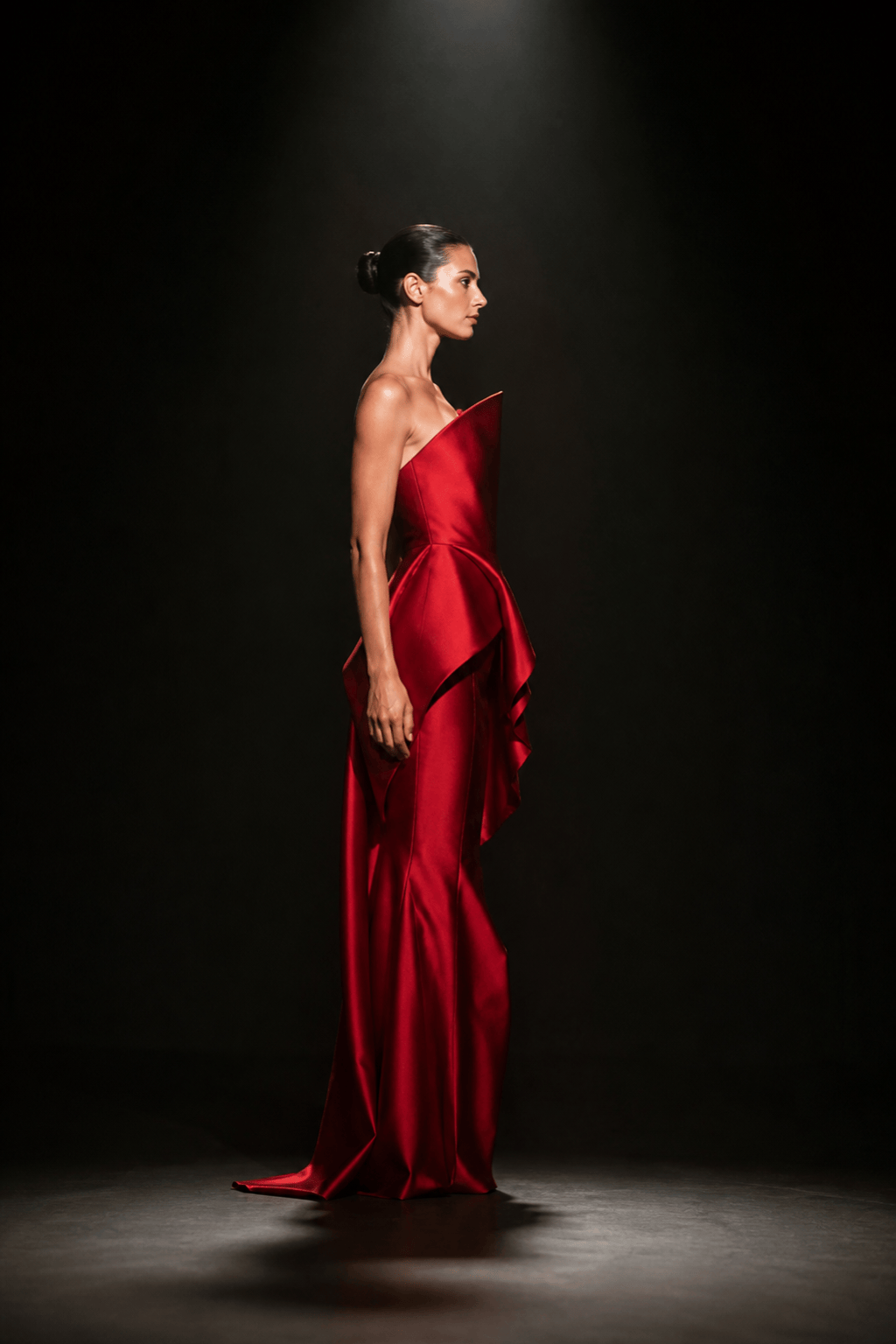
High-fashion editorial: Create a vertical 2:3 studio editorial with one adult model wearing an original architectural crimson gown with folded satin panels. Full-body profile, controlled sculptural pose, black cyclorama, narrow overhead spotlight, deep shadows, 80 mm compressed perspective, glossy magazine color grade, no logo, text, watermark, or copied designer look.
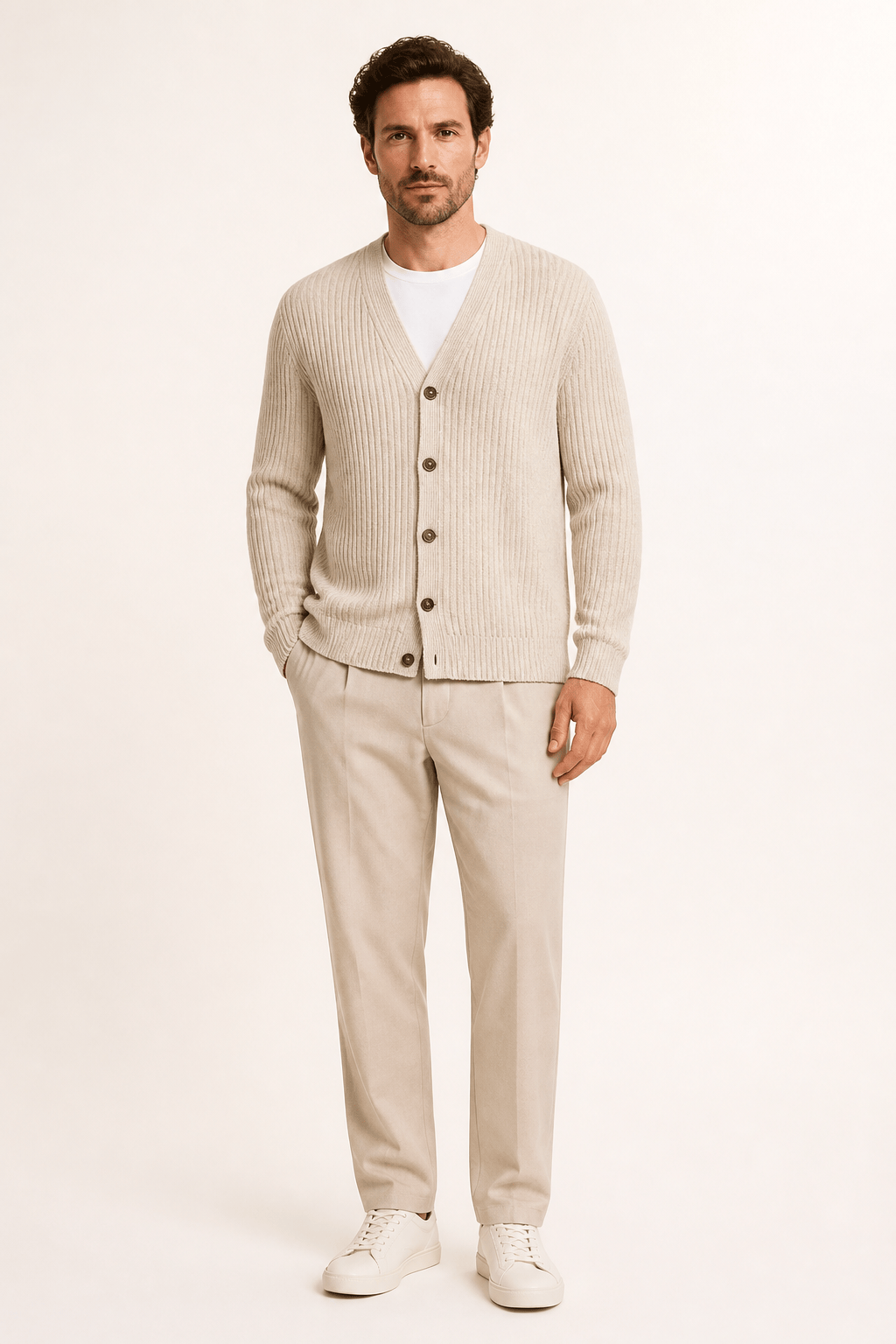
Ecommerce fashion photography: Use my authorized oatmeal knit cardigan reference to create a clean adult on-model catalog image. Front-facing relaxed pose on warm white, even large-softbox light, vertical 4:5 crop, full garment unobstructed. Preserve the V-neck, horn buttons, ribbed cuffs, marl texture, and hip length for review; no handbag, jewelry, text, or extra pockets.
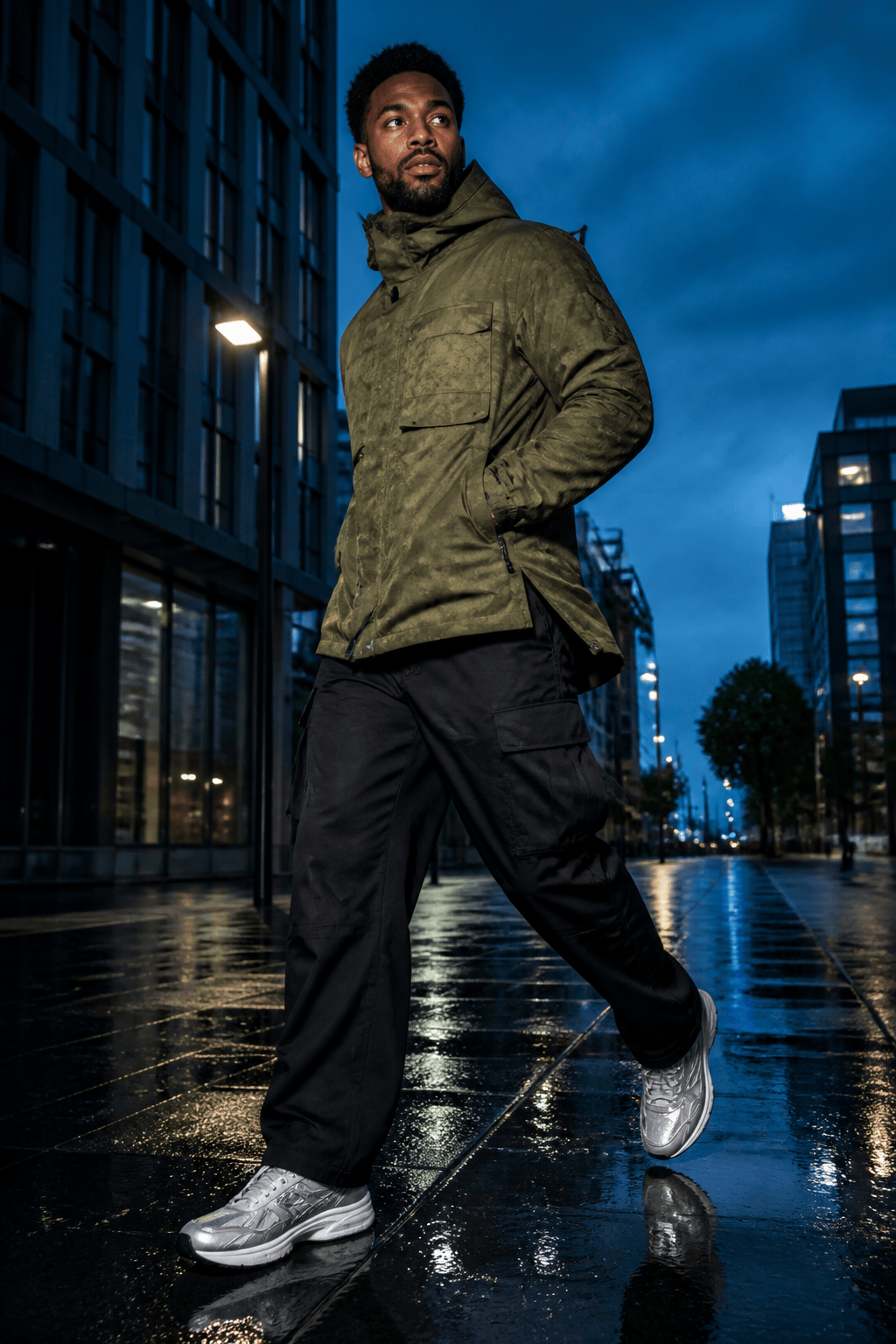
Streetwear campaign: Photograph one adult model in an original moss utility jacket, black cargo trousers, and silver sneakers on a rain-dark city walkway at blue hour. Dynamic low-angle walking pose, 35 mm perspective, direct flash balanced with cyan streetlight, slight motion in the coat hem, vertical campaign crop, no brand marks or readable signs.
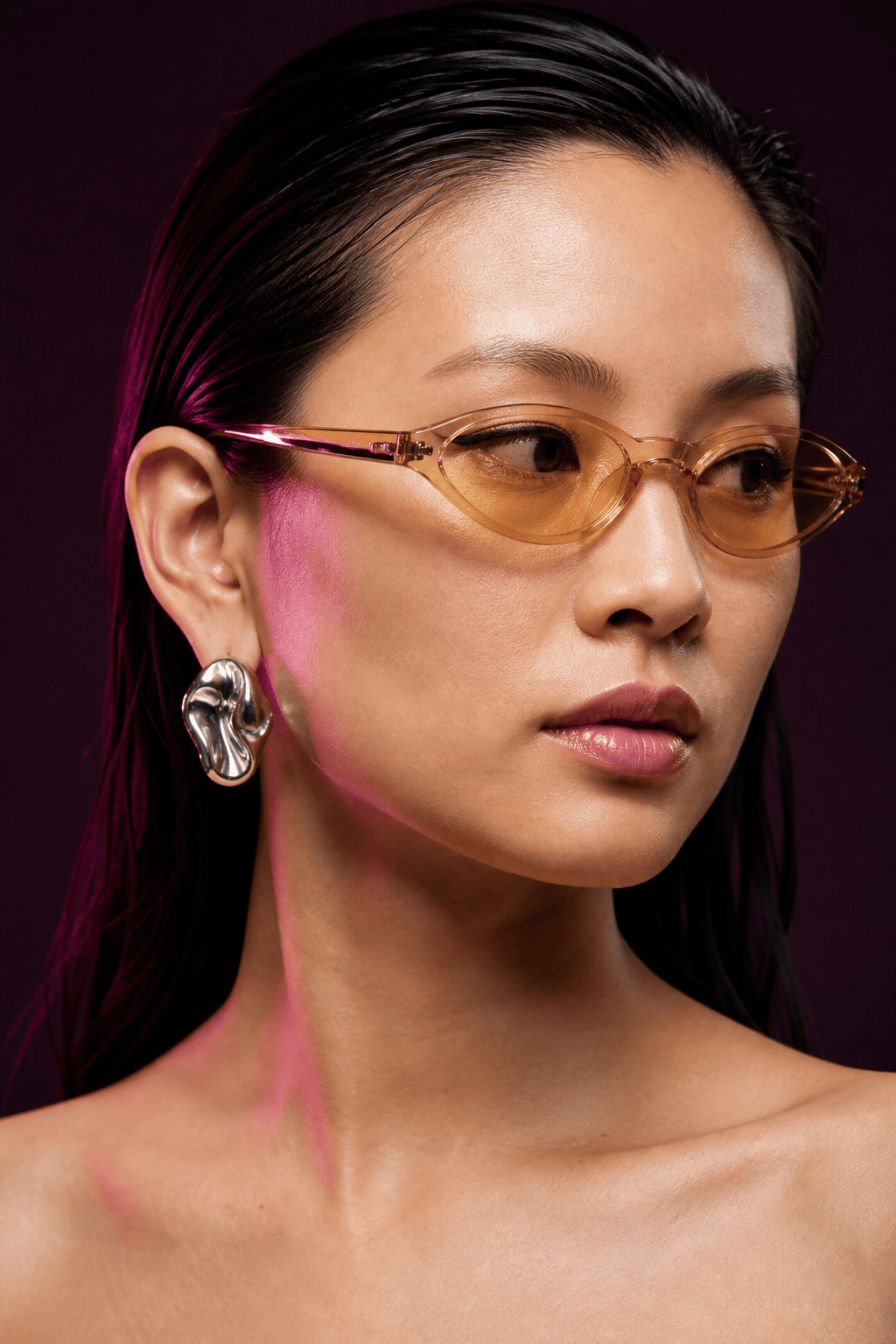
Beauty and accessories close-up: Create a tight fashion beauty portrait of an adult model wearing original sculptural silver earrings and translucent amber eyewear. Clean wet-look hair, restrained graphic eyeliner, one magenta rim light and soft neutral key, 100 mm close-up character, sharp jewelry texture, natural skin, no logo, text, duplicate accessories, or distorted ears.
Resort lookbook: Build a calm coastal lookbook image with one adult model in an original sand linen suit over a clay knit top. Full-body standing pose beside pale stone architecture, late-afternoon side light, 50 mm natural perspective, wind moving the trouser hem, muted earth palette, tactile fabric, generous negative space for layout, no sustainability claims or text.
Vertical social launch: Create a 9:16 fashion campaign frame for an original cobalt technical raincoat. One adult model turning toward the camera in a minimal translucent set with water reflections, crisp hard backlight and soft frontal fill, energetic three-quarter crop, product fully readable, clean area at the top for later copy, but generate no text or logo.





