OnlineAI Face Slimmer
How to Make Your Face Look Slimmer with AI
Upload a Clear Portrait
Generate a Subtle Edit
Check and Refine
Download Your Portrait

Face Slimming That You Can Refine
Work with Your Own Photo
Use our online AI face slimmer on a selfie or headshot. Image editing starts from the portrait you upload, so you can guide changes around the original.
Choose the Area to Adjust
Describe cheek, jawline, or under-chin edits in everyday language. This AI slim face editor lets you request a focused change without learning manual reshaping tools.
Dial Back an Overdone Result
Use Chat Edit to ask for less narrowing or restore a detail from the original. You can refine the request as you review each version.
Compare Different Looks
Ask for subtle and more defined variations of your portrait. Compare facial proportions and choose the effect that suits your photo.
Try It with Free Credits
New users receive free AI credits after signup. Try face slimming for selfies before deciding whether you need more credits.
Save a Shareable Image
Download your edited portrait as JPG or PNG without a watermark. Use it for a social profile or professional headshot after checking the details.
How to Keep Face Slimming Natural
- Start with a Clear Face: Use even lighting and an unobstructed face. Strong side angles, blur, and heavy filters make subtle edits harder to judge.
- Keep the Change Small: Begin with gentle cheek narrowing or jawline definition. Avoid asking to reshape every feature at once.
- Compare More Than the Outline: Check your eyes, smile, skin texture, glasses, hairline, and nearby background edges against the original.
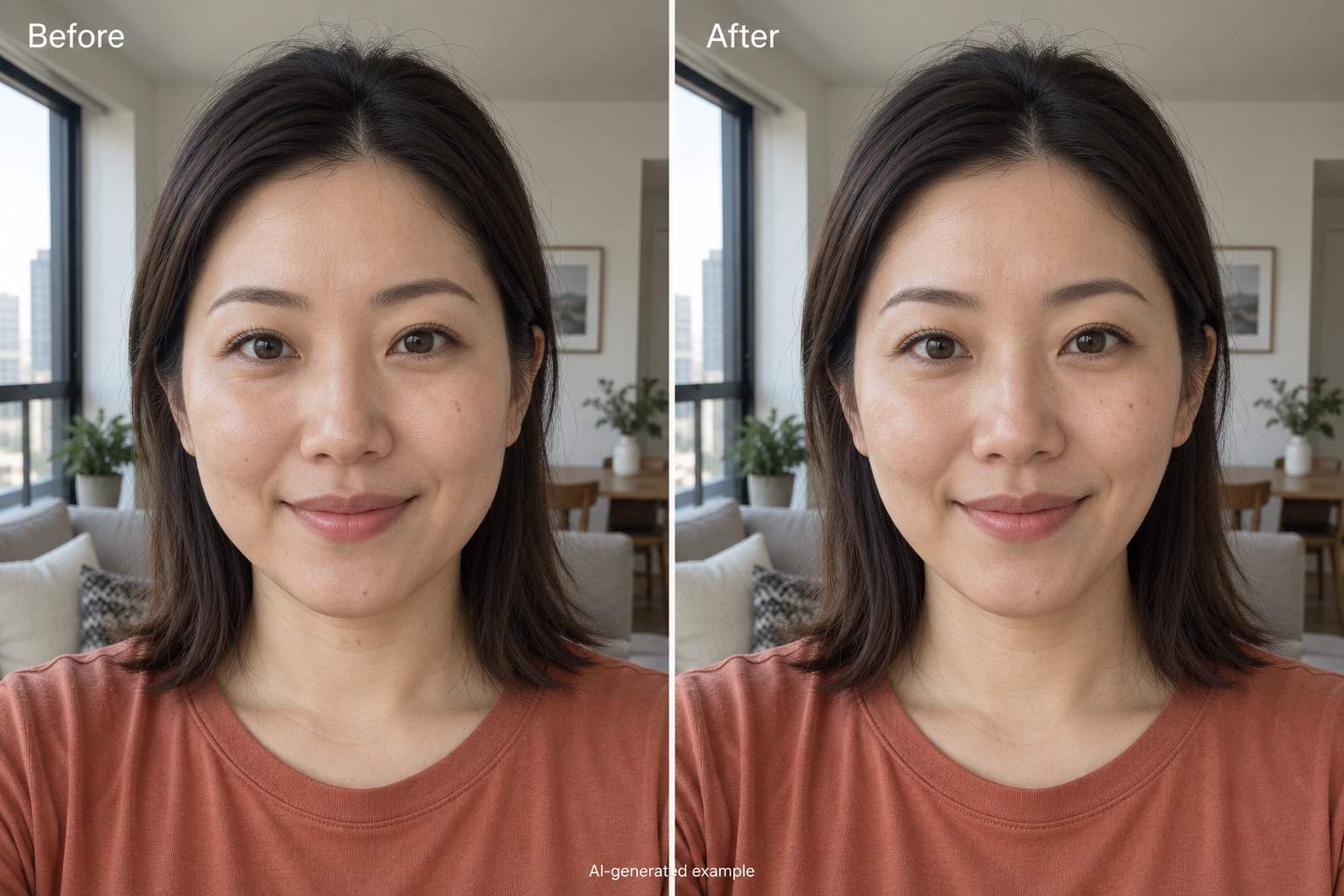
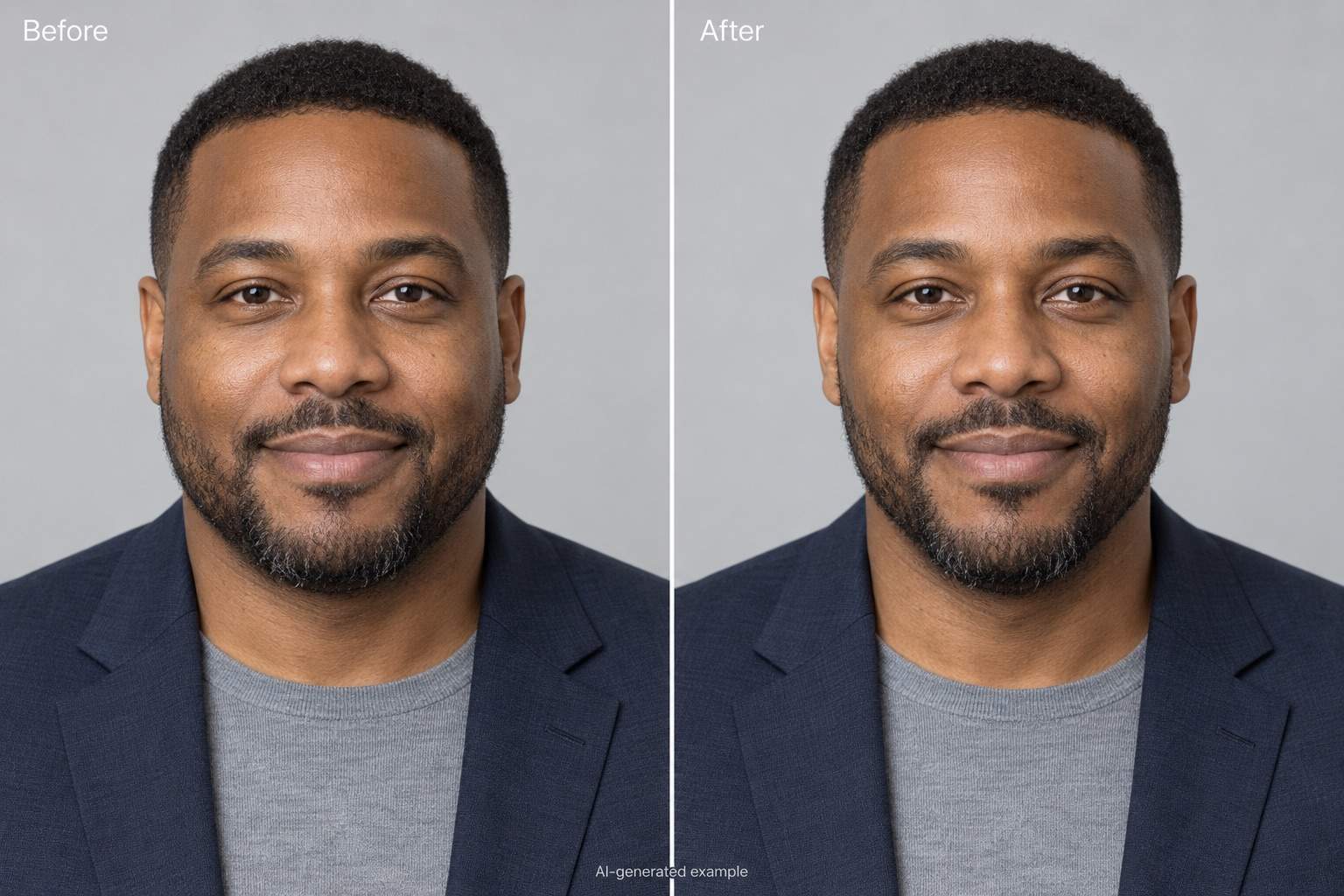
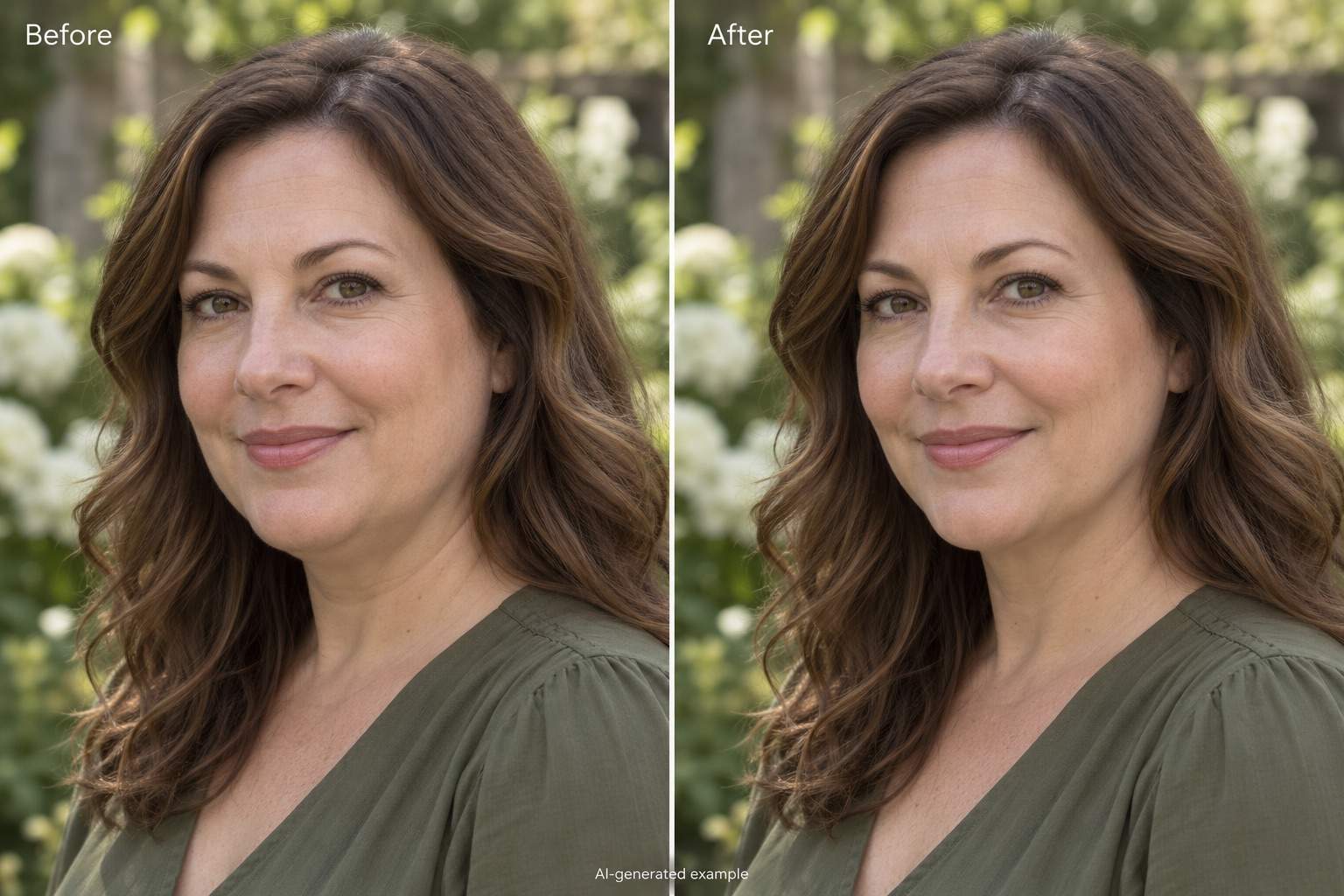
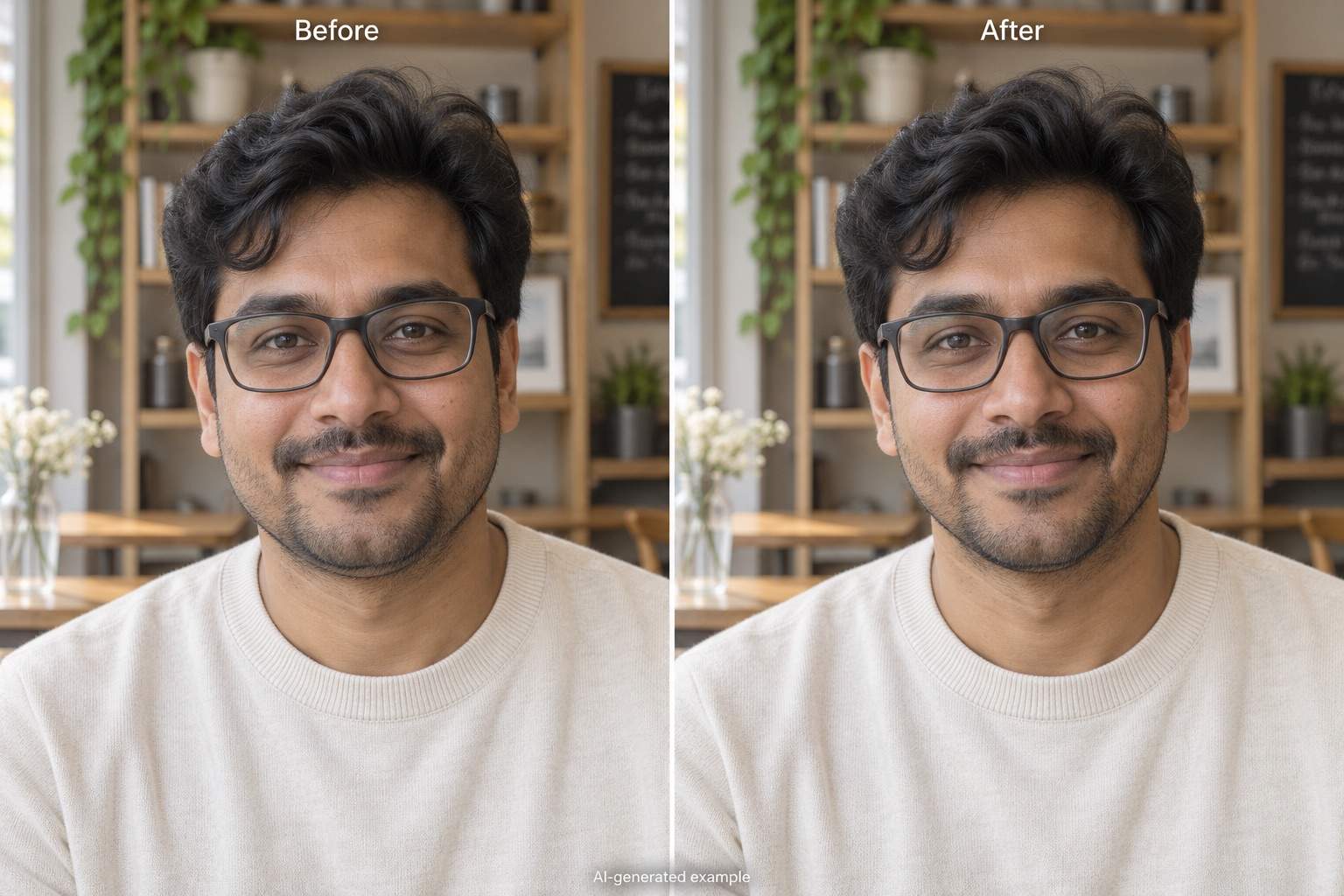
- Treat Examples as Illustrations: The before-and-after gallery uses AI-generated portraits to illustrate editing goals. Your result depends on the source photo and request.
Targeted Edits for Selfies and Headshots
Gently slim the cheeks in my uploaded selfie. Keep my natural face shape, smile, and skin texture; avoid a sharp V-shaped chin.
Give my uploaded professional headshot a slightly more defined jawline. Keep my age, expression, hairstyle, clothing, and lighting close to the original.
Reduce the appearance of a double chin slightly in my uploaded portrait. Keep realistic neck contours and shadows without narrowing the whole face.
Apply subtle face slimming to my uploaded portrait with glasses. Keep the frames straight and preserve my eyes, smile, and hairline.
The last edit made my face too narrow. Use my original uploaded photo as the reference and reduce the slimming effect while restoring natural cheek fullness.
The background near my jaw looks bent in the edited image. Use my original photo to restore those edges and make the face slimming more subtle.





