Free to Try OnlineAI Exterior Design Generator
How to Create a Home Exterior Design with AI
Upload a Clear House Photo
Define the Exterior Changes
Compare and Refine Details
Download Your Preferred Concept

AI Exterior Home Design for Facades, Paint, and Curb Appeal
Redesign a House Exterior From a Photo
Upload a photo of your own home to explore a facade renovation, a siding refresh, or an entrance makeover. Identify the original photo as the house to redesign and explain which visible surfaces can change. This makes the concept relevant to your property rather than a generic inspiration image.
Preview Exterior Paint Colors and Siding
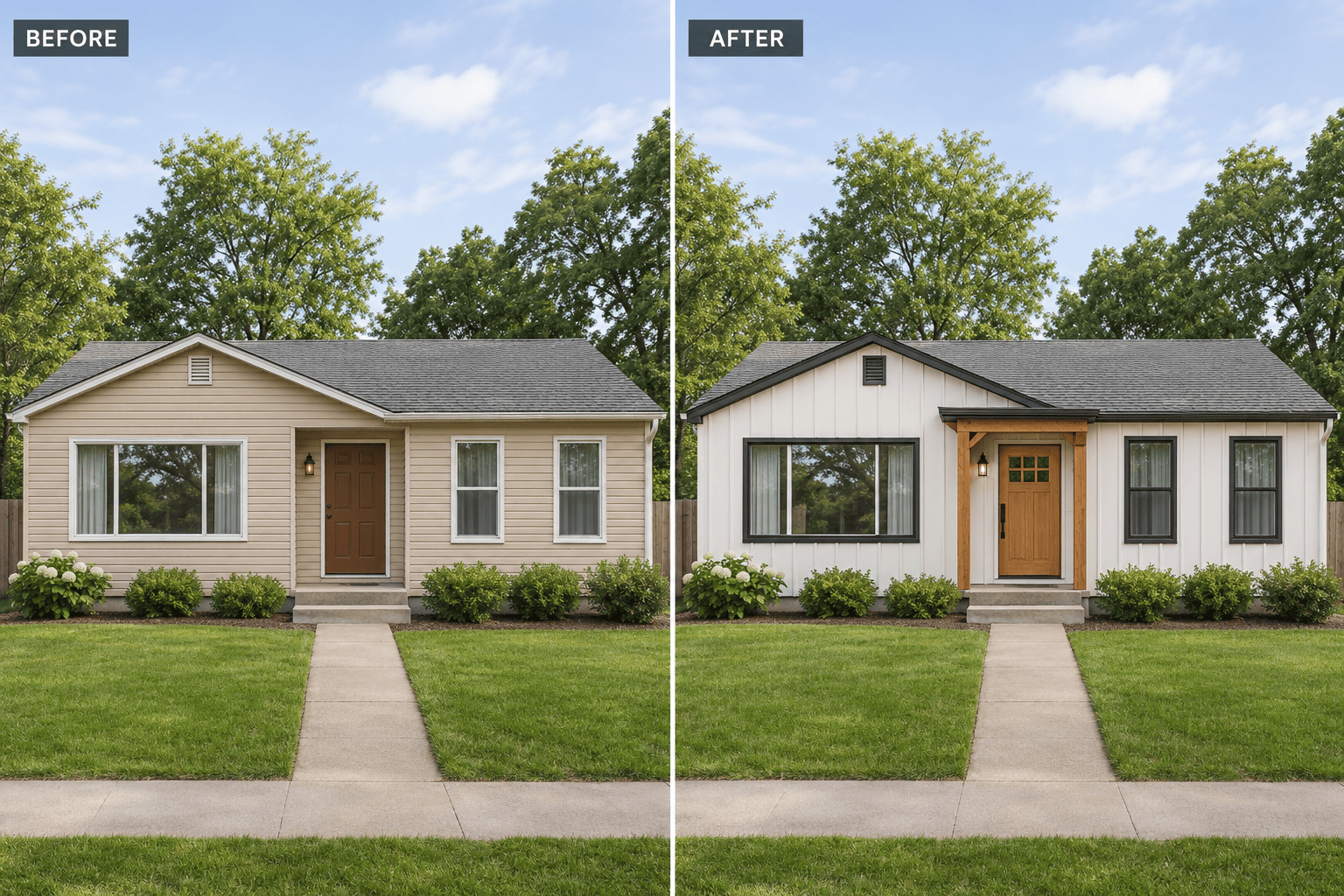
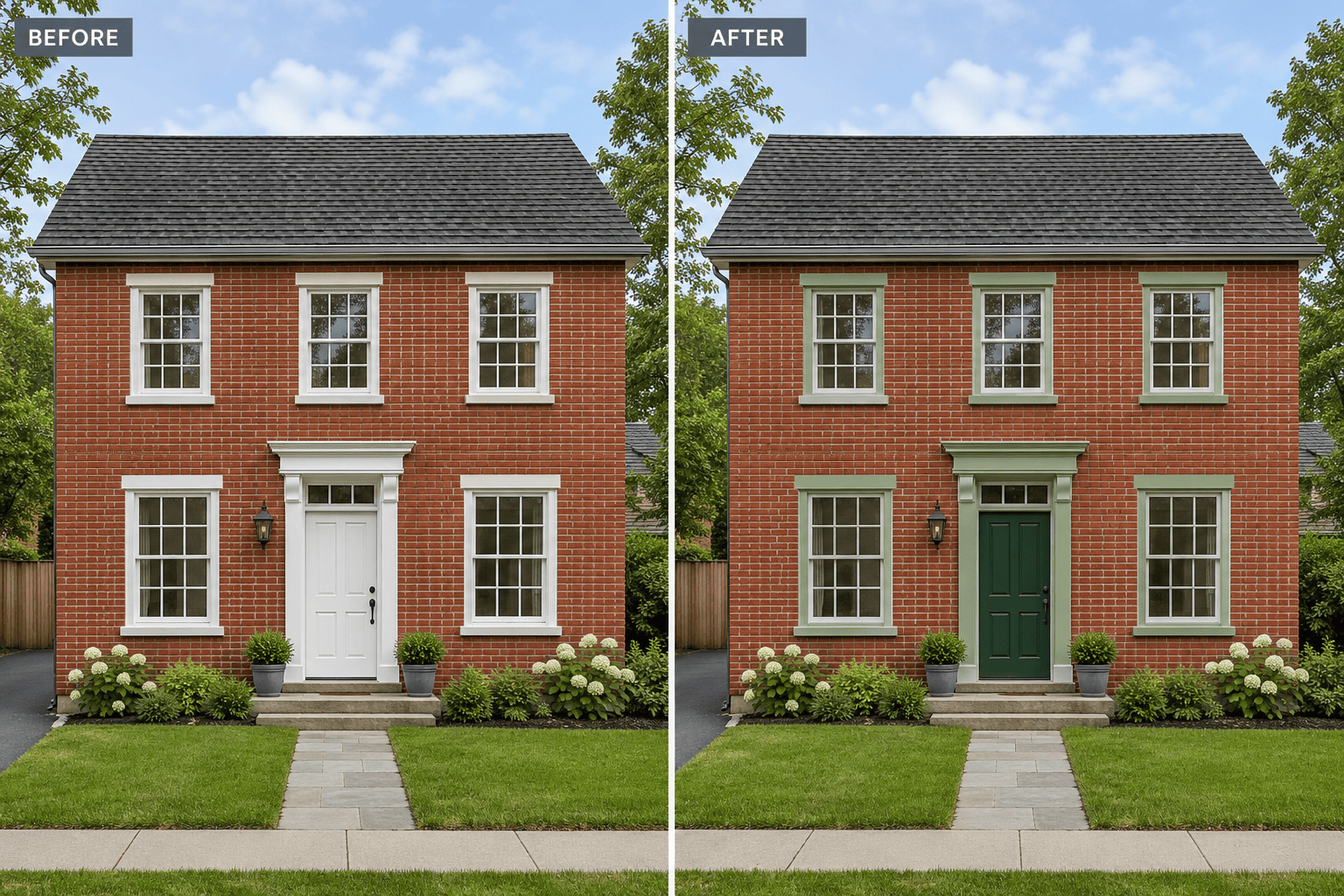
Use AI exterior home design to compare warm white, sage, or charcoal finishes alongside existing brick and roofing. Request alternatives such as horizontal siding, board-and-batten, stucco, or timber accents. Change one material at a time to see which combinations work with the finishes you plan to keep.
Compare Modern, Farmhouse, and Craftsman Styles
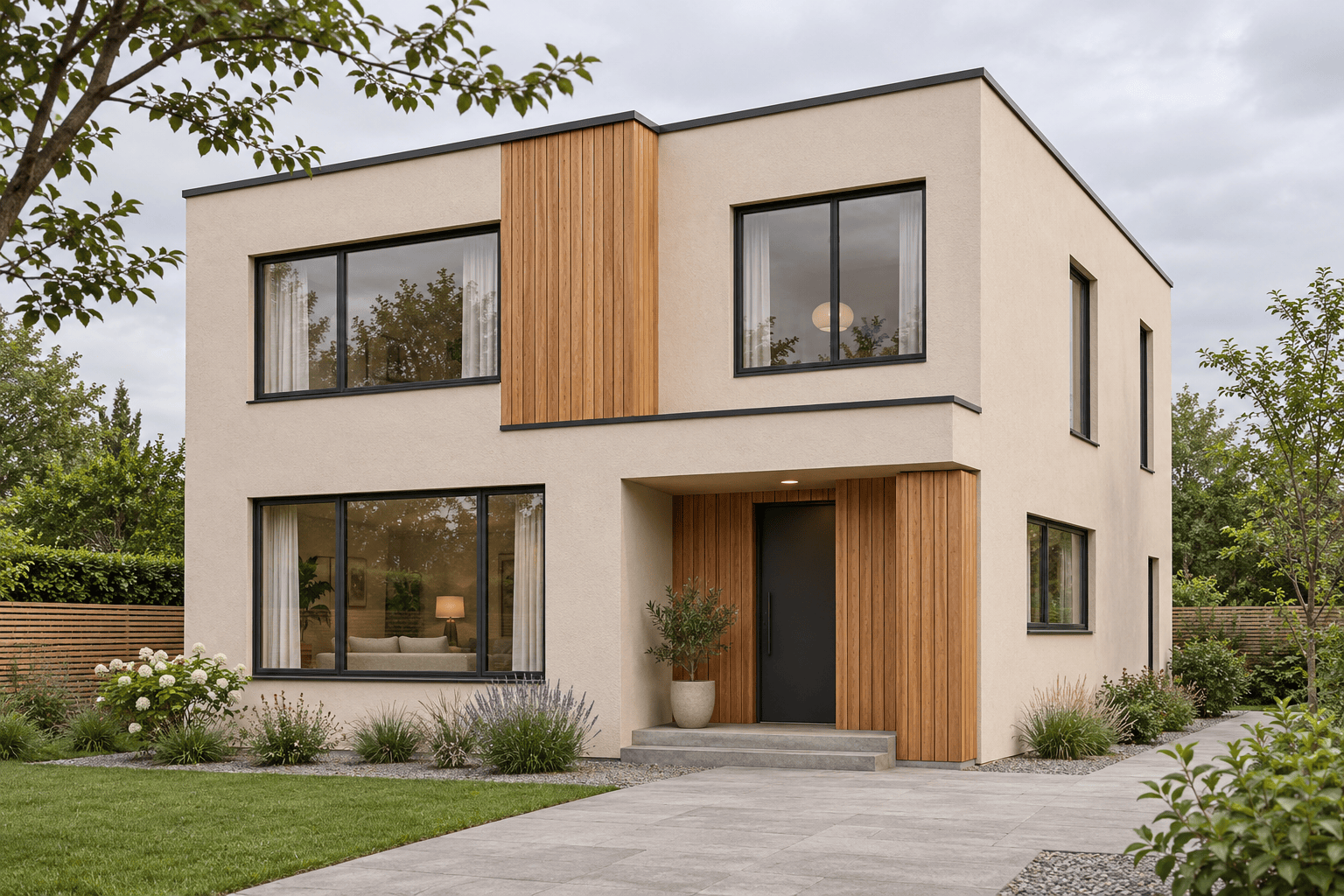
Describe a style or upload an inspiration image. Try clean stucco and timber for a modern facade, board-and-batten for a farmhouse look, or warm colors and porch details for a Craftsman direction. Tell the agent to adapt those details to your house instead of copying the reference building.
Update Doors, Porches, and Exterior Lighting
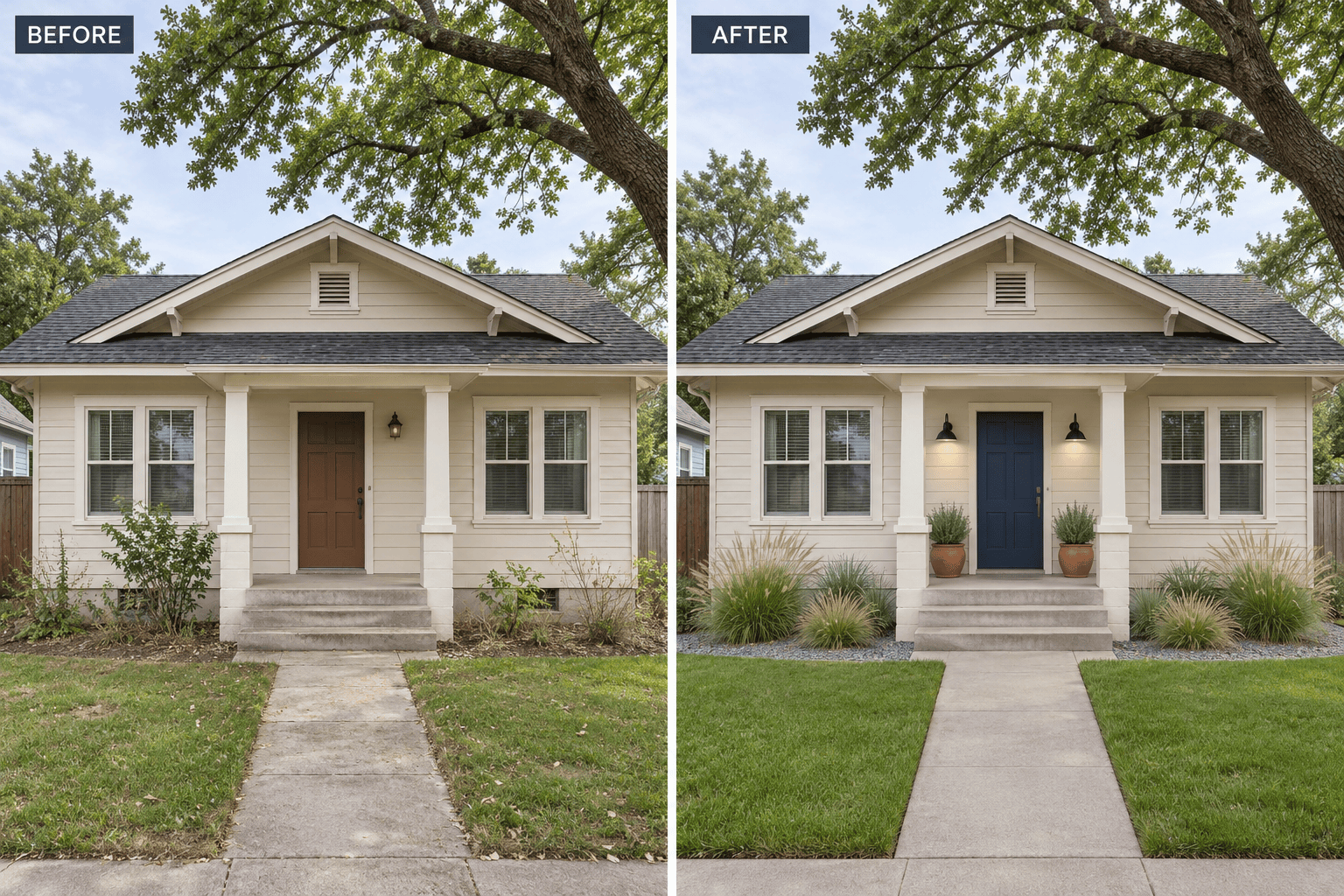
Explore curb appeal improvements without requesting a complete facade redesign. Ask for a different front door color, simpler porch fixtures, or a coordinated garage door finish. Chat Edit lets you refine these details while asking to preserve the existing entry, columns, and steps.
Choose How Your Concept Is Generated
Let Mew Auto select a suitable model for your photo and brief, or choose an available model on an eligible paid plan. Mew Design adds new leading image models as they launch.
Prepare Exterior Concepts for Renovation Discussions
Download watermark-free images to compare options with family, a designer, or a contractor. Keep the original photo beside each concept and list the proposed paint, siding, or entry changes. The images communicate your preferences; material quantities, costs, and buildability still need separate assessment.
How to Keep Your House Recognizable in an AI Exterior Redesign
- Show the Whole FacadeUse an evenly lit front or three-quarter photo with the full roof and facade visible. Avoid cropped roof edges, heavy shadows, and cars blocking the entrance. Use the same source photo for alternatives you want to compare.
- Separate Changes From KeepersList surfaces to update and features to preserve. State whether you want paint only, new cladding, or a broader style concept. A paint-only request should not move windows or add a floor. Start with one clear direction before combining several changes.
- Check for Structural DriftCompare window counts, roof pitch, porch depth, and stairs with the original. If they change, return to the original photo and request a narrower edit, naming the altered feature. Review the corrected result again; instructions cannot guarantee exact geometry.
- Verify Finishes in Real LifeAI colors and textures are approximate. Check physical samples outdoors and confirm material suitability with your contractor.
Exterior Makeover Ideas to Try on Your Home
Paint-only refresh: Use my uploaded house photo. Keep the brick, roof, and windows unchanged. Show sage trim and a dark green front door in the original daylight.
Ranch house makeover: Restyle my single-story house with warm white board-and-batten siding and natural wood entry accents. Preserve the low roofline and every opening.
Front porch update: Keep my porch footprint, columns, and steps. Replace the lighting with simple black fixtures, repaint the front door navy, and add two planters.
Roof and siding comparison: Create two separate versions of my house, one with gray shingles and cream siding, one with brown shingles and taupe siding. Preserve the roof geometry.
Low-maintenance curb appeal: Keep my house, driveway, and mature trees. Show defined planting beds, a gravel border, and a clear walkway without changing the facade.
New house from text: Generate a contemporary two-story home exterior with pale stucco, cedar accents, a recessed entrance, and simple planting. Show a three-quarter daytime view.





