Try Locs on Your Photo with a Free Online AI Dreadlocks Filter
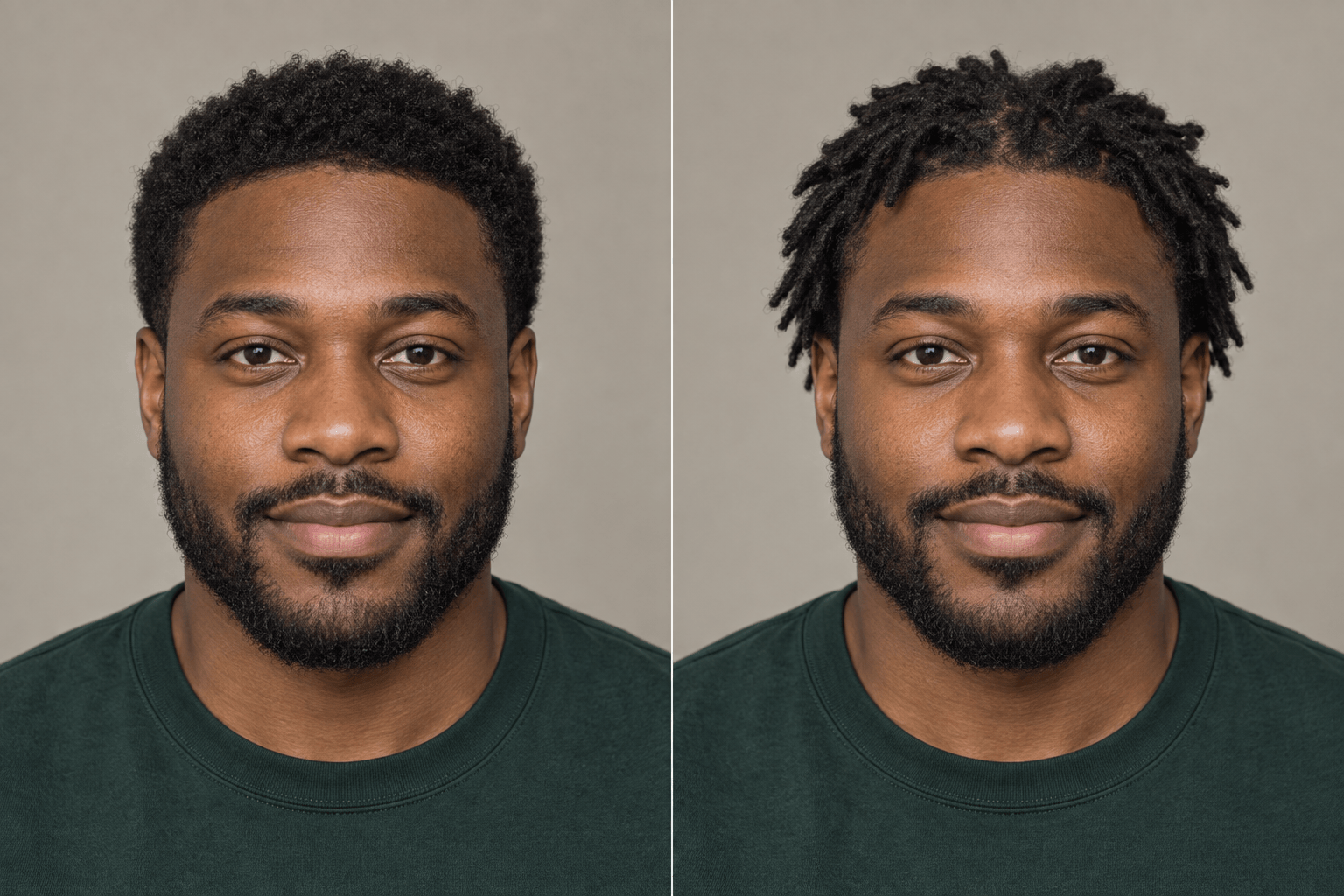
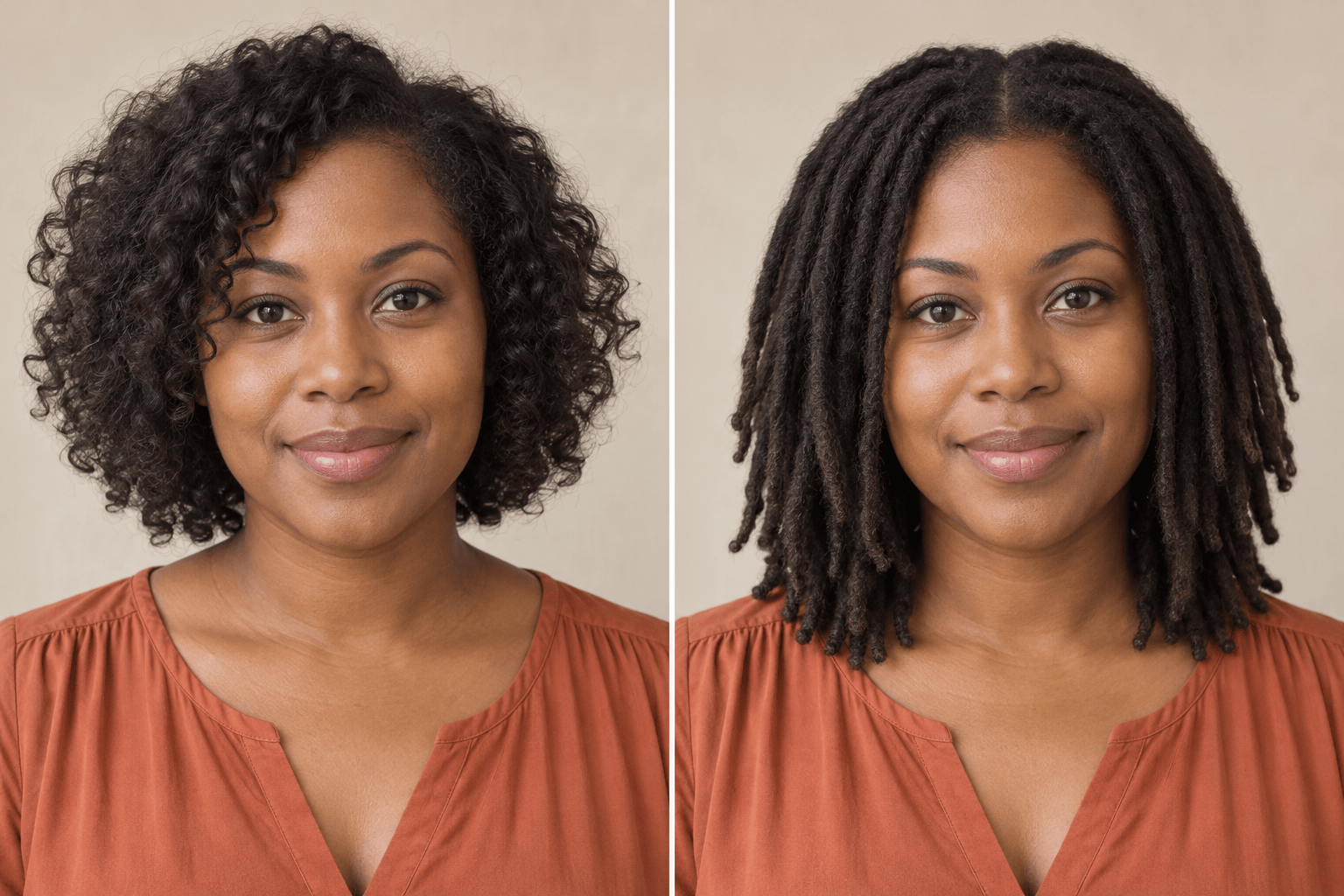
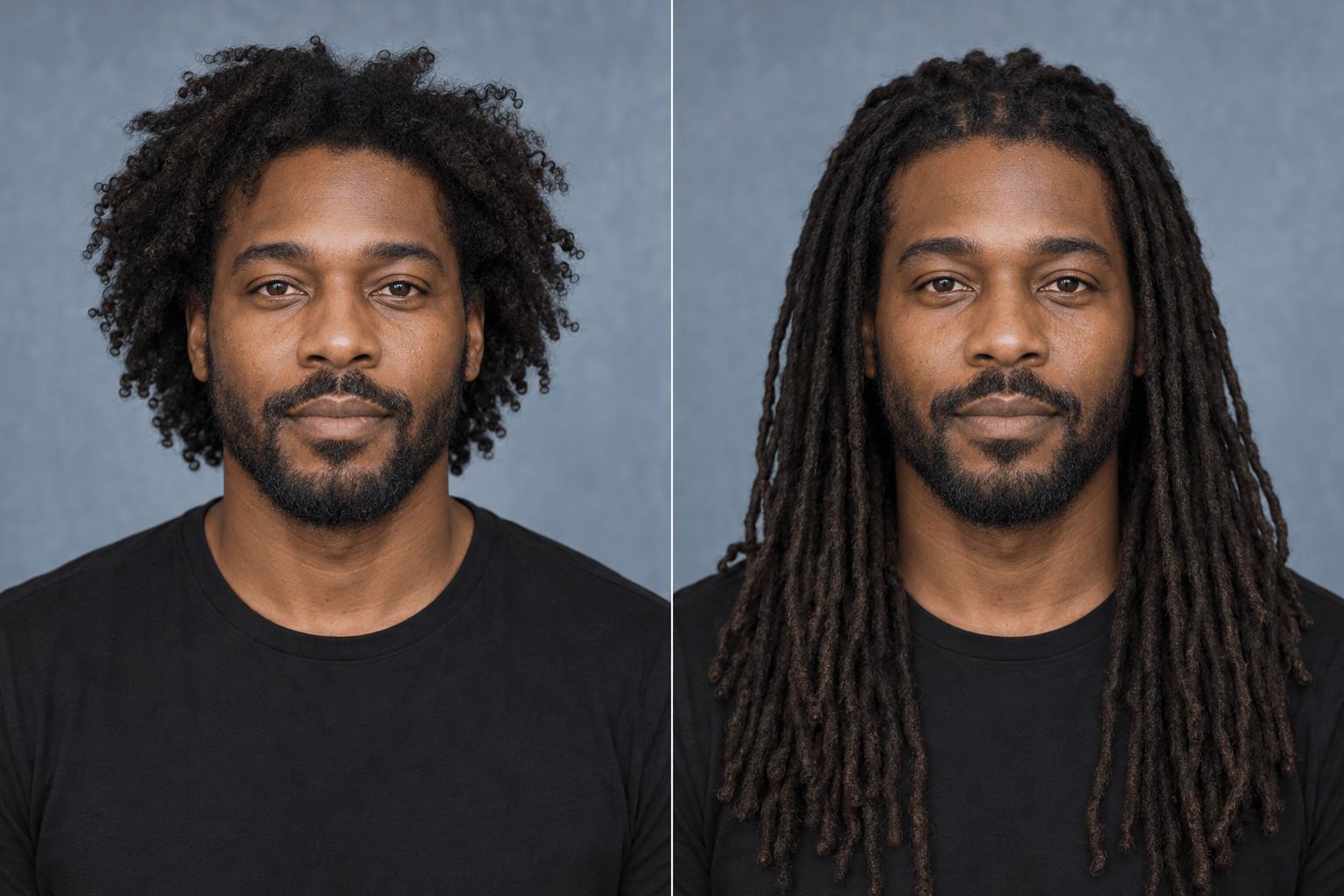
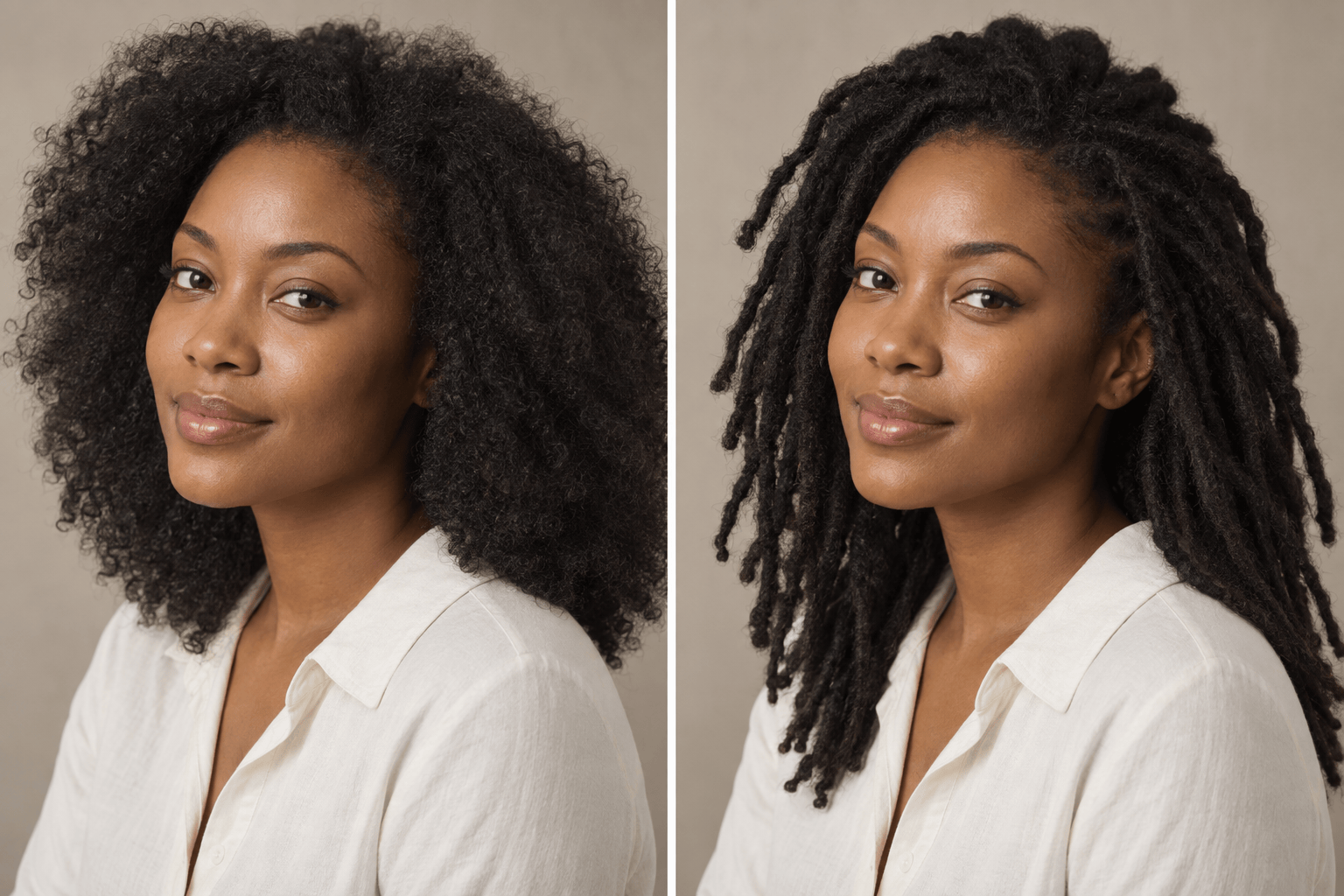
How to Try Dreadlocks on Your Photo with AI
Upload a Clear Portrait
Describe Your Locs
Generate a Hair-Only Edit
Refine and Save Your Favorite

A More Useful Way to Preview Locs
Your Face Stays the Reference
Upload your own portrait instead of judging a stock model. Ask the online dreads filter to protect your face, expression, skin tone, clothes, and background.
Specify Real Loc Details
Describe root sections, loc diameter, length, density, and how strands fall around your face. Clear details help distinguish locs from braids or twists.
Explore More Than One Stage
Compare short starter locs with longer, more mature looks using the same source photo. The AI locs filter is useful for visual direction, even though real growth varies.
Use a Style Reference
Add a separate locs inspiration photo and explain which shape, length, or parting to borrow without copying the other person’s face.
Correct One Detail in Chat
If the hairline looks pasted on or strands resemble braids, use Chat Edit to request a more natural root transition or clearer cylindrical loc texture.
Save a Consultation Reference
Start online with free credits after signup, then export a watermark-free image to show your loctician what you like. Confirm what is feasible for your hair in person.
How to Get a Believable Locs Try-On
- Show the hairline: Use a sharp front or slight three-quarter photo with the crown, temples, and shoulders visible.
- Name the loc stage: Specify starter or mature locs, approximate length, strand thickness, root parting, and color.
- Protect identity: Say what must stay unchanged, including face, skin tone, expression, clothing, and background.
- Check the texture: Review the roots, silhouette, and strand texture; ask for one focused correction if they look like braids, a wig, or a flat overlay.
Loc Styles to Try on Your Photo
Use my uploaded portrait to preview short starter locs with small, neat root sections and natural shrinkage. Change only the hair; keep my face, skin tone, pose, clothes, and background unchanged.
On my uploaded photo, create medium-thickness shoulder-length locs with a soft center part and realistic weight around my face. Preserve my identity, lighting, and background.
Edit only the hair in my portrait into long, mature locs that fall below the shoulders. Keep the hairline natural and preserve my face, outfit, pose, and photo setting.
Try organic freeform locs on my photo, with varied strand thickness and natural volume. Keep the same person, skin tone, expression, clothing, and background; avoid braids and twists.
Preview fine micro locs on my portrait with a defined side part and subtle face framing. Keep facial features and lighting unchanged, and make the root sections believable.
Using my portrait, show dark brown locs with restrained auburn tips. Keep the chosen loc length, face, skin tone, clothing, and background consistent so I can compare color alone.





