Free OnlineAI Hairstyle Changer
How to Try a New Hairstyle with AI
Upload a Clear Portrait
Describe or Reference the Look
Generate Your Hair Preview
Refine, Compare, and Save

A More Controllable Way to Preview Hair Changes
Keep Your Face Recognizable
Tell the editor to change only the hair while preserving your facial features, skin tone, expression, glasses, facial hair, clothing, pose, and background. Clear constraints make the virtual hairstyle try-on more useful.
Describe Salon Details in Plain Language
You do not need preset filters or technical prompts. Ask this AI hairstyle generator for a chin-length bob, curtain bangs, a low taper fade, defined curls, long layers, or any other specific direction.
Match a Hairstyle Reference
Upload a second image as visual guidance and explain what to borrow: silhouette, fringe, part, length, curl pattern, volume, or color. Mew Design uses the reference as direction instead of making you find the nearest template.
Blend Texture, Color, and Lighting
Use natural-language edits to ask for believable roots, highlights, flyaways, curl definition, and strand detail that match the portrait's light. You can change hair color without requesting a full-face makeover.
Compare Ideas Through Chat
Treat the first result as a consultation draft. Ask for a shorter version, a warmer shade, less volume, softer bangs, or a different part, then compare the options before making a real change.
Start Free and Export Clean Results
Try the free AI hairstyle changer online with credits after signup. Save watermark-free images for personal comparison, mood boards, social content, or a clearer conversation with your barber or stylist.
How to Prompt AI for a Realistic Hair Preview
- Start with a usable photo: Choose a sharp, front-facing or slight three-quarter portrait with even light and visible head contours. Avoid hats, heavy filters, deep shadows, and extreme angles.
- Describe haircut anatomy: Include length, silhouette, layers, fringe, part, side treatment, volume, curl or wave pattern, and finish. For color, name the base shade, highlights, roots, and warmth.
- Protect identity explicitly: Say whether the face shape, features, skin tone, expression, glasses, facial hair, clothing, pose, lighting, crop, and background must remain unchanged.
- Use references precisely: Identify the portrait and hairstyle images separately, then state which reference details to transfer. Ask for realistic hairline blending, strand texture, and shadows that match the source photo.
Hairstyle Try-On Prompts for Real Decisions
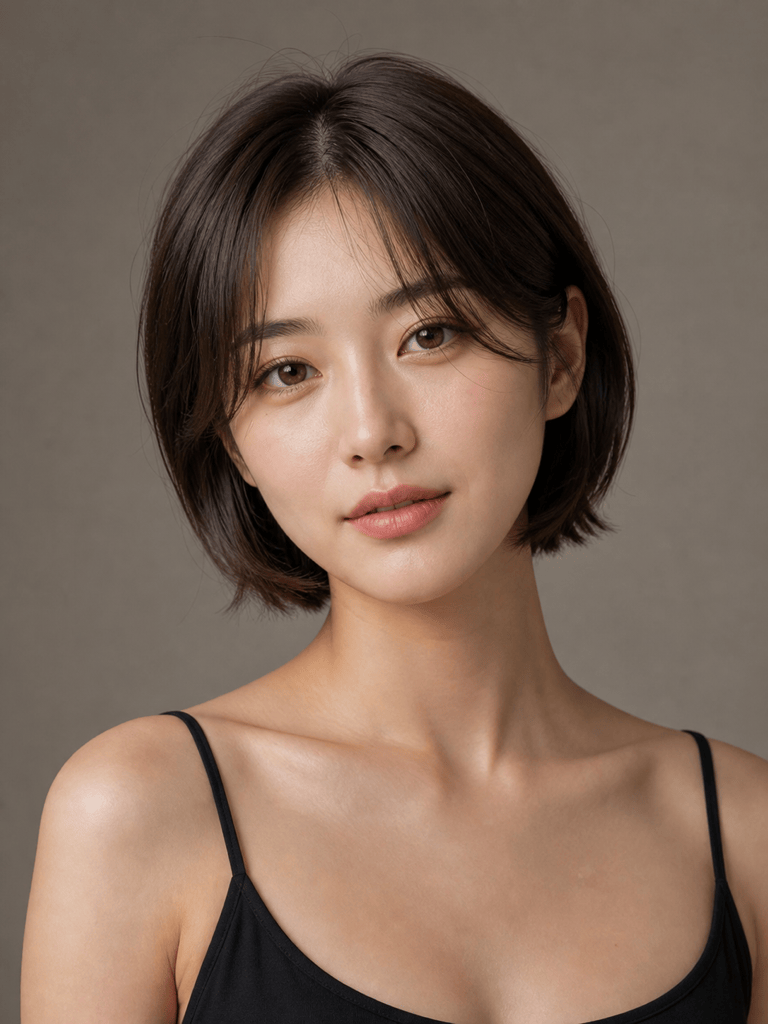
Short Bob with Bangs: Use @[portrait] as the identity reference. Change only the hair to a polished chin-length French bob with soft curtain bangs, a subtle center part, natural dark brown color, and light inward texture at the ends. Keep the face, skin, expression, outfit, lighting, and background unchanged.
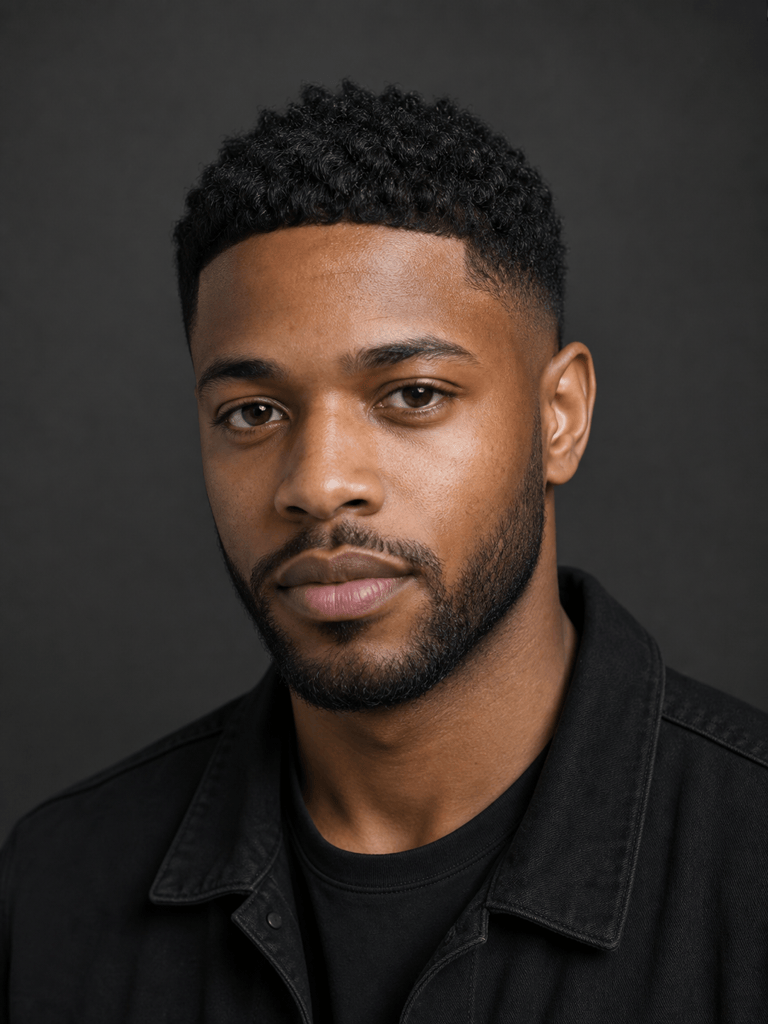
Men's Low Taper Fade: Edit @[portrait] with a clean low taper fade, textured crop on top, short forward fringe, natural black hair, realistic temple and neckline blending, and subtle barber-fresh texture. Preserve facial features, beard, skin tone, pose, clothing, and background.
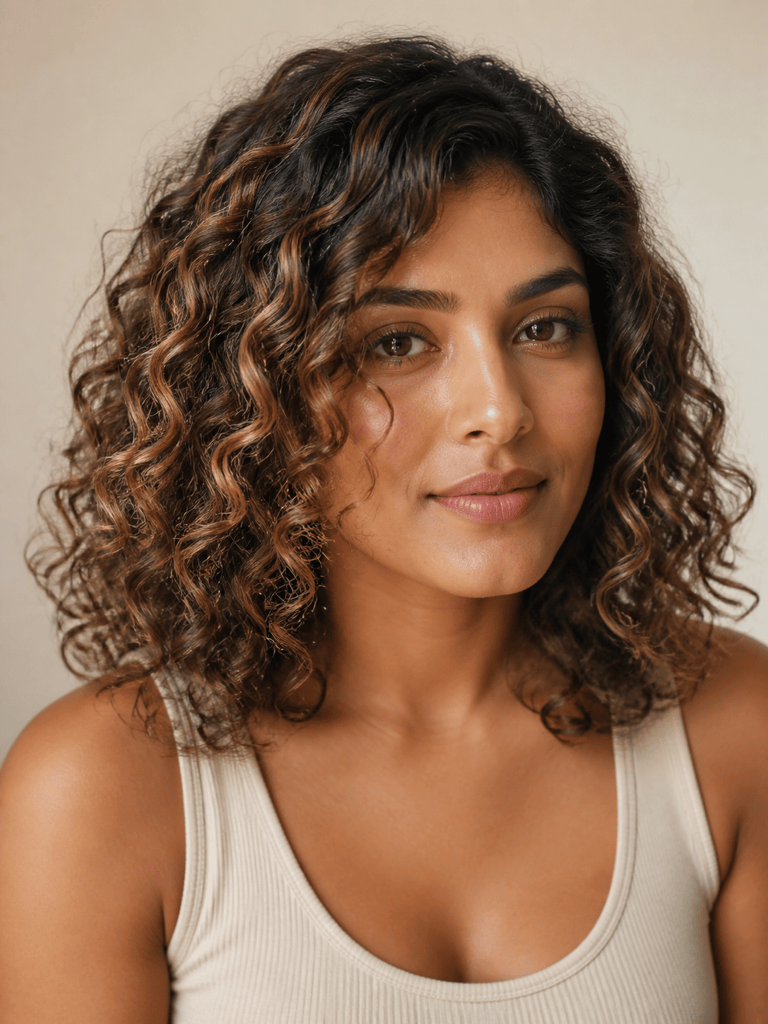
Balayage Hair Color Preview: Change only the hair color in @[portrait] to a dimensional caramel balayage over a medium-brown base, with darker natural roots and soft face-framing highlights. Keep the existing cut, curl pattern, face, skin tone, lighting, and scene exactly the same.
Defined Natural Curls: Give @[portrait] a shoulder-length rounded curly style with defined 3B curls, balanced volume, a natural hairline, and subtle layered shaping. Preserve the person's face, skin texture, expression, clothing, and the original curl realism; no wig-like edges.
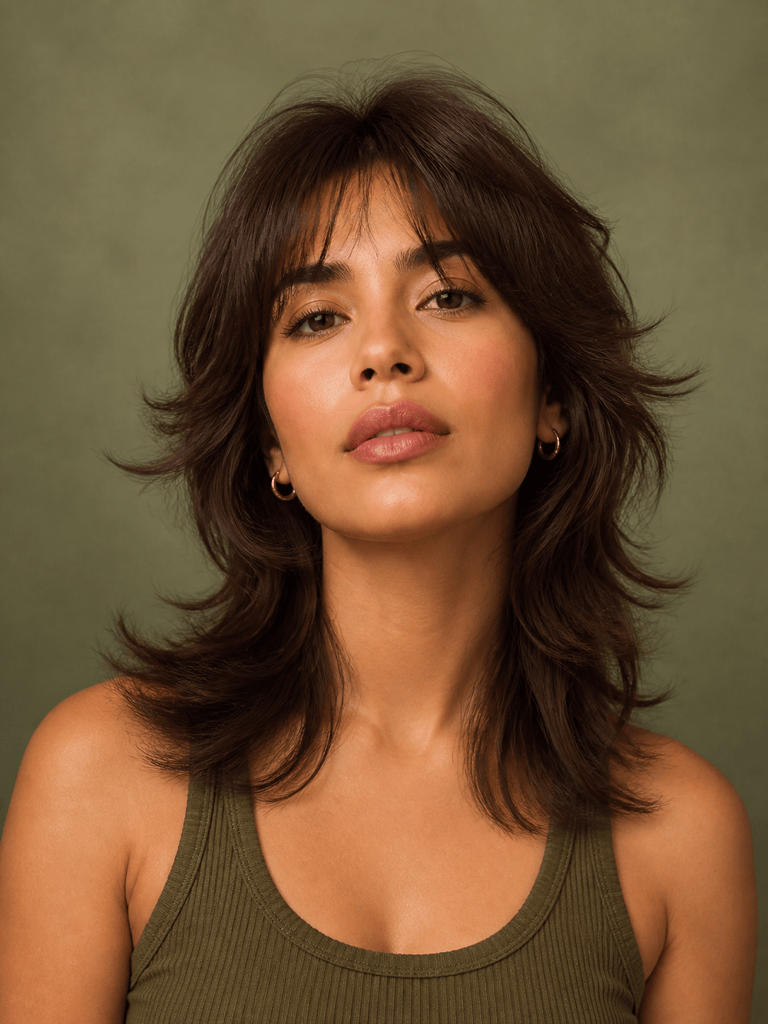
Reference-Photo Wolf Cut: Apply the hairstyle silhouette from @[style reference] to @[portrait]: medium-length wolf cut, airy crown layers, wispy fringe, and softly flipped ends. Adapt it to the portrait's head angle and natural hair color while keeping identity and background unchanged.
Salon Consultation Options: From @[portrait], create four separate realistic previews: a collarbone lob, a short pixie with side-swept fringe, long butterfly layers, and a shoulder-length wavy cut. Keep the same face, expression, lighting, crop, and hair color across every option for a fair comparison.





