Free OnlineAI Doodle Generator
How to Create Doodle Art with AI
Describe or Upload Your Idea
Set the Doodle Direction
Refine the Hand-Drawn Details
Download and Use Your Doodle

Why Mew Design Works for Custom Doodle Creation
From Plain Words to Expressive Lines
Describe the subject as you would to an illustrator. This free AI doodle generator interprets the scene, mood, line quality, and intended use instead of making you configure complicated drawing controls.
Turn Photos into Personal Doodles
Upload a selfie, pet photo, product shot, or object reference and ask for a recognizable doodle version. Guide what should stay consistent while changing the line treatment, colors, and surrounding marks.
Build a Cohesive Doodle Set
Create several icons, characters, or spot illustrations with shared line weight and palette. The online AI doodle maker is useful for classroom packs, presentation graphics, sticker sheets, and branded content.
Explore More Than One Doodle Style
Compare loose notebook scribbles, bold cartoon outlines, monochrome ink, colorful kawaii stickers, and intricate patterns. Mew Design can use GPT Image 2.5 when it suits the requested visual direction.
Edit Without Redrawing
If the composition feels crowded or the character is not quite right, continue the conversation. Ask to simplify shapes, move an element, change colors, adjust line weight, or generate a focused variation.
Prepare Doodles for Real Projects
Request a clean background for layouts or remove it through chat for sticker-like assets. Export AI-generated doodle art for digital sharing, print concepts, educational materials, or marketing designs.
How to Write an Effective AI Doodle Prompt
- Define the Subject: Describe the character, object, scene, or pattern and include one memorable action or trait.
- Describe the Marks: Choose loose scribbles, smooth monoline, bold cartoon outlines, crosshatching, zentangle fills, or imperfect notebook ink.
- Control Color and Space: Specify black and white, a limited palette, full color, open negative space, or a dense all-over composition.
- Name the Destination: Say whether the doodle is for a sticker, logo concept, social post, worksheet, presentation, coloring page, or repeat pattern.
AI Doodle Prompts for Different Creative Projects
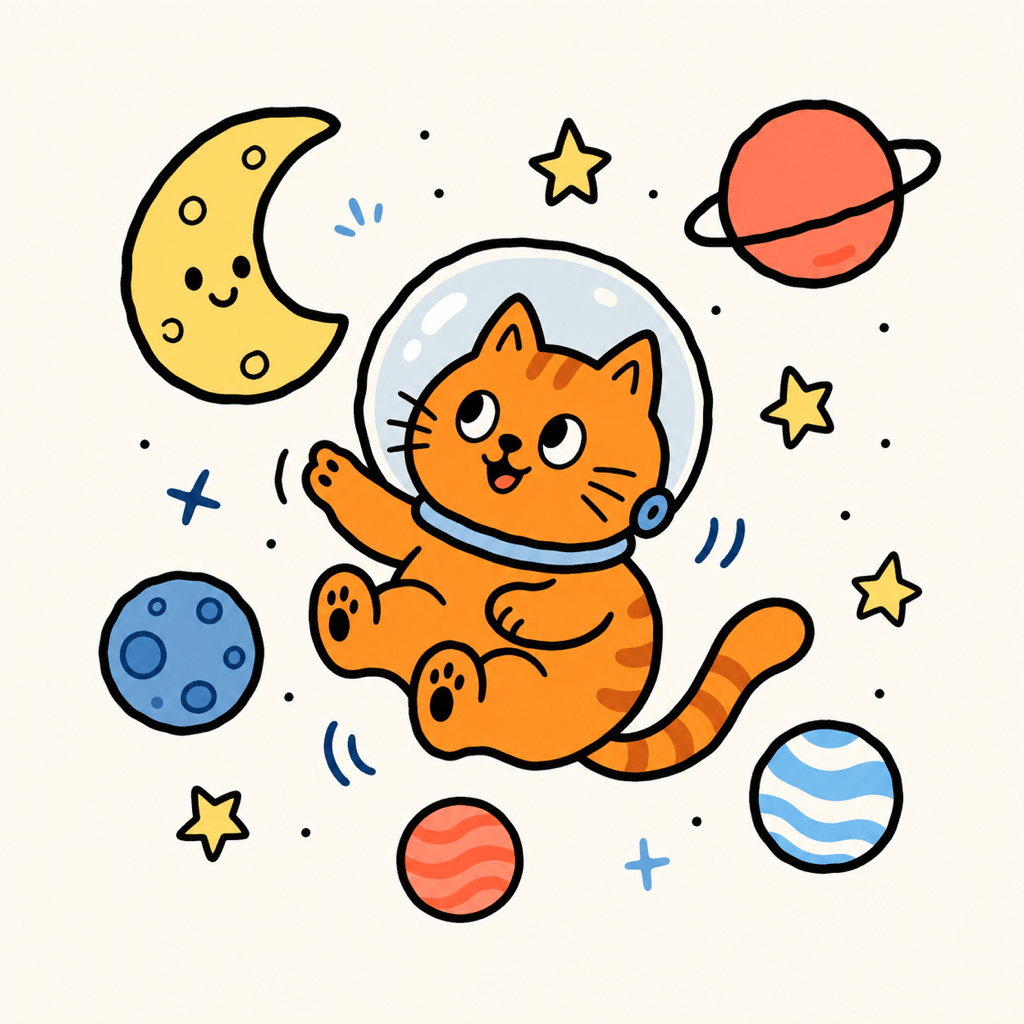
Cute Doodle Sticker: Create a square sticker-style doodle of a happy corgi riding a skateboard. Use chunky black outlines, flat yellow, teal, and coral colors, tiny motion marks, and a clean white background. Keep the silhouette bold and readable.
Photo to Doodle Portrait: Restyle my uploaded portrait as a friendly black-ink doodle. Keep the face, hairstyle, glasses, and expression recognizable. Use simple continuous lines, light blue accent shapes, minimal shading, and generous white space.
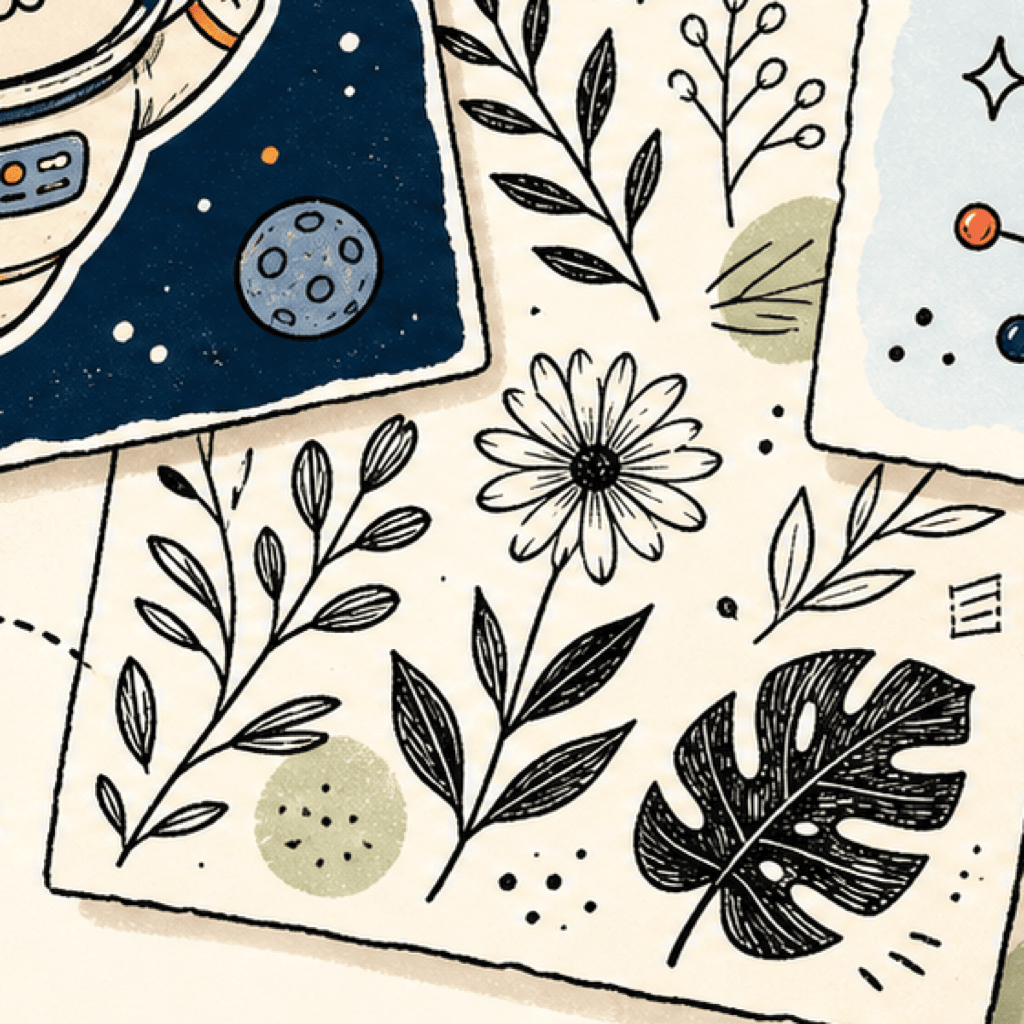
Seamless Botanical Pattern: Generate a repeating doodle pattern of daisies, mushrooms, leaves, snails, and tiny stars. Use imperfect black pen lines on a warm cream background with sparse sage and mustard accents. Make the tile balanced and seamless.
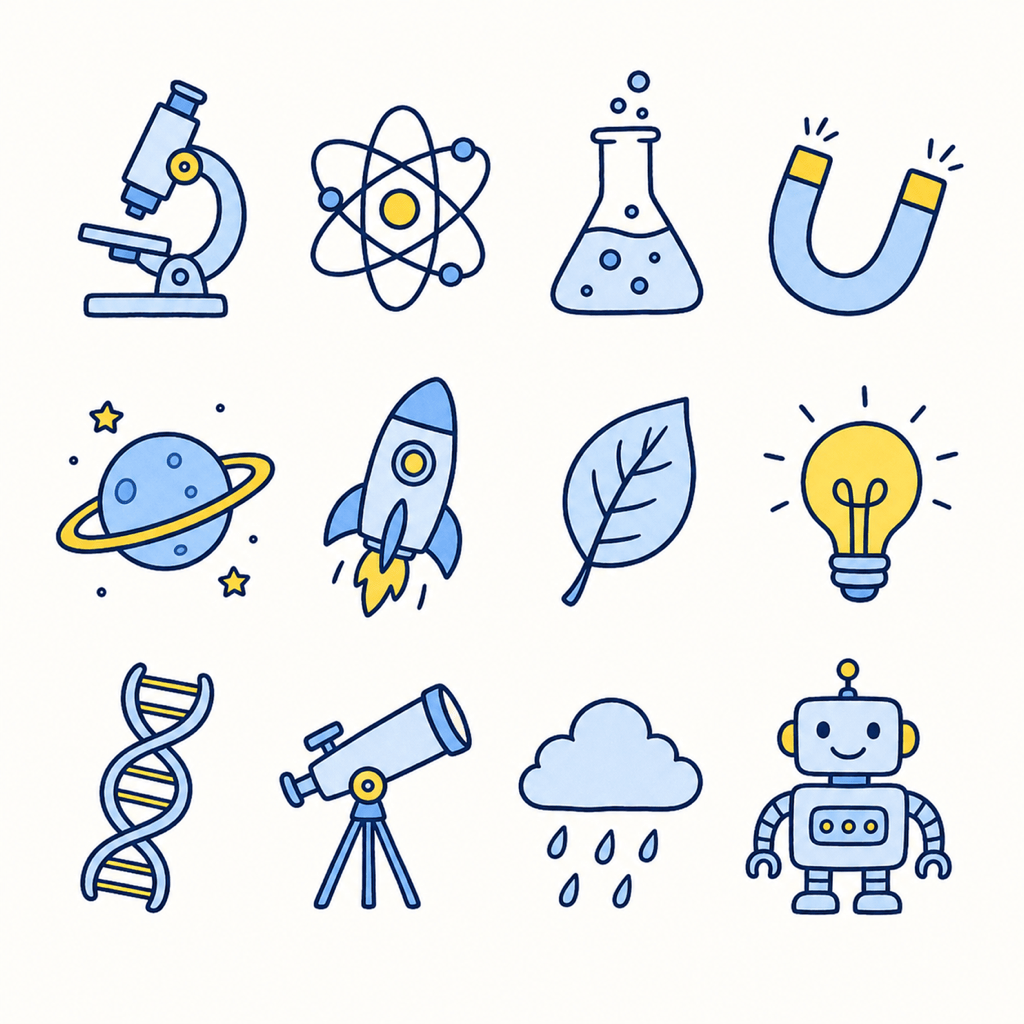
Classroom Doodle Icon Set: Create a cohesive sheet of 12 science doodle icons, including a microscope, atom, beaker, planet, magnet, leaf, and lightbulb. Use one consistent monoline weight, rounded shapes, navy outlines, and small yellow highlights. No words.
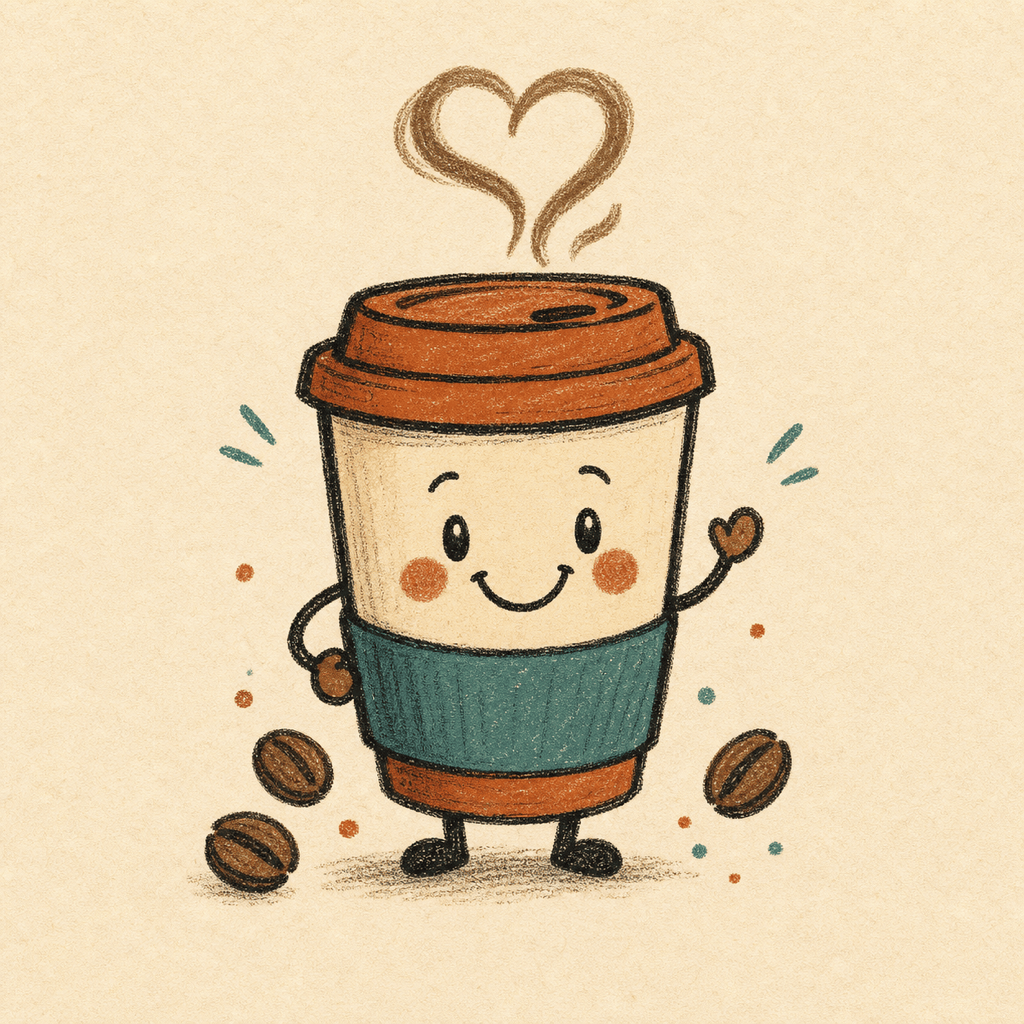
Small-Business Doodle Mascot: Design a friendly hand-drawn coffee cup mascot for a neighborhood café brand. Give it a smiling face, steam shaped like a loose heart, uneven charcoal outlines, and a warm rust-and-cream palette. Keep it simple enough for stickers and packaging.
Printable Coloring Page: Create a detailed black-and-white doodle coloring page about an underwater adventure. Fill the page with a submarine, smiling fish, coral, bubbles, shells, and winding sea plants. Use clear closed shapes, no gray shading, and an even white border.





