Free OnlineAI Disney Princess Generator
How to Create a Princess Portrait with AI
Choose Your Starting Point
Build Your Fairytale Look
Refine the Face and Details
Save Your Princess Portrait

A Princess Look You Can Make Your Own
Start with Your Own Face
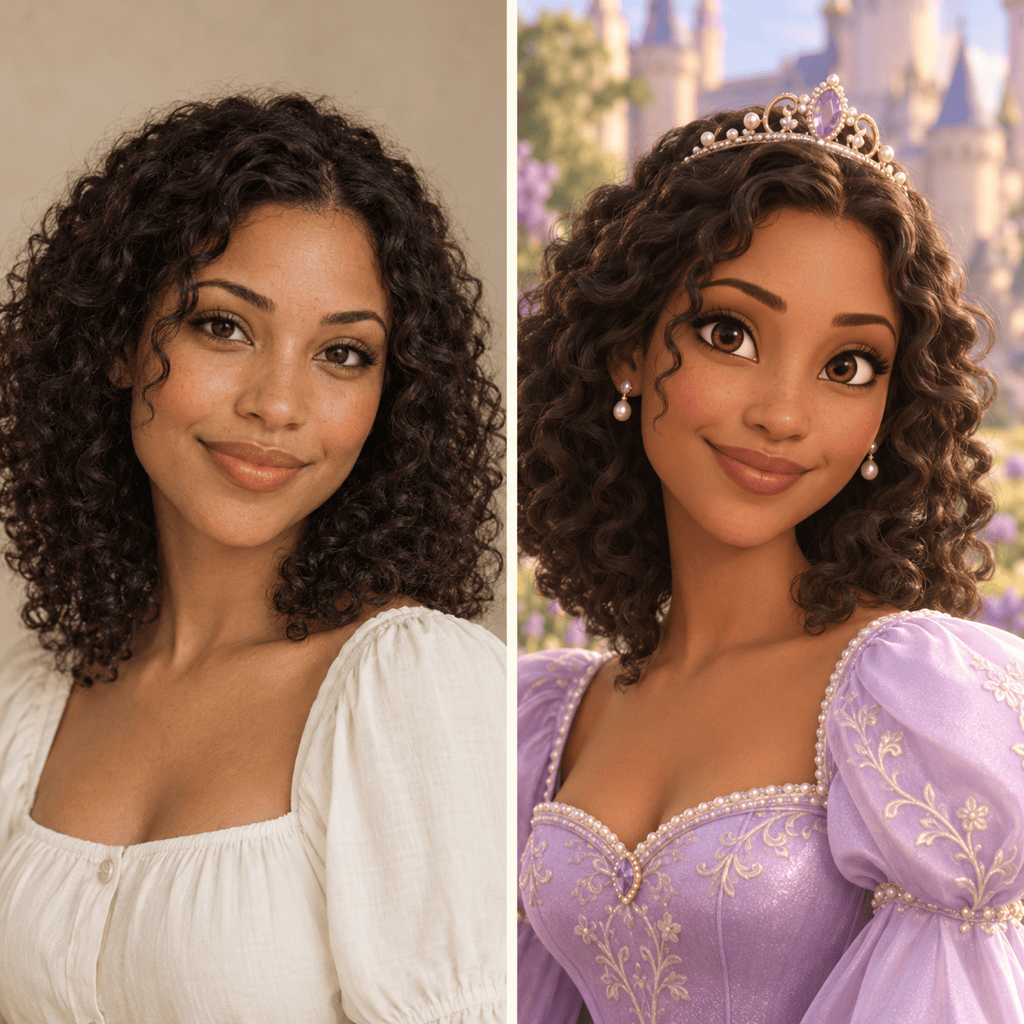
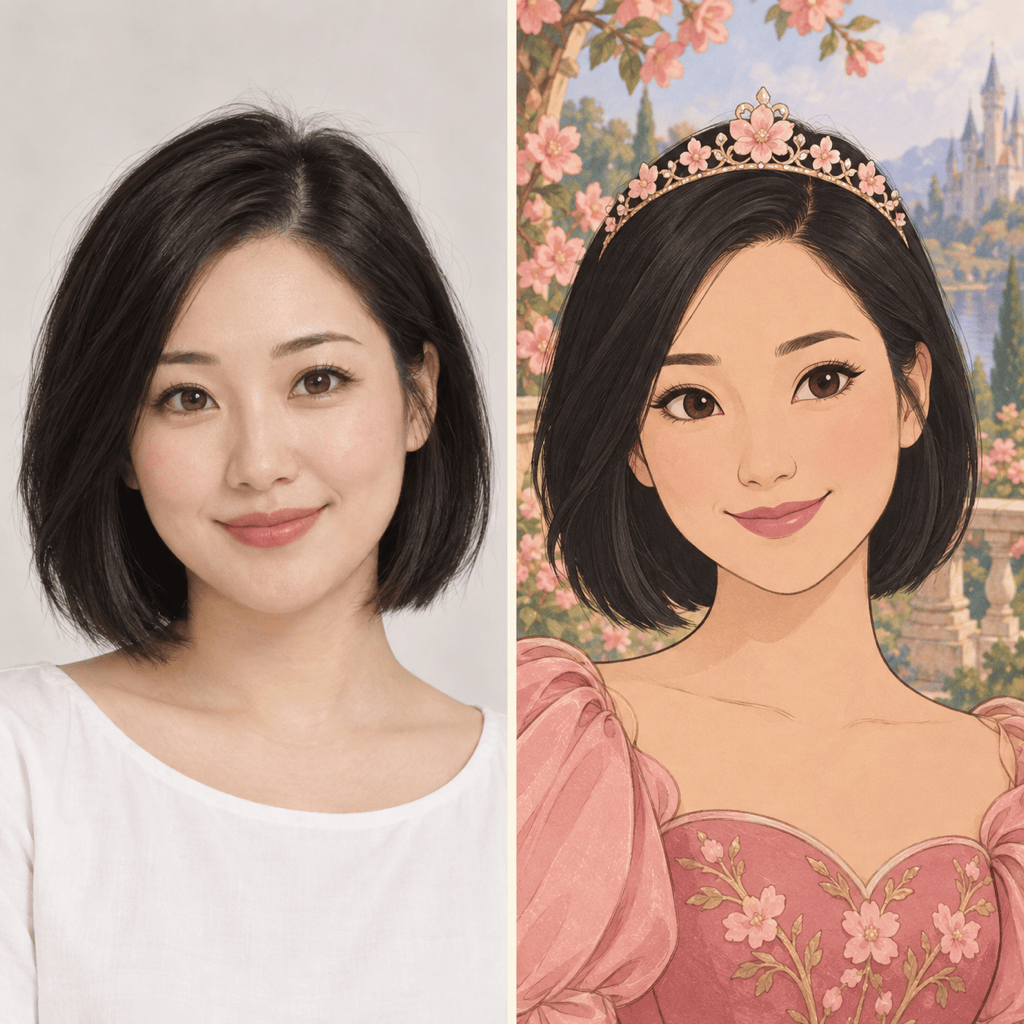
Use this Disney princess AI generator with a photo to guide the portrait. Ask to retain your skin tone, hair texture and expression while changing the outfit and setting.
Create Without a Photo
Our AI princess maker also works from text. Describe an original royal character, from an ocean explorer to a princess in a moonlit garden.
Explore 2D and 3D Styles
Choose hand-drawn outlines and painted scenery, or soft 3D lighting and dimensional fabrics. Compare versions to find the feel you want.
Change More Than a Filter
Request a different gown, a smaller tiara or a simpler backdrop with Chat Edit. Tell the agent which successful details to preserve.
Frame It for Your Profile
Ask for space around the hair and crown so a circular avatar crop keeps them visible. Create a separate vertical composition for your lock screen.
Try It with Free Credits
New accounts receive free AI credits after signup. Export your princess images without watermarks; further generation depends on your available credits.
How to Keep Your Princess Portrait Recognizable
- Use a Clear Portrait: Choose one visible face, even lighting and an unobstructed view. Avoid heavy filters and deep shadows.
- Name What Should Stay: Specify the face shape, skin tone, hairstyle and expression you want to retain. Stylization can still change likeness.
- Choose One Visual Style: Ask for hand-drawn 2D or a dimensional 3D animated look. Mixing both can make the result less coherent.
- Correct the Biggest Difference: If the portrait feels unlike you, adjust the face before adding more accessories. Keep the reference available for each revision.
Princess Portrait Ideas and Edits to Try
Turn my uploaded selfie into a 3D princess avatar. Keep my freckles, skin tone and smile. Add a lavender gown and pearl tiara. Center my face with room for a circular crop.
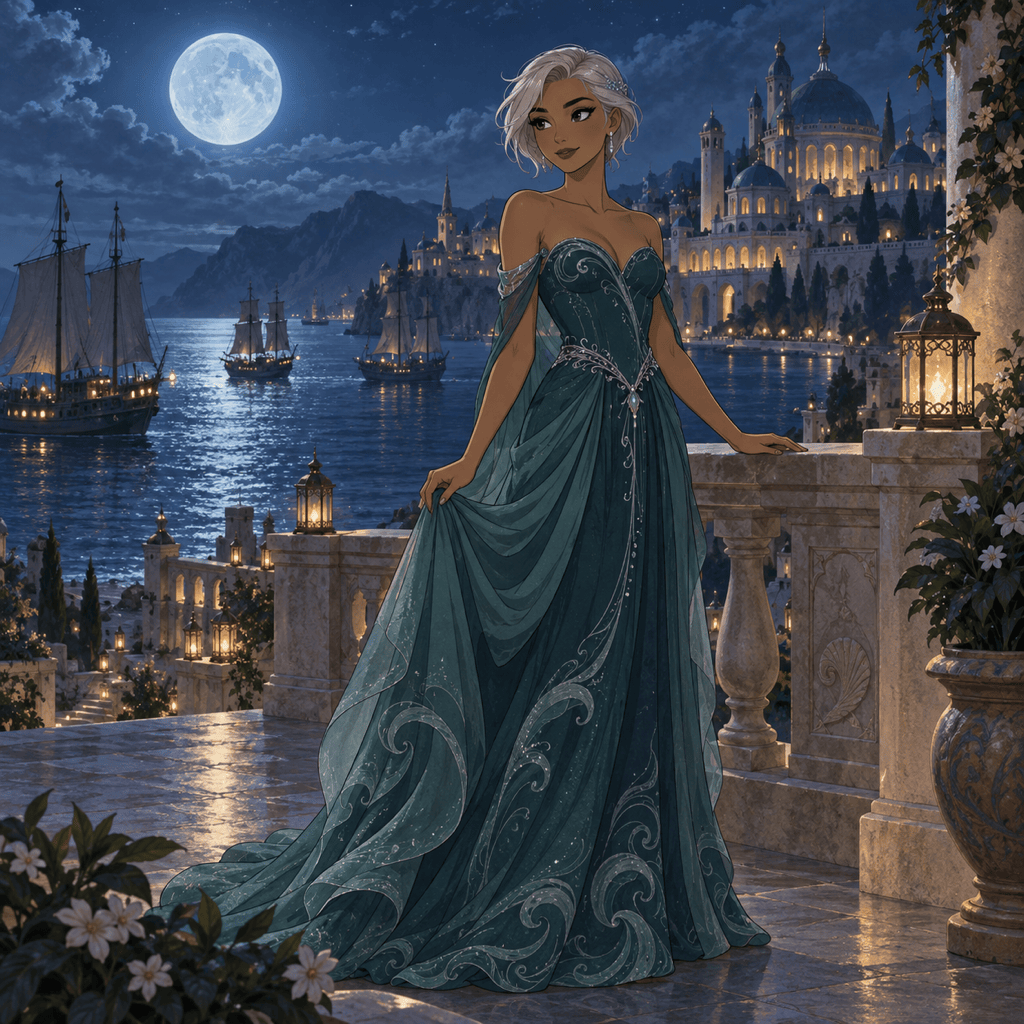
Create an original ocean princess from text, with short silver hair, a teal gown inspired by waves and a moonlit harbor. Use a hand-drawn animated style and show the full outfit.
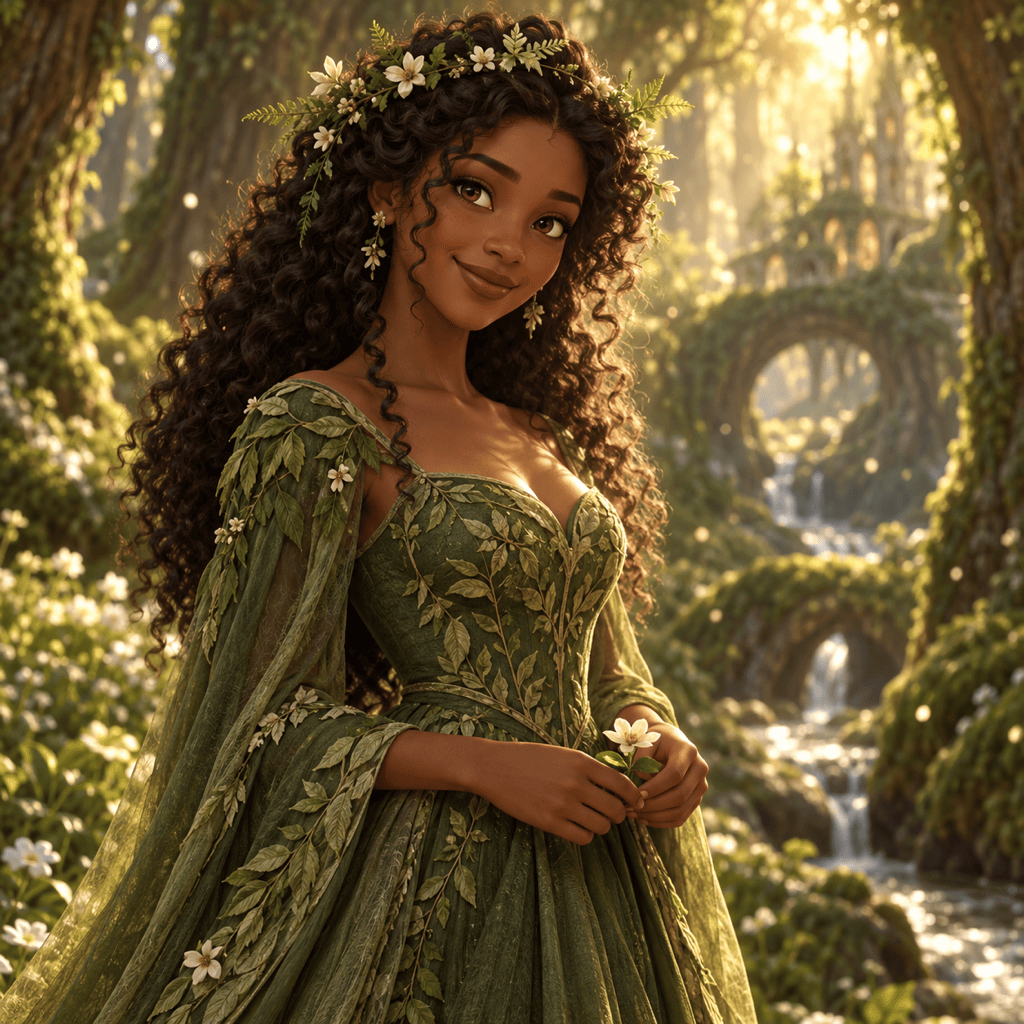
Create a forest princess with dark skin, natural curls, a floral crown and a moss-green gown. Use soft 3D animation lighting, warm colors and a woodland setting.
Turn my princess portrait into a vertical phone wallpaper. Keep the face and gown, extend the castle garden and leave quiet space at the top for the clock.
Revise my princess portrait to look closer to my uploaded photo. Restore the original face shape, skin tone and hair texture while keeping the gown and illustrated style.
Change only the gown in my princess portrait to deep emerald with subtle gold embroidery. Keep the face, pose, hairstyle and background as close as possible to the current image.





