Free OnlineAI Dining Room Design
How to Create a Dining Room Design with AI
Show Your Room and What Must Stay
Generate a Dining Room Makeover
Refine Furniture and Finishes
Compare, Measure, and Download

AI Dining Room Redesign for Your Space
Redesign Your Dining Room from a Photo
AI dining room design from a photo gives your ideas a familiar starting point. Explore new finishes and furniture using your own room image rather than a generic inspiration photo.
Try a Makeover with Your Existing Dining Table
Keep your existing dining table as part of the brief and try new chairs, lighting, or decor around it. Our AI dining room redesign workflow lets you request specific changes through chat; review each result for unwanted alterations.
Explore Modern, Japandi, and Farmhouse Dining Rooms
Upload an inspiration image to explore modern, Scandinavian, Japandi, or farmhouse dining room ideas. Name the materials and colors you like so the request goes beyond a style label.
Coordinate an Open-Plan Dining Area
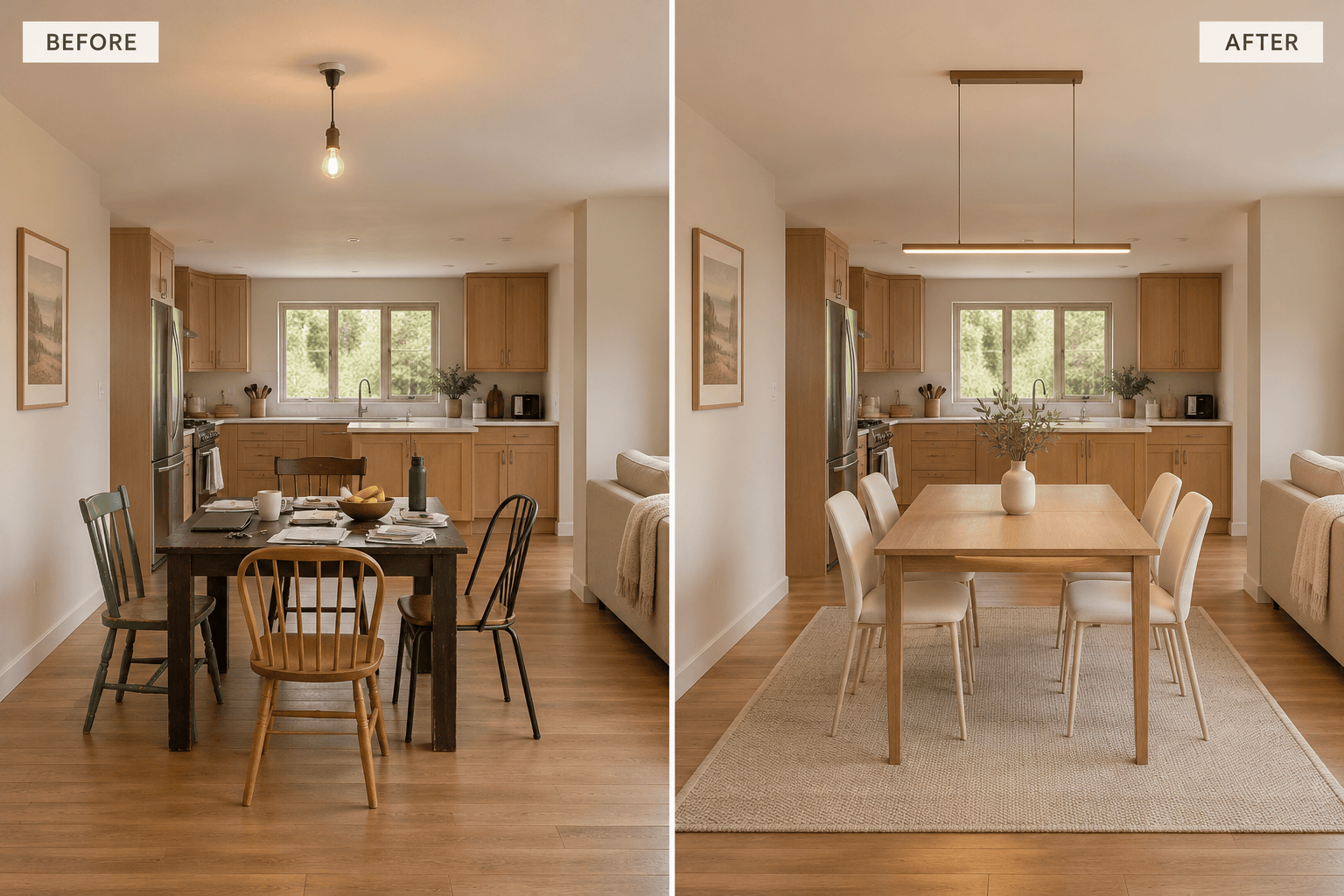
Explore open-plan living and dining room design with coordinated wood tones, upholstery, and lighting. Ask to update only the dining zone, then check that the adjacent kitchen or seating area remains as intended.
Choose an Image Model for Your Room Redesign
Pick an available image model yourself, or let Mew Auto select one for your photo and requested changes. Mew Design brings the latest leading image models into one workflow and adds new releases promptly.
Download Dining Room Designs as PNG or JPG
Export dining room concepts as PNG or JPG without a watermark. Compare ideas with your household or share a reference with a designer before choosing finishes and furniture.
Get Better Dining Room Designs from Your Photo
- Show the Whole Dining Area: Use a well-lit photo with the table, chairs, floor edges, and ceiling light visible. Avoid a close-up that hides the surrounding space.
- List What Must Stay: Name fixed windows and doors, plus any table, sideboard, or flooring you want to retain. State whether furniture may move.
- Explain How You Use the Room: Mention daily seating, occasional guests, and whether the table also serves as a workspace. For small dining room design ideas, identify the route that needs to stay clear.
- Check the Room, Not Just the Style: Look for changed openings, extra chairs, distorted furniture, or blocked paths. Ask for corrections, then verify dimensions in the actual room.
AI Dining Room Ideas for Small Spaces and Different Styles
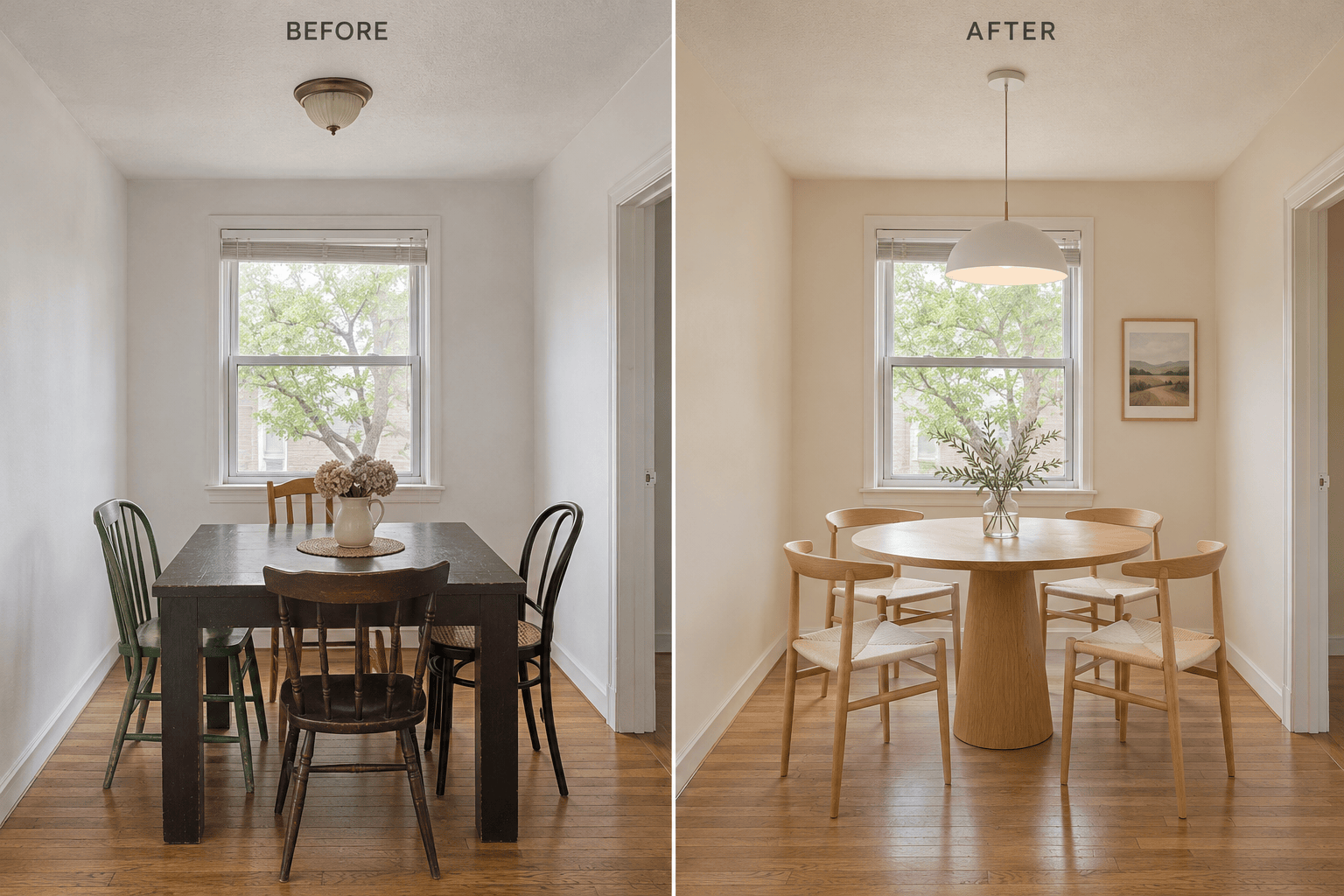
Redesign my small dining room from the uploaded photo with a compact round table and four chairs. Use light wood and warm white walls. Keep the windows, doors, and room proportions, and show a clear route past the chairs.
Update only the dining area in my open-plan living room and kitchen photo. Coordinate the dining chairs and pendant with the existing oak kitchen cabinets. Keep the sofa, kitchen, windows, and doors unchanged.
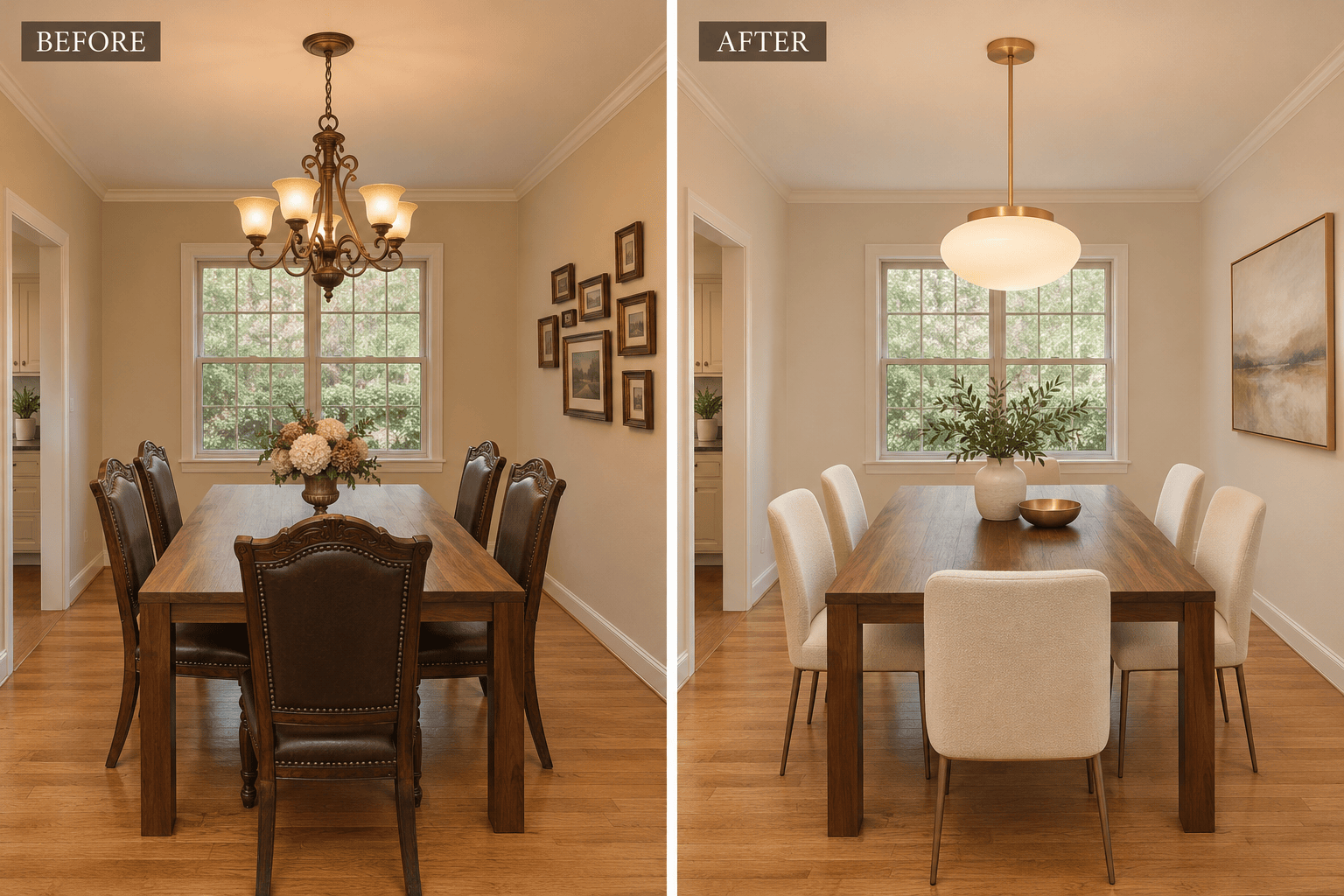
Give my dining room a makeover while keeping the existing walnut table and floor. Replace the chairs with cream upholstered seats, update the pendant, and add one large artwork. Keep the same camera view.
Create a modern dining room redesign from my photo with an oval oak table, six slim chairs, a simple linear light, and a low sideboard. Keep the room shell and avoid adding cabinets that crowd the chairs.
Try a modern farmhouse look in my dining room photo. Use a natural wood table, woven seat textures, muted olive accents, and a simple pendant. Keep the existing floor and windows, with restrained decor instead of rustic clutter.
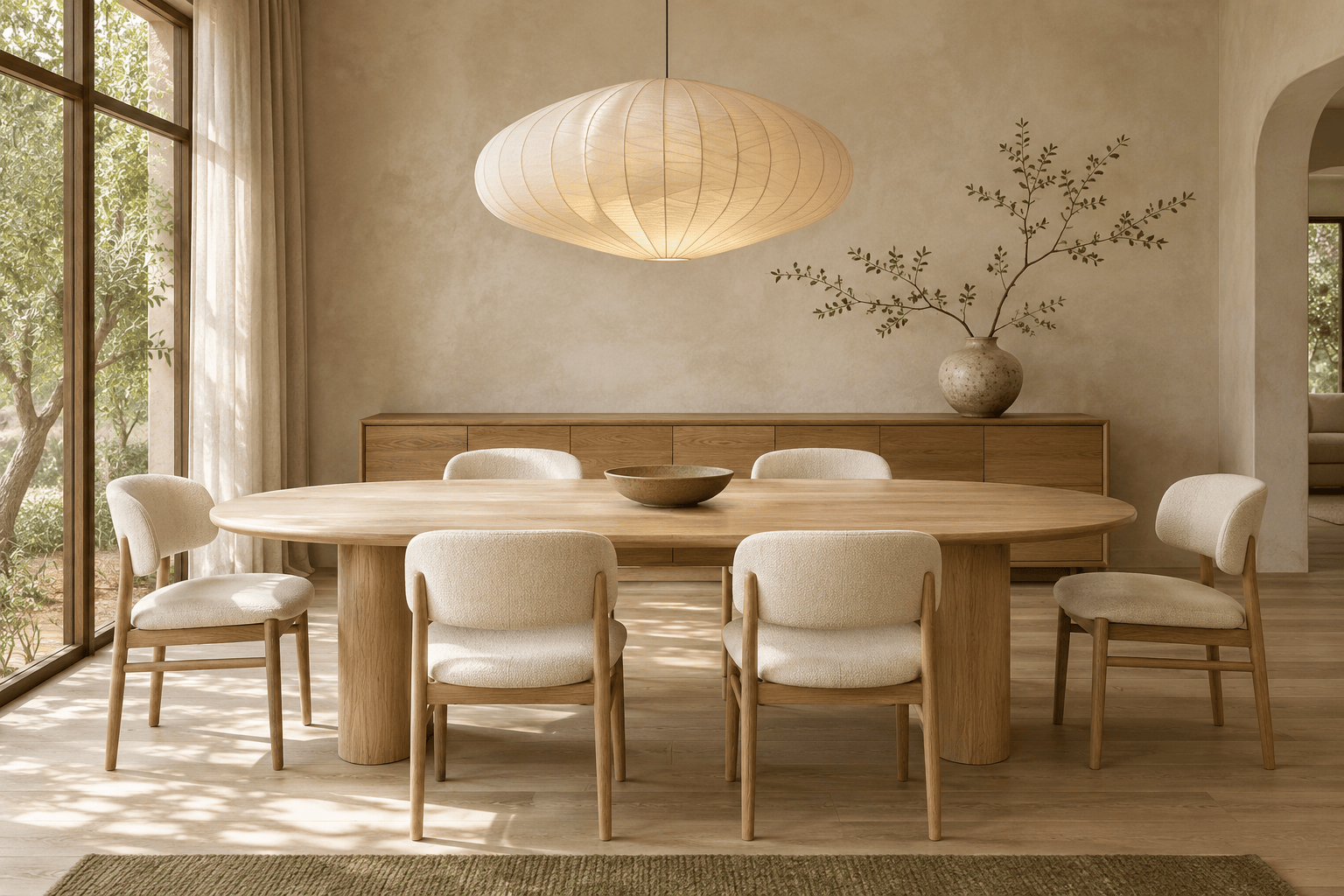
Generate a Japandi dining room concept from text, without a source photo. Show a pale oak table for six, cream chairs, a paper pendant, limewash walls, and soft daylight. Use a wide interior view with uncluttered styling.