Free OnlineAI Day to Dusk Generator
How to Turn a Daytime Photo into Dusk with AI
Upload a Clear Daytime Exterior
Set the Twilight Direction
Generate and Inspect the Lighting
Refine, Export, and Disclose

A Day-to-Dusk Editor Built for Controlled Photo Changes
Edit the Photo You Already Have
Upload a daytime property image and request a time-of-day change through image-to-image editing. This online AI day to dusk generator starts from your real composition instead of designing a different house from scratch.
State What Must Stay Unchanged
Tell the agent to preserve rooflines, doors, windows, materials, landscaping, furniture, and perspective. Clear preservation constraints help keep the twilight photo faithful to the source.
Direct Light in Plain Language
Describe the hour, sky mood, window warmth, exterior fixture intensity, and shadow depth in normal conversation. You can also use Nano Banana Pro when nuanced photo relighting is central to the edit.
Correct One Lighting Detail at a Time
If the first result feels artificial, click Chat Edit and request a focused change: reduce orange saturation, vary the window glow, soften halos, or retain more daylight on the façade.
Keep Listing Sets Visually Consistent
Turn an approved twilight direction into a reusable Mew Skill for repeat property work. Reuse the same lighting method and delivery preferences without rewriting the full brief for every exterior.
Try the Workflow Before Committing
Sign up for free AI credits, test a day-to-dusk photo edit, and export finished images without a watermark. Download PNG or JPG files for property portals, social posts, brochures, or client review.
Prepare a Better Photo for Virtual Twilight Editing
- Choose a sharp exterior: Use a level, high-resolution photo with the main façade and windows clearly visible. Avoid motion blur, heavy compression, and branches that obscure important edges.
- Avoid clipped highlights: Keep detail in pale walls, glass, and the sky. Extreme overexposure gives the AI less information for believable dusk color and reflections.
- Name the protected elements: List the structure, landscaping, outdoor furniture, vehicles, signs, and neighboring context that must remain exactly as photographed.
- Pick one believable hour: Choose warm dusk or cool blue hour, then keep the sky, ambient light, window glow, reflections, and shadows consistent with that time.
Day-to-Dusk Instructions for Common Property Photos
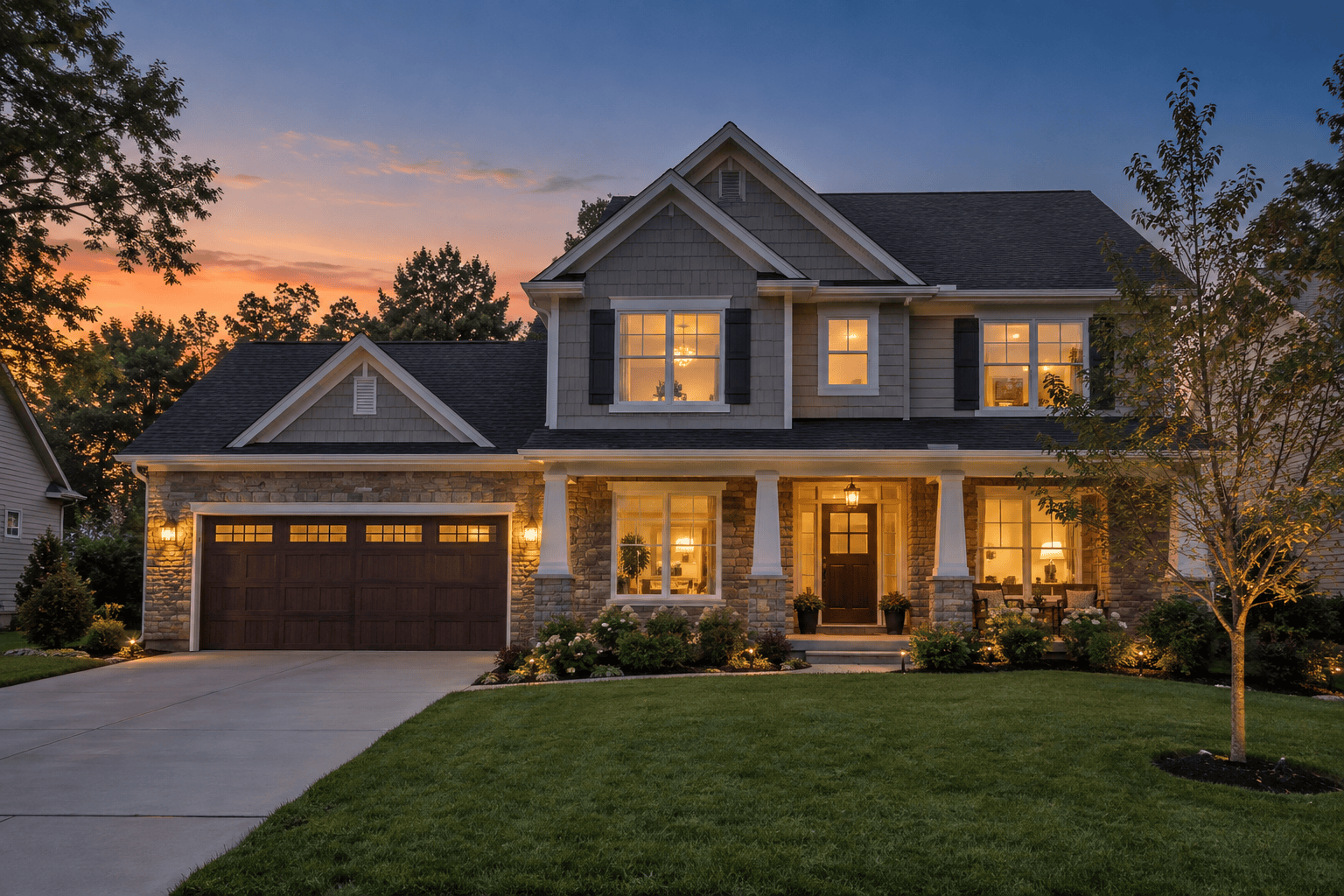
Convert this suburban home exterior to warm dusk. Add a natural peach-to-blue post-sunset sky, softly illuminate occupied windows and porch fixtures, and retain subtle ambient detail on the façade. Preserve the house, lawn, driveway, trees, vehicles, and camera angle exactly.
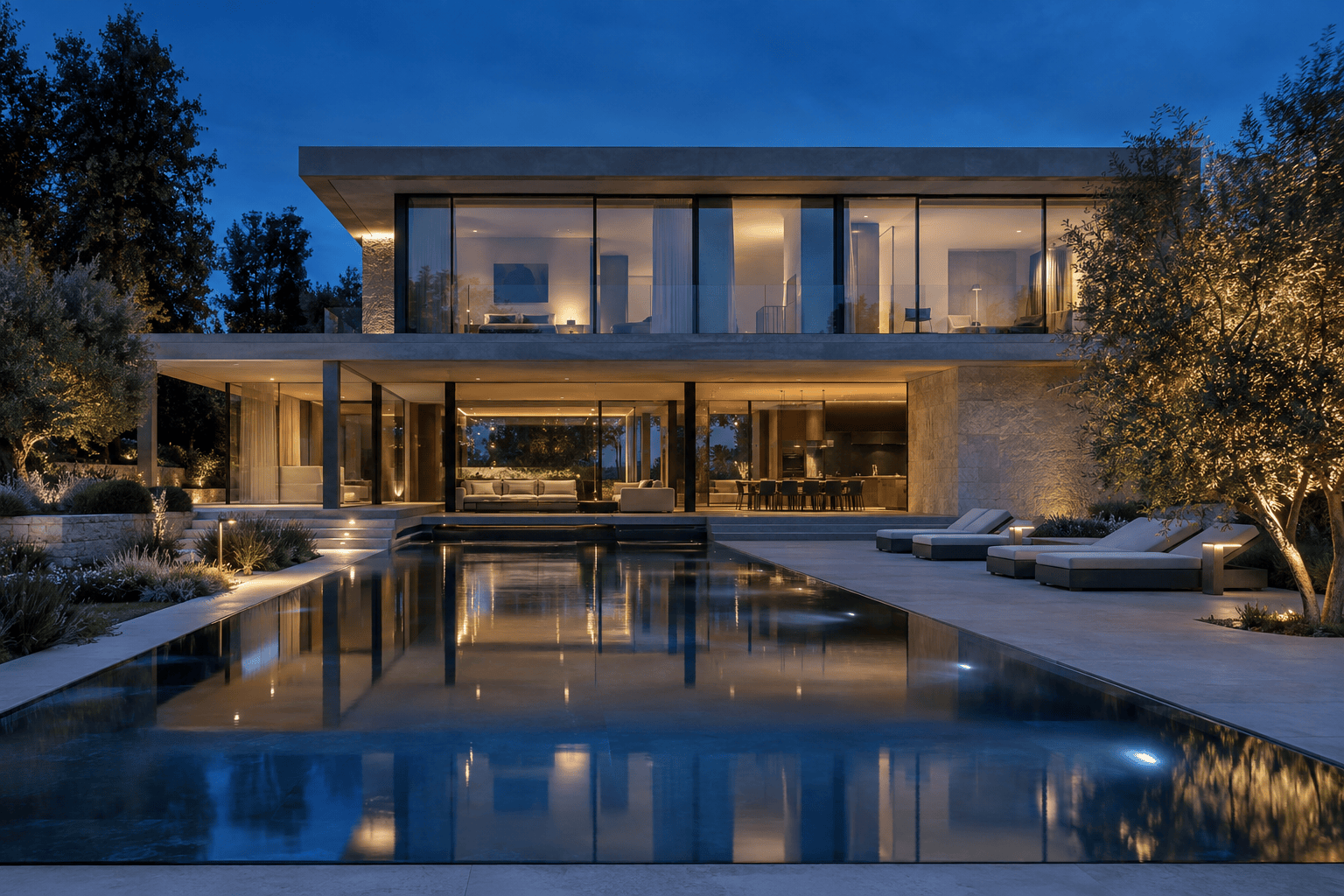
Turn this modern glass house photo into cool blue hour. Use a deep cobalt sky, restrained warm interior light with varied brightness, realistic glass reflections, and soft landscape lighting. Keep every architectural line, material, plant, and furnishing unchanged.
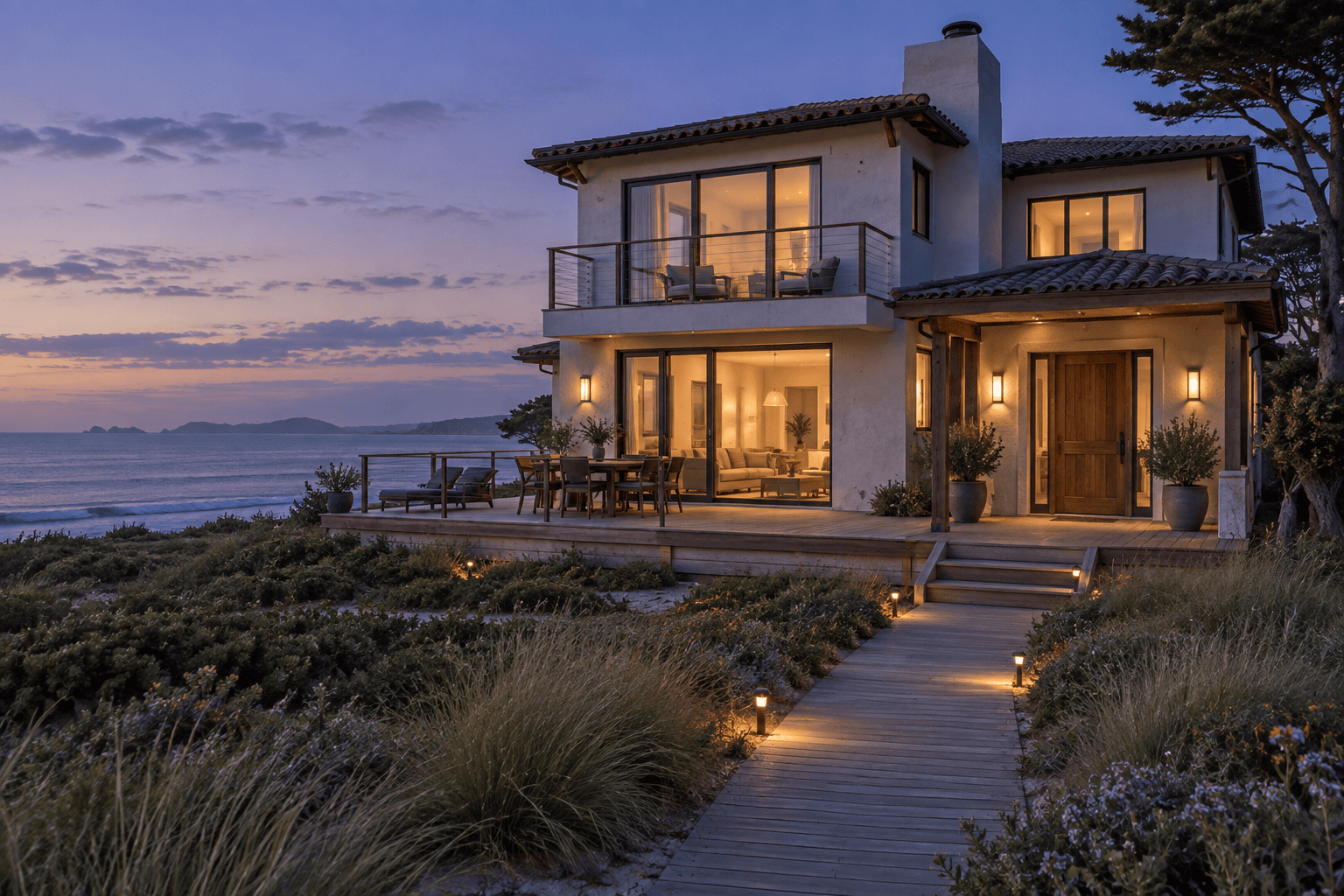
Create a welcoming virtual twilight photo for this coastal vacation rental. Use a calm violet-blue sky, gentle interior glow, low-intensity pathway lights, and natural reflections. Do not invent a sunset view, alter the shoreline, or change any property feature.
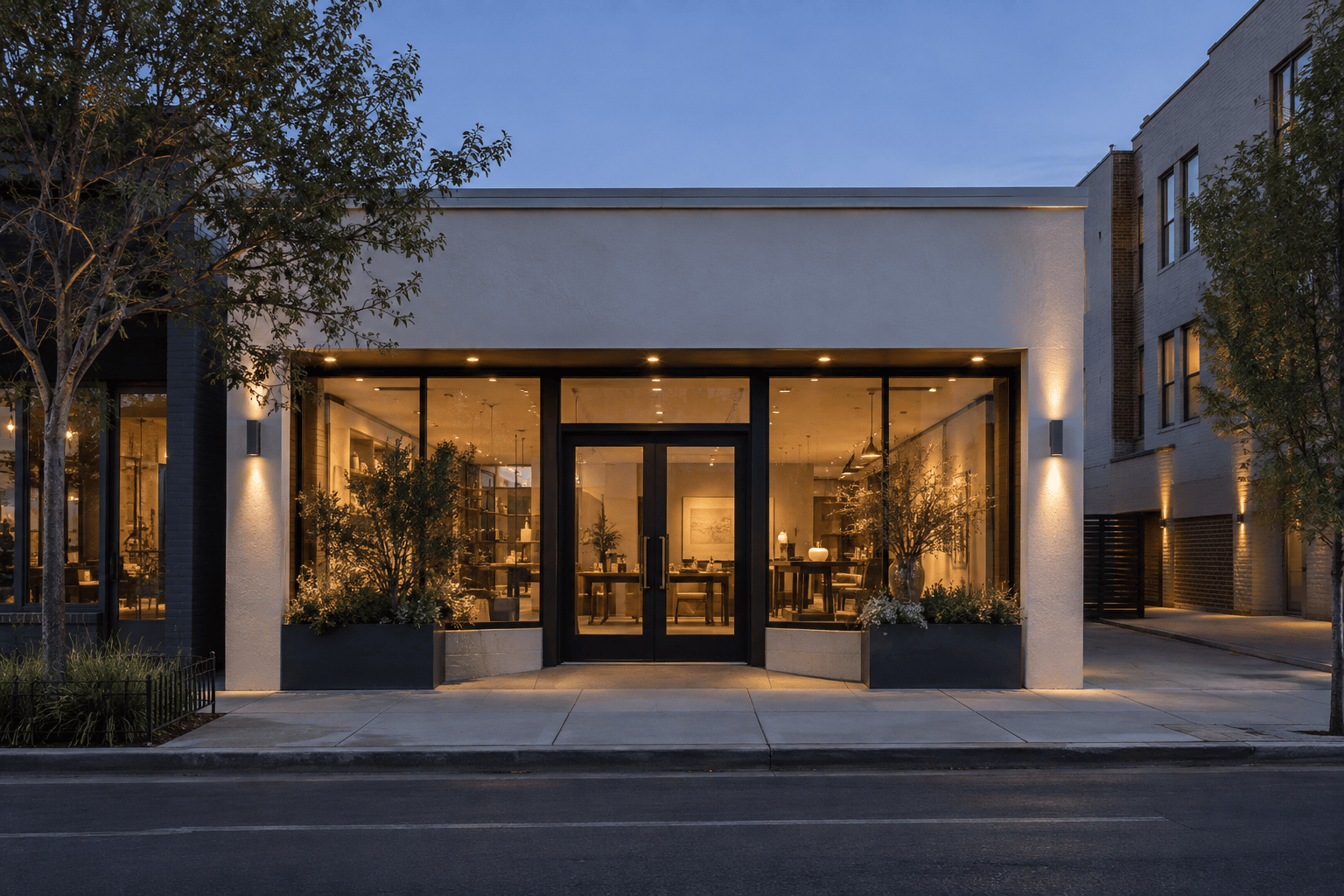
Apply a polished dusk effect to this boutique commercial property. Illuminate the existing windows, entrance, and installed exterior fixtures while keeping signs readable and colors accurate. Preserve the storefront, pavement, neighboring buildings, objects, and perspective.
Refine this AI twilight photo without changing the property. Reduce the orange saturation, make window brightness less uniform, remove halos around the roof and trees, and restore believable shadow detail on the façade and driveway.
Create two day-to-dusk variations from this exterior: one warm post-sunset version and one cool blue-hour version. Keep the same crop, architecture, landscaping, objects, and property condition in both so I can compare the lighting direction.





