Free to Try OnlineAI Cyber Monday Instagram Post Generator
How to Create Cyber Monday Instagram Posts with AI
Start with the Deal
Build the Sale Graphic
Make the Offer Stand Out
Check and Download

Give Every Cyber Monday Offer Its Own Look
Make the Deal Easy to Spot
This Cyber Monday Instagram post maker builds the layout around your offer. Give the discount priority while keeping product names and conditions readable.
Put Your Products in the Picture
Upload real product photos and your logo. Ask for background removal or a new setting that fits your brand, then check that product details stay accurate.
Handle Last-Minute Changes
An offer changed? Use Chat Edit to revise the code, deadline or selected products without briefing a new design from scratch.
Create a Connected Campaign
Ask for matching launch, bundle and final-hours graphics. Keep a shared palette and typography while giving each Cyber Monday sale Instagram post a distinct message.
Reuse Your Brand’s Design Approach
Save a successful campaign workflow as a Mew Skill. Reuse its brand rules and layout preferences for the next promotion with less repeated setup.
Try It and Export Your Graphics
Sign up for free AI credits to test the online maker. Download watermark-free PNG or JPG files. For a matching printed promotion, try our AI flyer generator.
What Makes a Cyber Monday Offer Clear?
- Lead with One OfferChoose the main saving, bundle price or shipping benefit. Keep “up to” and eligible-product wording visible when they apply.
- Make the Deadline SpecificSupply the real end date, time and time zone. Use final-hours wording only when it matches the sale window.
- Match the Shopping ActionFor a feed post, use a clear instruction such as visiting the link in your bio. A button drawn inside the image is not a clickable shopping link.
- Review at Phone SizeCheck that the offer and product are clear without zooming. Keep lengthy terms in the caption or landing page, with essential conditions visible on the graphic.
Cyber Monday Instagram Post Ideas for Your Campaign
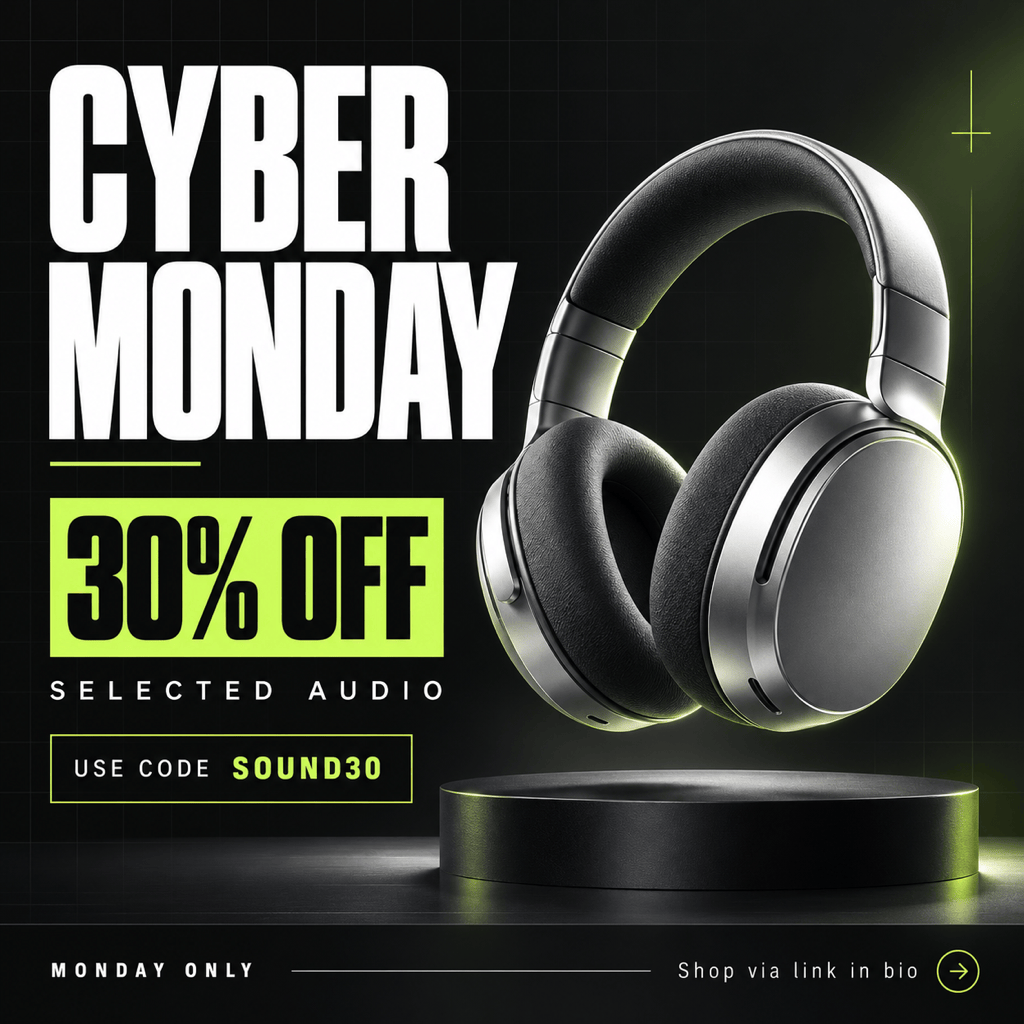
Sale Launch: Create a Cyber Monday Instagram post for my store using my product photo and logo. Lead with my supplied discount, add the code and end time, and finish with “Shop via link in bio.” Use my brand colors and a clean square layout.
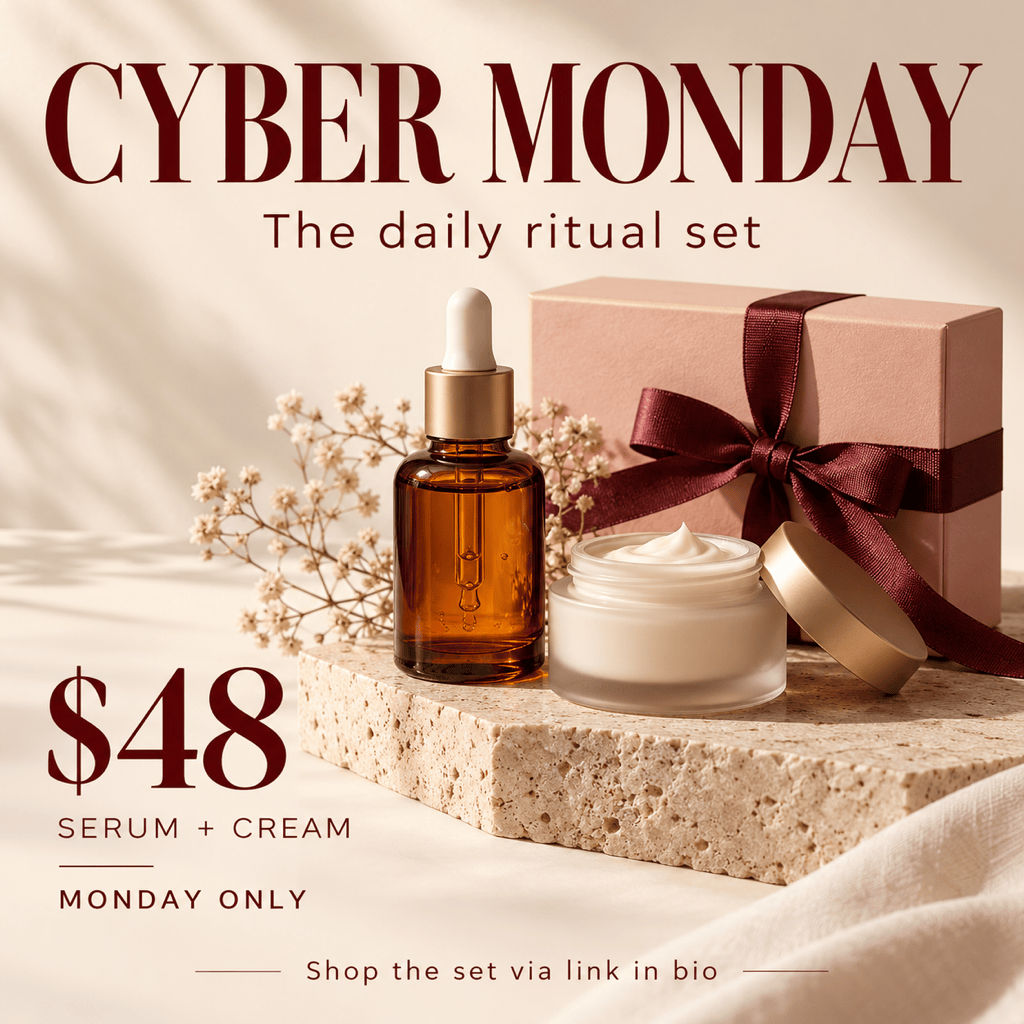
Bundle Offer: Design a Cyber Monday gift-set post using my uploaded product images. Show what the bundle contains and the exact bundle price I provide. Use a warm editorial style, with one clear offer and no invented savings.
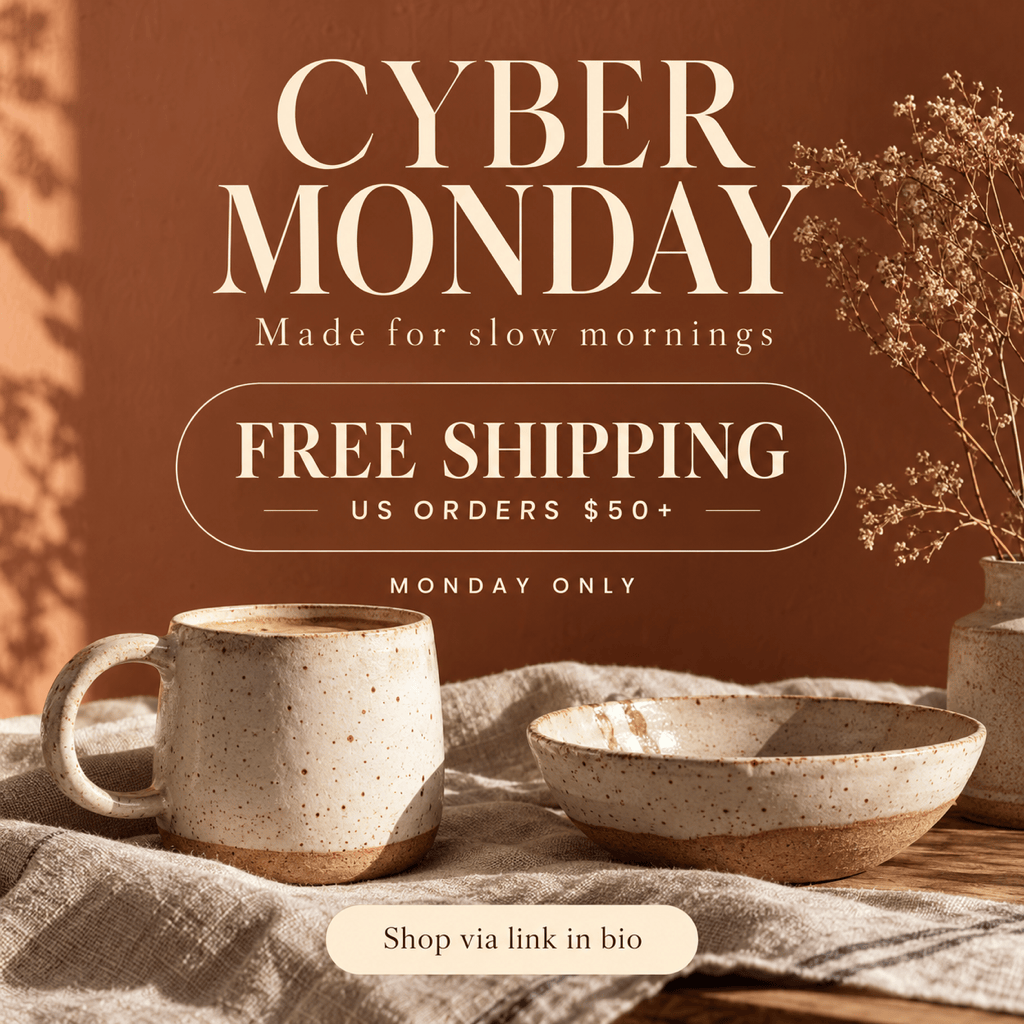
Free Shipping: Create a Cyber Monday Instagram post for my small business. Use my product photo and make my free-shipping offer the headline. Include the supplied minimum spend, eligible region and deadline in readable text.
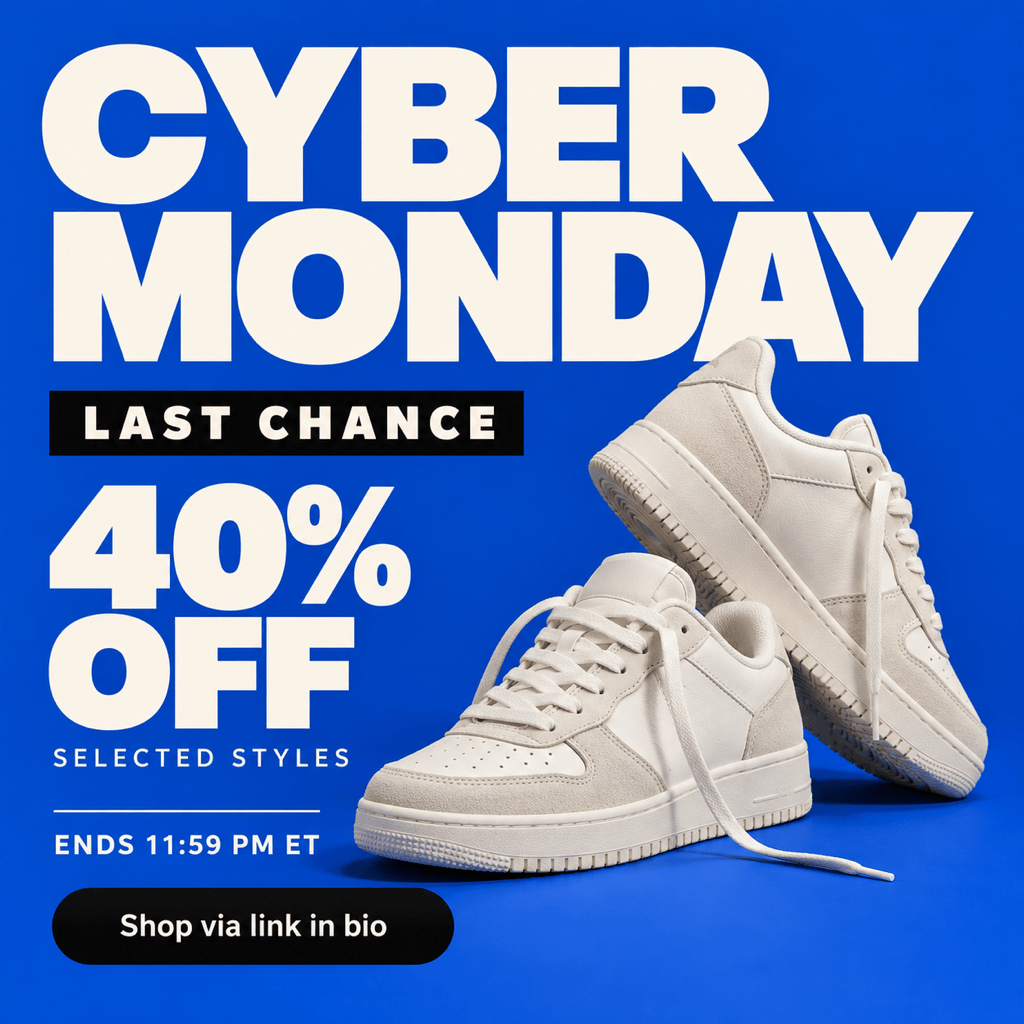
Last Chance: Turn my approved sale design into a last-chance Cyber Monday Instagram post. Keep the product, discount and code, emphasize the confirmed closing time and time zone, and remove extra decorative text.
Product Carousel: Create three matching square graphics for a Cyber Monday Instagram carousel: an offer cover, a product selection using my photos and prices, and a closing slide with the supplied deadline and shopping instruction.
Campaign Handoff: Adapt my Black Friday design into a Cyber Monday post. Keep the logo, colors and visual style. Replace the old headline, code, prices and deadline with the new details I supply; ask for anything missing.





