Online, Free to TryAI Curtain Design
How to Create Curtain Previews with AI
Photograph the Whole Window
Specify Fabric and Hanging Style
Compare One Change at a Time
Save Your Curtain Shortlist

Explore Curtain Choices in the Room They Will Hang In
Start with Your Actual Window
Our AI curtain visualizer uses an uploaded photo as the basis for your edit. Judge the proposed curtains beside your sofa, wall color and flooring.
Bring a Fabric Reference
Upload a fabric or curtain photo to guide texture, color and pattern. Use the result to explore the look; exact product colors and pattern scale still need a real sample.
Compare Color, Pleats and Length
Use this online AI curtain generator to explore white sheers, textured linen or dark drapes. Request different headings and hems to see which proportions suit the window.
Keep the Room in Focus
Ask for a curtain-only edit with the walls and furniture retained. If surrounding details change, use Chat Edit to correct them and review the new preview.
Choose How Your Preview Is Generated
Select an available image model yourself, or let Mew Auto choose one for your photo and requested edit. Mew Design brings the latest leading image models into one workspace and adds new releases promptly.
Share a Clear Visual Brief
Save watermark-free images to explain your preferred curtain style to a decorator or supplier. The preview communicates appearance; it does not calculate fabric quantities or place an order.
Before You Order: Check the Curtain Preview
- Frame the Full Drop: Include the intended rod position and the floor in your photo. A cropped window makes curtain length harder to judge.
- Check What Stayed in Place: Compare window divisions, furniture edges and wall colors with the original. Reject or revise a preview that changes the room.
- Separate Appearance from Performance: A sheer or blackout look cannot prove privacy, light blocking or insulation. Check the actual fabric specifications and a physical sample.
- Measure Before Buying: Confirm rod or track width, finished drop, fullness and installation clearances with your supplier. Do not measure from the generated image.
Curtain Ideas for Different Windows and Rooms
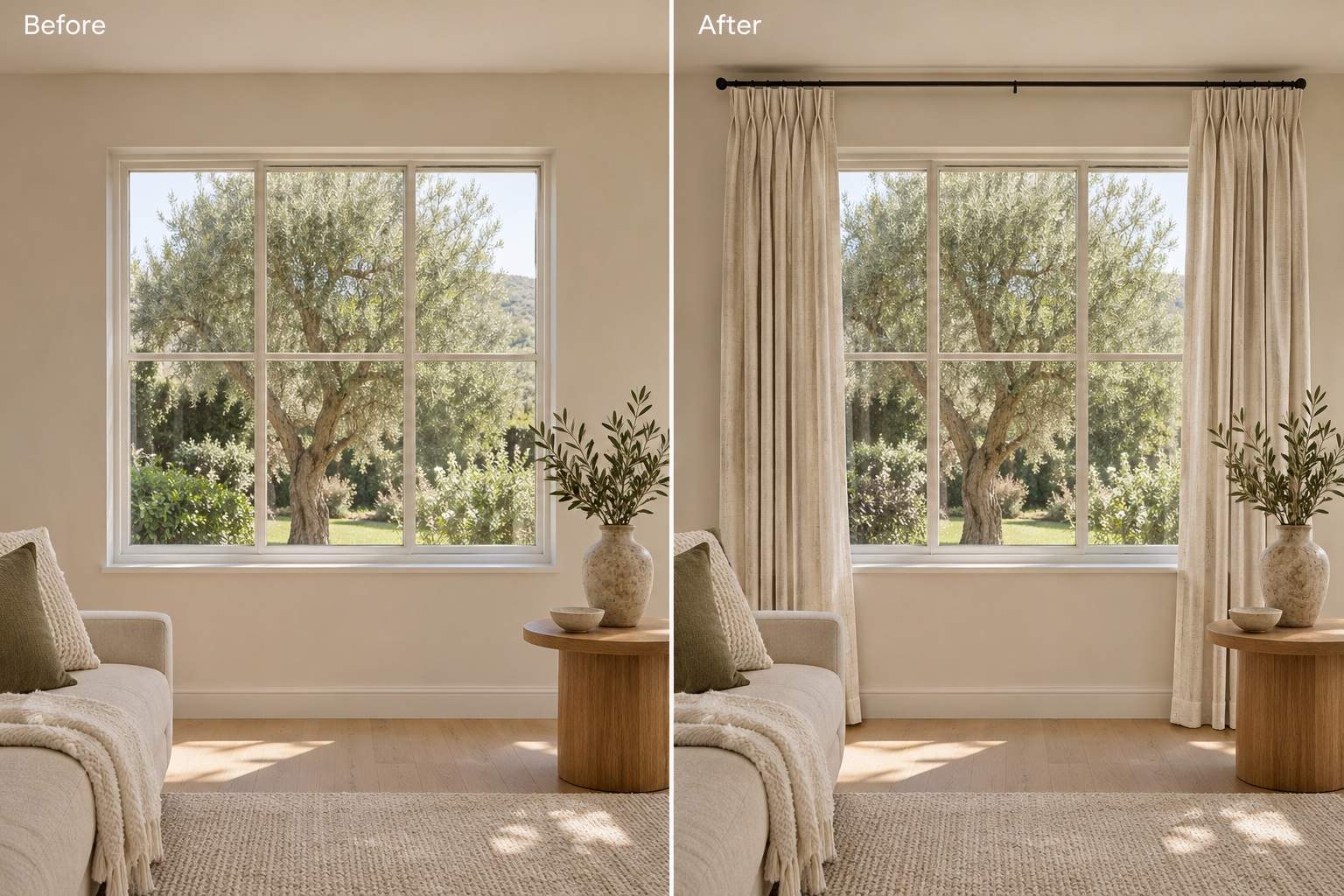
Living room linen: Add warm ivory linen pinch-pleat curtains to my uploaded living room photo. Hang them near the ceiling with hems just above the floor and panels open. Retain the sofa, window frame and wall color.
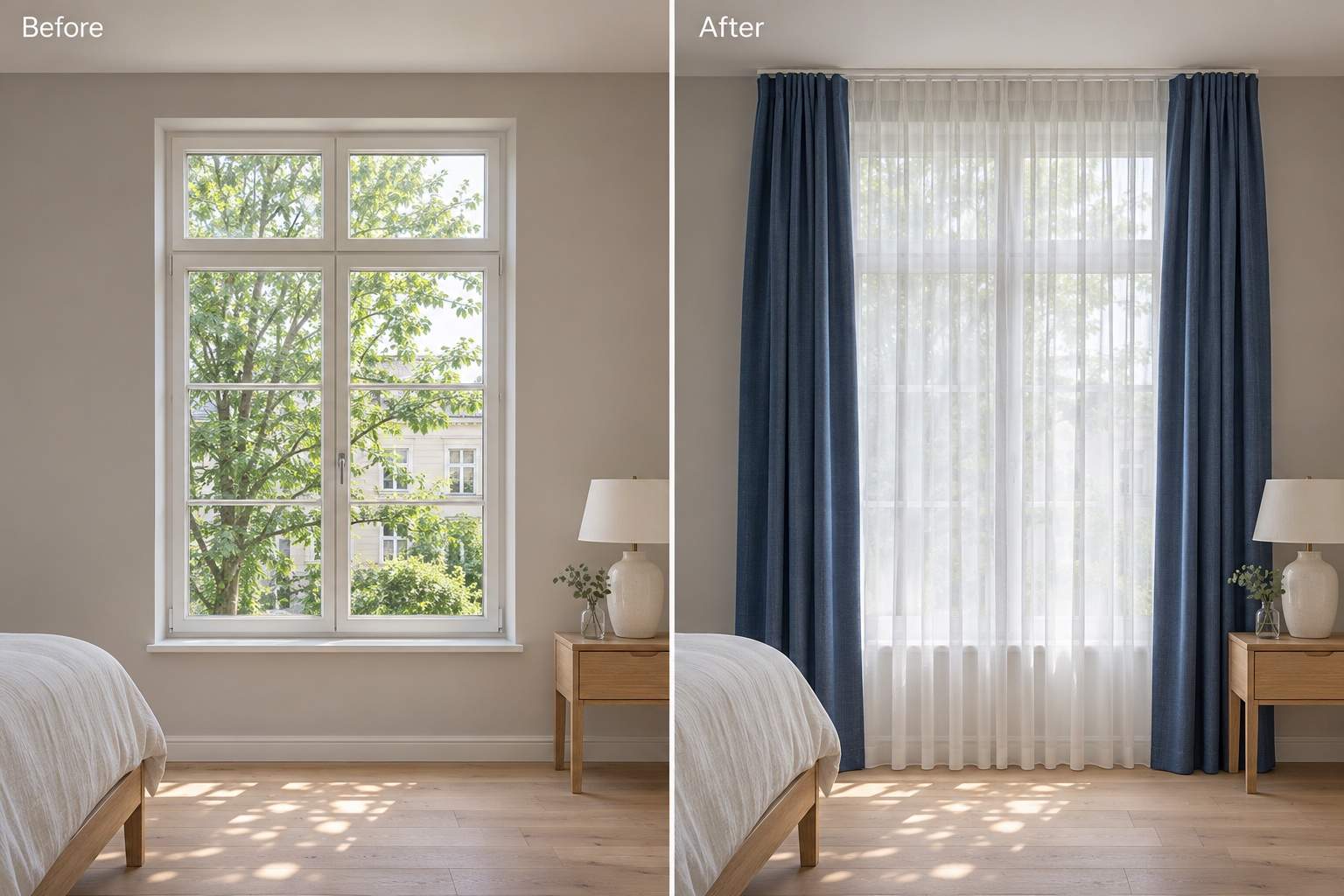
Bedroom layers: Add white voile sheers and deep blue outer drapes with a blackout-lined appearance to my bedroom window. Show the outer panels open on a double track. Keep the bed and lighting unchanged.
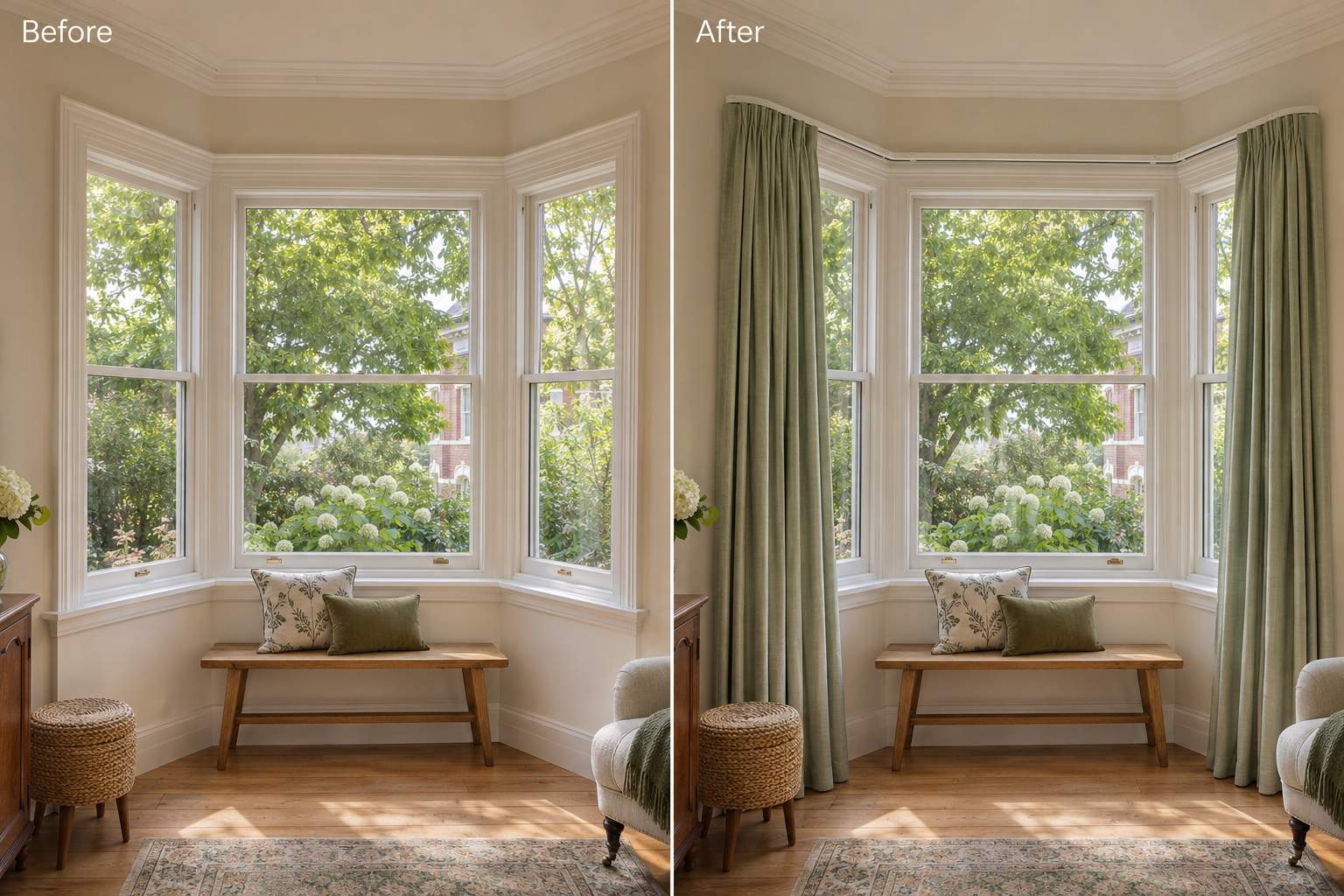
Bay window: Add sage green curtains on a track following the three sides of my bay window. Keep the angled frames and window seat visible, with open panels at the outer edges. Preserve the room geometry.
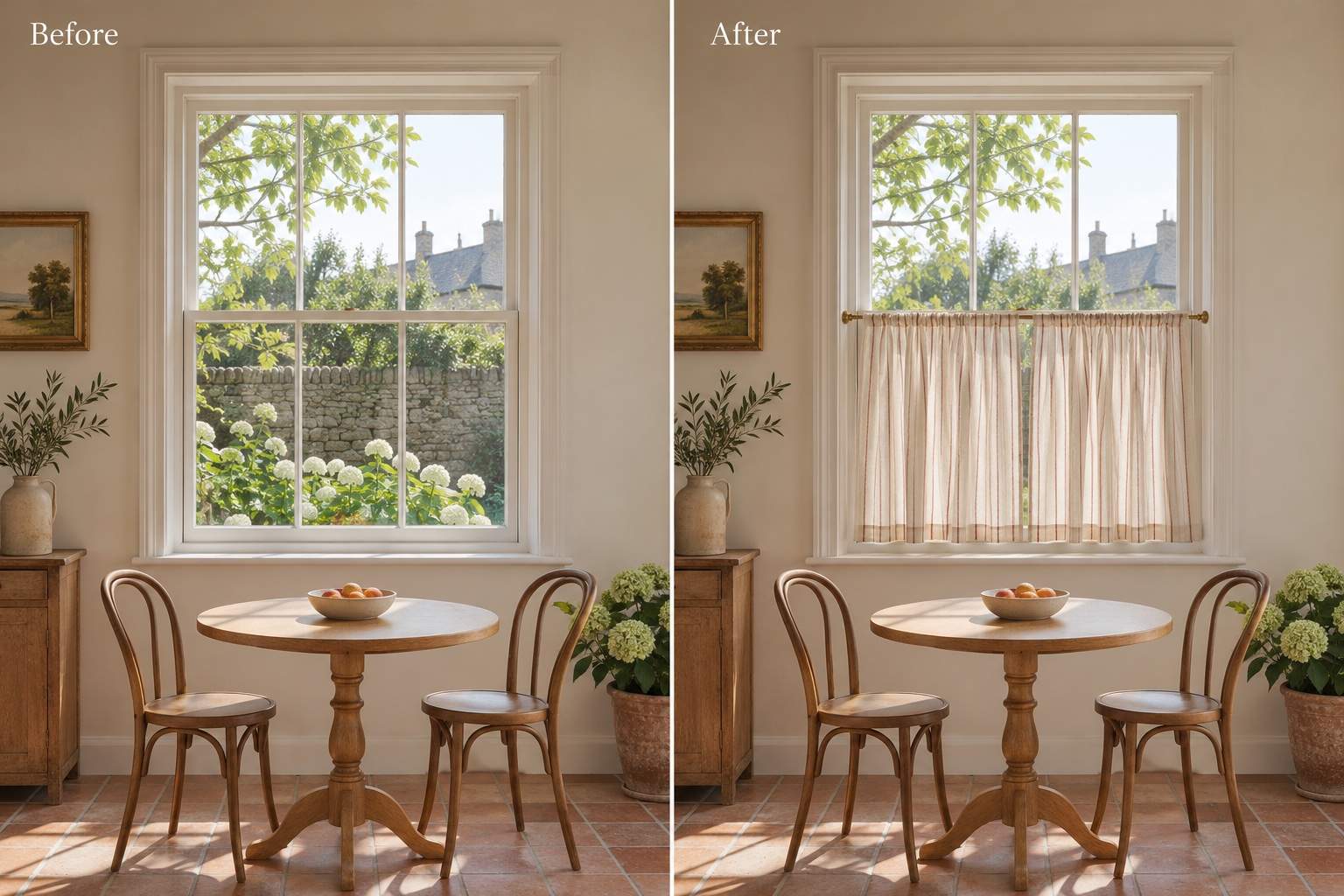
Small window: Add cream cafe curtains with a fine terracotta stripe over the lower half of my dining nook window. Leave the upper glass uncovered and keep the sill, table and chairs unchanged.
Color comparison: Create separate warm beige and muted olive versions of the curtains in my photo. Keep the same fabric texture, pleats, length, furniture and lighting so I can compare only the color.
Fabric reference: Use my uploaded fabric photo as a visual reference for new curtains in my room photo. Suggest a similar pattern and texture on floor-length panels, keep the window unchanged, and avoid redesigning the room.





