Free OnlineAI Cover Photo Generator


How to Create Cover Photo with AI
Plan the Header Safe Zone
Create the Wide Banner
Adjust Logo and Mobile Crop
Export the Cover Header

Why Mew Design Fits AI Cover Photo Generation
Mobile Crop Awareness
Create wide cover photos that keep the focal subject readable across desktop headers and mobile crops.
Centered Safe Zones
This cover photo creator keeps taglines, logos, and campaign messages away from risky edge areas.
Low-Text Banner Hierarchy
The AI plans panoramic layouts with a clear focal image, short text, and enough space for brand atmosphere.
Event and Campaign Variants
Generate cover options for business pages, groups, events, seasonal sales, profile headers, and launches.
Logo and Brand Photo Support
Upload brand assets, product shots, venue photos, or previous headers to guide the banner style.
Header-Ready Exports
Refine the banner with Chat Edit, then export a clean file for Facebook pages, events, groups, and campaign headers.
What Makes a Good AI Cover Photo Prompt
- Name the format: Tell Mew Design whether you need wide cover banner with centered safe zone so the composition starts in the right shape.
- Add real content: Include exact page name, tagline, campaign date, logo placement, cover platform, and mobile-safe text so the AI does not invent placeholder copy.
- Attach references: Upload logos, brand photos, product shots, event images, or existing profile headers when consistency matters.
- Ask for revisions: After generation, ask for safer logo placement, cleaner mobile crop, stronger tagline, or alternate seasonal banner.
Cover Photo Prompt Examples
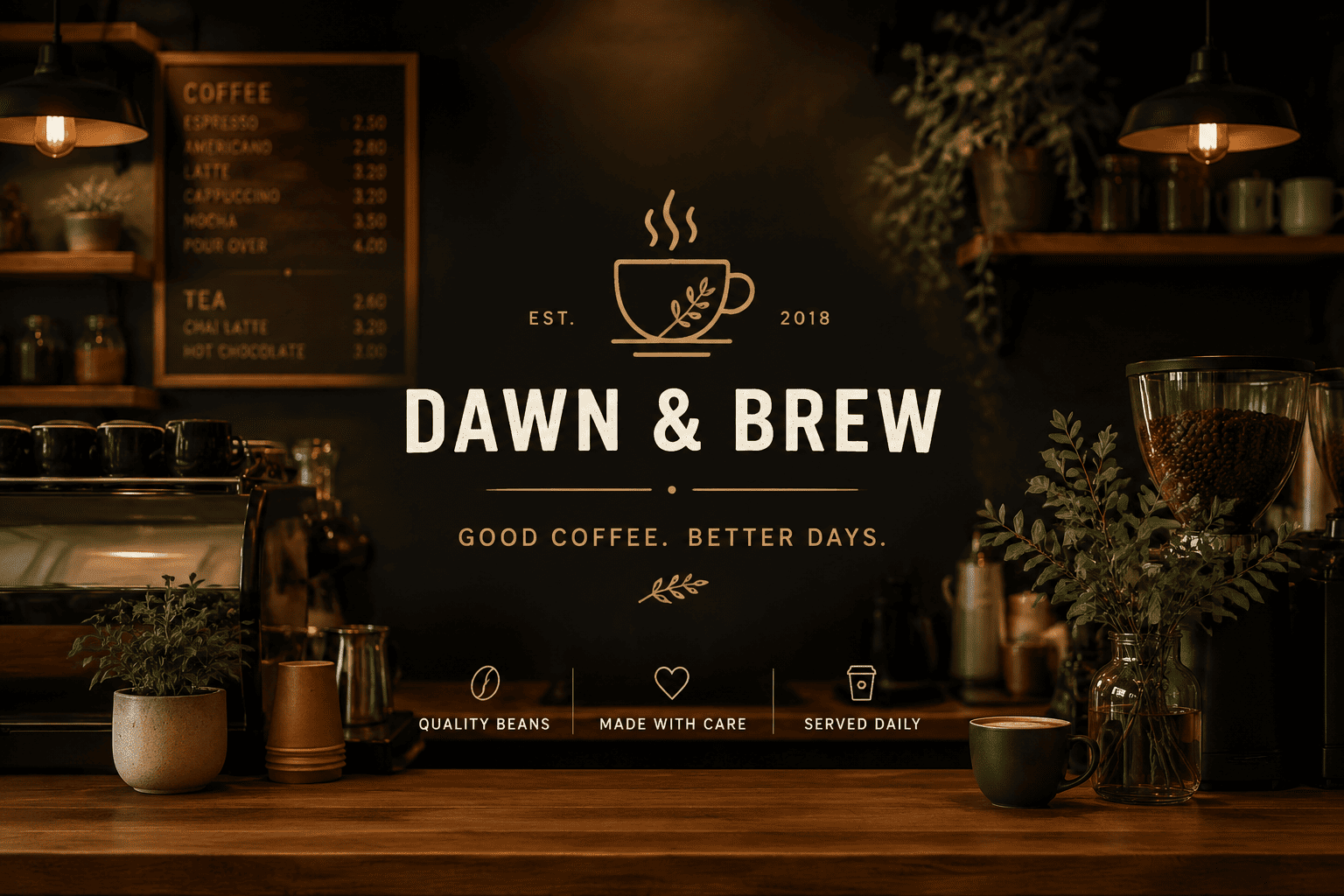
Create a cafe Facebook page cover with coffee bar photography, centered tagline, and logo-safe area. Keep it polished, readable, and ready for Facebook pages, groups, events, profiles, and campaign headers.
Create a conference event cover with keynote photo collage, date, city, and sponsor space. Keep it polished, readable, and ready for Facebook pages, groups, events, profiles, and campaign headers.
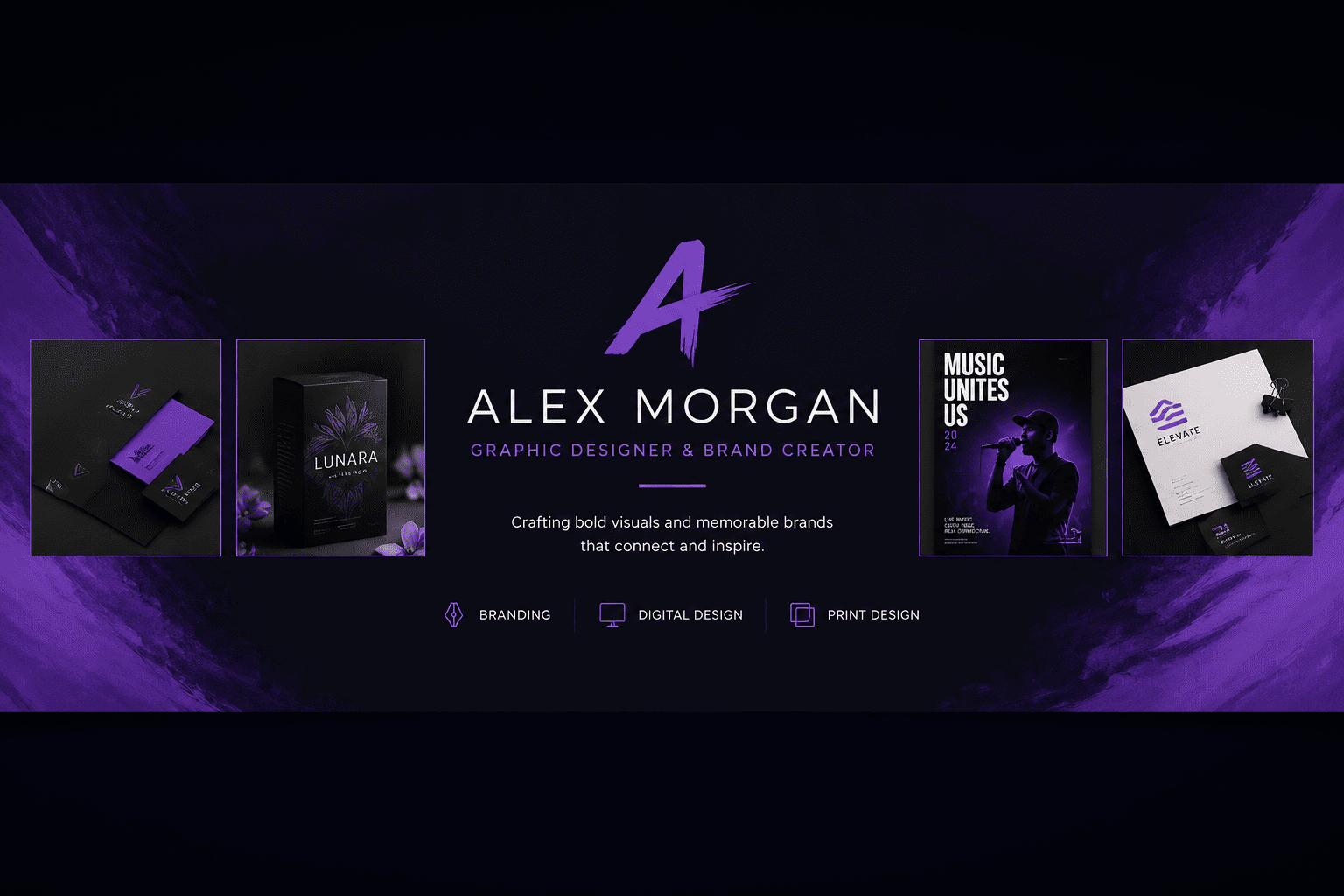
Create a creator profile cover with portfolio thumbnails, signature color, and minimal bio text. Keep it polished, readable, and ready for Facebook pages, groups, events, profiles, and campaign headers.
Create a seasonal sale cover with product lineup, large offer headline, and clean safe-zone layout. Keep it polished, readable, and ready for Facebook pages, groups, events, profiles, and campaign headers.
Design a cover photo for brands, creators, local organizations, and profile owners with a refined brand system, clear hierarchy, and export-ready spacing.
Generate a mobile-friendly cover photo using the key message, brand colors, and a concise call to action.





